XCIPTV 2100: Blue Design, Sports and MAC Activation
Explore XCIPTV 2100: blue interface, native Sports with TheSportsDB artwork, Live TV, Movies, Series and MAC activation.
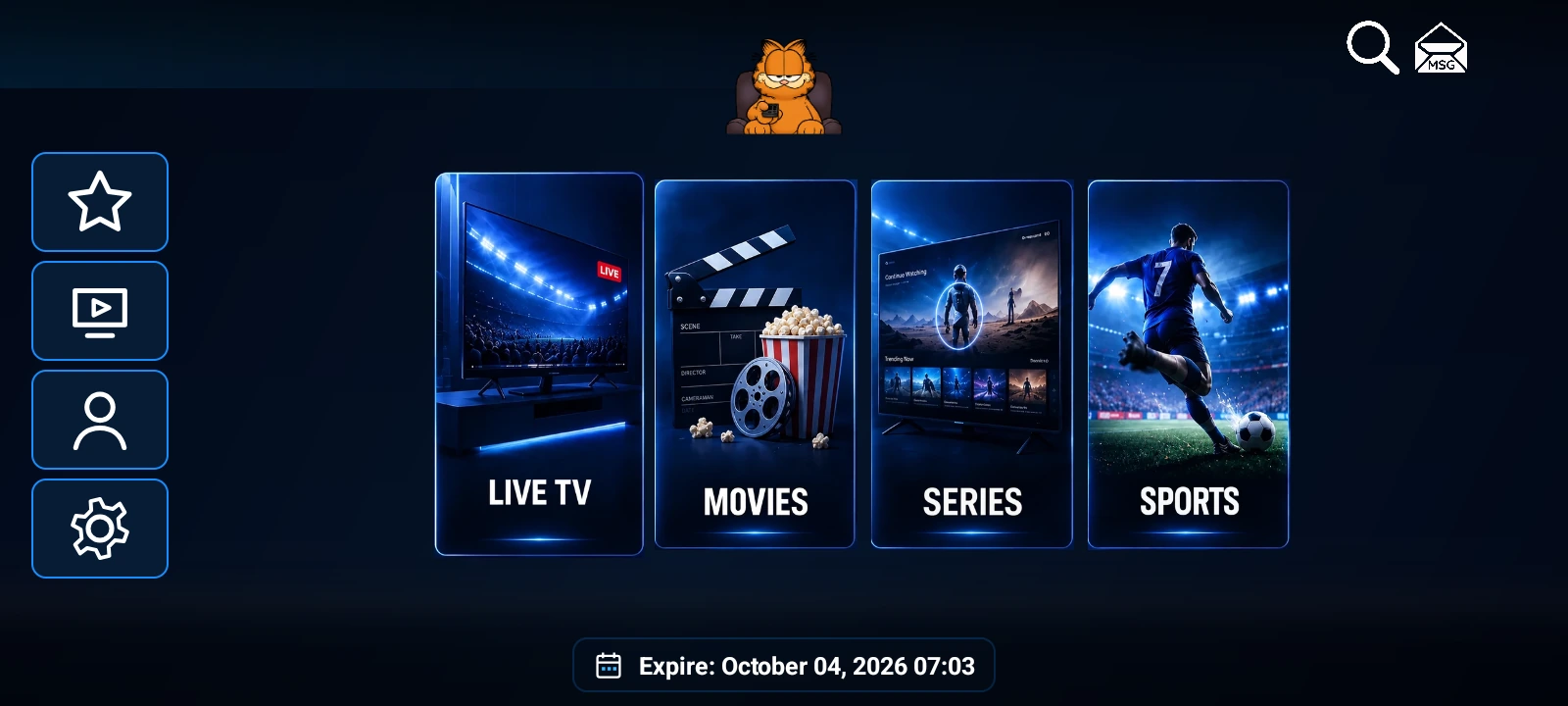
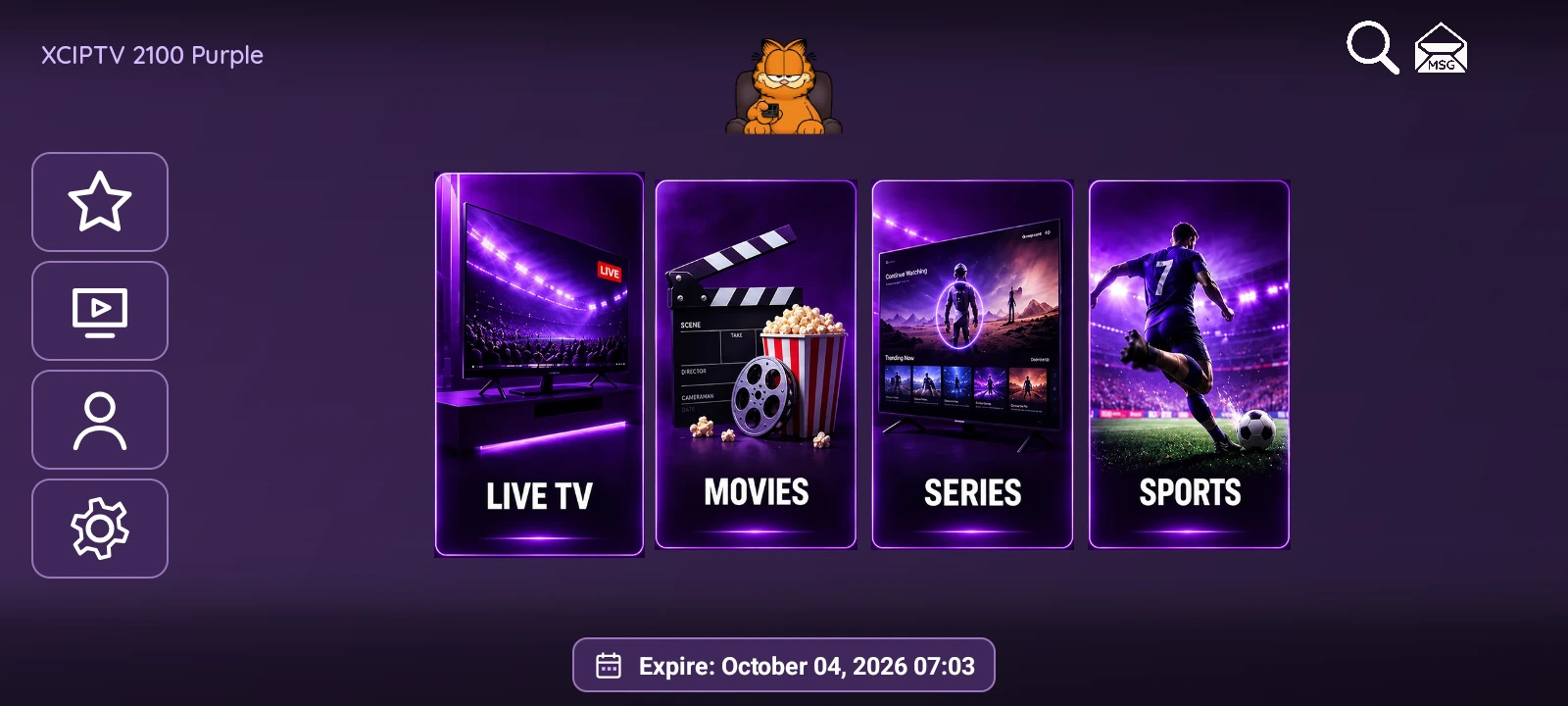
XCIPTV 2100 brings Live TV, Movies, Series and Sports together on a dark blue home screen. Four illustrated cards give each section its own identity, while an English web panel handles branding, DNS connections and device access. The APK and panel package costs USD 100.
This edition combines the IPTVREBRANDSCR orange cat branding with English navigation, MAC / Device ID activation and a native Sports browser powered by TheSportsDB. Here is a closer look at the interface and the features available to your customers.
Four clear destinations on the home screen
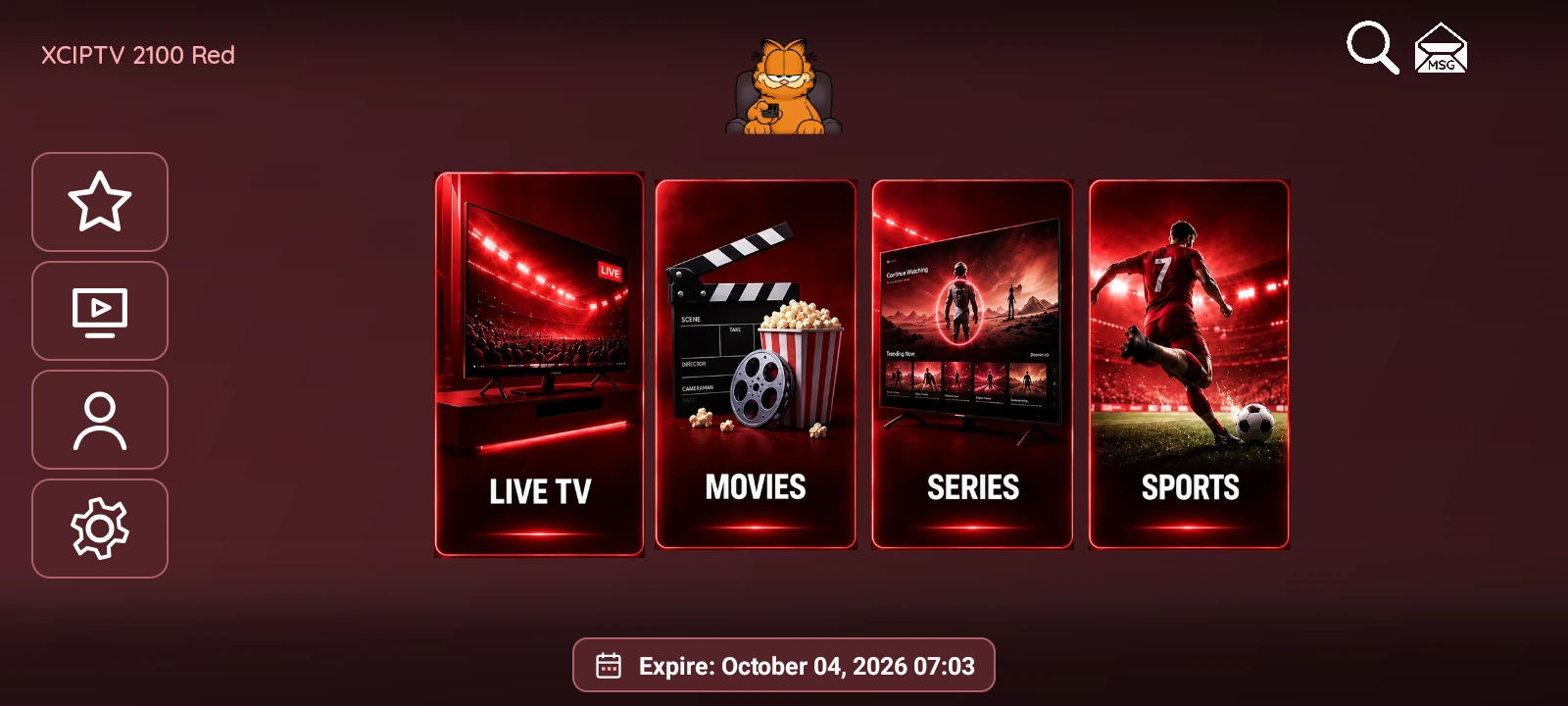
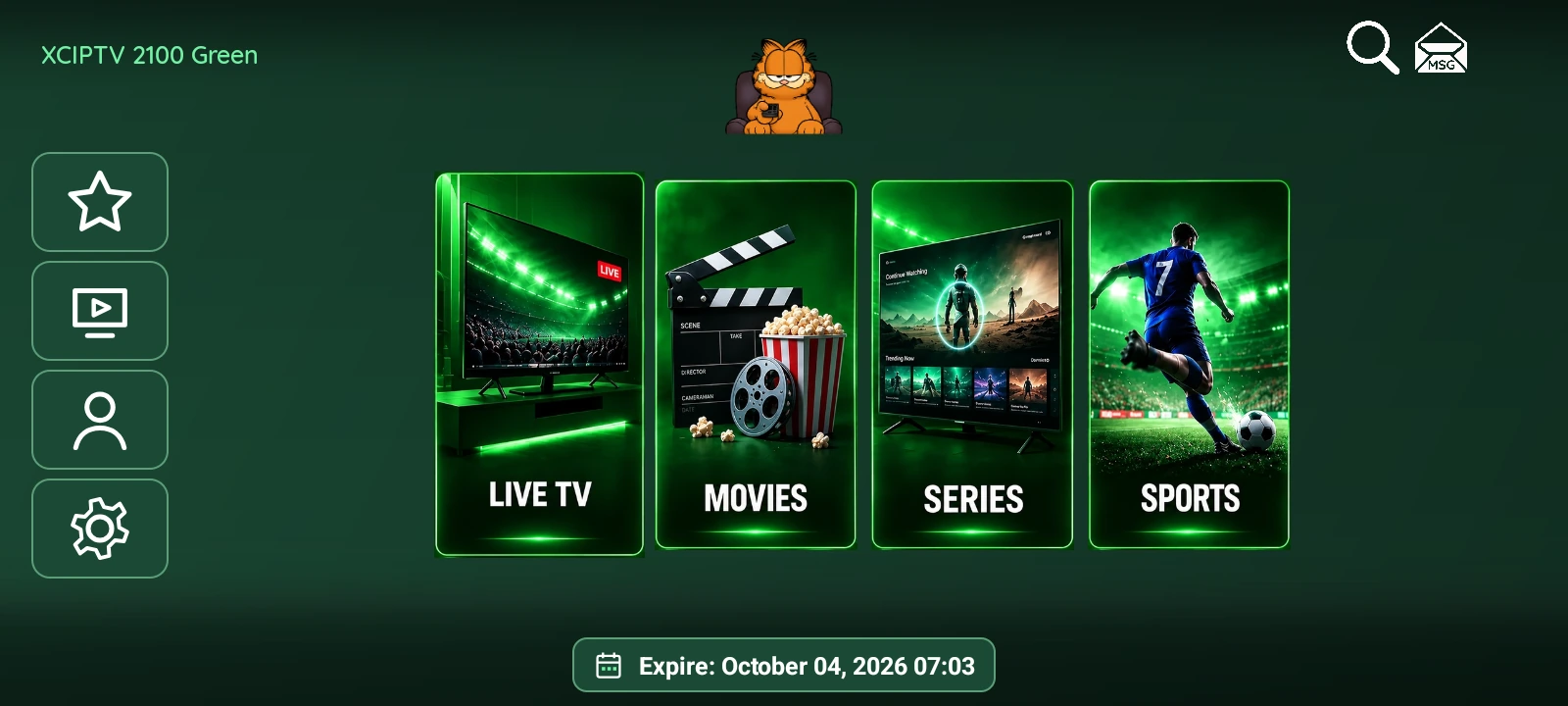
The main menu uses tall illustrated cards, bright blue borders and large white labels. Live TV, Movies, Series and Sports are easy to distinguish before opening a section. A separate vertical bar keeps favorites, catch-up, account and settings within reach, with search at the top.
The layout gives your logo a central position above the content cards. For a rebrand, the app name and logo can be adapted to your service, while the panel manages the connection details used by your customers.
Live TV with categories and favorites
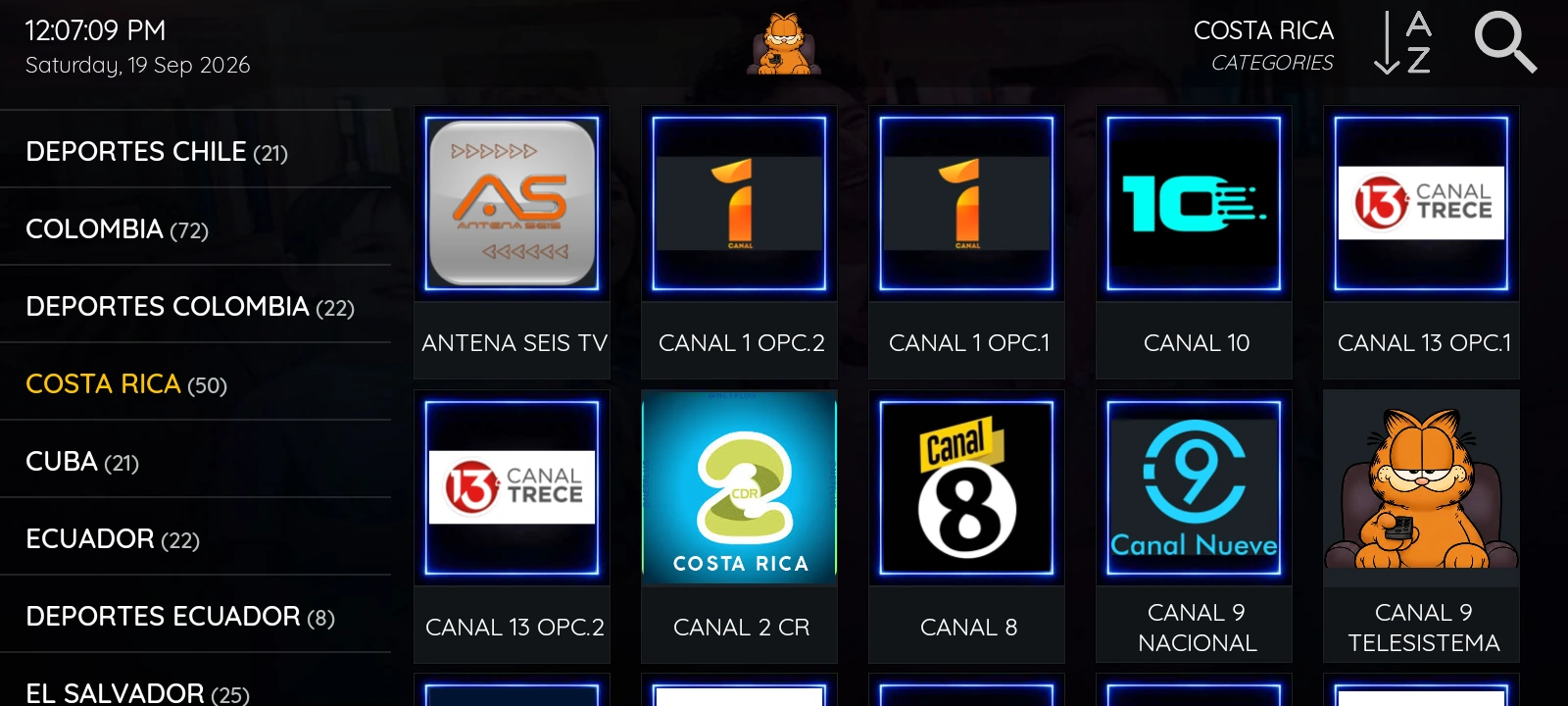
The Live TV library combines a category column with a grid of channel artwork. Viewers can browse a category, use search or return to their favorites. Channel counts help distinguish smaller collections from larger groups.
When a channel opens, the player brings the channel list and viewing area together. Program guide information appears when it is supplied by the connected service. Channel names, artwork, guide data and catch-up availability depend on that provider.
Separate movie and series libraries
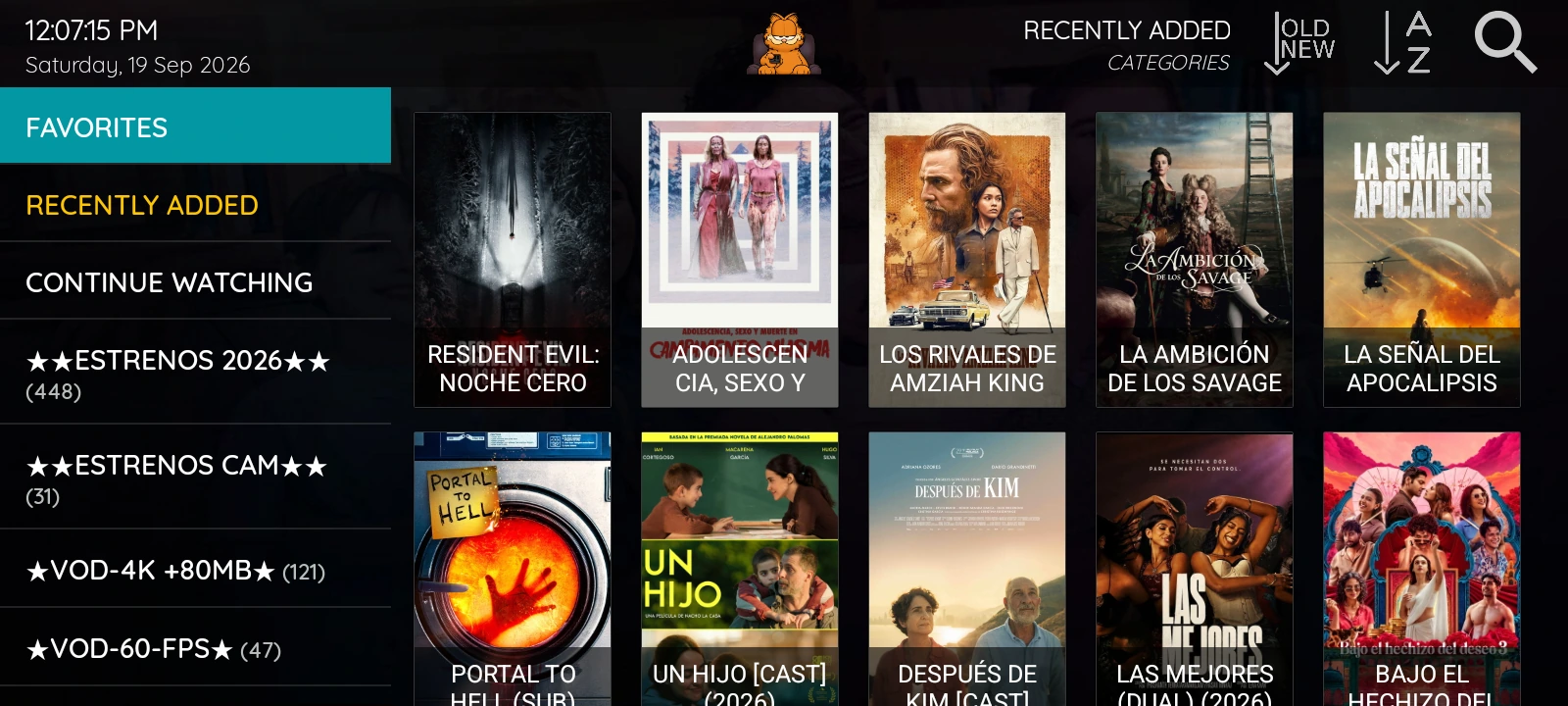
Movies have their own poster grid, categories and recently added view. The interface also includes a Continue Watching entry, making it easier to return to a title without searching the complete library again.

Opening a movie displays a larger poster, synopsis, cast and playback controls. The amount of information shown depends on the metadata available for that title.
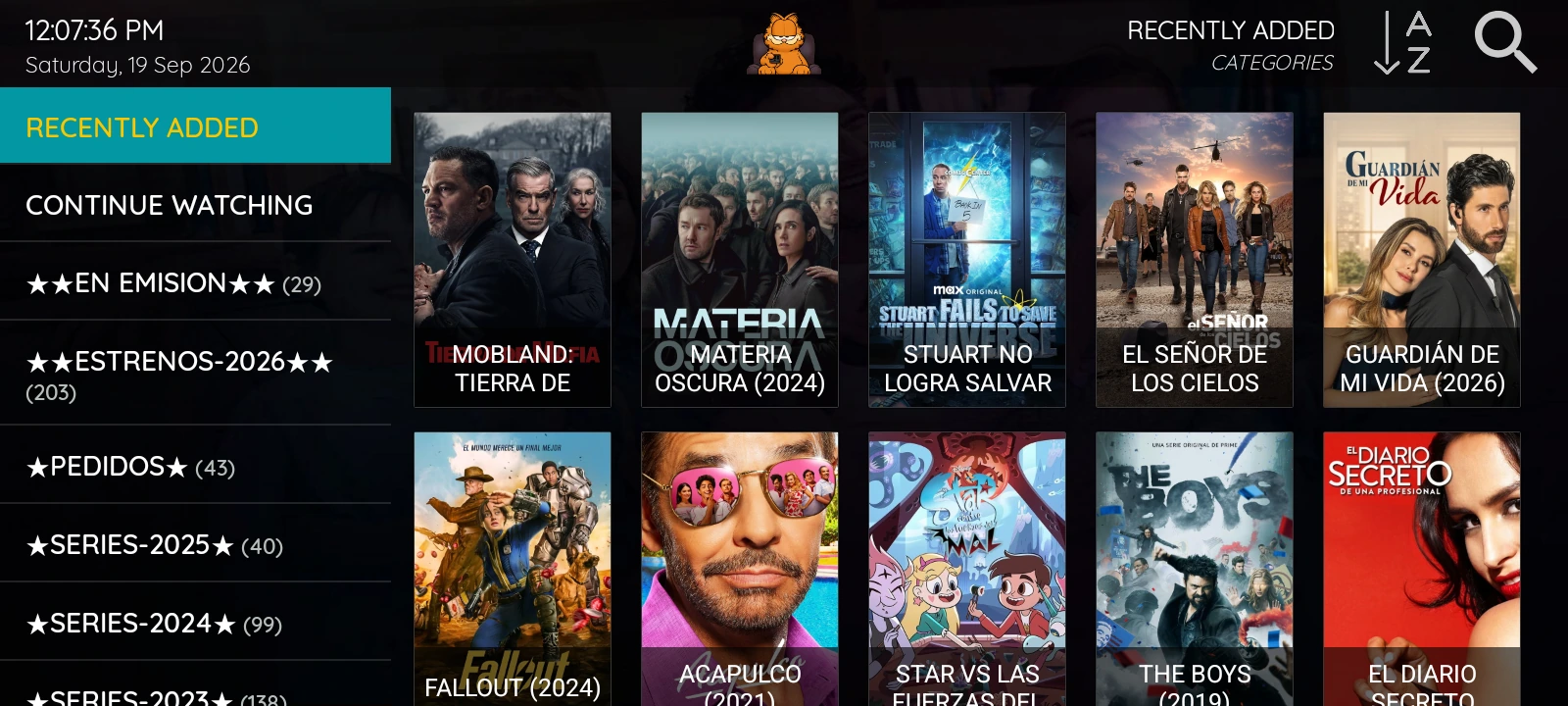
Series are organized separately from movies. After choosing a title, viewers can move through its seasons and episodes. The English app controls remain separate from provider-supplied titles and descriptions, which may be in another language.
Native Sports with league artwork and event backdrops
Sports uses Android controls throughout, with a blue palette that connects it visually to the rest of XCIPTV 2100. A collapsible left column lists 11 sports, including football, American football, basketball, baseball, ice hockey, fighting and motorsport. The main area combines a large event backdrop with rows for leagues, dates and fixtures.
League badges and event images come from TheSportsDB. Moving between fixtures updates the featured image, team badges, match name and available score. This keeps the selected event prominent while the surrounding schedule remains within reach.
Find a league and browse dates
Featured leagues provide a starting point for each sport. The country filter narrows the league selection, while Find league searches the available league catalog by name. The date row covers recent results, today and upcoming days, with start times displayed in the device’s local time zone.
Event cards distinguish upcoming fixtures, live status and completed results when that information is supplied. The layout supports touch and directional navigation with a remote control. Moving along the date row loads that day’s fixtures; the sports column folds away when entering the league browser, leaving more space for the schedule.
Event details and broadcast countries
Selecting a fixture opens a compact list of known channels. The window adjusts to the number of listings, and Match details opens the available venue, season, round and event information. Channel names, logos and countries are supplied by TheSportsDB. A separate country selector narrows the broadcast list to the region the viewer wants to check. Selecting a broadcaster searches the app’s existing IPTV playlist for possible name matches and shows each matching channel with its category.
Coverage varies by event: some fixtures have extensive broadcast listings, while others have none. Sports displays the information available from the source. These listings describe where an event is scheduled; they do not include a content subscription.
Find in playlist searches the loaded Live TV list for the fixture’s teams, including events without listed broadcasters. The dialog shows matching channel names and categories. These are name matches; a match alone does not confirm that a channel is showing the event.
MAC activation for easier customer setup
With MAC / Device ID activation, customers do not need to enter their account using a TV remote. The login screen shows a device identifier. From the panel, the administrator selects that device, assigns a DNS server and account, then enables activation and automatic sign-in.
When the app opens, it retrieves the assigned configuration and signs in. This is useful when preparing several devices or helping a customer complete the initial setup. Each device still needs a valid account from the content provider.
An English panel for branding and playback
The web panel brings DNS connections, registered devices, logos, app buttons, messages and maintenance settings into one place. Operators can update the app logo and manage the information the app receives without asking customers to type server details again.
Player settings include ExoPlayer and VLC options, together with buffering and playback controls. The dedicated VPN page accepts an .ovpn file and your VPN service credentials, with options for the app’s connection button and automatic connection.
Multi-DNS and a clearer control panel
Configure more than five servers from the panel and choose a server in the app’s native selector. Sign-in profiles belong to their server, so renaming a server or changing its priority does not mix them. The panel groups DNS connections, devices, OpenVPN and Sports, with clear forms and navigation that adapts to smaller screens. A protected Sports settings page manages the TheSportsDB key, which stays on the server.
XCIPTV 2100 APK and panel: USD 100
The XCIPTV 2100 rebrand package includes the signed APK with your branding, its English web panel, the APK-to-panel connection and DNS and device configuration.
The price is USD 100. Content subscriptions and VPN service are purchased separately. Explore the product gallery to see the app screens, or contact IPTVREBRANDSCR to arrange your branding and connection details.