
Official Roku line
Your IPTV app on the
Your IPTV app on the
official Roku Channel Store.
We publish your app on the official Roku Channel Store under your brand — your customer searches for it by name and installs it in one click.
Official Channel Store
One-click install
No private codes
One-time payment
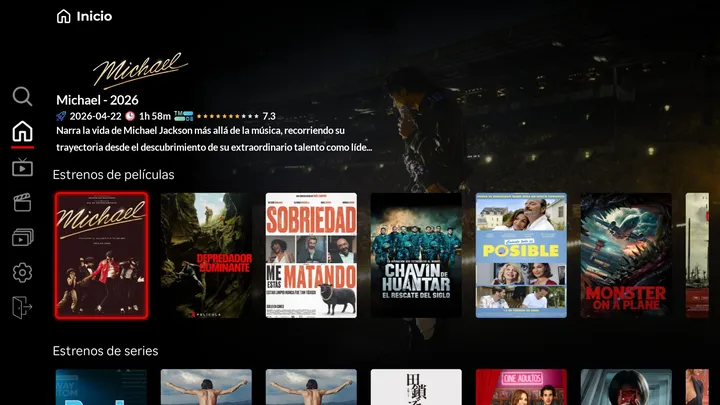
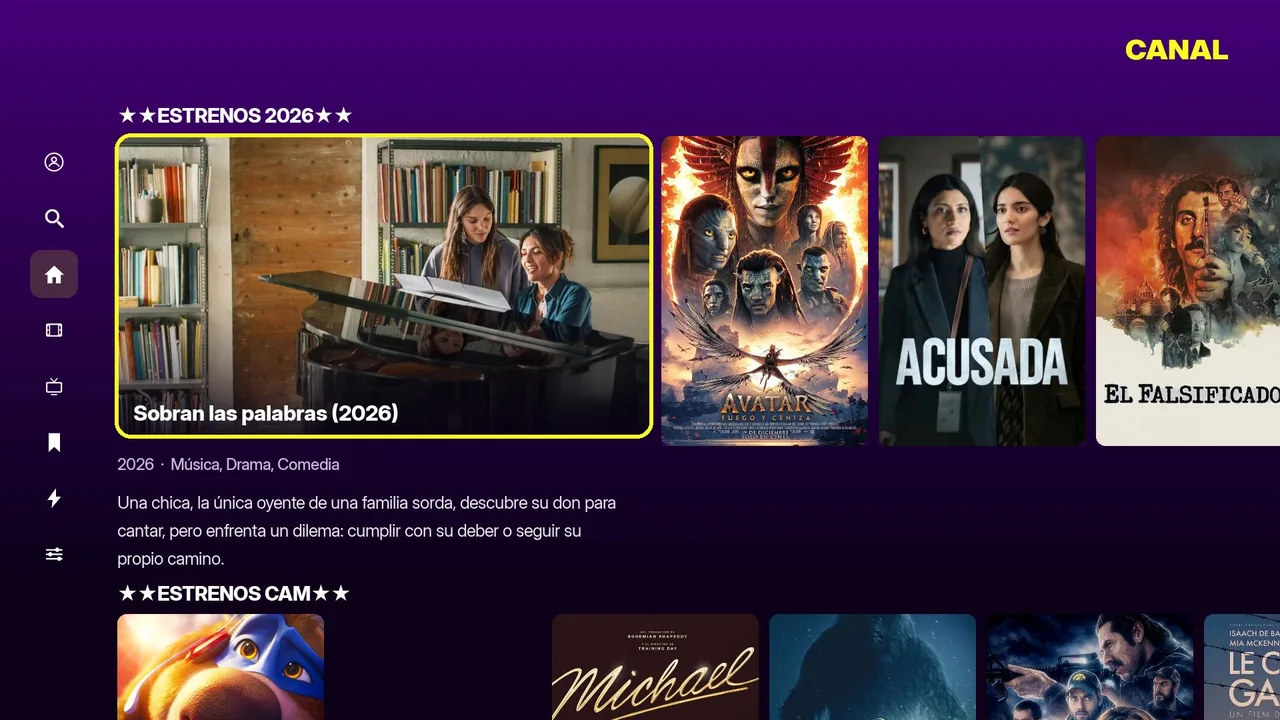
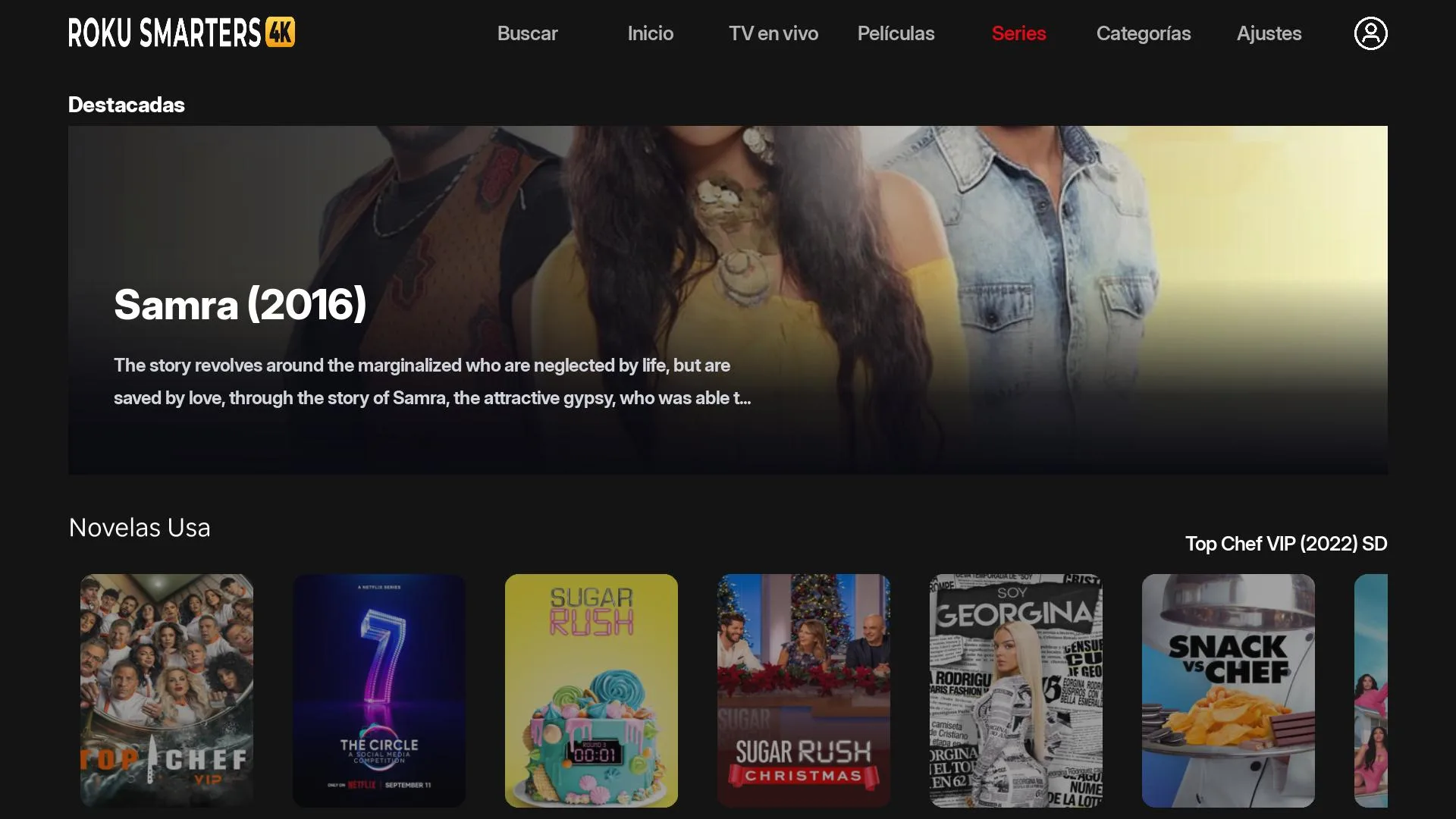
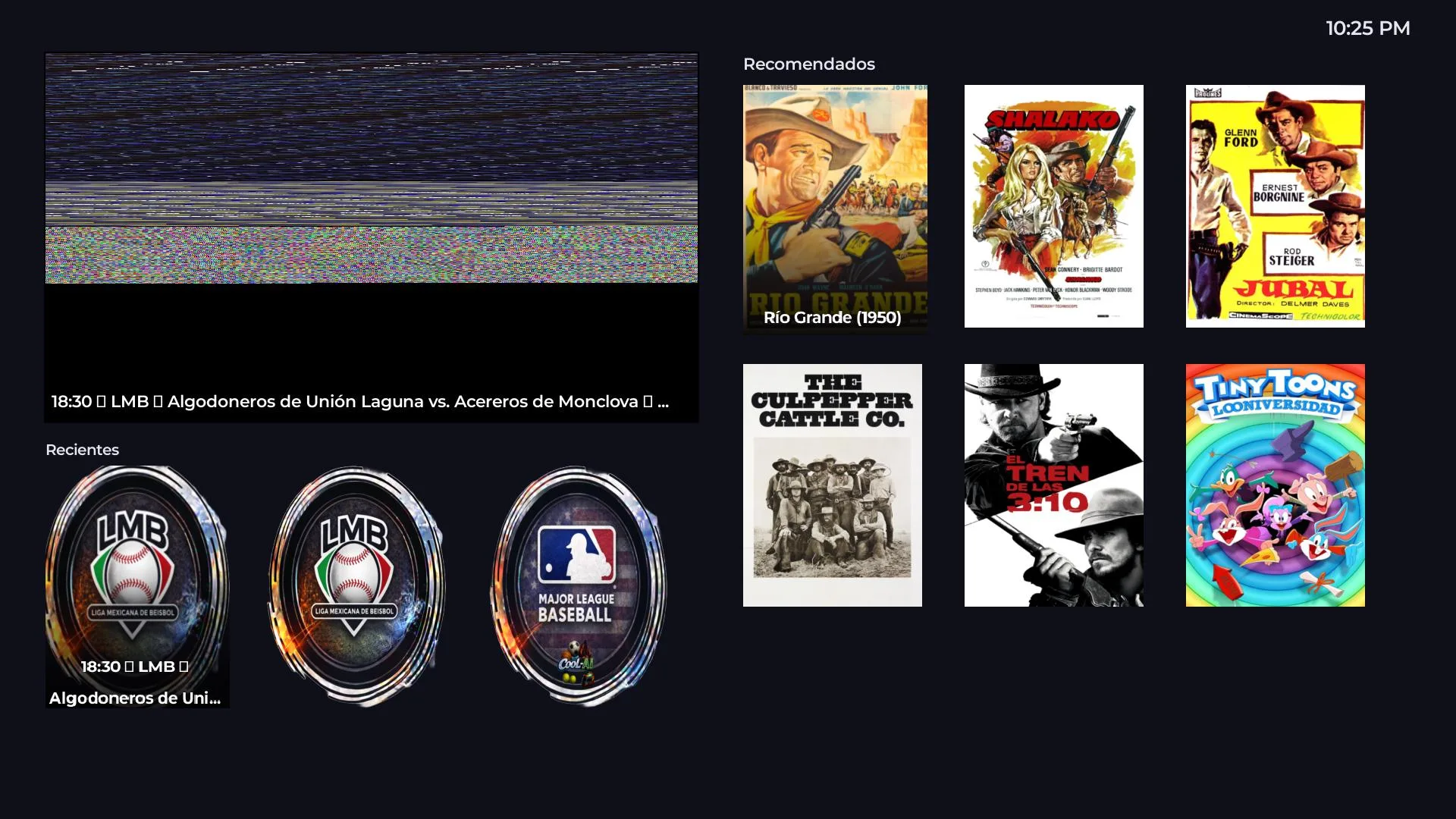
How it works
From your brand to the remote control, in 4 steps.
1
Pick your base app
Pick which of our Roku apps you want as a base.
2
We brand the app
Logo, name, splash and home with your brand. In 72 business hours.
3
Roku submission
We submit it to the official Roku review and handle any changes.
4
Live on the Channel Store
Published under your name. Your customers install it in one click.
Roku catalog
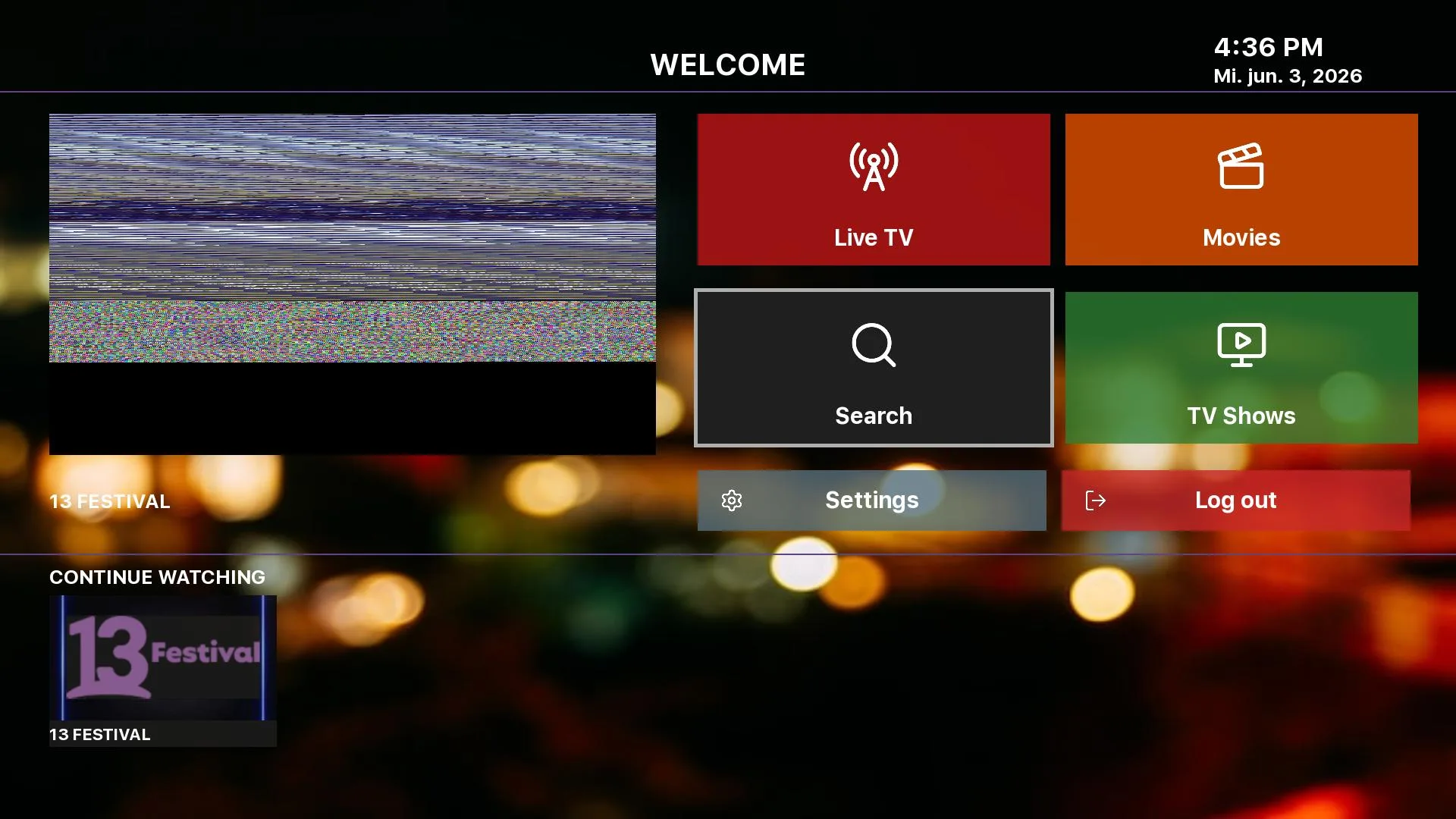
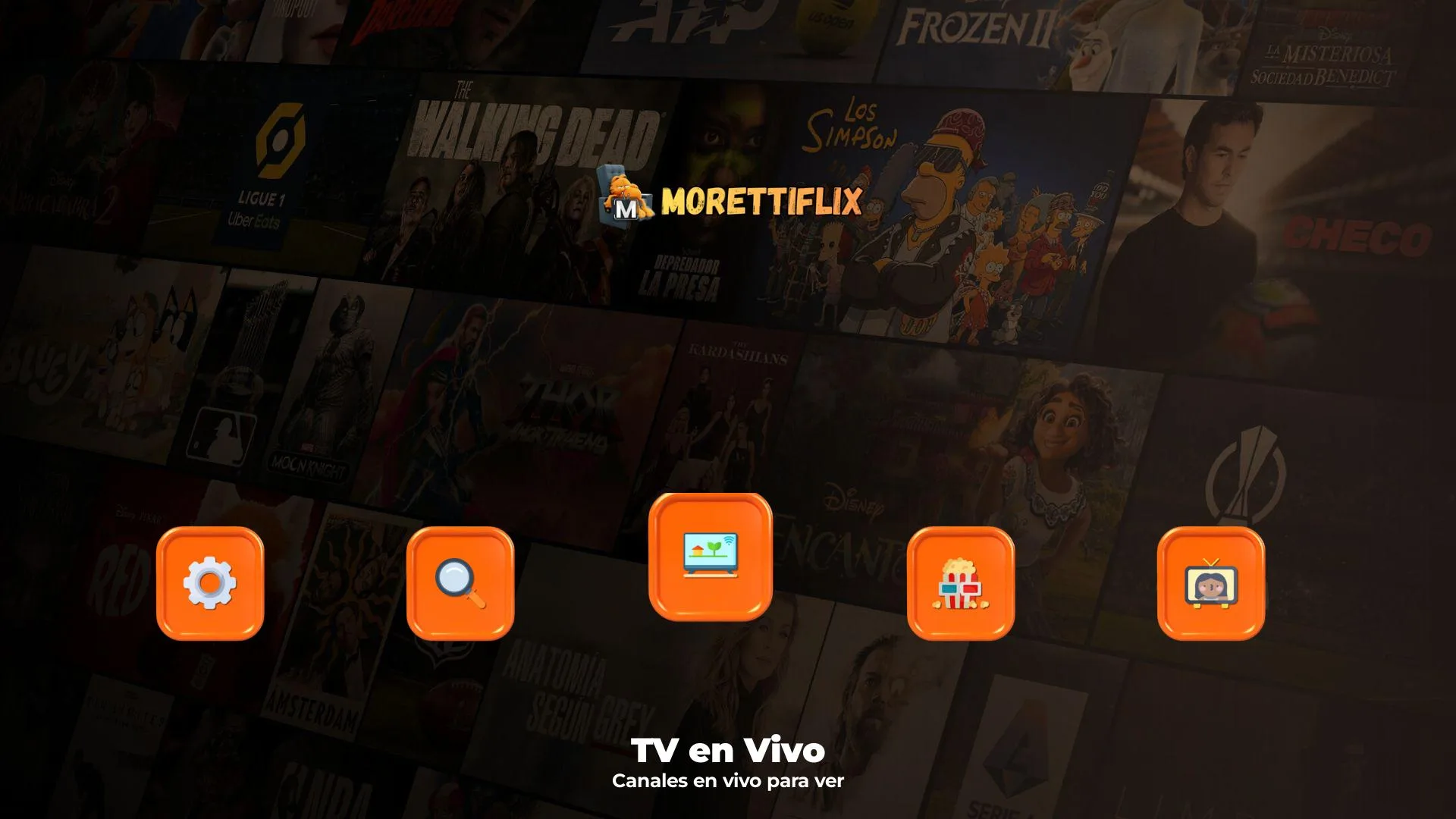
6 apps available for the Roku Channel Store.

Roku FAQ
Questions about Roku rebrands
Can't find your answer? Message us on WhatsApp or Telegram and we'll reply personally.
Is the app published on the official Roku Channel Store?
Yes. We submit the app through the official Roku review process under your brand. Once approved, it is published on the Channel Store and your customers install it like any other official app — by searching for your name.
What do your end customers actually get?
Your app shows up on their Roku like any official app (Netflix, HBO, etc.). They search for it by name in the Channel Store, hit "Add channel" and that is it. No private codes, no developer mode.
Does it work on every Roku model?
Yes — Roku 3.x or higher: Roku Express, Stick, Stick+, Ultra and Roku TV. Because it goes through the official review, it is automatically compatible with every supported model.
How long does publishing take?
Branded rebrand: 48 business hours. Official Roku review: an additional 5–10 business days (handled by Roku, not us). If Roku requests changes, we make them and resubmit in 1–2 days.
Can I use the same branding as my Android APK?
Yes. We keep visual consistency across platforms (logo, splash, colors, naming). Your customer gets the same experience whatever device they use.
Why not deliver a private channel with a code?
Because it is the least professional route. An app published on the Channel Store shows up in Roku search, installs with one click, no manual codes, no instructions. That is what your customer expects from a real app.
Launch your Roku channel
Your brand on the Roku Channel Store, in 72 hours.
Tell us which base app you prefer and we send you the exact price on WhatsApp.