XCIPTV 2100 Red: red styling from the home screen to Sports
A closer look at XCIPTV 2100 Red: portrait cards, movie details, sports information and a web panel with a matching palette.
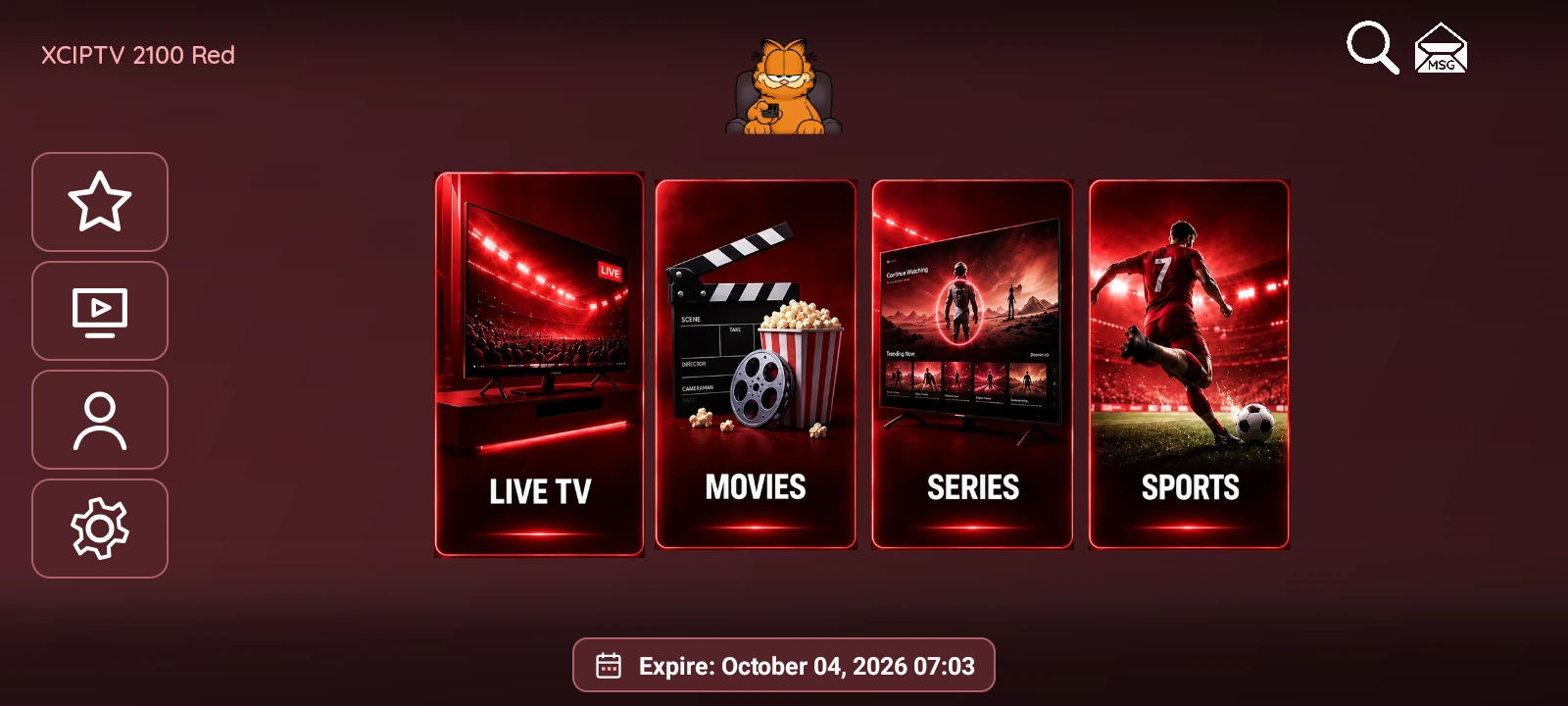
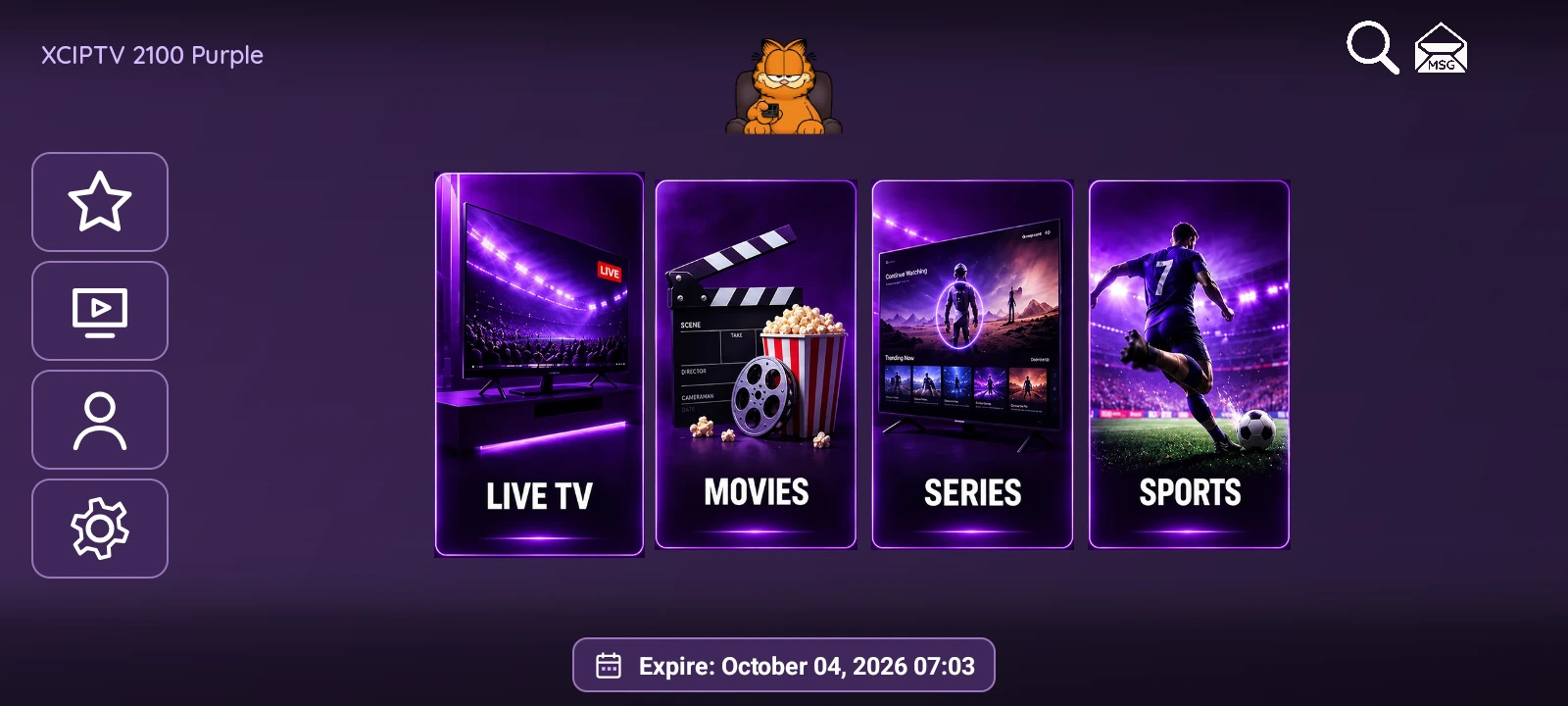
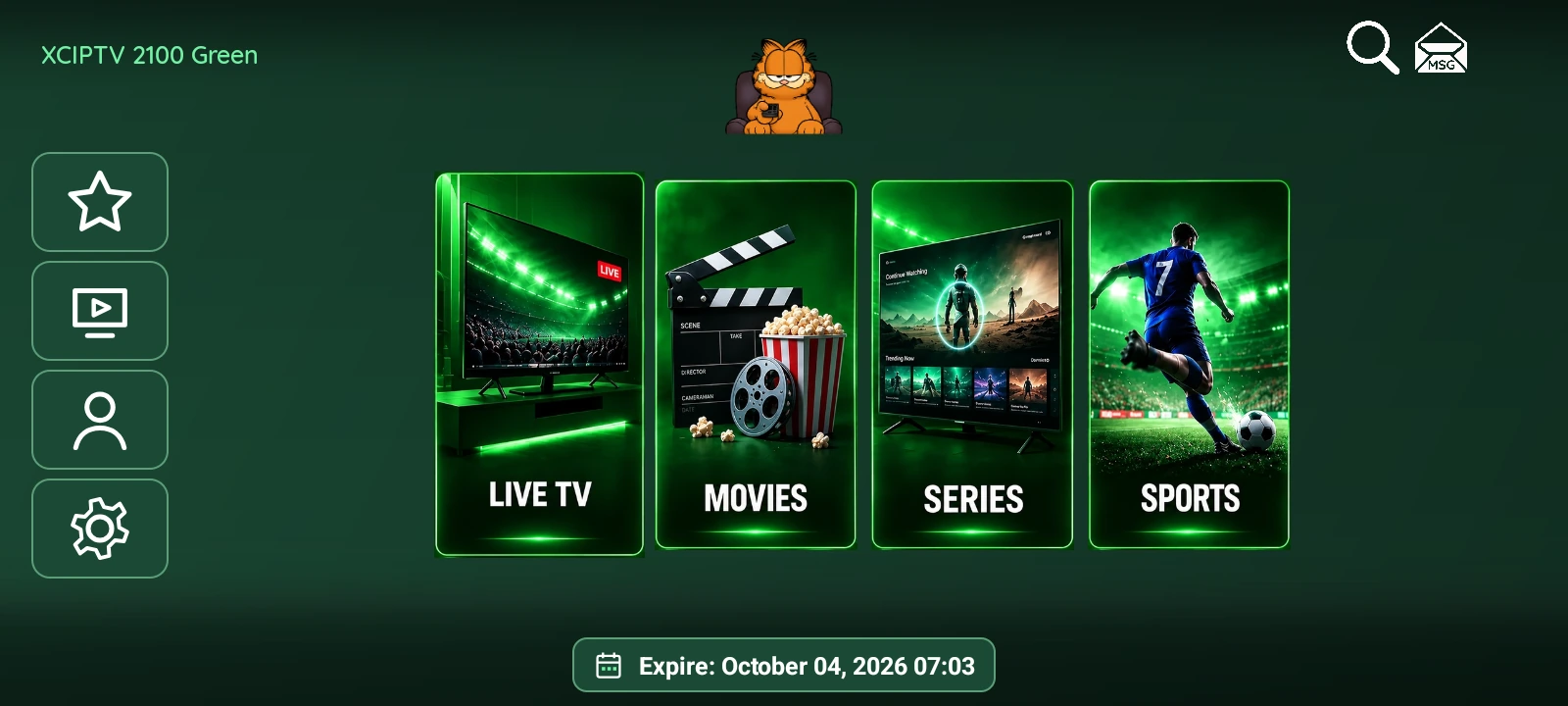
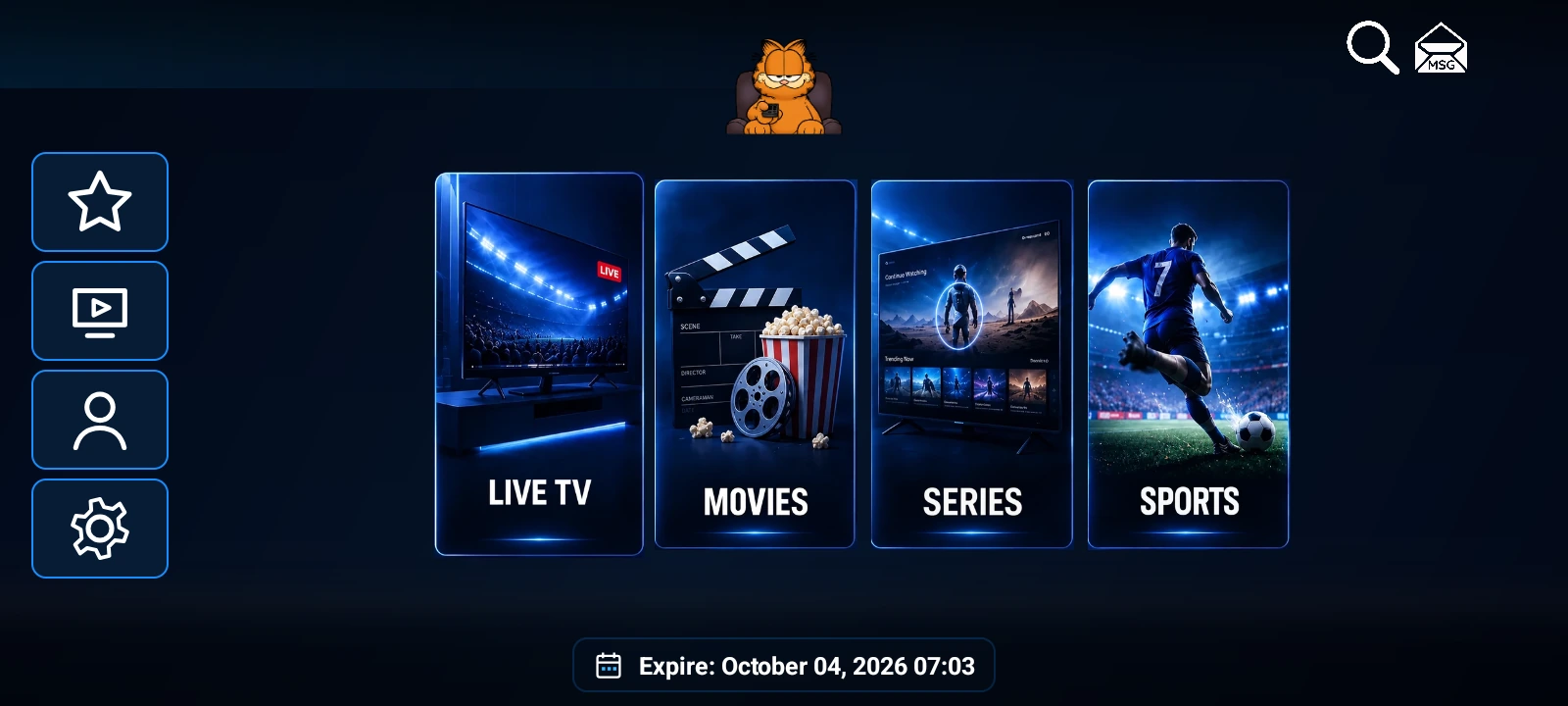
XCIPTV 2100 Red uses burgundy surfaces and red accents to connect the home screen, libraries and web panel visually. The four portrait cards for Live TV, Movies, Series and Sports keep their imagery, with red lighting in the scenes and borders. The IPTVREBRANDSCR orange cat remains in the header.
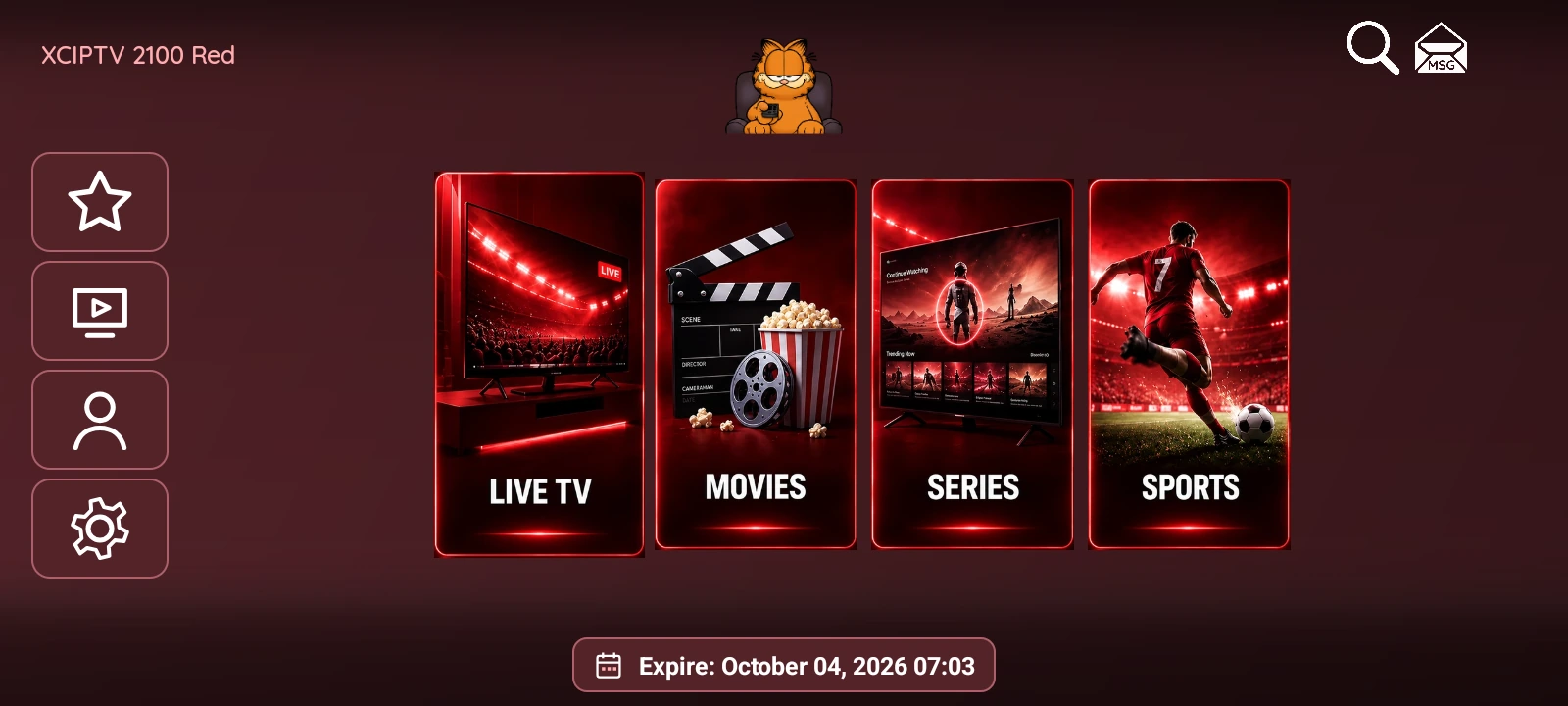
Color carries through to the controls
Red’s styling continues beyond the home screen. Lists, movie-detail buttons and settings use surfaces related to the main palette. Light text and selection borders distinguish controls against the background.
The structure remains familiar to XCIPTV 2100: primary sections in the center and tools along the side. Red has its own package and independent panel, allowing it to be installed alongside Green and Purple.
From a poster to movie details
The Movies library places posters beside content categories. Selecting a movie opens its details, including title, rating where available, date, genre, cast, synopsis and playback. The detail screen uses title artwork as its backdrop when the provider supplies it.

Live TV and Series retain separate libraries. Search and favorites help navigate the loaded content, while series organize seasons and episodes. ExoPlayer and VLC are among the playback options. The app displays the connected provider’s catalog; it does not supply a content subscription by itself.
Sports information in compact dialogs
Sports displays leagues, dates, fixtures, badges and TheSportsDB backdrops in a native interface. Opening an event’s channel dialog shows available broadcaster listings and a country filter.
The channel lookup can find possible matches in the app’s IPTV playlist. Those matches refer to entries in the loaded list. Broadcaster coverage depends on the information available for each event and can differ between competitions.
A dedicated panel and a clear package price
Red’s panel uses the same color family and organizes server, device, VPN, Sports and customization settings into separate sections. It includes MAC / Device ID activation, automatic sign-in and multi-DNS with more than five configurable servers. OpenVPN offers .ovpn profile and credential settings.
XCIPTV 2100 Red costs USD 100 for the customized APK + panel. Its catalog page brings together the edition’s features and screenshots. EPG and catch-up availability depend on the connected provider.