XCIPTV 2100 Purple: libraries, native Sports and a purple panel
Discover XCIPTV 2100 Purple: portrait artwork, dedicated content libraries and sports-event matching in the loaded IPTV playlist.
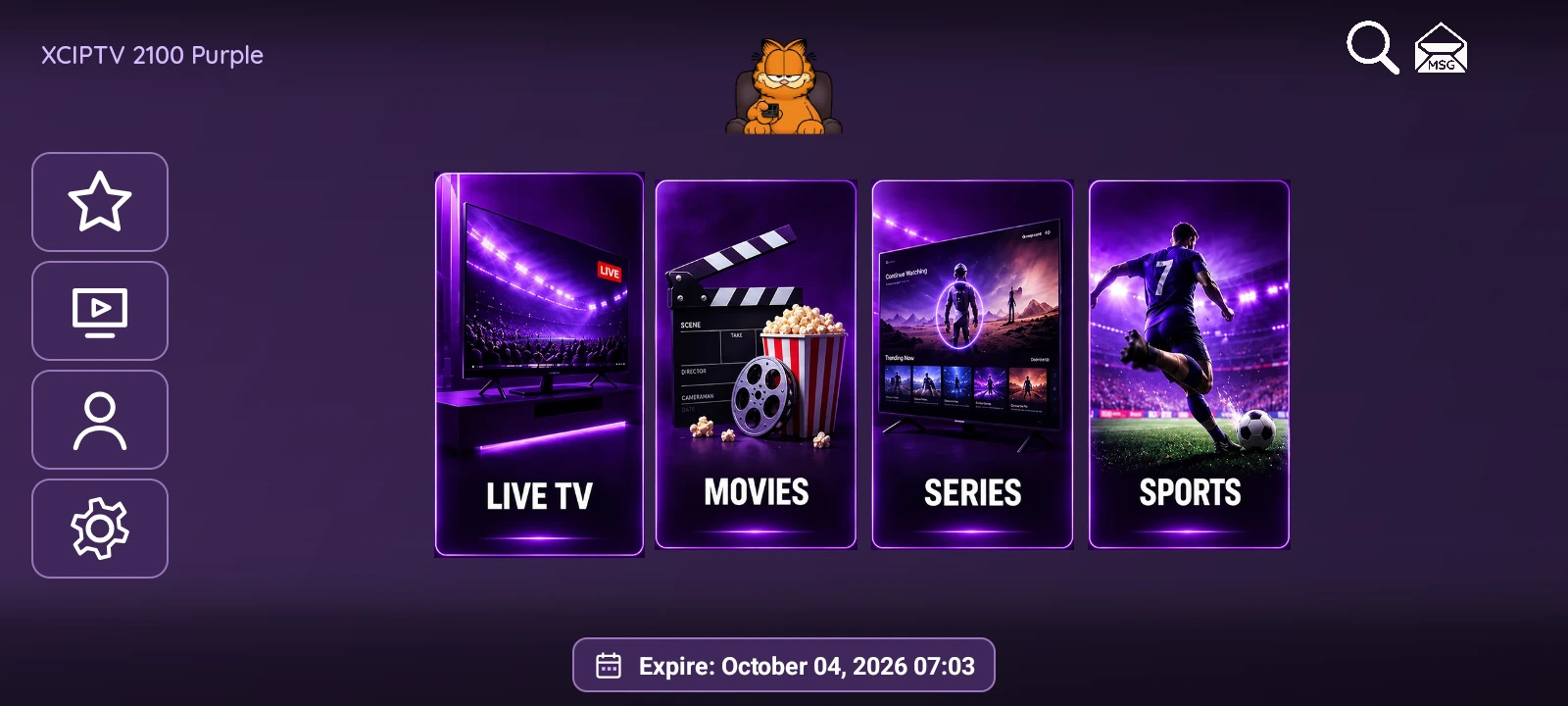
XCIPTV 2100 Purple retains the home screen’s four portrait images and pairs them with violet lighting, purple surfaces and lavender accents. Live TV, Movies, Series and Sports are identified by their scenes and labels. The IPTVREBRANDSCR orange cat keeps its place at the top.
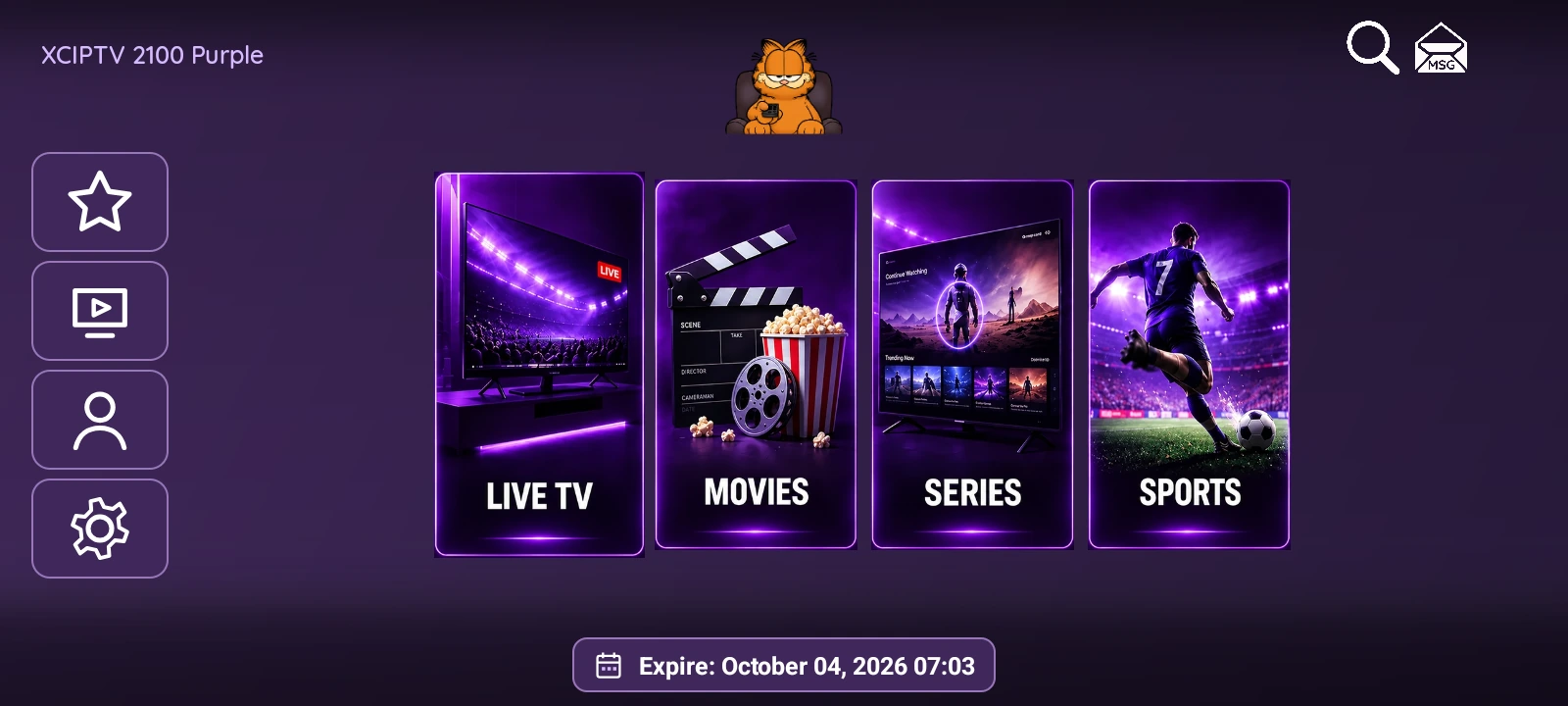
One palette across the screens
Purple’s appearance carries through sign-in controls, libraries, settings and dialogs. Dark surfaces give posters and light text room to stand out, while borders and selected backgrounds identify the active control.
The color treatment preserves XCIPTV 2100’s navigation structure. This edition has its own package and panel, so it can be installed alongside Green and Red.
Libraries that give posters space
The Series library combines an image grid with a category sidebar. Opening a title continues into its seasons and episodes. Movies provides a separate library and detail screens with synopses, cast and playback controls.
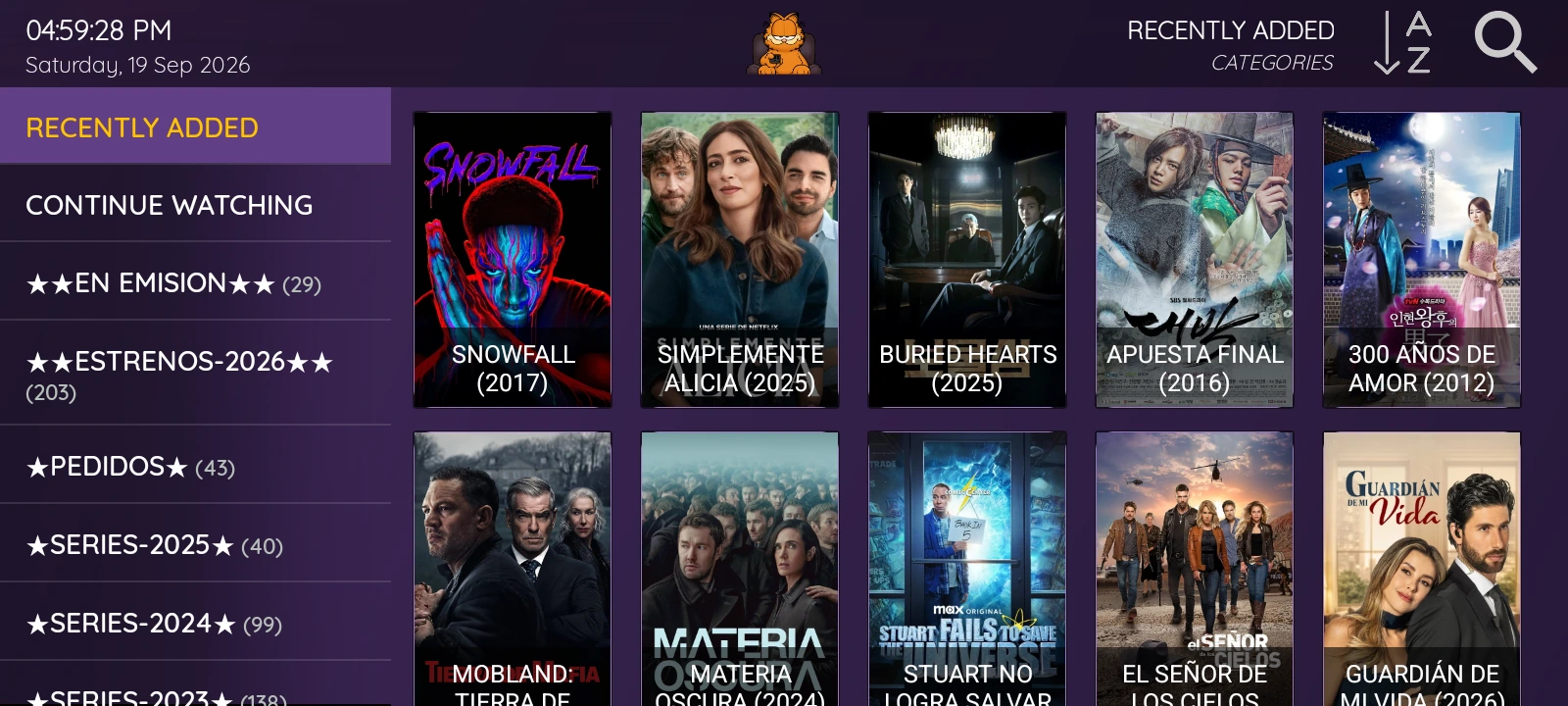
Live TV organizes the provider’s channels by category. Search, favorites and ExoPlayer and VLC playback options are also included. Posters, titles and metadata in these libraries depend on the connected service.
From a fixture to possible playlist channels
Sports brings sports categories, leagues, dates and fixtures together in a native screen. TheSportsDB backdrops and badges give context to the selected event. Dialogs offer broadcaster information and country filters where that information is available.
A useful part of this workflow is looking for possible matches within the loaded IPTV playlist. It can relate an event to channel names already present in that list. This is a search aid: it does not add streams or turn TheSportsDB information into a channel service.
Management through a matching panel
Purple’s web panel shares the app’s palette and provides DNS, device, VPN, Sports and customization sections. Activation uses the MAC / Device ID shown by the app. Automatic sign-in allows connection details to be assigned through the panel, while multi-DNS supports more than five configured servers.
Integrated OpenVPN includes .ovpn profile and credential settings. Program guide and catch-up availability depend on the content provider.
The XCIPTV 2100 Purple package, with a customized APK and independent panel, costs USD 100. Content and VPN subscriptions are not included.