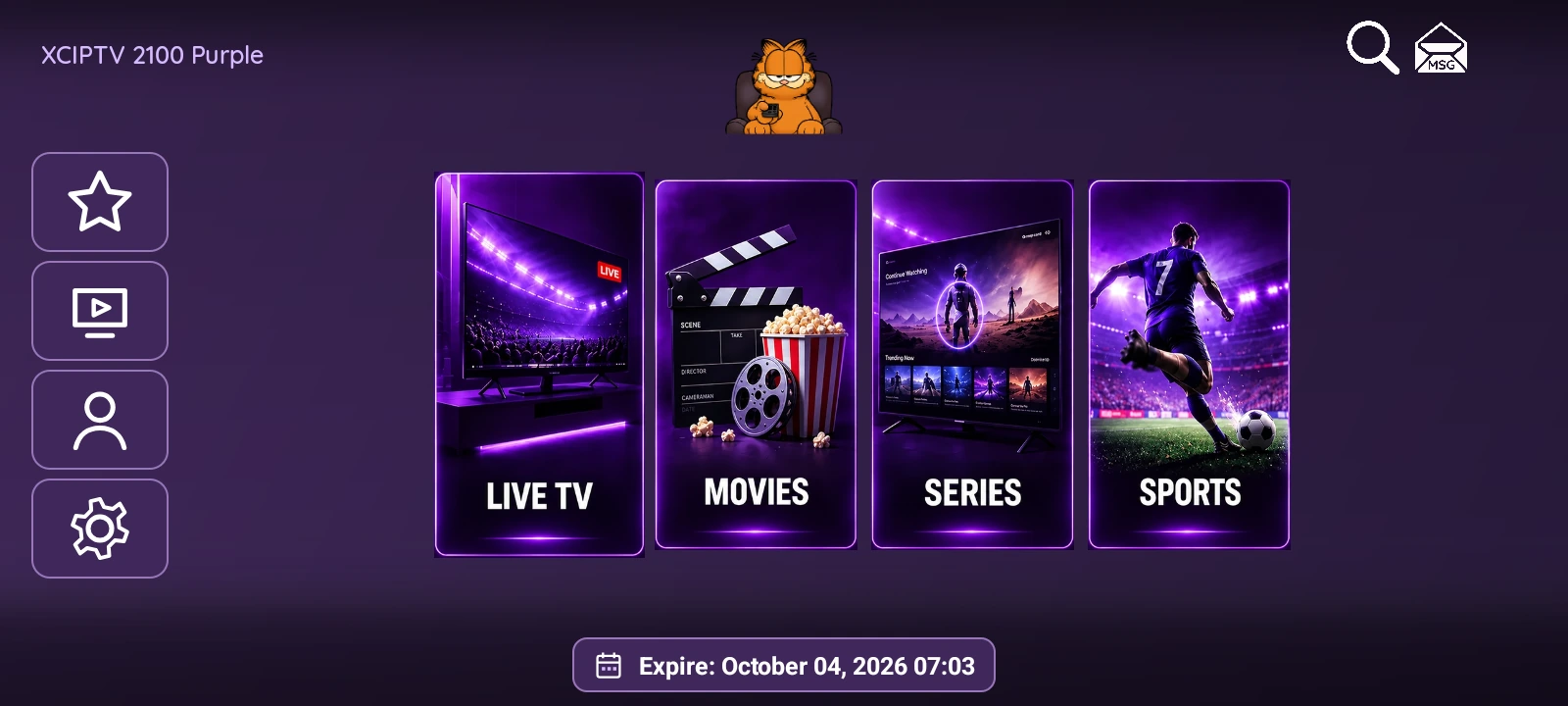
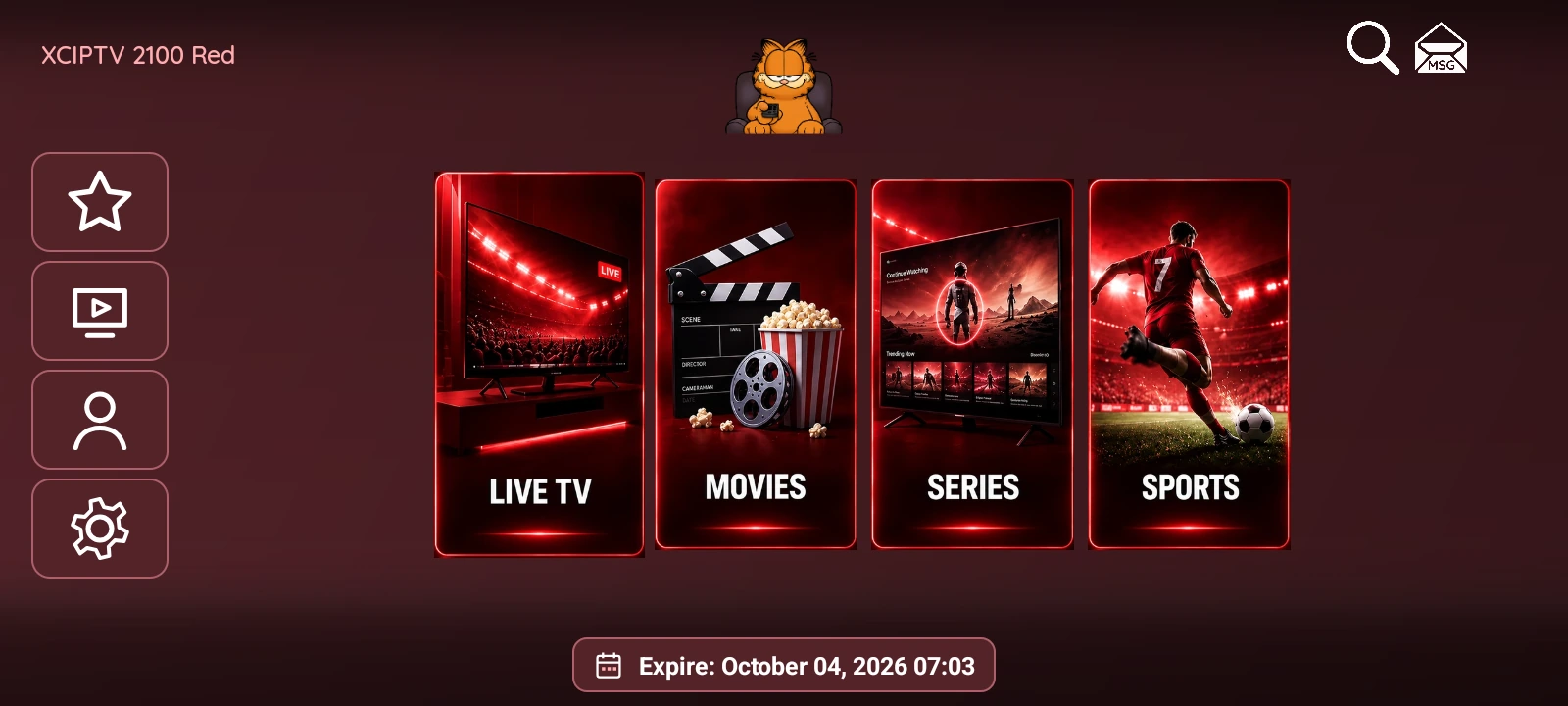
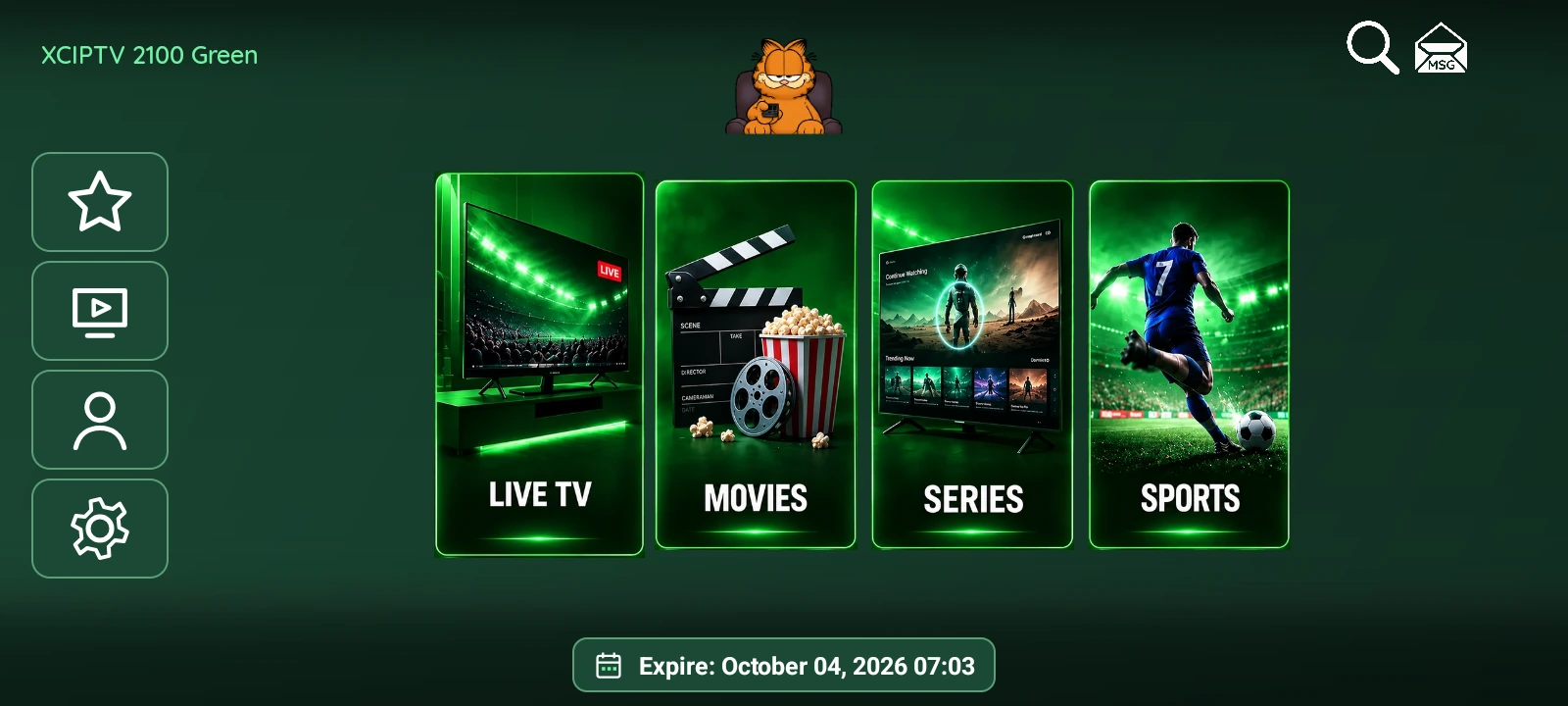
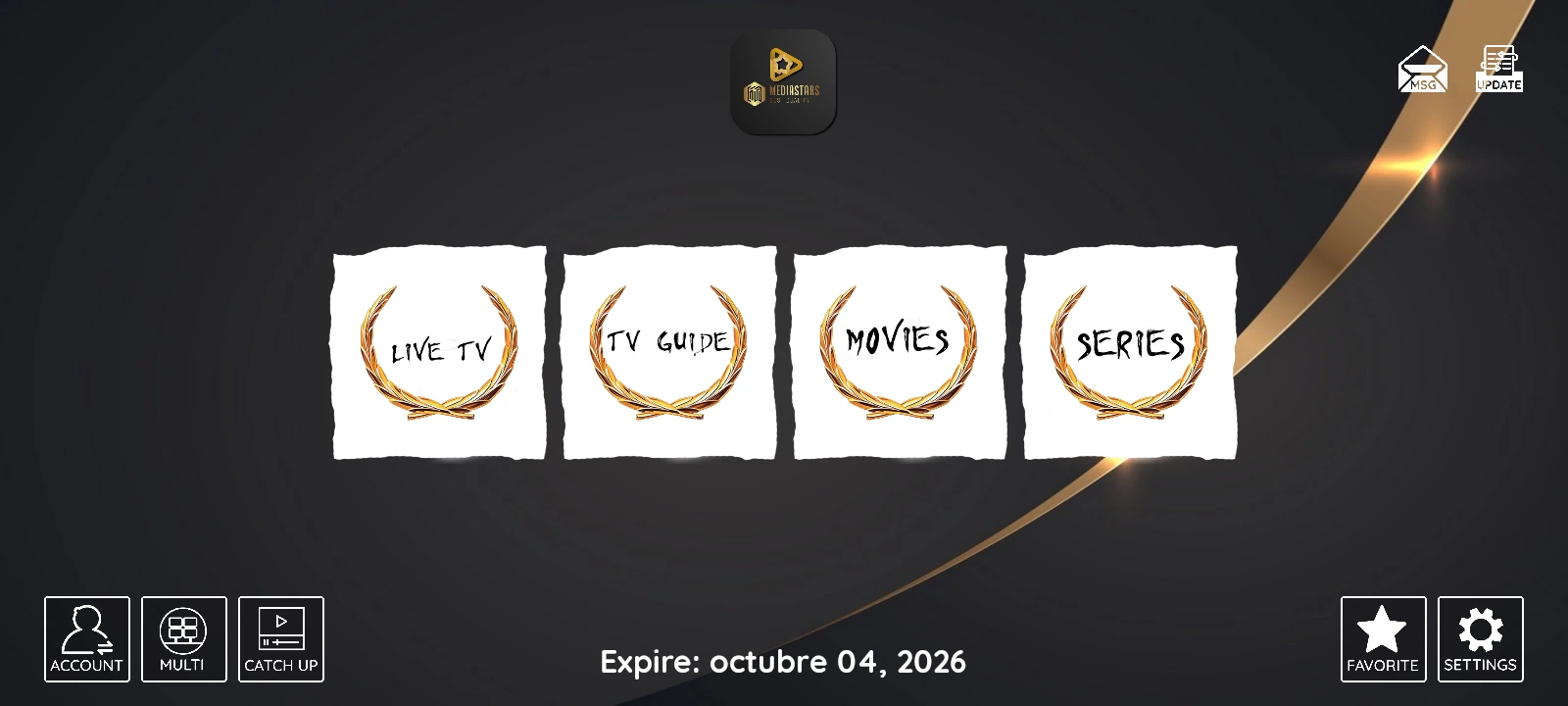
XCIPTV 2100 pairs a dark blue home screen with four illustrated cards for Live TV, Movies, Series and Sports. Glowing borders distinguish the main sections, while a vertical shortcut bar provides favorites, catch-up, account and settings. This IPTVREBRANDSCR edition uses the orange cat logo and English card artwork.
Live TV, movie and series libraries organize content into categories. The app includes search, favorites and panel settings for ExoPlayer or VLC. Titles, category names and artwork come from the connected provider, so their language may differ from the interface language.
Native Sports: sports, leagues and events
Explore 11 sports in a native section styled to match the app’s blue interface. League badges and backdrops come from TheSportsDB. Search for a league, filter by country and browse previous or upcoming dates. Event cards show local start times, scores and status, while the backdrop changes with the selected fixture.
The sports column collapses to give fixtures more room. Compact channel lists include TheSportsDB broadcast information and a country filter, with match details available separately. Navigation supports touch and a remote control. Select a broadcaster to look up possible name matches in the app’s IPTV playlist. Artwork, results and broadcast coverage depend on the information available for each event.
MAC / Device ID activation
The login screen displays a Device ID in MAC format. An administrator selects that device in the panel, assigns its DNS and credentials, then enables activation and automatic sign-in. Prepare customer access from the panel without entering account details with a remote control.
Panel and customization
The English web panel manages DNS servers, devices, branding, buttons, messages, language, player settings and maintenance. The panel’s VPN section lets you upload an .ovpn profile, save your VPN service credentials and configure the app’s connection controls.
Configure multiple DNS servers from the panel and choose them in the app with a dynamic selector that supports more than five entries. Each server keeps its sign-in profile when its name or position changes. The English panel groups DNS, devices, VPN and Sports in a dark interface with blue accents.
Price: USD 100 for the rebranded APK and its panel. Explore the gallery to see the app interface. Channels, movies, series and content subscriptions are not included.