Keeping a VPN service organized with the VPN ULTRA panel
Manage OpenVPN profiles, client access, announcements and APK updates from one administration panel.
A VPN service can start with a handful of servers and a few accounts. As the list grows, everyday jobs take more attention: finding a profile, renewing a customer’s access, helping a reseller or making sure people have the latest app.
The VPN ULTRA panel brings those tasks into the same administration area. It works alongside the Android app, so the server list and client access settings are managed centrally.
Keep the server list manageable
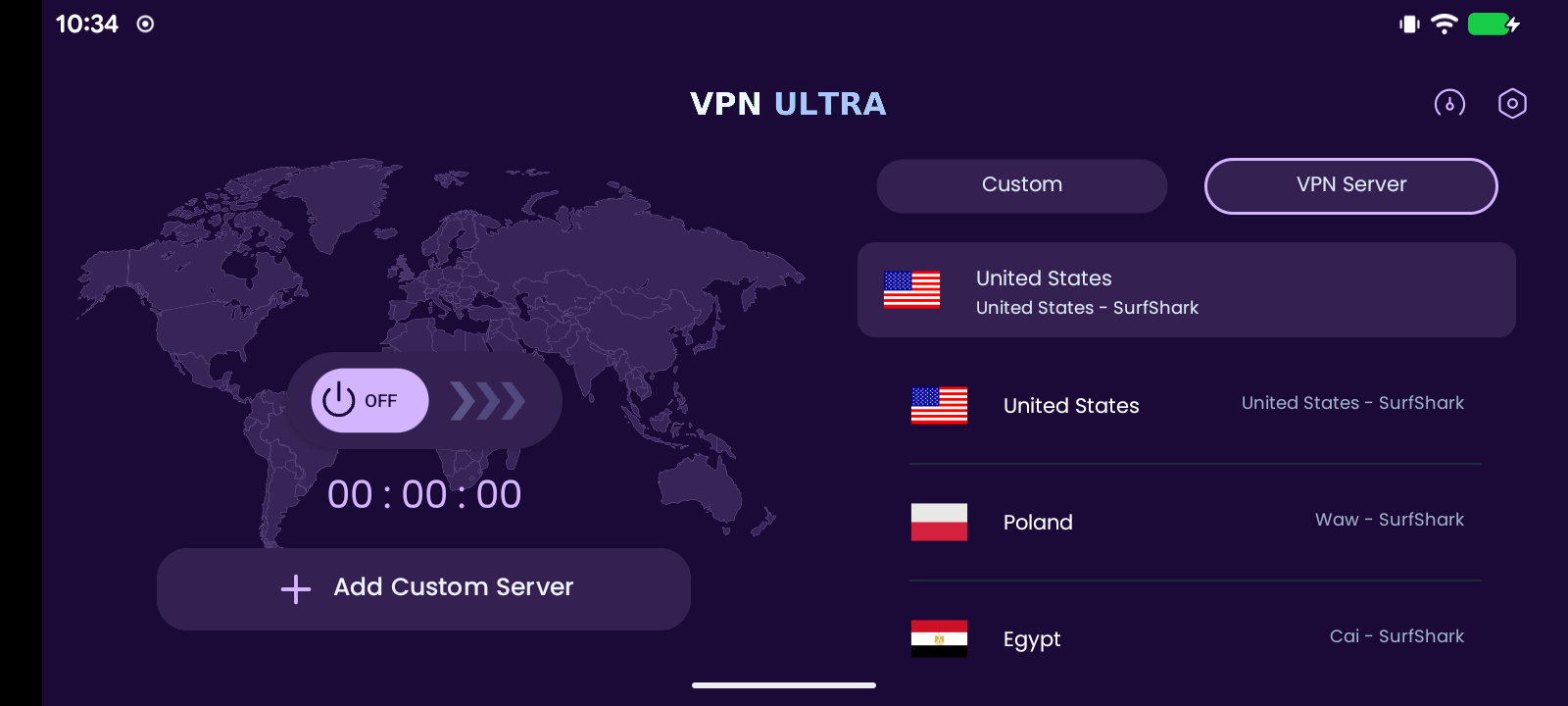
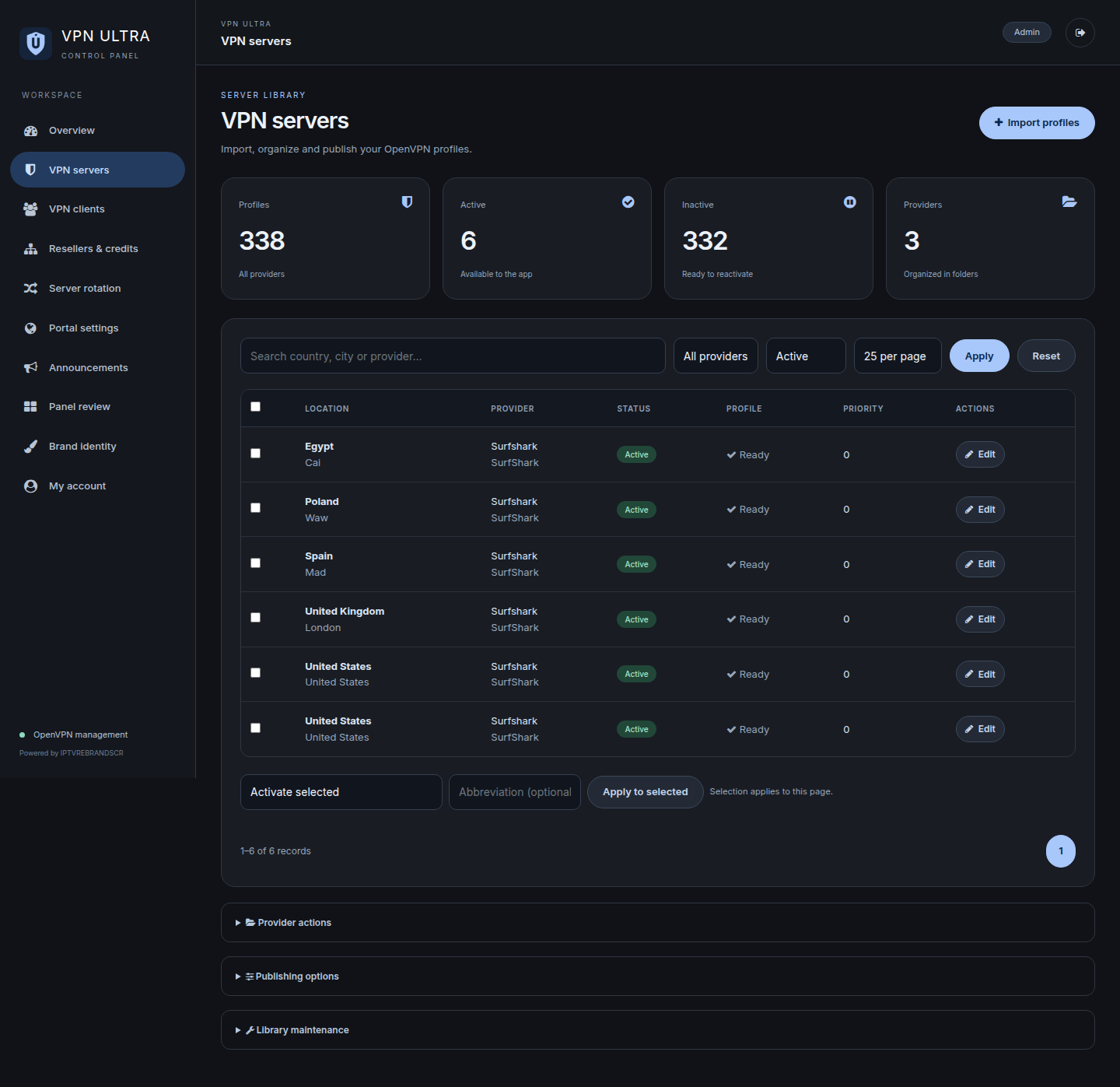
OpenVPN profiles can be imported individually, in batches or from ZIP files. Search, provider filters and pagination help you work with the part of the list you need, instead of displaying every server on a single page.
Provider credentials, enabled servers and rotation settings are managed from the panel. The provider remains responsible for the actual VPN connection service; the panel organizes the profiles and access you supply.
Handle customers and resellers separately
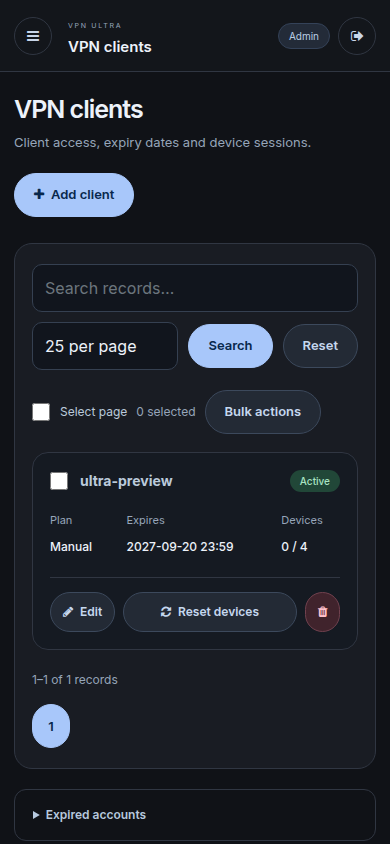
Client accounts have an access status, expiry date and recent device-session limit. Administrators can update accounts and reset those sessions when needed. Compact cards make the client area easier to use from a mobile browser.
Reseller accounts and credits provide another way to organize access, with resellers working within their own client scope. Recent device sessions describe sign-ins to the app. They should not be confused with the number of live VPN tunnels allowed by the provider’s subscription.
Put useful messages inside the app
A change that affects everyone can be sent as a global app announcement. A message intended for one customer can be addressed to that account instead. Customers can open Announcements in Settings to read active messages again.
This is separate from reseller panel notices. Keeping the audiences distinct makes it easier to put the right information where it will be useful.
Make the next APK easy to find
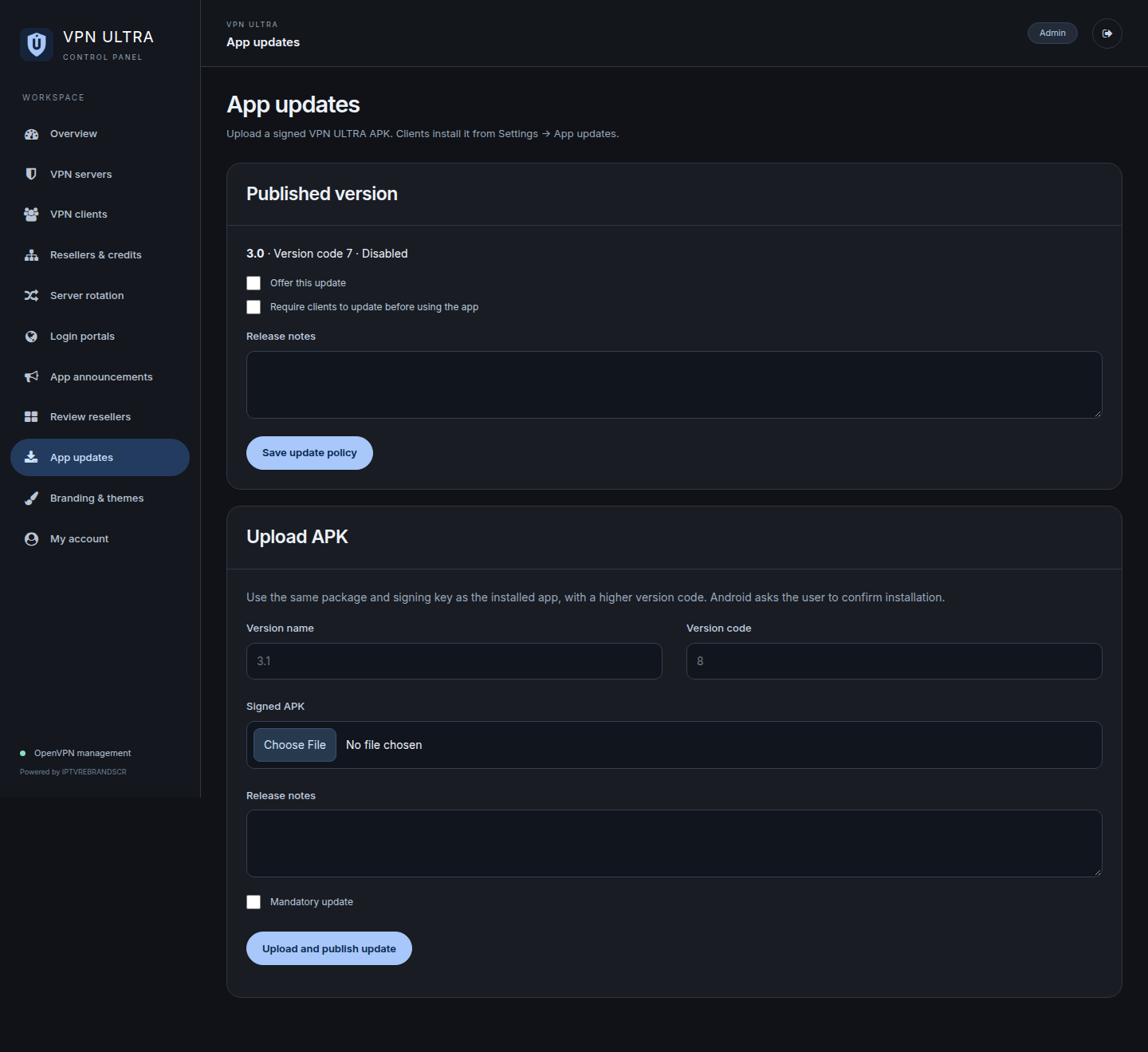
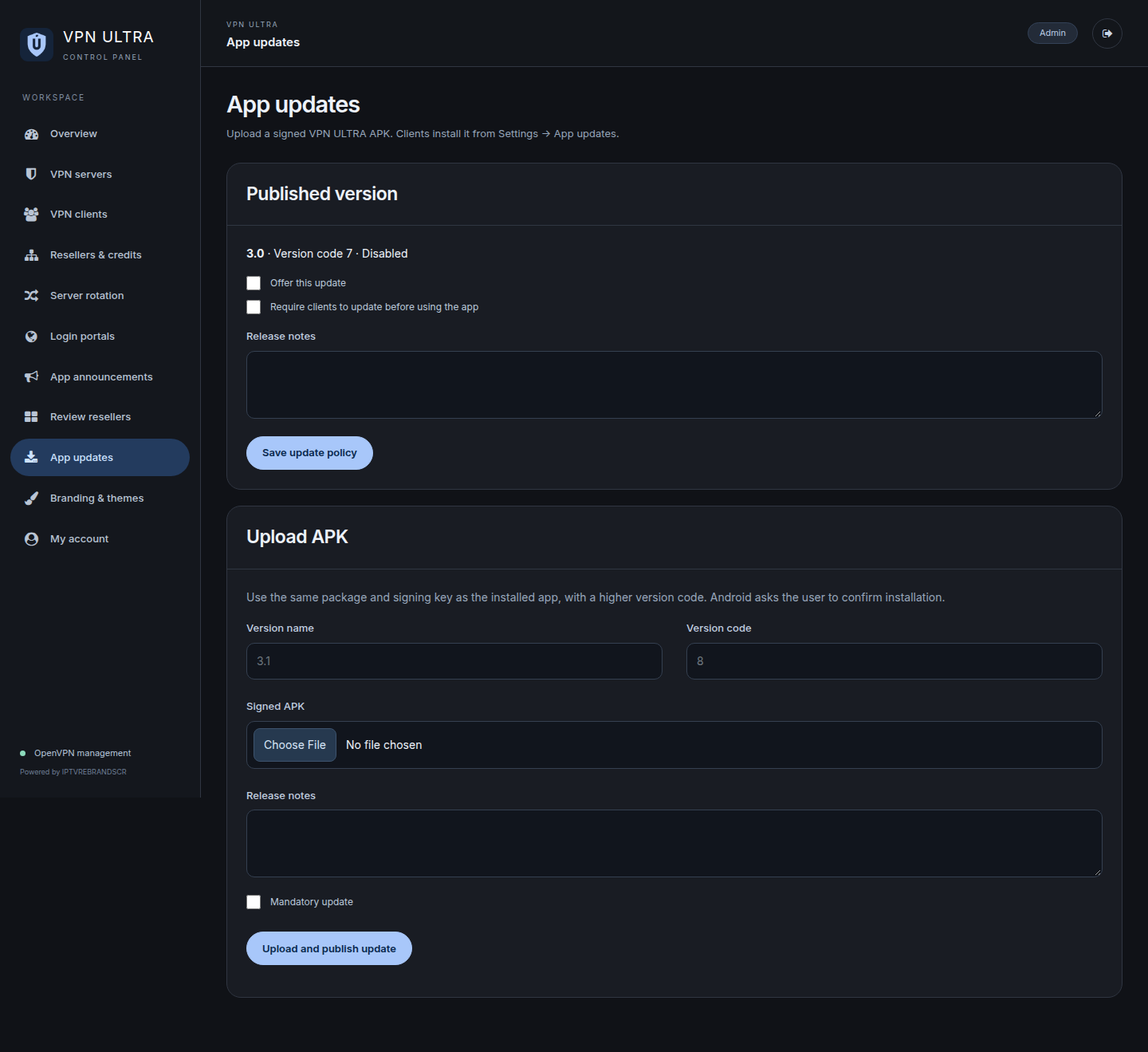
The App updates section lets an administrator upload an APK and add release notes. An optional update lets a customer continue and return to it later. A required update asks them to install the new version before continuing to use the app.
On the device, Settings includes an App updates entry. The app checks the downloaded file’s integrity, package, version and signing certificate before opening Android’s installer. Installation still uses the device’s normal permission and confirmation steps, so customers remain in control of that action.
Branding and themes are managed separately. The panel offers eleven app palettes and controls for its own name and logo, while changes to the installed app icon require a new app build.
The VPN ULTRA app and panel package costs USD $100. You supply HTTPS hosting and a paid, compatible OpenVPN provider subscription with sufficient permitted connections. If you would like the package adapted for your service, contact IPTVREBRANDSCR.