VPN ULTRA: one app for your phone and TV
A closer look at VPN ULTRA’s phone and TV layouts, eleven themes and everyday connection controls.
Opening a VPN app on a television should feel as straightforward as opening it on a phone. You still want to choose a server, connect and see whether the connection is running. The screen and the controls are what change.
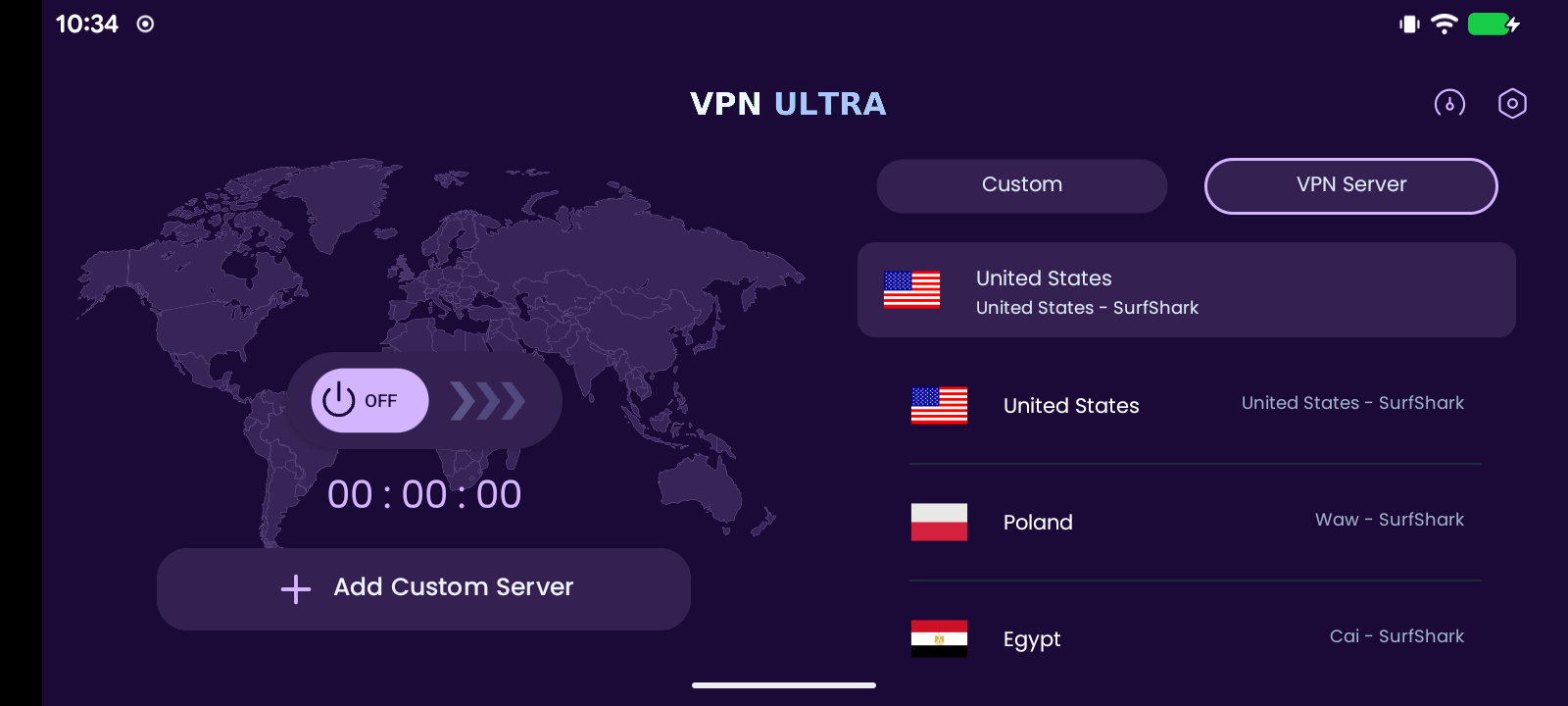
VPN ULTRA has a portrait layout for Android phones and a landscape layout for TV use. On a phone, the selected server and connection controls sit in a vertical view. In TV mode, the map and connection controls appear beside the server area, leaving room to browse from a distance.
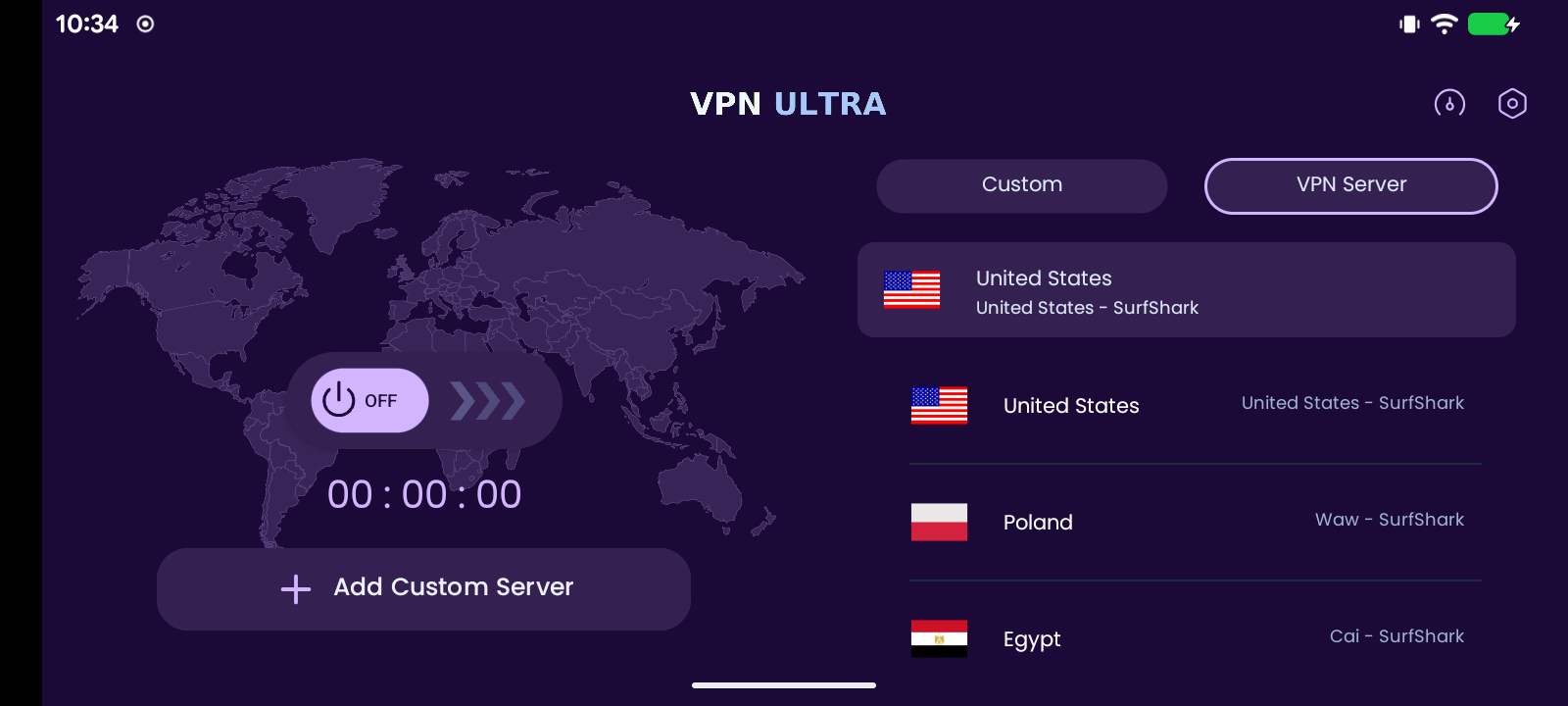
The app supports Android phones, Android TV boxes, Android-based Fire TV devices and smart TVs running Android TV or Google TV. That does not mean every smart TV operating system can install the APK: the device needs a compatible Android environment.
A familiar place to connect
Customers sign in with the access details supplied by their administrator. They can then choose from the servers configured in the panel, see the country flag and start a connection. The app shows connection status and a running session timer, and recent connections make previously used locations easier to find.
Settings provides access to the interface mode, automatic connection when the app starts, announcements and app updates. Custom OpenVPN connections are also available for setups that need them.
Choose a look that suits the service
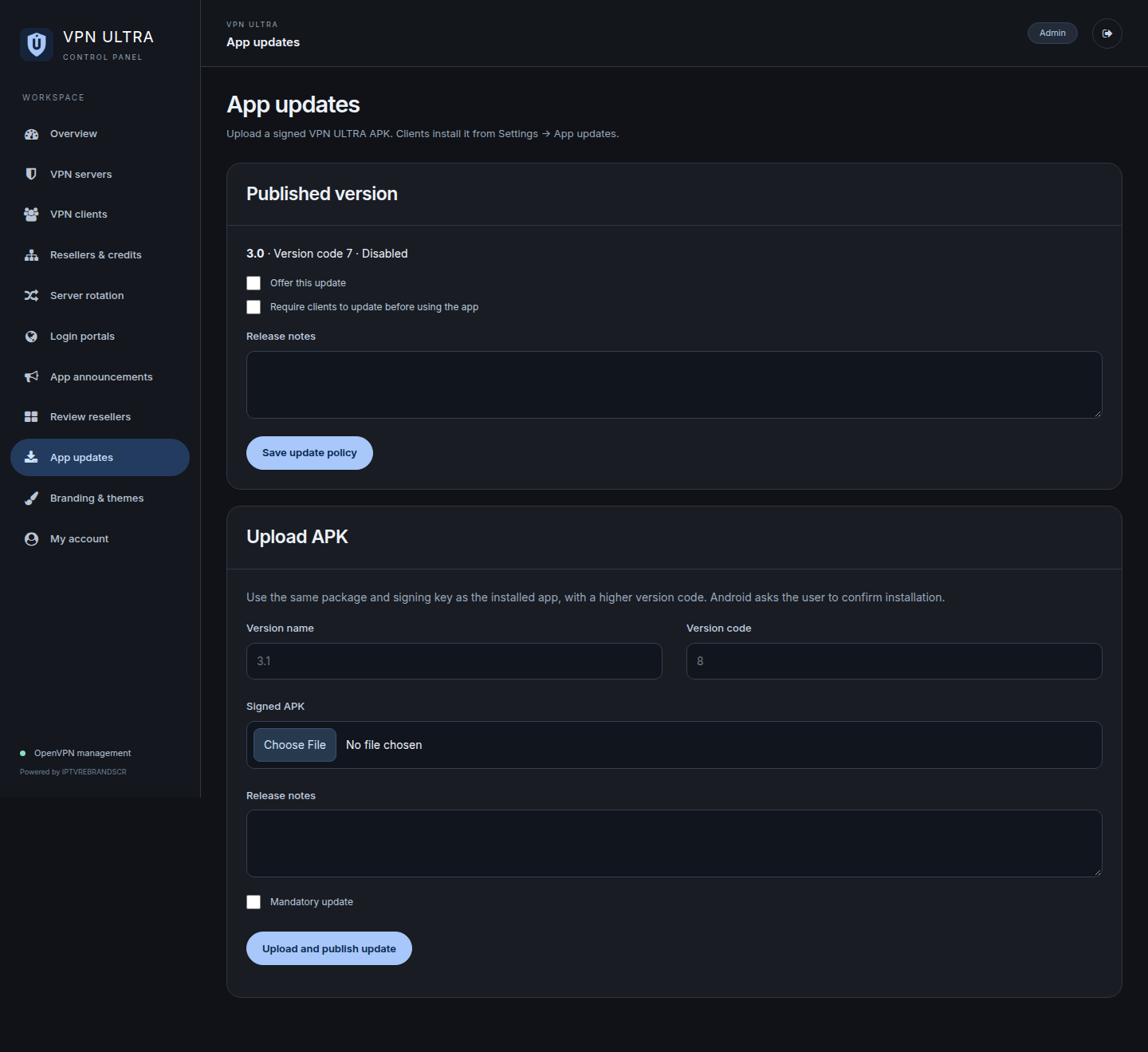
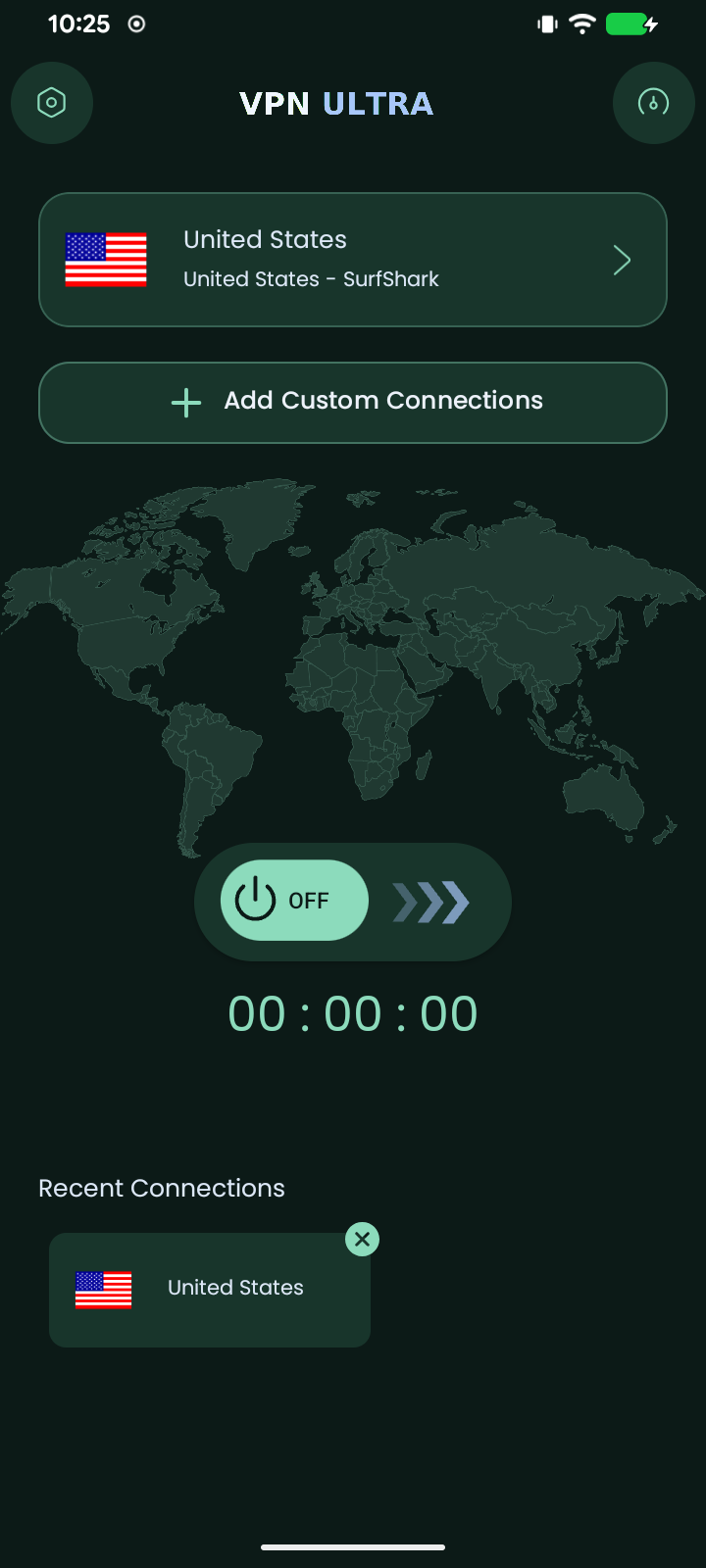
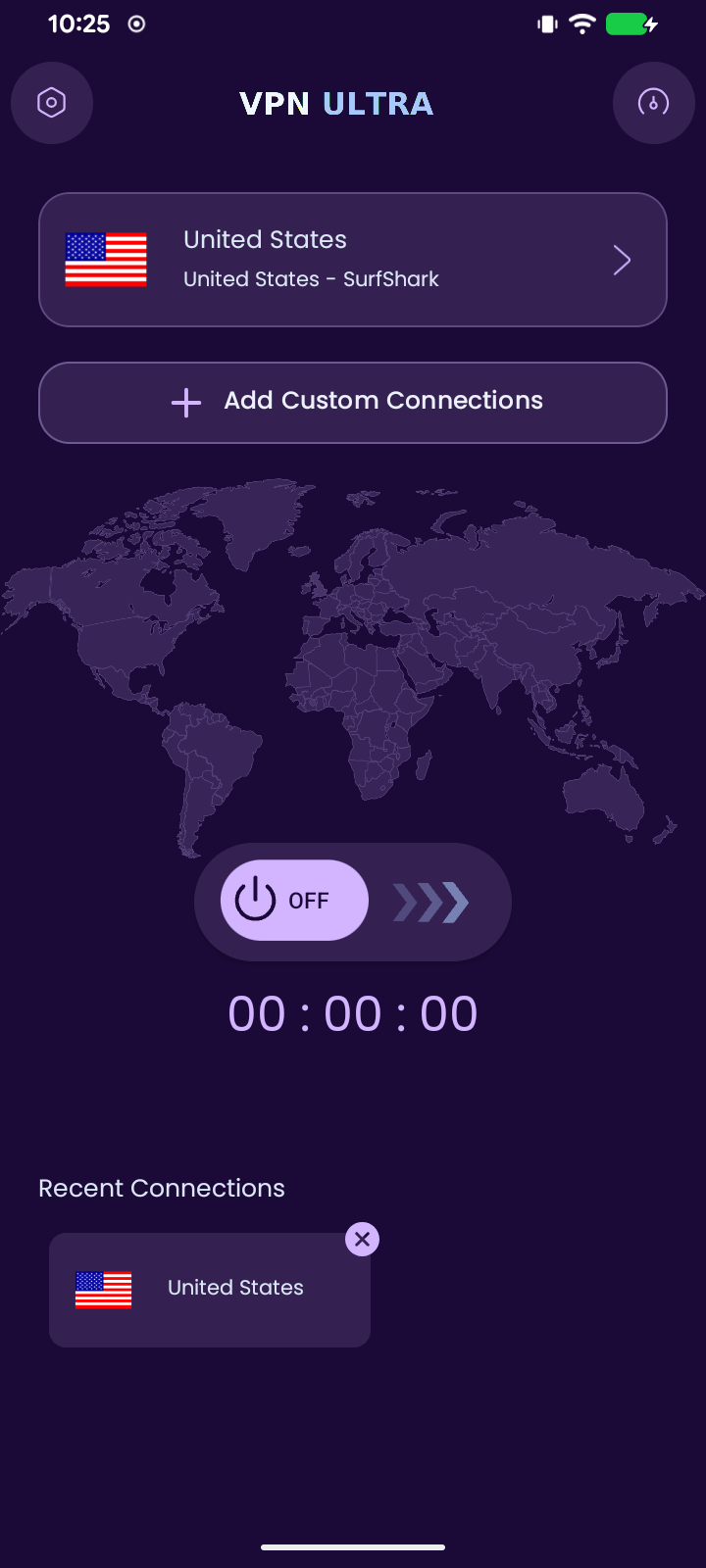
The panel includes eleven flat-color themes, ranging from the quieter Graphite and Navy palettes to Emerald, Rose and Purple Classic. The choice carries through the app’s backgrounds, cards and themed controls. The logo sits above the content on a transparent top bar, without a separate strip of color behind it.
Changing the theme in the panel updates the appearance clients receive when the app refreshes its configuration. It gives an administrator a practical way to adjust the look without distributing a new APK for each palette change. Changes to the installed app icon still belong to the app build.
What comes with the package
VPN ULTRA is offered as a branded Android app and web management panel for USD $100. The panel manages server profiles, client access, reseller accounts, announcements, themes and app update releases.
The connection service comes from your VPN provider. You need a paid subscription that supplies compatible OpenVPN profiles and manual connection credentials, with enough permitted connections for your setup. Surfshark, Private Internet Access or another compatible provider may be used. VPN subscriptions and hosting are separate from the app and panel package.
For details about a VPN ULTRA rebrand, visit IPTVREBRANDSCR.