MY PLAY TV: a branded IPTV player for Android TV
See MY PLAY TV's live TV, movies, series with seasons and DNS panel: an IPTV player for Android TV and Fire TV that carries your brand.
MY PLAY TV is an Android IPTV player designed to be used with a remote control. It runs on Android TV, Fire TV and Android phones, and it is delivered with your name, your logo and your own server panel. This guide shows what each section of the app looks like and what you manage from the panel.
A menu built for the remote
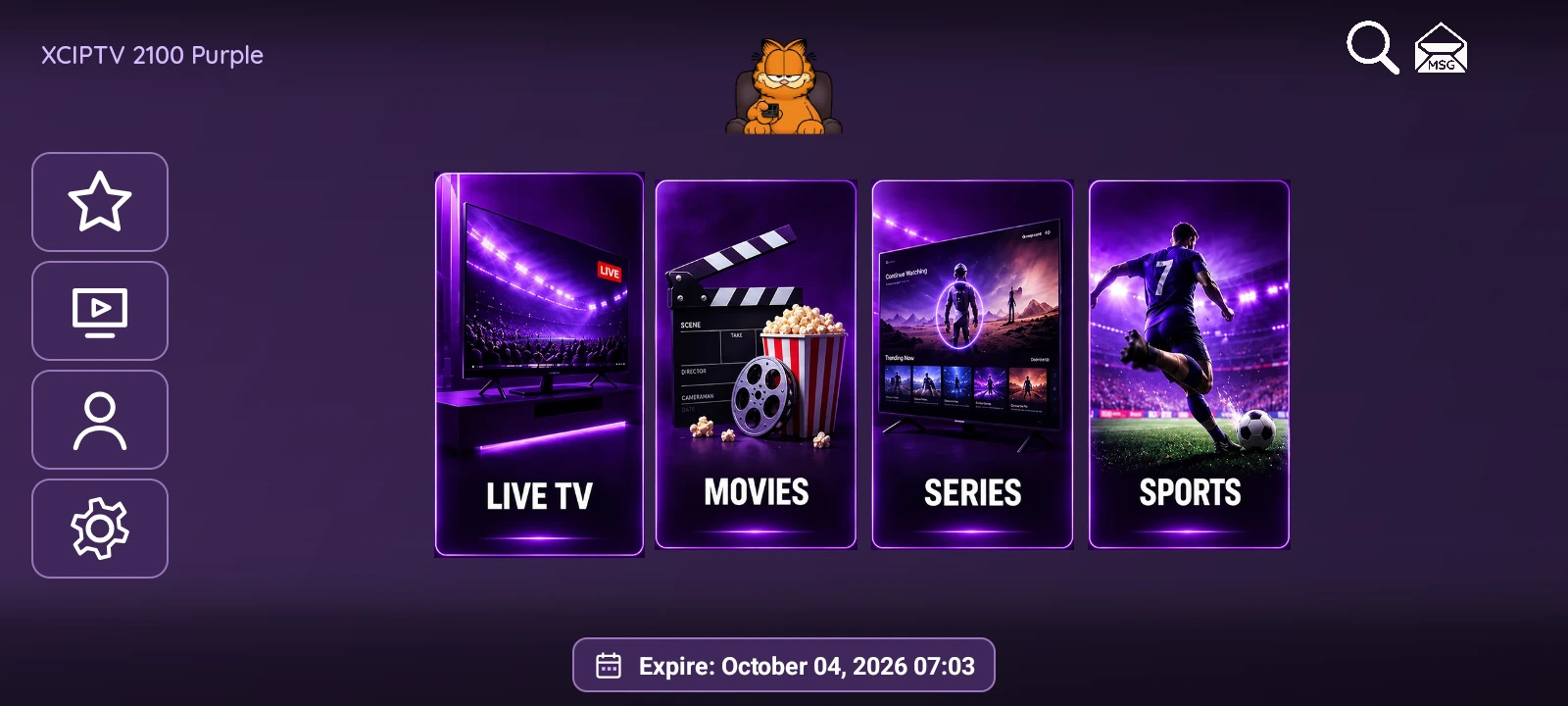
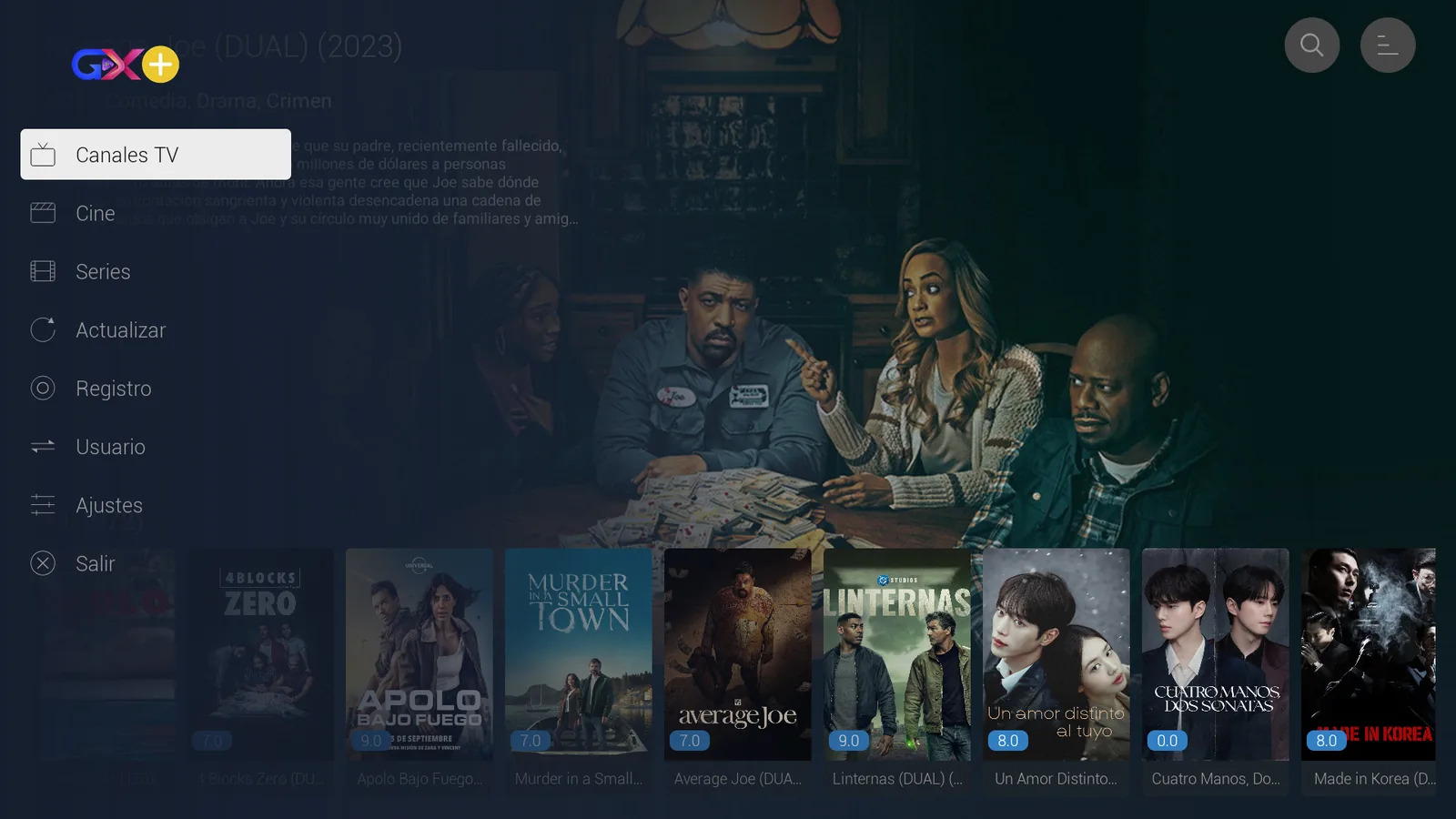
When the app opens, a short walkthrough explains how to move around with the remote. After that, the side menu keeps everything in one list. With the interface in Spanish, it reads Canales TV (live channels), Cine (movies), Series, Actualizar, Registro, Usuario, Ajustes (settings) and Salir (exit). Everything is reached with the arrow keys and the center button, with no mouse or touchscreen needed.
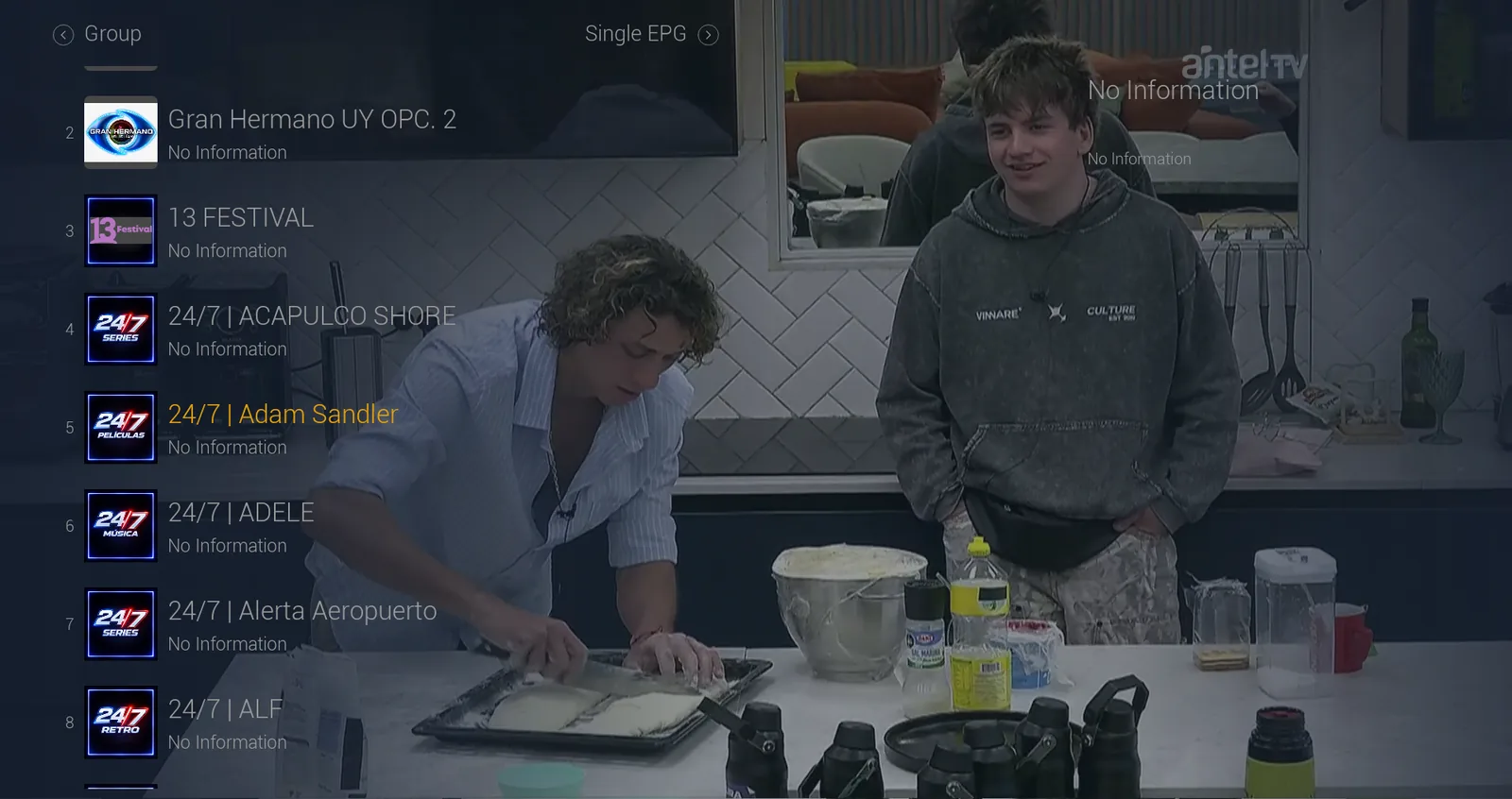
Live TV with a channel list and EPG
The channel list appears over the picture that is playing, so viewers can switch channels without stopping what they are watching. Each channel shows its number, its logo and the programme information when the server provides a guide. The same screen opens the channel groups and the Single EPG view.
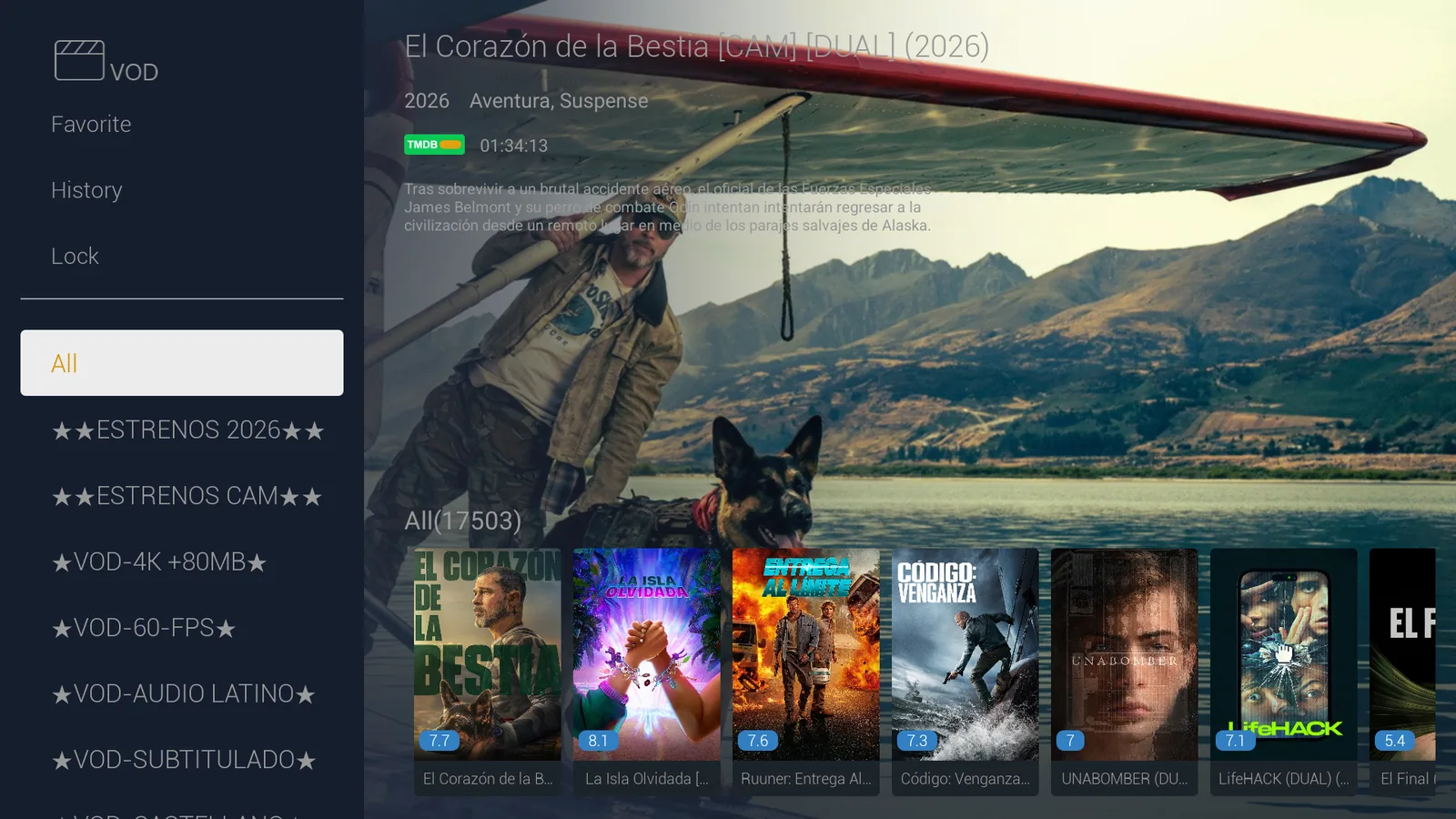
Movies: categories and a full detail page
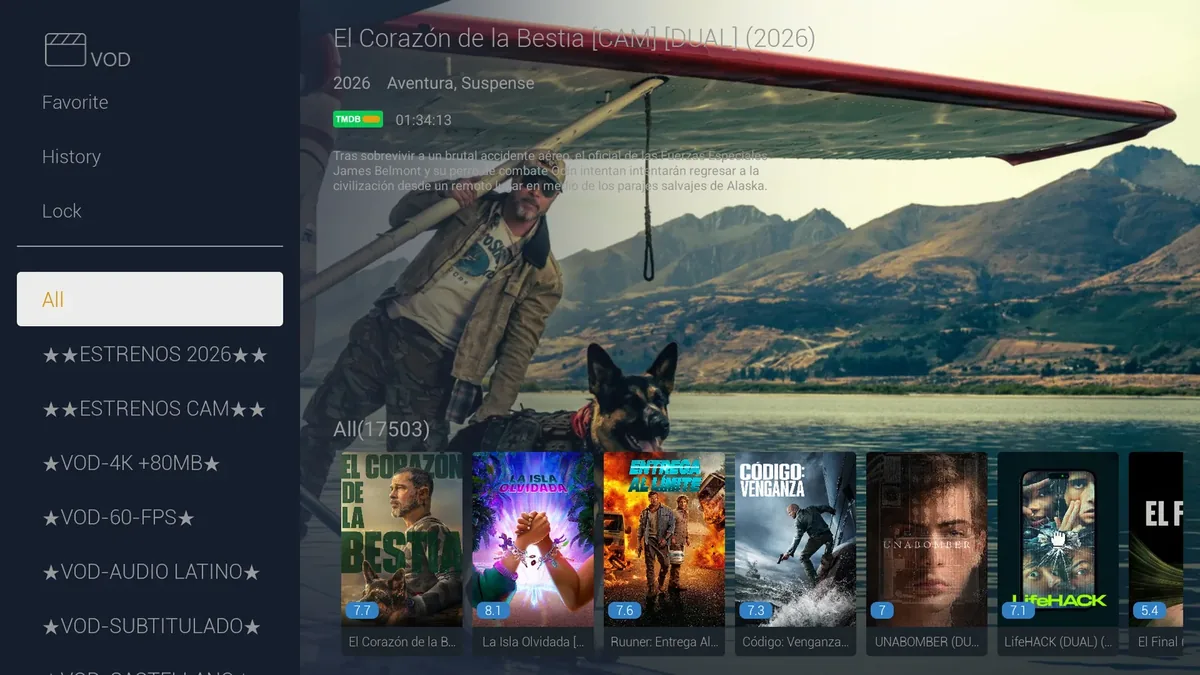
The movies section organises titles into the categories defined by your server, plus three fixed entries: Favorite, History and Lock. When a poster is highlighted, the screen shows the movie backdrop with its year, genre, running time, synopsis and TMDB rating.
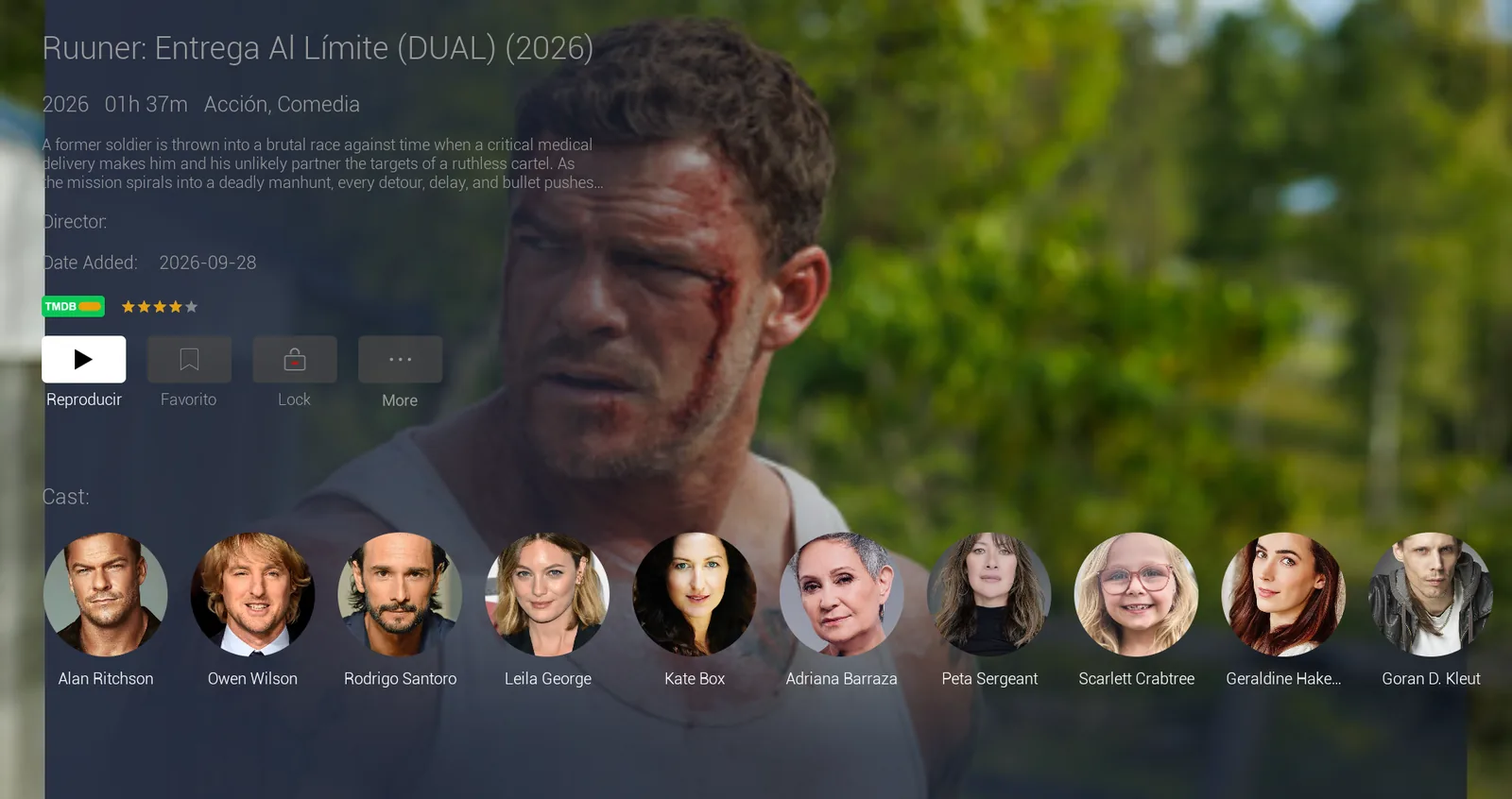
Each movie page adds the date it was added, a star rating and the cast with photos. It has buttons to play, add to favorites, lock the title and open more options.
Series with seasons and episodes
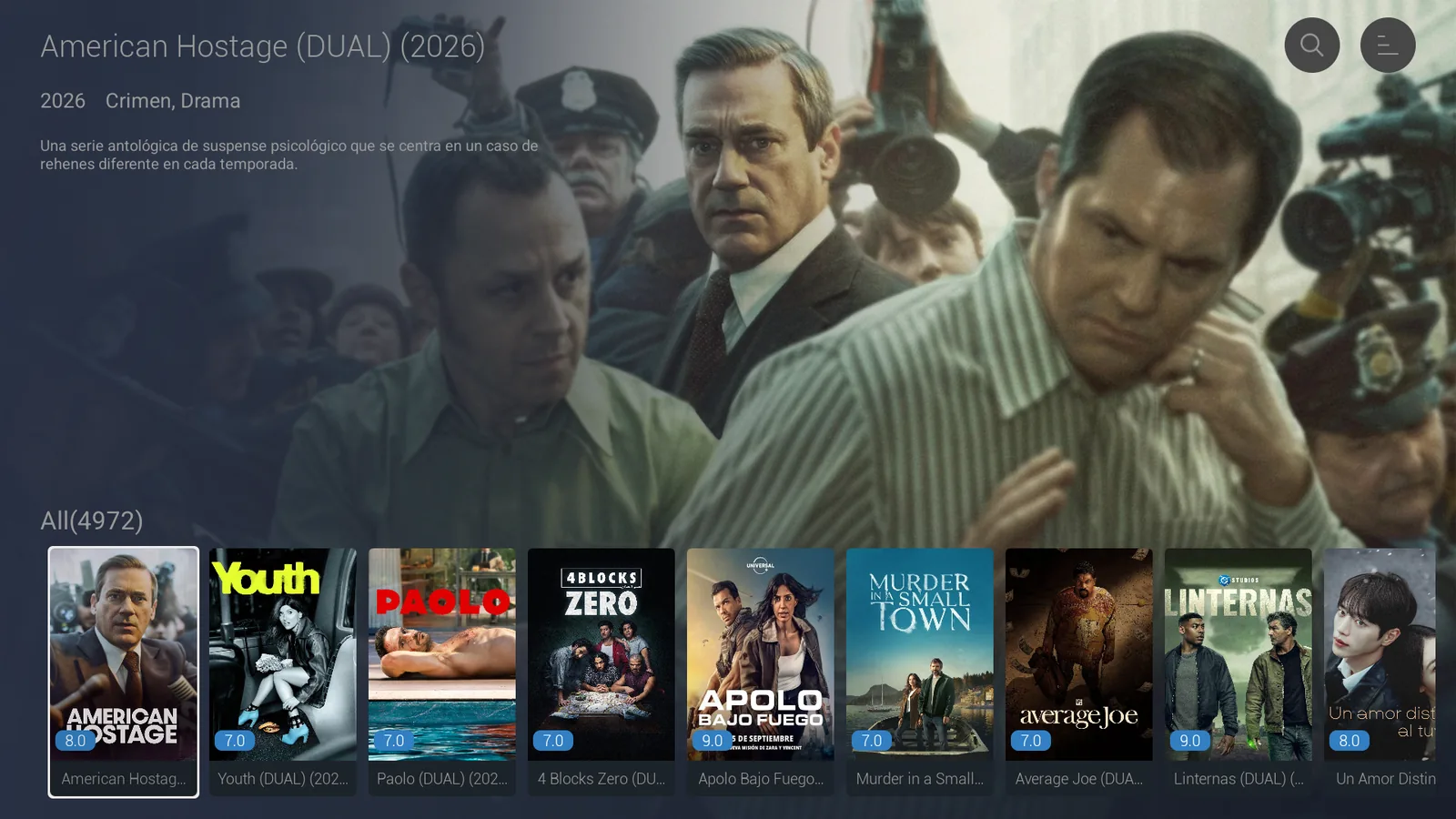
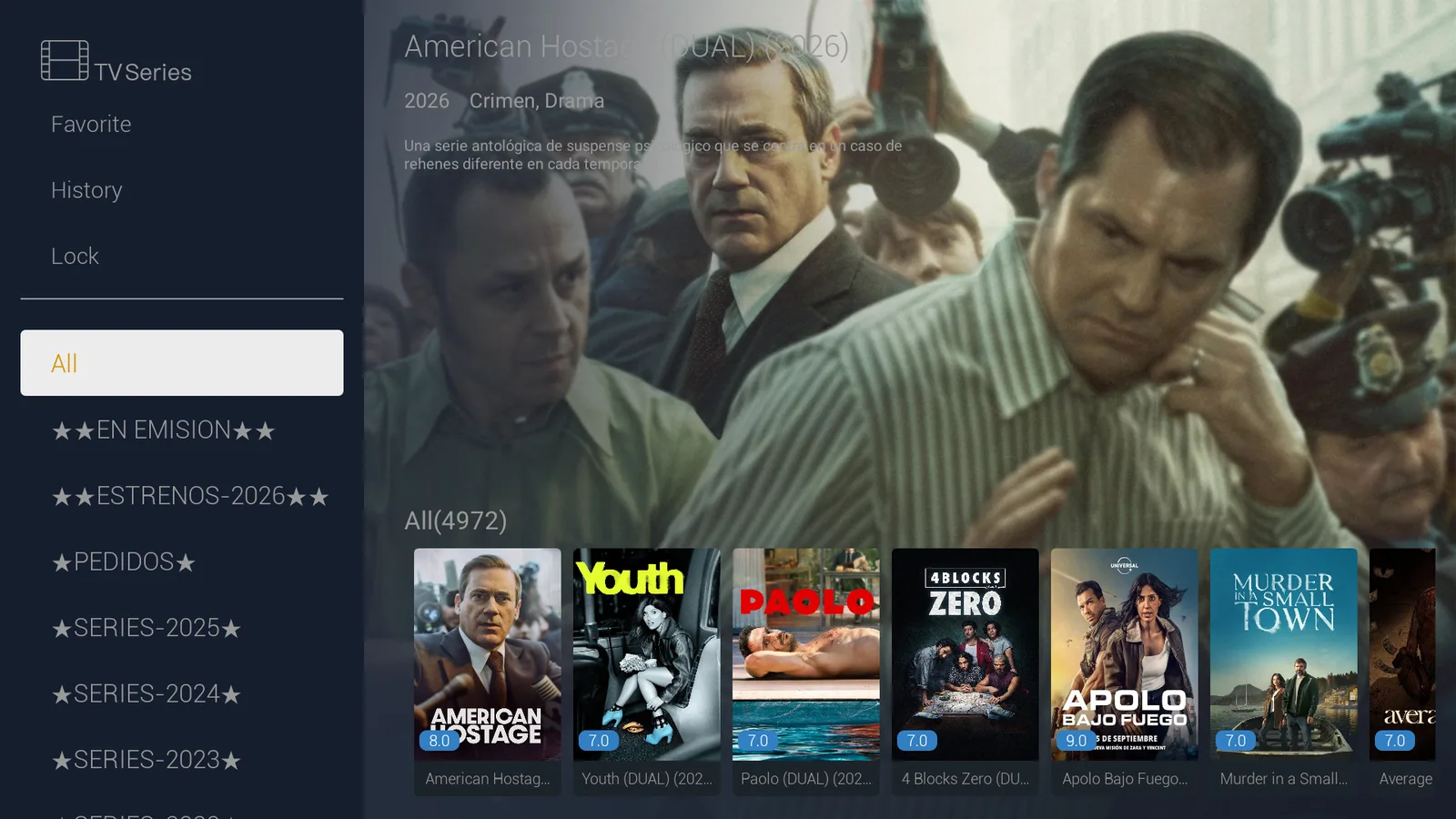
Series follows the same pattern: posters with ratings, a backdrop for the selected show and a category panel with favorites, history and lock.
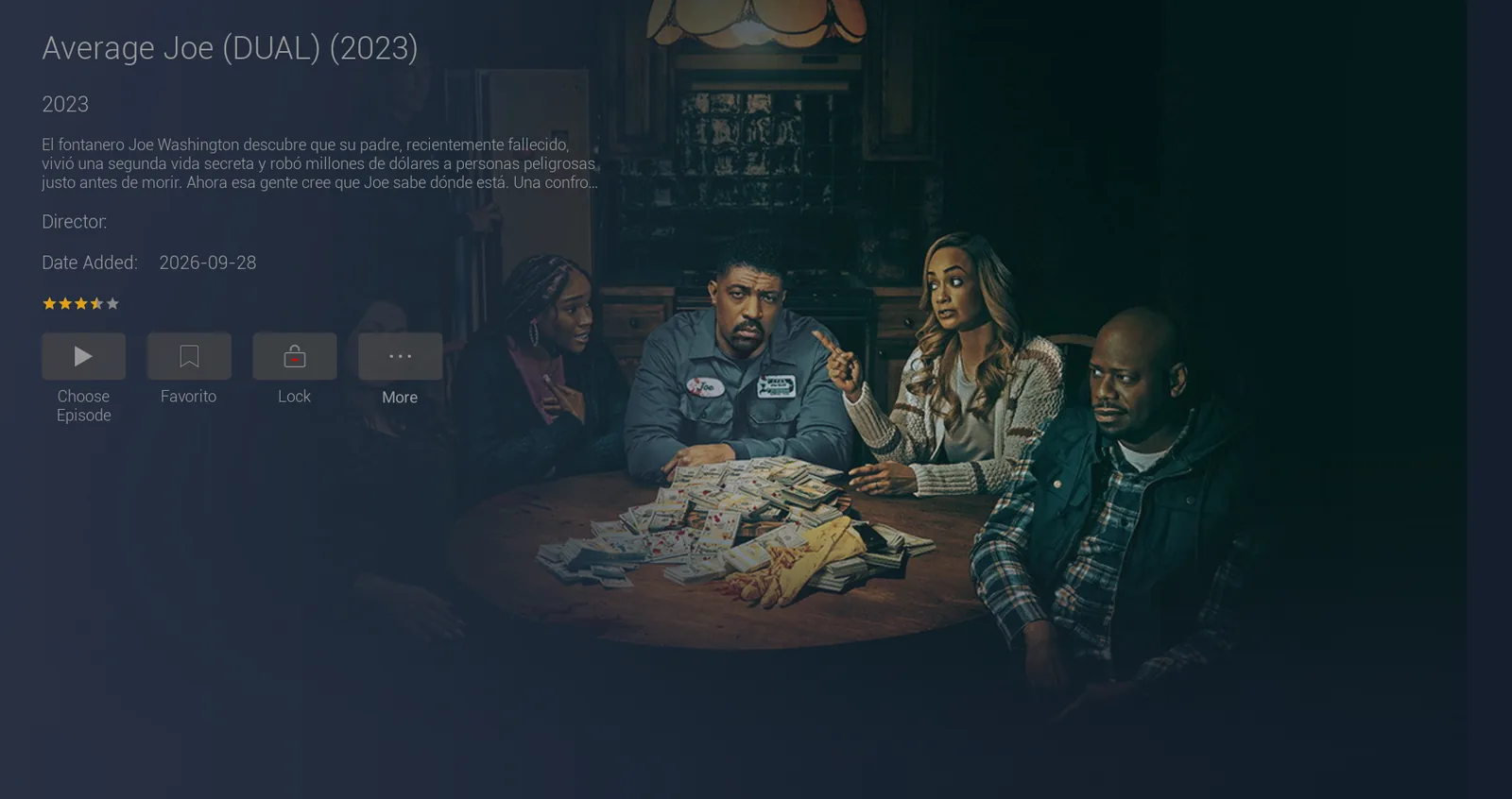
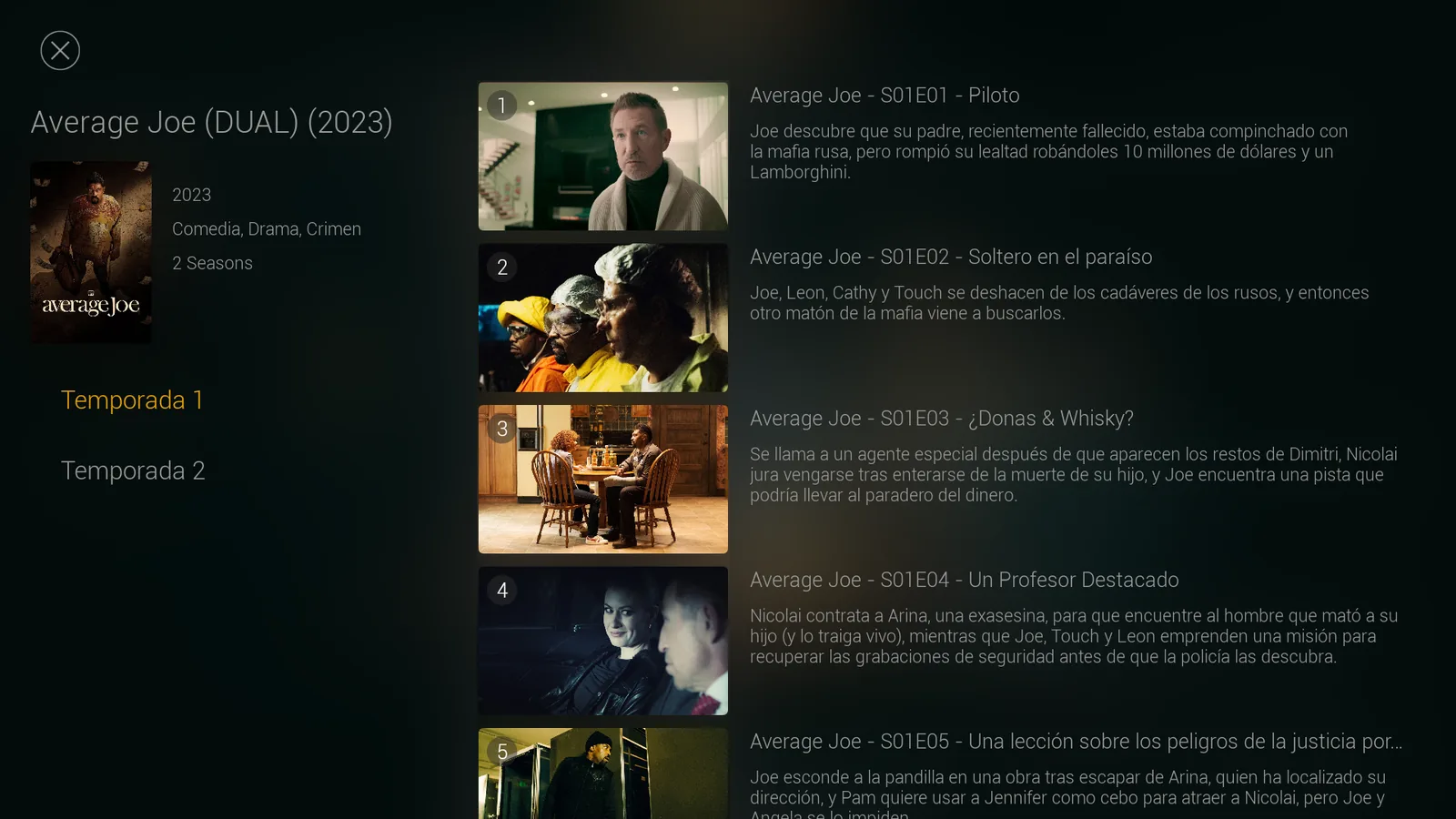
The series page shows the director, the date added and the rating. The Choose Episode button opens the season picker. Seasons are listed on the left; on the right, numbered episodes appear with a thumbnail, a title and a synopsis.
Movies and series also include a search button.
Sign-in with servers from your panel
Viewers sign in with their Xtream Codes account: a name to identify the playlist, the username and the password. The server is not typed by hand. It is picked from the Service field, which lists the DNS entries loaded in your panel. If you change servers later, you update the panel and the app picks it up from there, with no new APK to distribute.
What you manage from the panel
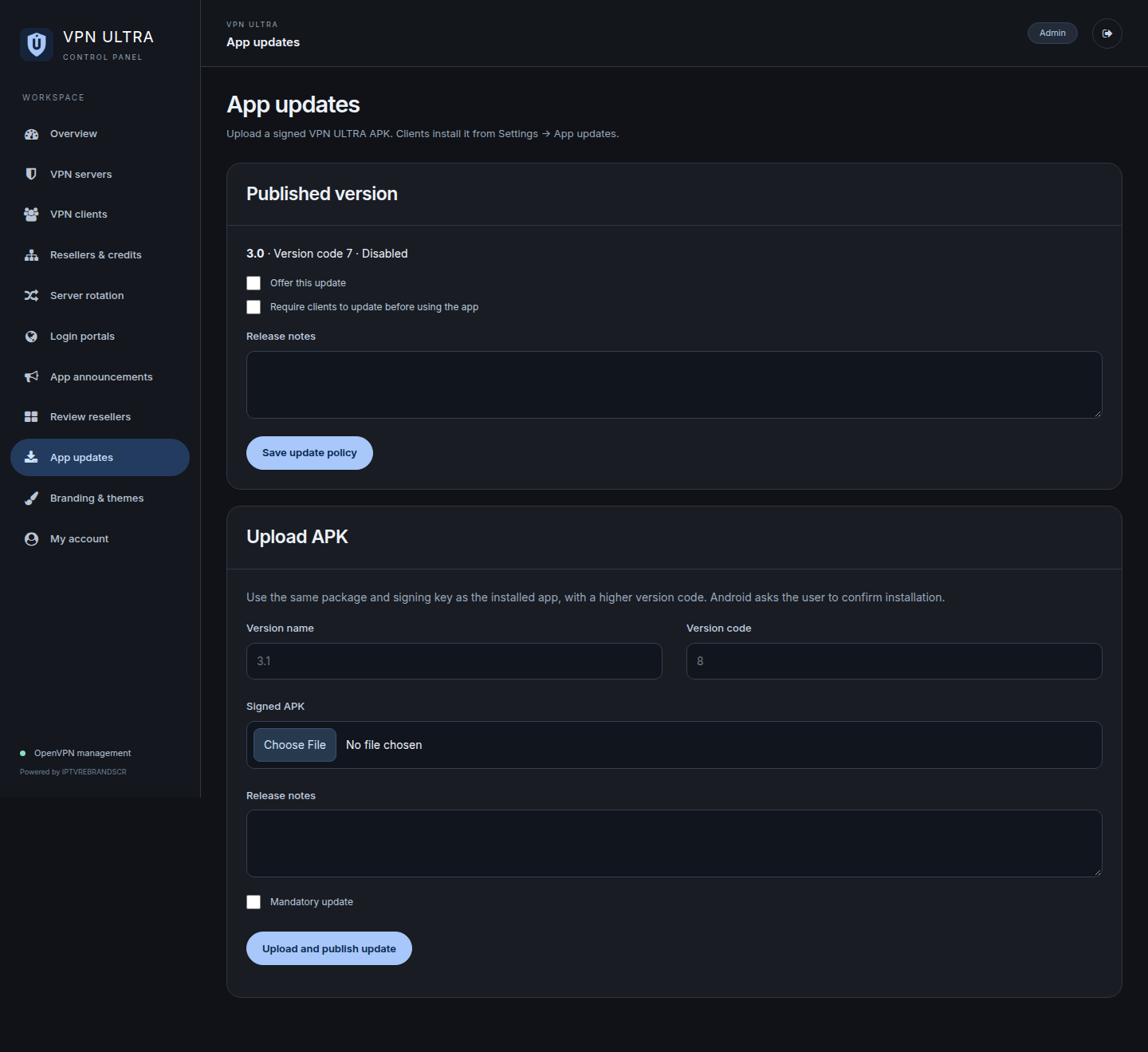
The web panel runs on PHP and SQLite, with no MySQL required. DNS Settings is where you add, edit and delete servers; each one has a title and a URL, and that title is what viewers see in the app. Update credentials changes the admin username and password. The panel also includes sections for uploading a background image and an intro video.
Your brand in the app
With the rebrand, the app carries your name, your logo and your icon, plus the banner shown by the Android TV launcher. It also gets its own package name, so it can be installed next to other apps without replacing them. The app stays connected to your panel, and the content is delivered by your Xtream server.
You can see more screenshots on the MY PLAY TV page](/en/app/my-play-tv-57). To order your branded version, contact [IPTVREBRANDSCR.