The TeleLatino ULTRA panel: activations, lists, VPN and themes
What you can manage from TeleLatino ULTRA's web panel without shipping another APK: devices, DNS, lists, VPN, notices and the app's look.
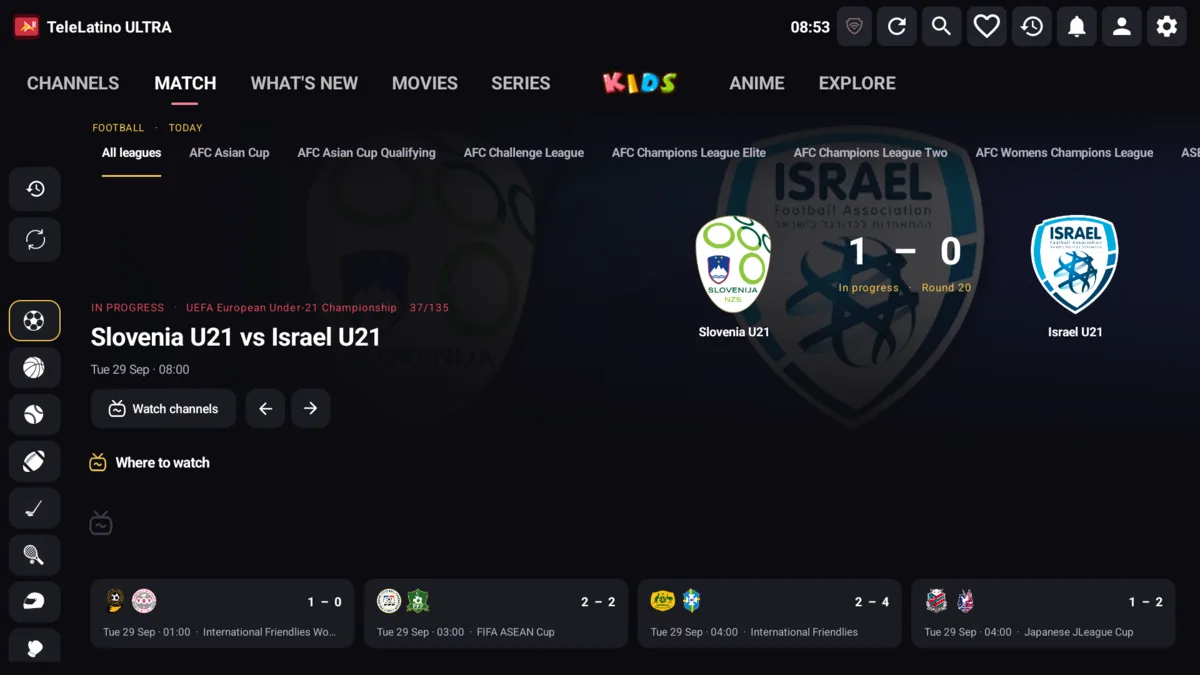
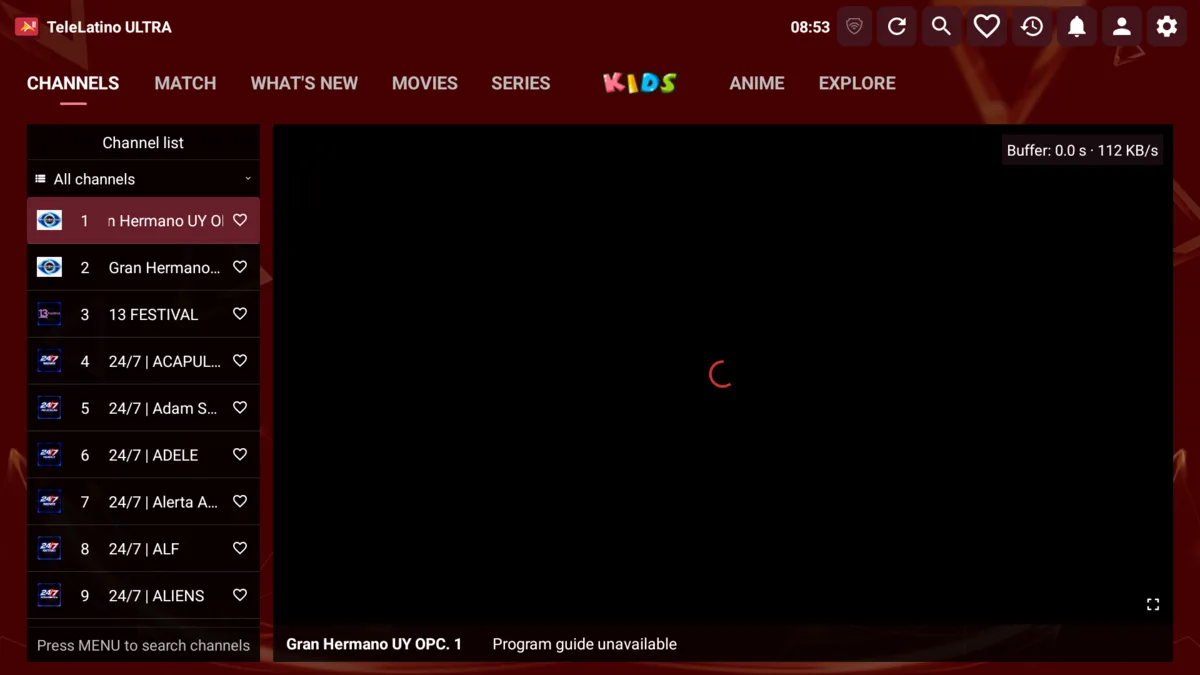
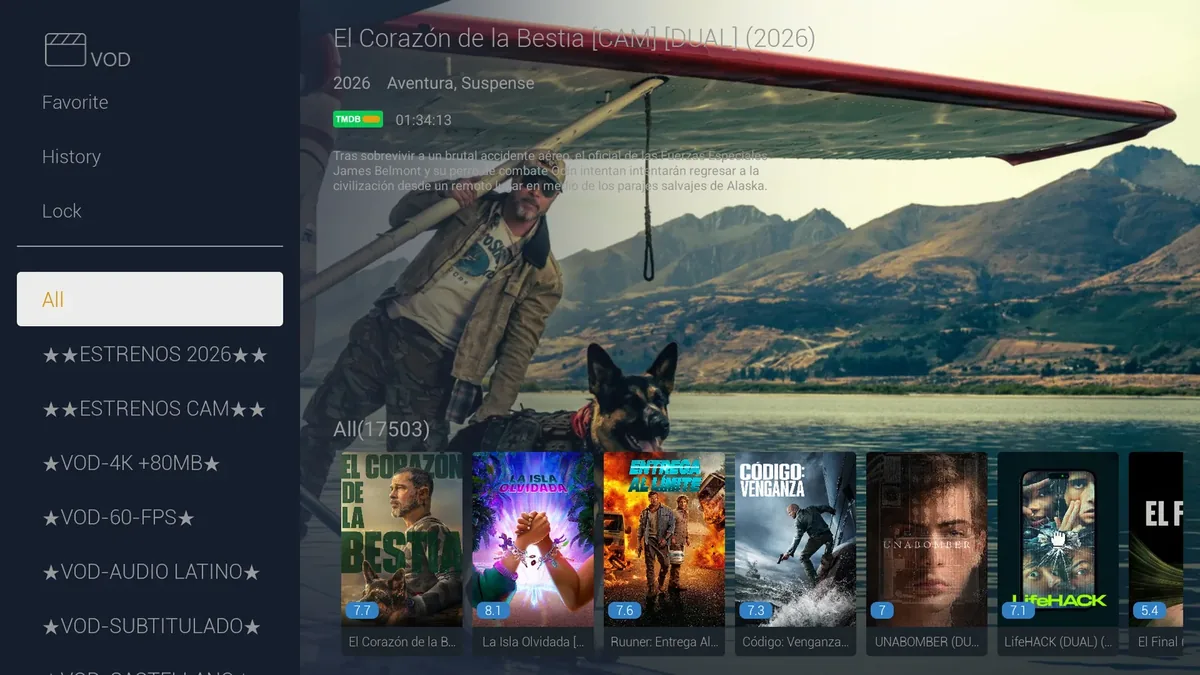
TeleLatino ULTRA comes with its own web panel. The idea is simple: almost everything that changes in the day-to-day of a service is adjusted from the panel, and the app picks it up without installing a new version.
Activate devices by MAC or username
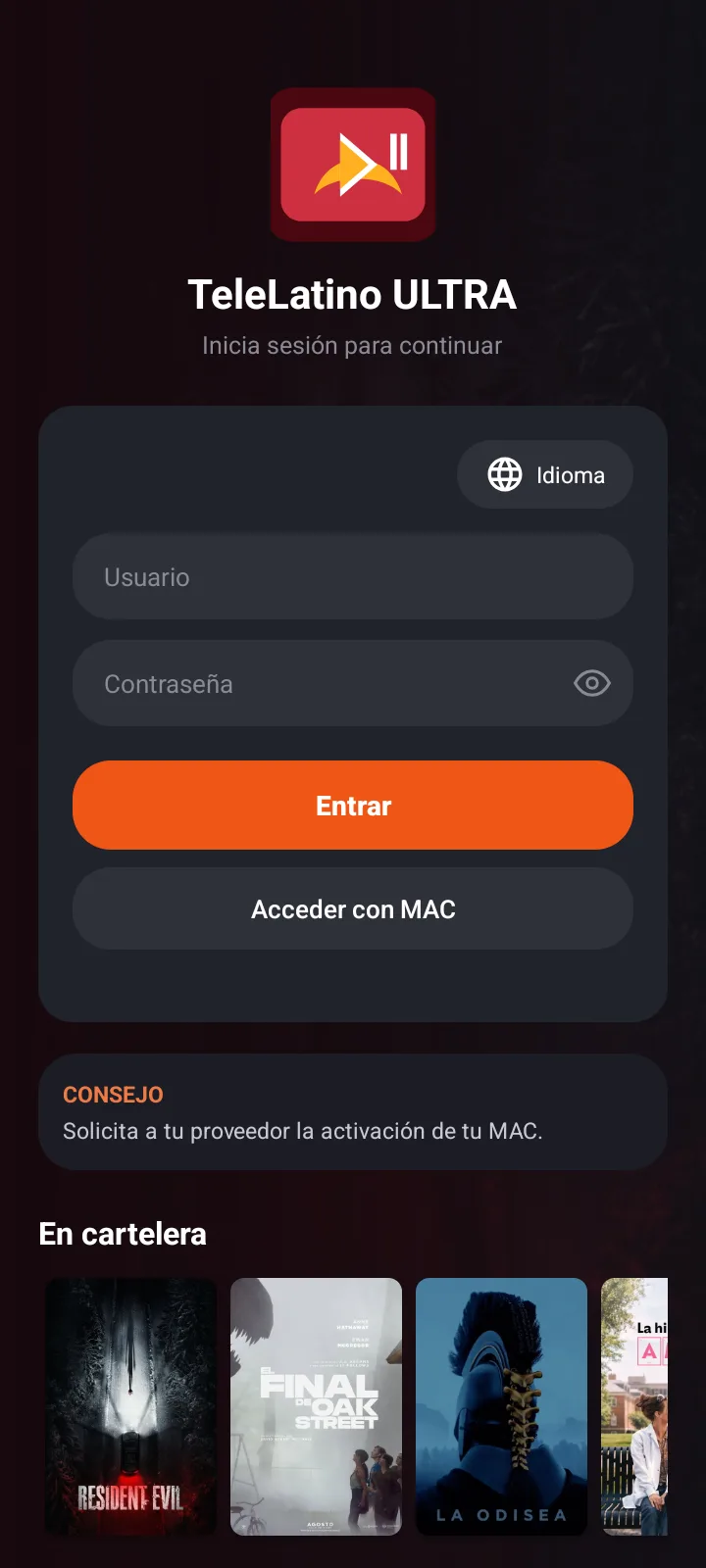
Customers can sign in with a username and password, or request access with their device's MAC. When requesting access by MAC, the app asks for a name so you know who it is. In the panel you activate or renew that device with its expiry date, and the app signs in on its own as soon as it is active.
The device list shows the expiry date, whether the device is online, whether its VPN is connected and whether it is using the TV or the mobile interface.
DNS, lists and EPG
- Global DNS with failover: if a server does not respond, the app tries the next one.
- Bulk DNS replace: swap an old server for a new one across every device and list.
- Multiple lists per device (Xtream, M3U or video links). If a device has several Xtream accounts, the app merges them without duplicating titles.
- External EPGs per device and category ordering without the panel downloading the lists.
OpenVPN
You upload `.ovpn` profiles with their credentials, and the panel validates the file before saving it. Each device can have an assigned profile and auto-connect. The app fetches profiles with a temporary token, and the tunnel only affects TeleLatino ULTRA.
Look and feel: 10 themes and colors
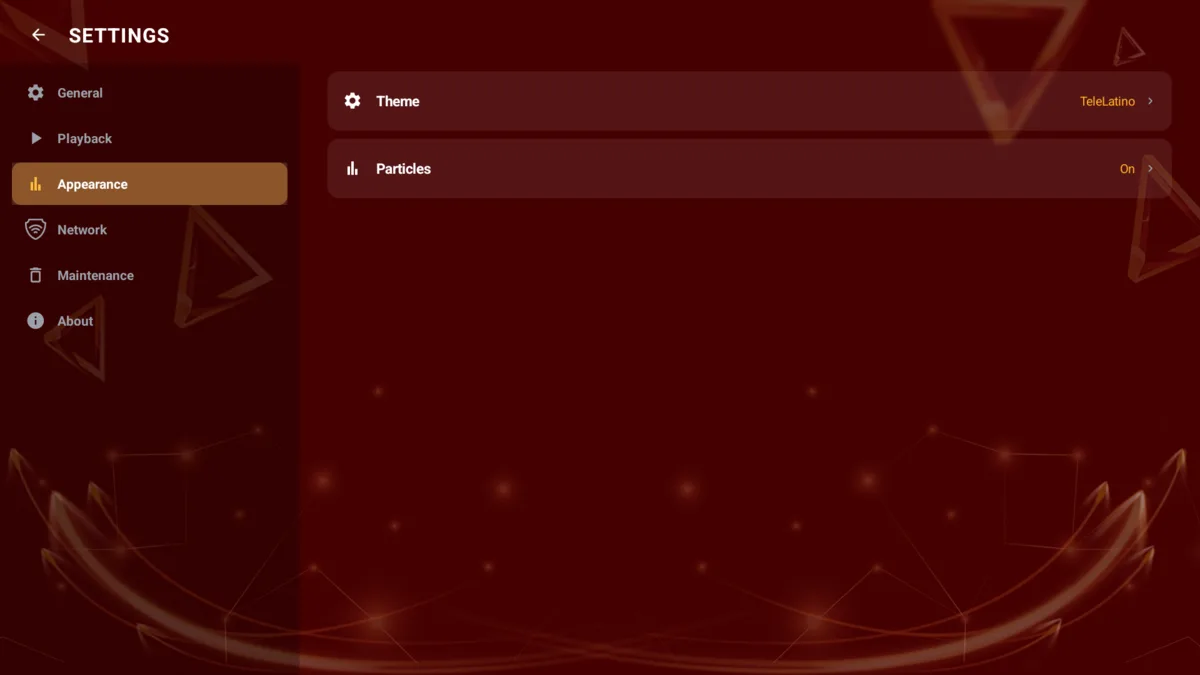
The panel includes 10 themes (TeleLatino, Christmas, Halloween, Space, Beach, Football, Neon, Gold luxury, Ocean and Midnight), with particles and animated decorations. You can choose a different theme for TV and mobile, change the colors, build a full theme with a gradient or background image, and force it on every device or on a single one.
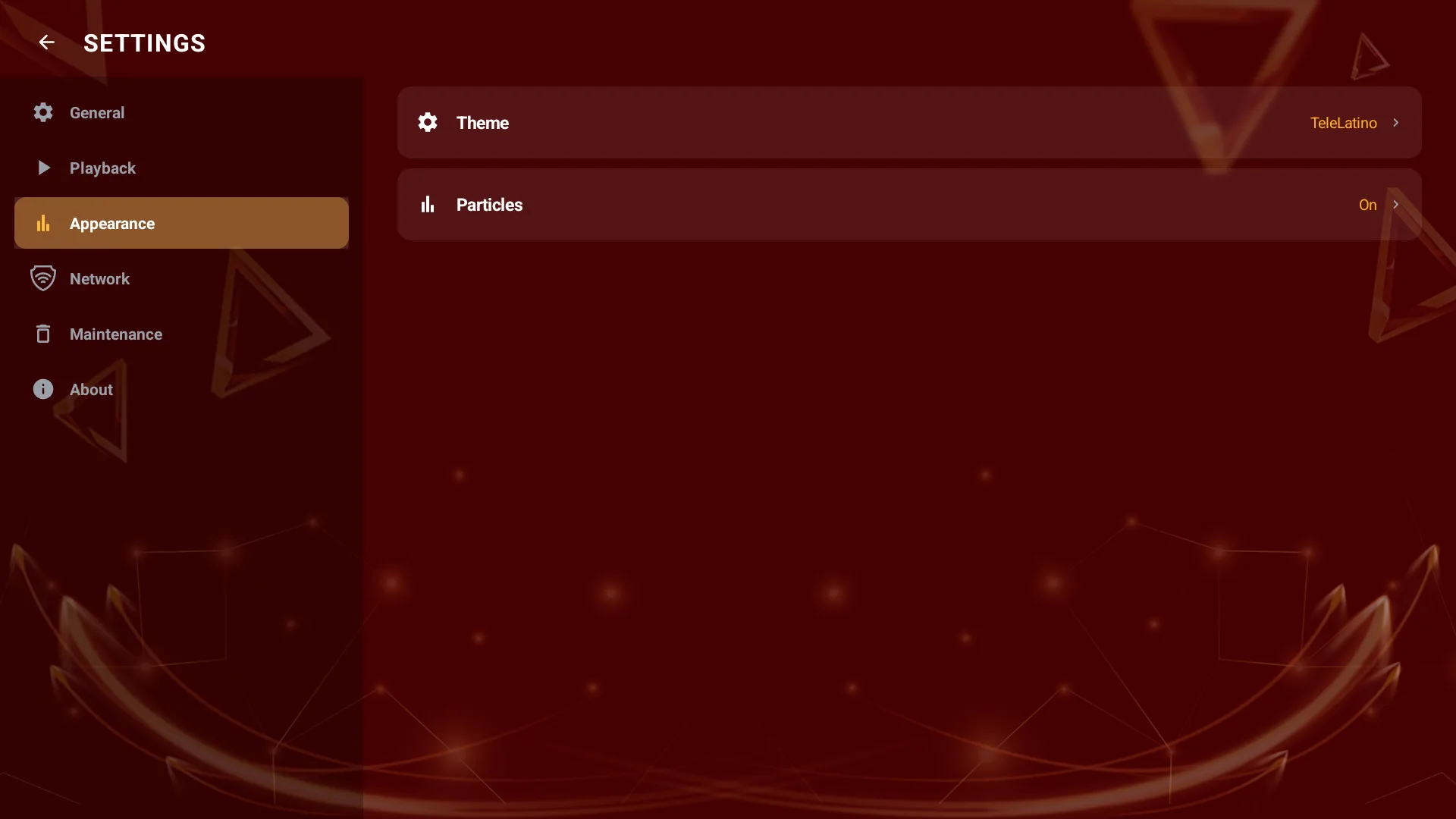
You also decide which sections appear on the home screen, the commercial name, the logo, the background, the loading-screen style and whether buffer information is shown.
Notices and support
A global notice appears in the app with a badge in the top bar. The support page shows your WhatsApp with a direct button and a QR code.
Panel security
Admin access has CSRF protection, a failed-attempt limit, an idle timeout and the database blocked from direct download. The panel is available in English, Spanish and Portuguese.
See the full app on the TeleLatino ULTRA page.