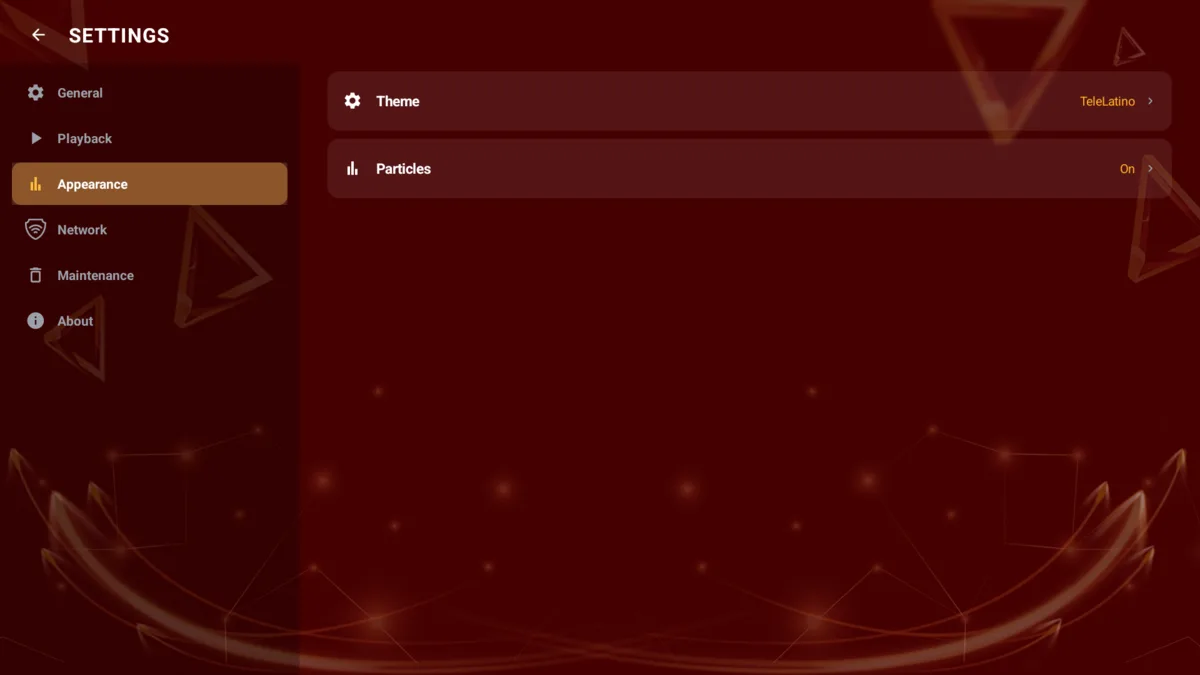
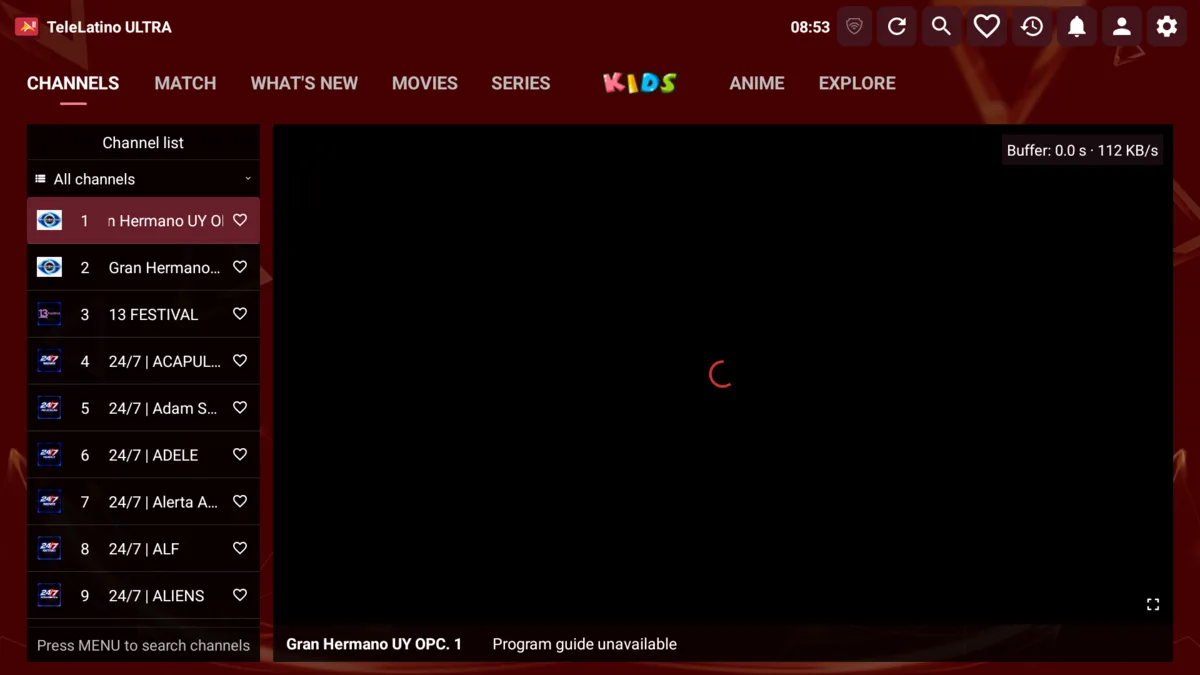
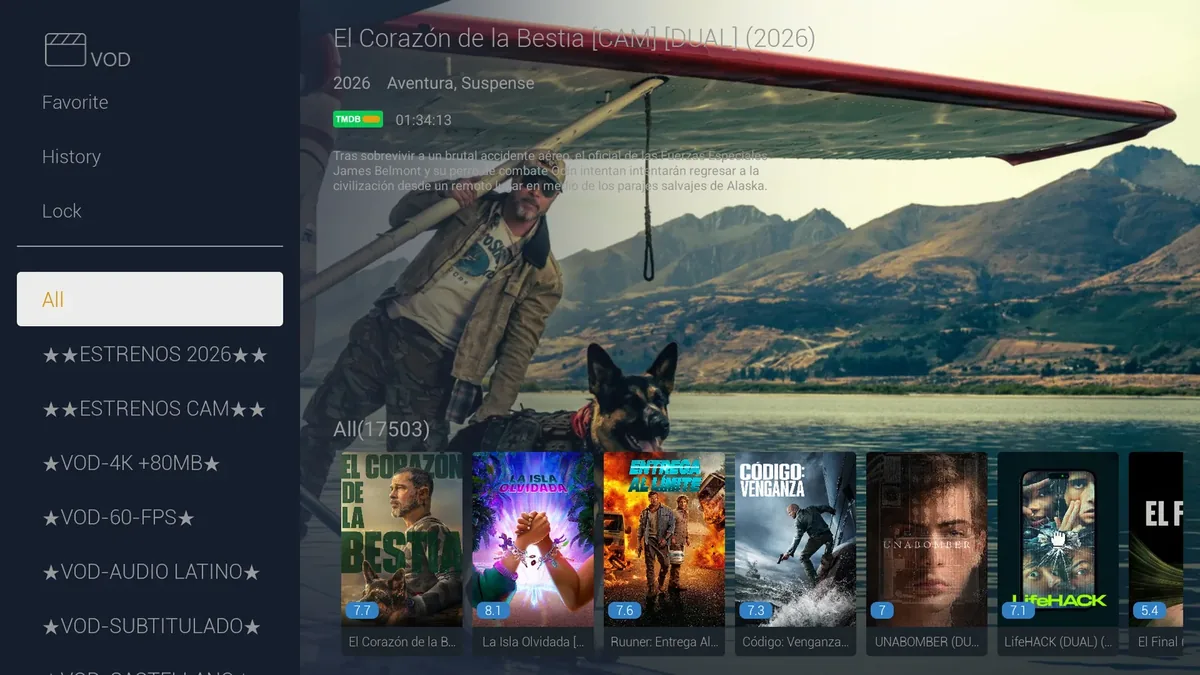
MATCH in TeleLatino ULTRA: from the match to the channel
TeleLatino ULTRA's MATCH section shows the sports schedule and searches your own channel list for the channel carrying each match.
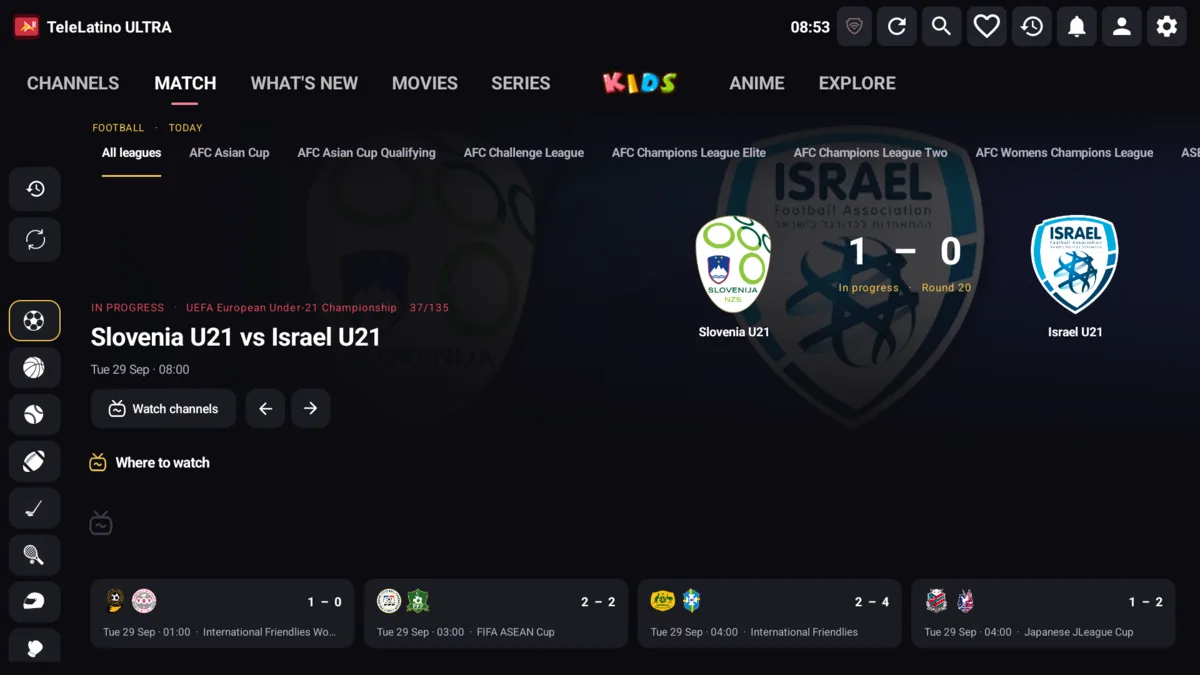
One of the most common questions from an IPTV customer is "which channel is showing the match?". The MATCH section of TeleLatino ULTRA is built to answer it inside the app.
Schedule by sport, league and date
MATCH shows matches from 36 sports. On TV there is a sports rail, a day picker (from yesterday to 13 days ahead), league tabs and a large scoreboard with crests, score or "VS" and match status. On mobile, the schedule has a 7-day strip and two views: All or grouped by League.
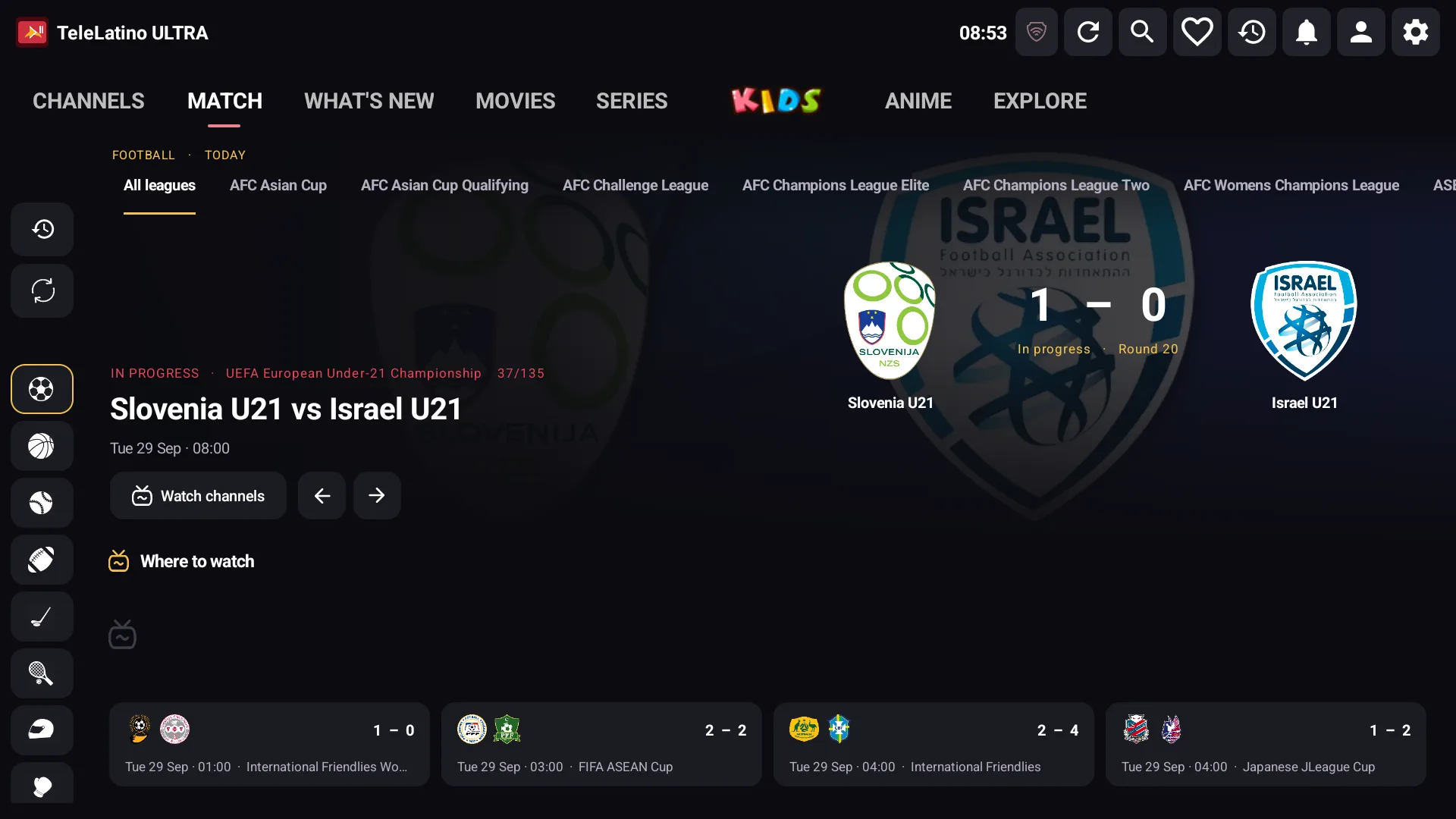
Data comes from TheSportsDB, and the schedule refreshes on its own while it is open.
Where to watch each match
When a match is selected, the app looks up which broadcasters carry it and compares them with the channels in the customer's list. Matching channels appear under Where to watch this match and open in fullscreen with one tap.
To be clear about the scope: the result depends on the broadcaster information available and on each provider's channel names. A match points to that broadcaster's channel; it does not guarantee the event is airing at that moment.
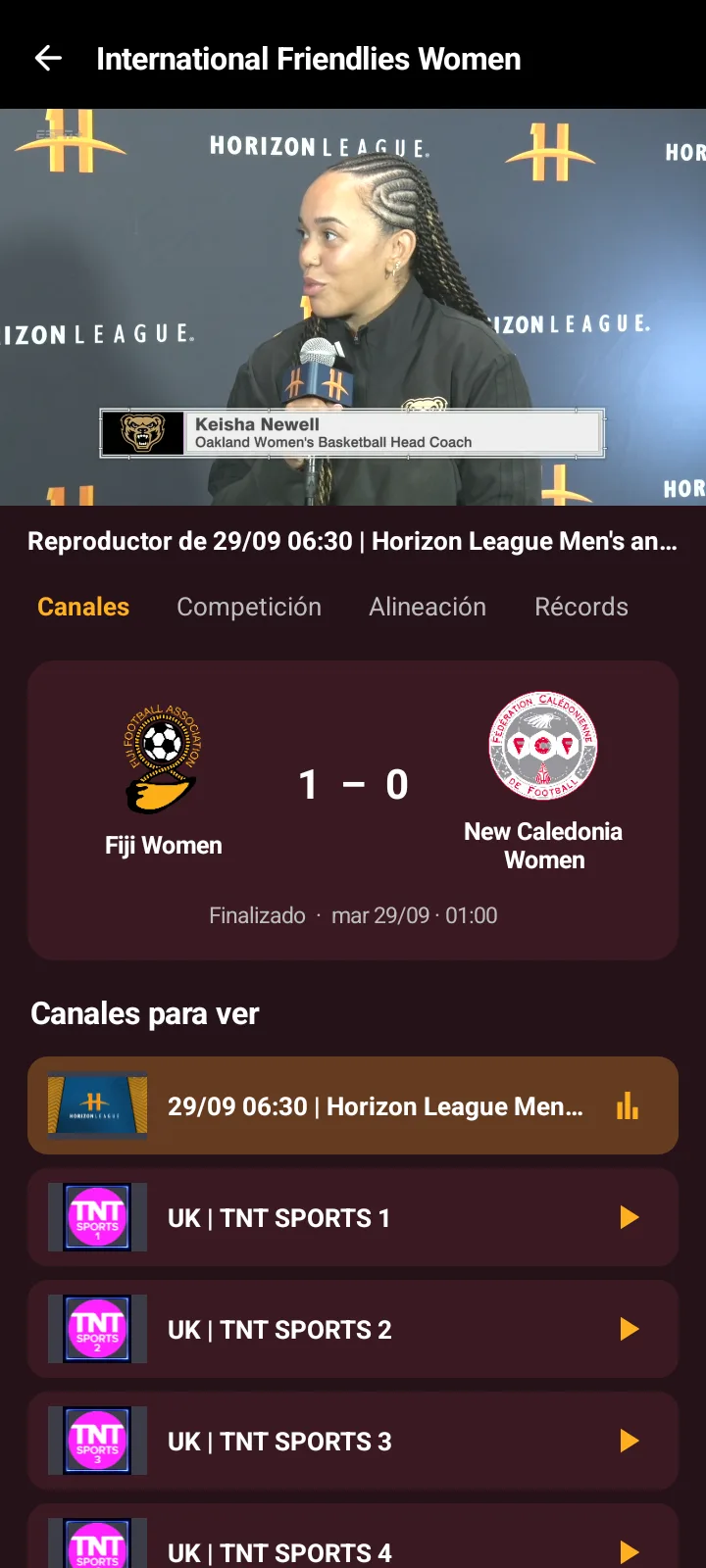
Match detail on mobile
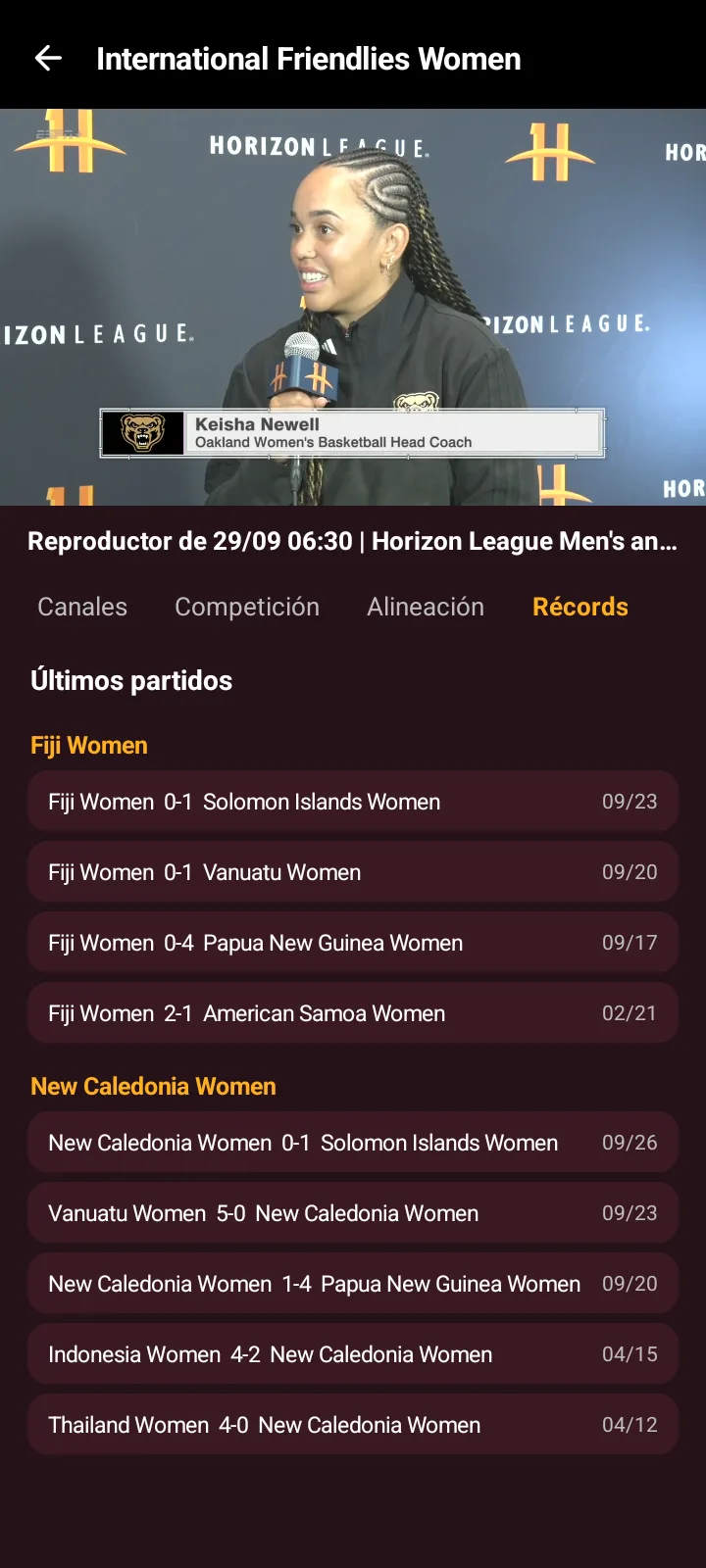
On the phone, the match detail has a built-in player and four tabs: Channels, Competition (timeline with goals, cards and substitutions), Lineup (starters and substitutes) and Records (each team's latest results). When a piece of data does not exist yet, the app says so instead of showing an empty screen.
What you set from the panel
From the panel you define the order of sports and leagues, and the TheSportsDB key stays stored on the server. On the mobile home screen, matches have their own row that leads to the full schedule.
See every feature on the TeleLatino ULTRA page.