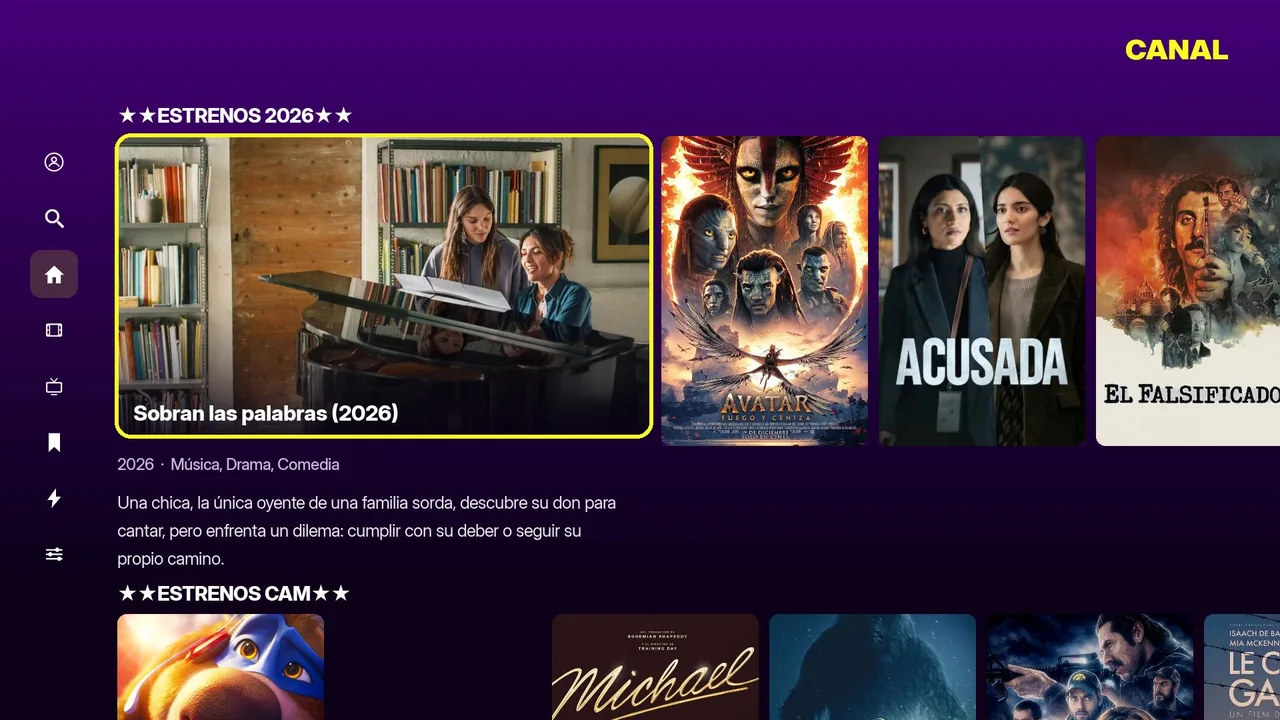
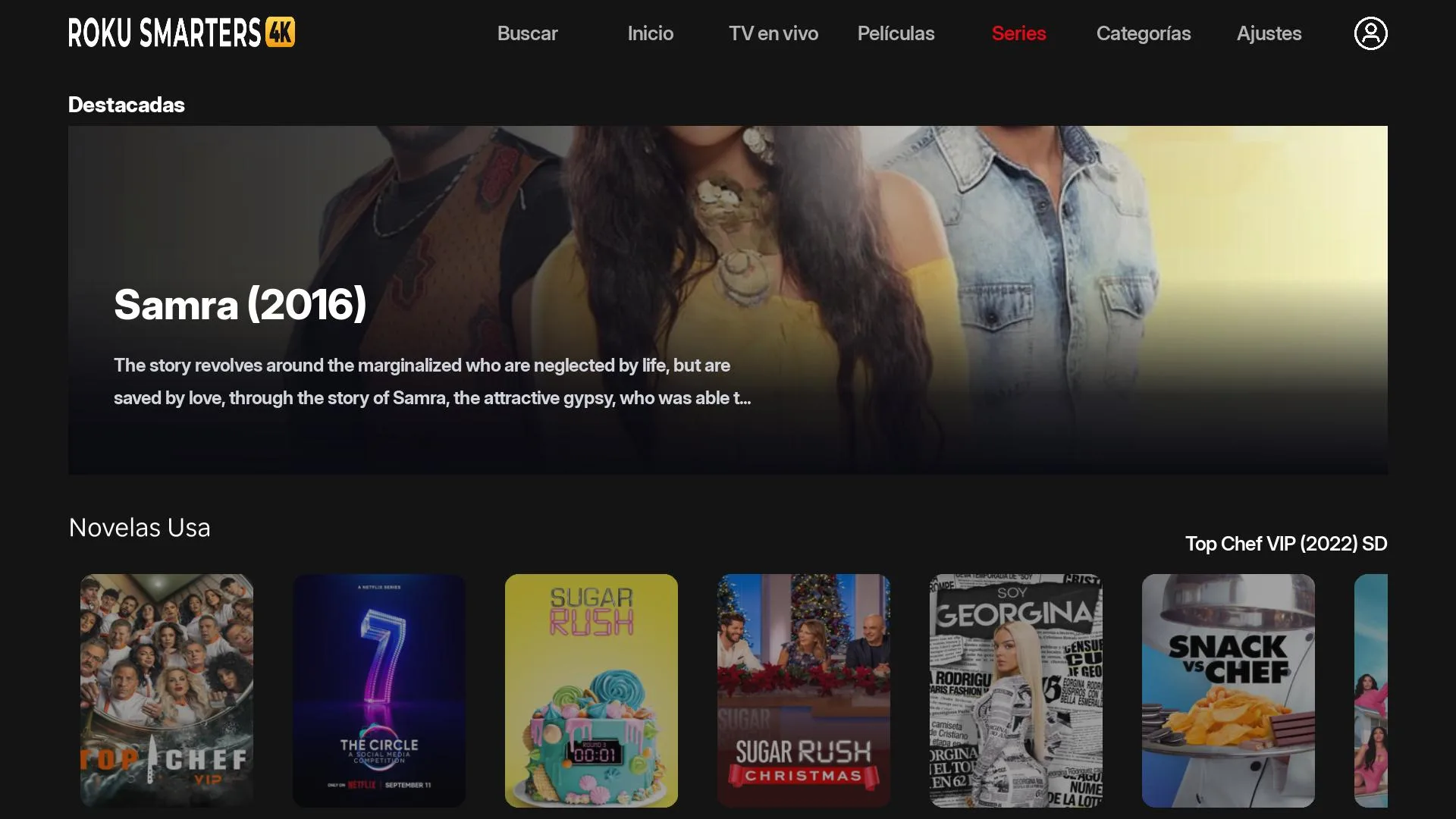
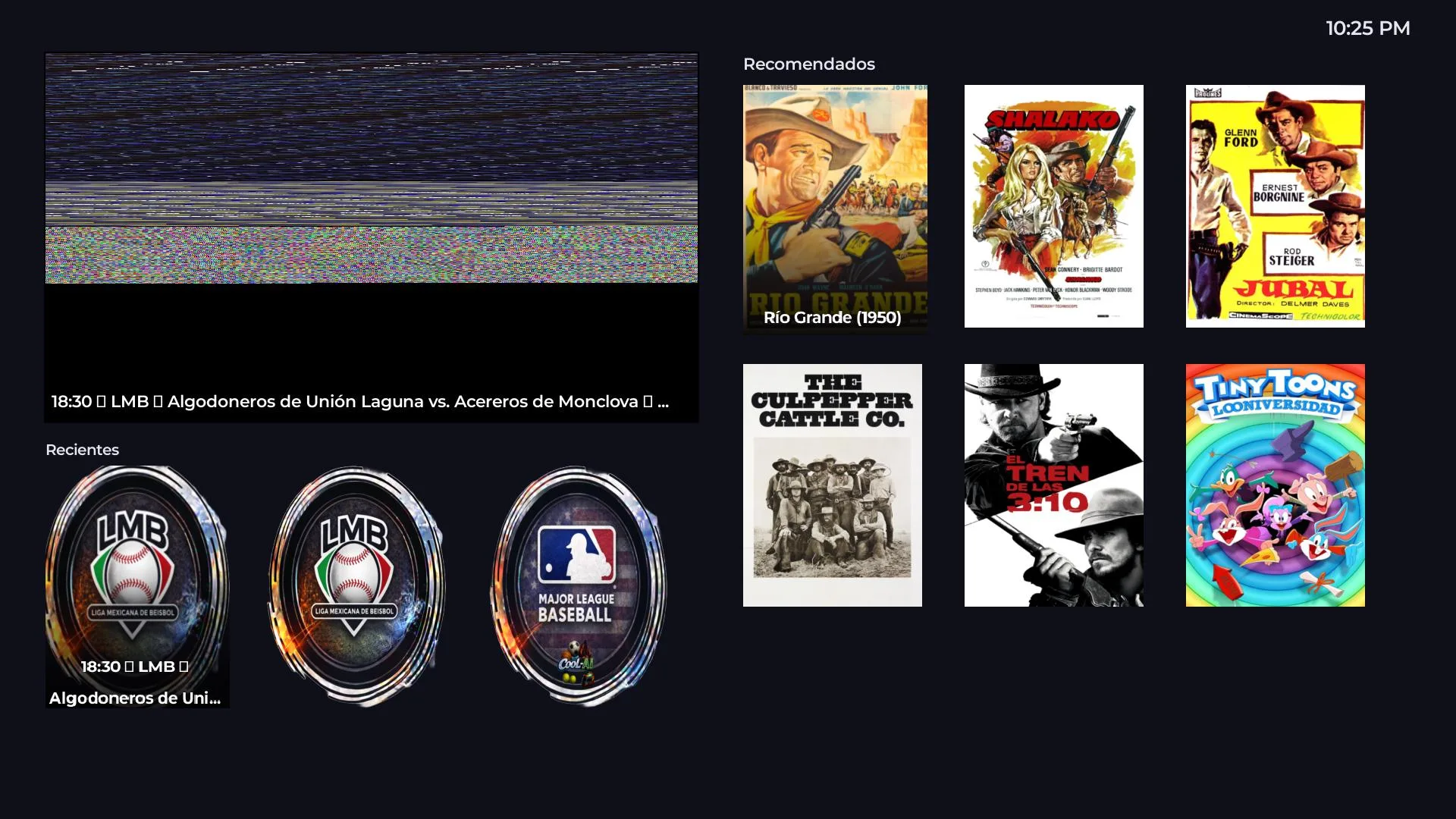
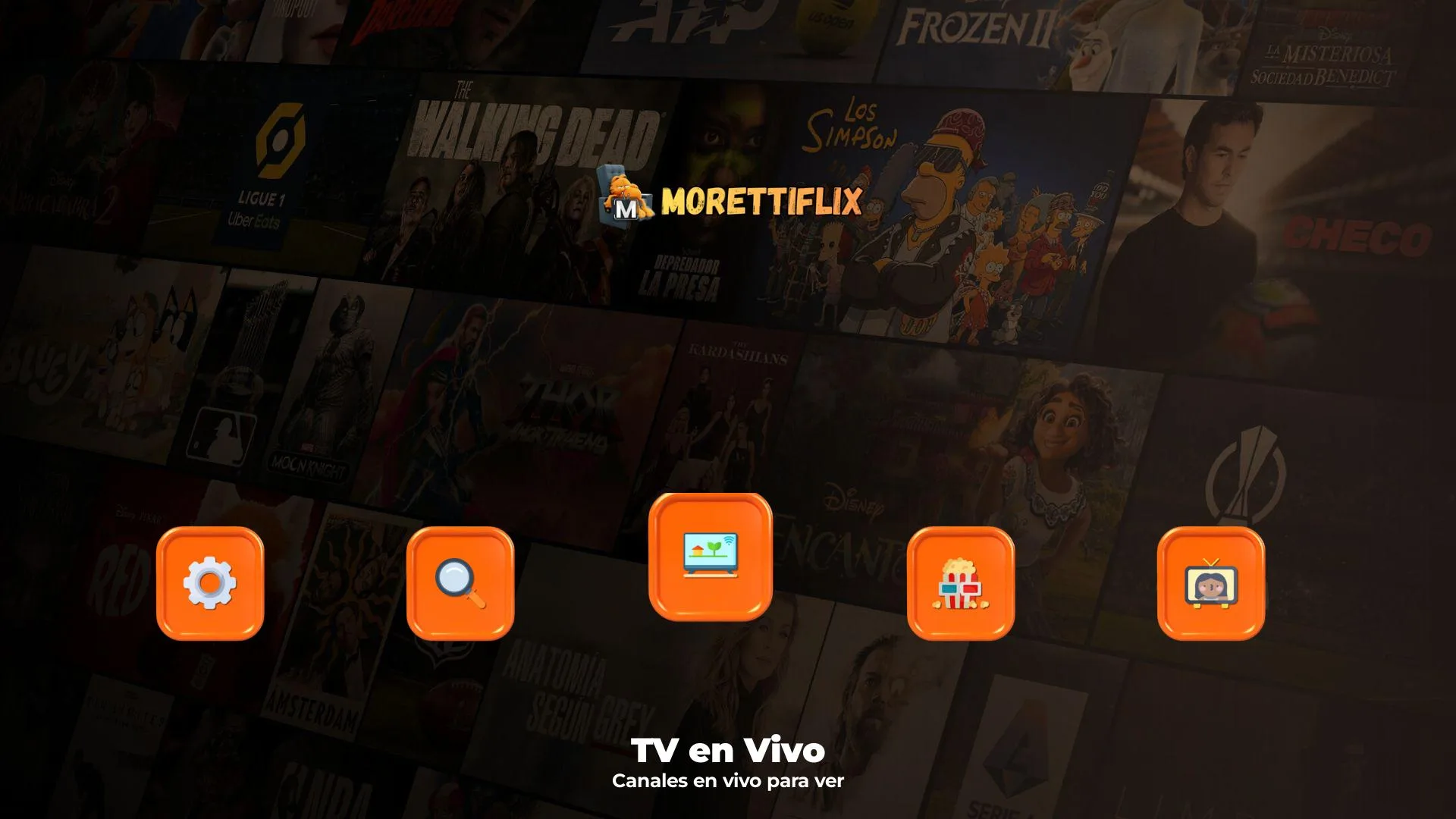
How long until Thunder Player shows up in the Roku Channel Store?
The branded rebrand takes 72 business hours. After that, the official Roku review takes an additional 5–10 business days (managed by Roku, not us). If Roku requests adjustments, we make them and resubmit in 1–2 days.
Does my customer need to enable Developer Mode on their Roku?
No. Thunder Player ships through the official Roku Channel Store under your brand. The customer searches for it by name, hits "Add channel" and they are in — same experience as any other app like Netflix or HBO.
How does the 6-character activation code work?
The customer opens the app for the first time and sees a large code like RNFJSL on screen. They share it with you. In your admin panel the same code appears automatically with status pending. You assign server + credentials, click Activate, and their Roku jumps straight into the home screen. Validity: 2 minutes.
Can I have multiple customers on the same IPTV account?
Yes, but be careful. Thunder Player allows multiple linked accounts per device (multiple lists on the same Roku). If you share an account between different customers, you may see crossed activity — use the Force logout button to kick them off if needed.
What happens if a customer stops paying?
You suspend them from the panel and the app closes itself in less than 5 minutes — no need to talk to the customer. When they pay again, you reactivate them with one click and they keep their lists, favorites and progress.
Does Thunder Player work on every Roku model?
Yes, on Roku 3.x or higher — Roku Express, Stick, Stick+, Ultra and Roku TVs. Tested on hardware from 2017 onwards. Older hardware (Roku 2 or earlier) may have performance limitations.
Can I change the logo and colors after the first rebrand?
Yes. Logo, login logo and background can be changed from the admin panel without resubmitting to Roku — your customers see the changes on next launch. The package name and channel name DO require resubmission to the Roku Channel Store.
What does the USD 300 include?
Branded rebrand (logo, login logo, background), submission to the official Roku review process, admin panel on your domain (manage clients, accounts, servers, stats), TMDB integration, 7-day EPG, initial server setup with failover, and support throughout the entire official review.