Your first rebrand app: how to pick it with 5 real examples from the catalog
If you are about to order your first rebrand, you do not have to guess. Here are 5 typical client profiles and the catalog app that fits each one best, with direct links.
When you order your first rebrand, the common trap is picking "the cheapest one" or "the one my reseller buddy uses." Both strategies fail. The right approach is to choose based on the device and profile of your main customer.
Here are 5 typical profiles with the exact catalog recommendation:
Profile 1: Non-technical mom / dad on a Samsung Smart TV
- Device: Samsung Smart TV from 2019 onward.
- Usage: mostly soap operas and news.
- What they need: simple app, automatic login, no complicated menus.
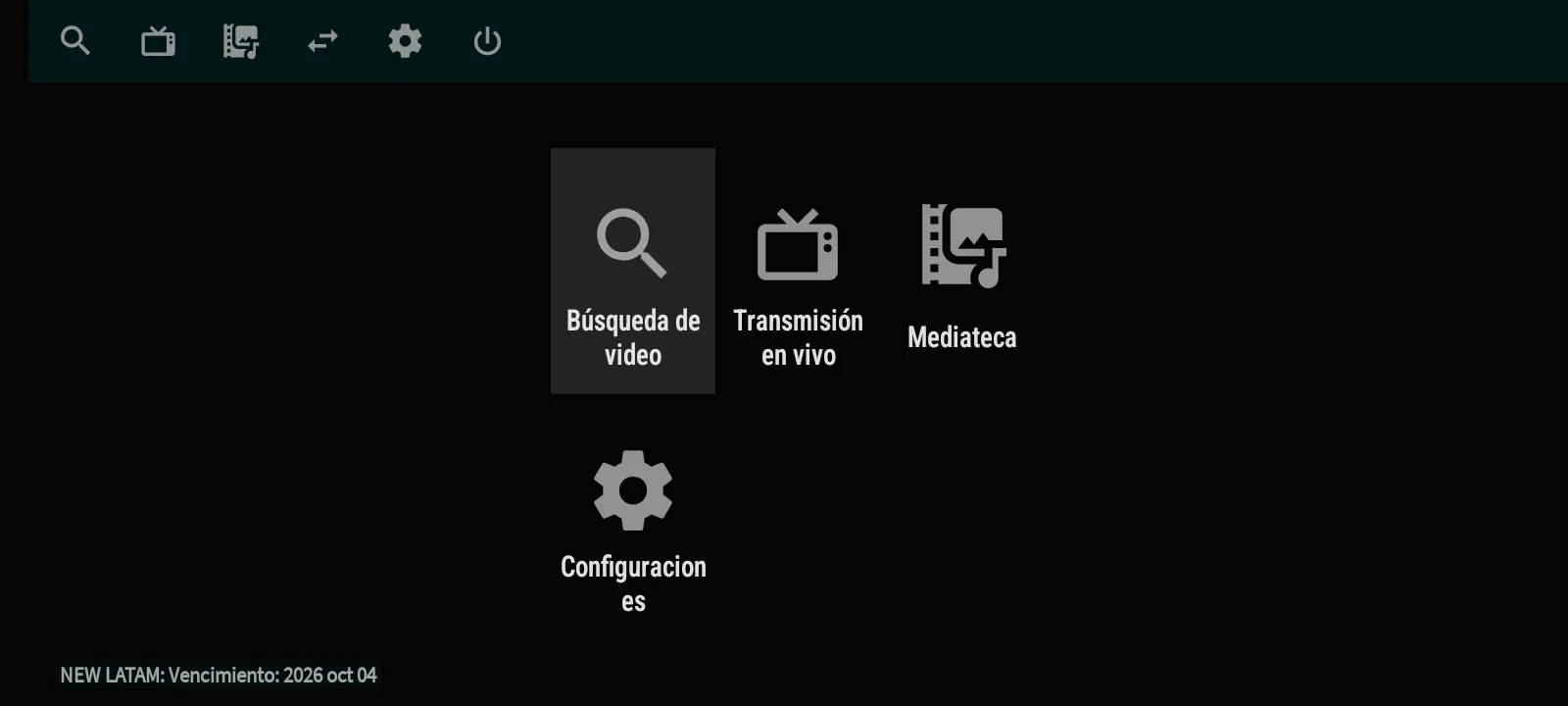
- Recommendation: IBO 4.3. It is the most stable option on Samsung Smart TV and the UI is straightforward. Multi-DNS in case a server goes down.
Profile 2: Wholesale reseller with a huge VOD catalog
- Device: customers on assorted Android TVs.
- Usage: movies, series, VOD content.
- What they need: HD posters, detail page, premium look.
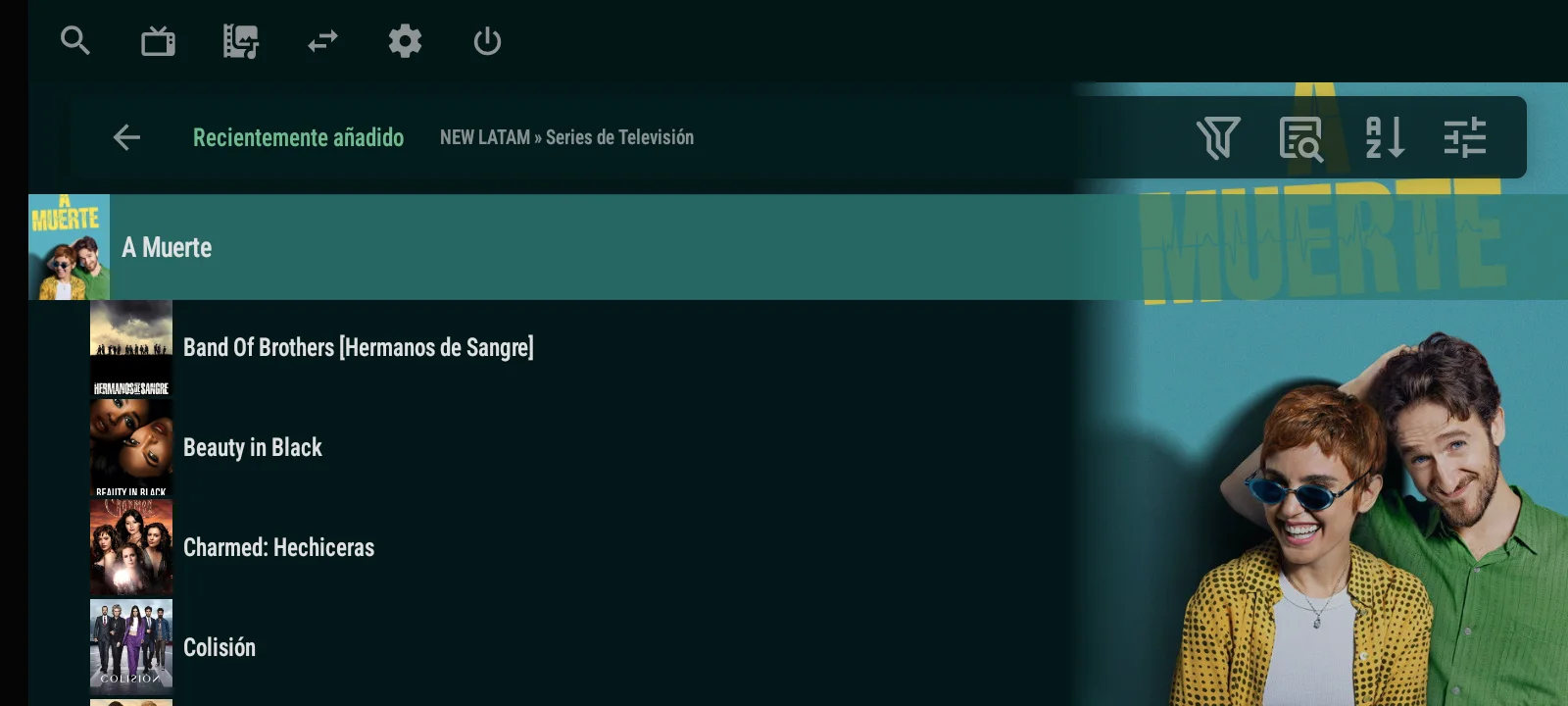
- Recommendation: Smarter Netflix. Netflix-style interface, TMDB posters, detail page per movie. Your customer with a heavy VOD catalog will notice.
Profile 3: Customer who only watches sports and live TV
- Device: Android TV, lots of channel surfing.
- Usage: soccer, F1, live novelas.
- What they need: well-rendered EPG, fast channel switching, multi-view.
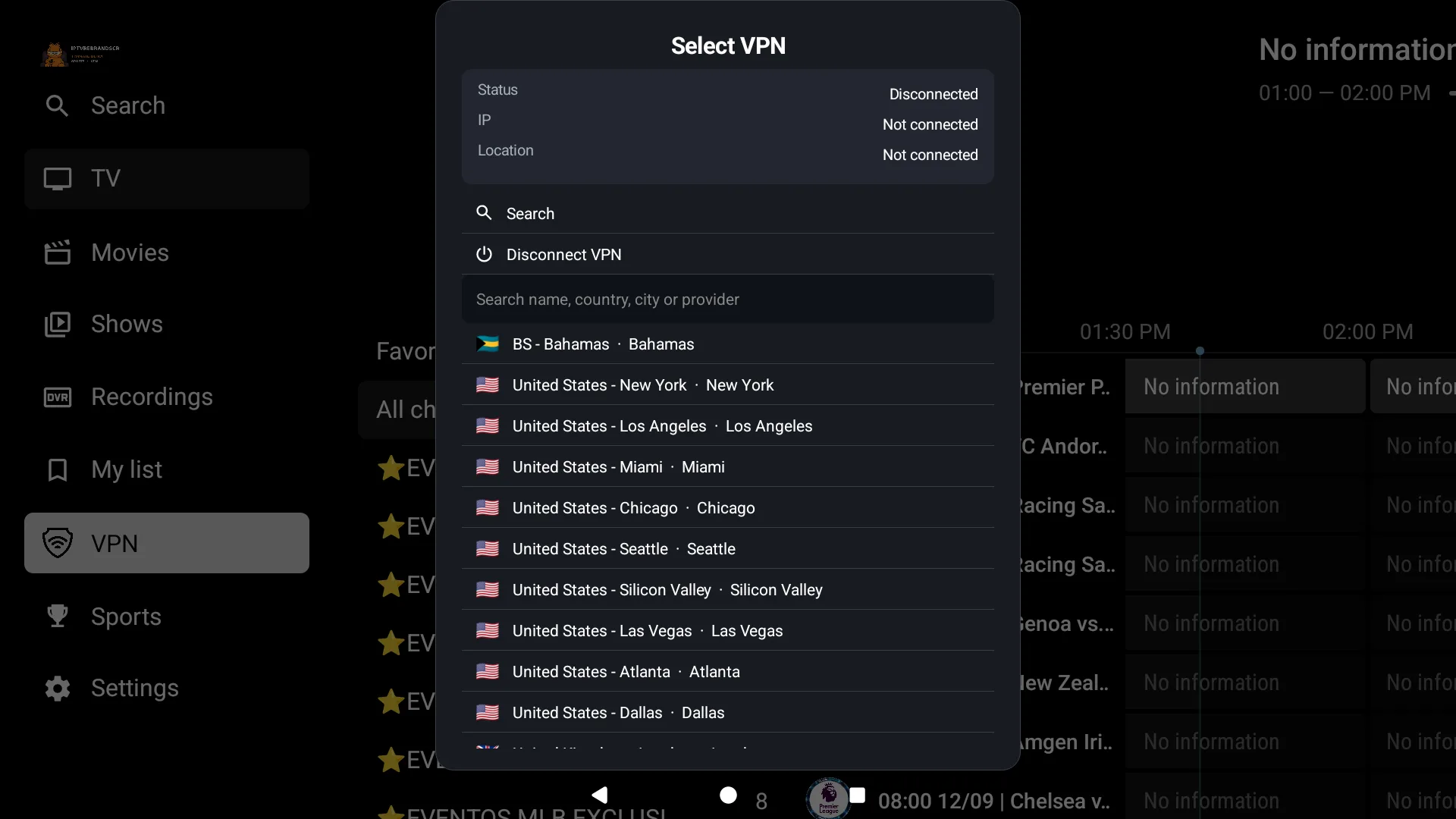
- Recommendation: Wave TV or XCIPTV 910. Both optimized for live TV with snappy UX.
Profile 4: Younger customer who wants a Netflix look
- Device: Roku, remote always in hand.
- Usage: movies and series, rotating hero, Netflix vibe.
- What they need: premium visual experience, no technical stuff.
- Recommendation: Thunder Player. Official Roku Channel Store, dynamic hero with TMDB, login with a 6-character code. The premium pick in the catalog.
Profile 5: Reseller with technical / multi-list customers
- Device: Android TV / Box.
- Usage: several IPTV lists on the same device, switching between providers.
- What they need: support for M3U + Xtream + Stalker, add lists without reinstalling.
- Recommendation: 9XTREAM. The most versatile in the catalog, native multi-protocol.
Your first purchase: the safe bet
If you know nothing about your future customers and just want to get started:
- For Android TV: Smarter V4.03. Covers 80% of cases without surprises.
- For Samsung/LG Smart TV: IBO 4.3.
- For Roku: Thunder Player.
Those 3 rebrands cover virtually any residential IPTV market in the USA, Canada and LATAM. Later, once you know your customers better, you add specific variants from the full catalog.
Before requesting the rebrand
Have ready:
- Logo transparent in high resolution (PNG/SVG).
- Final brand name (you will not change it later without paying for another rebrand).
- Primary color (hex code, e.g. `#E50914`).
- Your IPTV server URL and credentials (to configure the app).
Without those four items, any serious developer will ask you to wait before starting. It is not red tape — it is making sure the rebrand comes out right the first time.