OTT Navigator with a private service panel: what the $65 package includes
A practical look at the branded OTT Navigator package: a ready-to-install Android APK, a private web panel and simple service management without rebuilding the app.
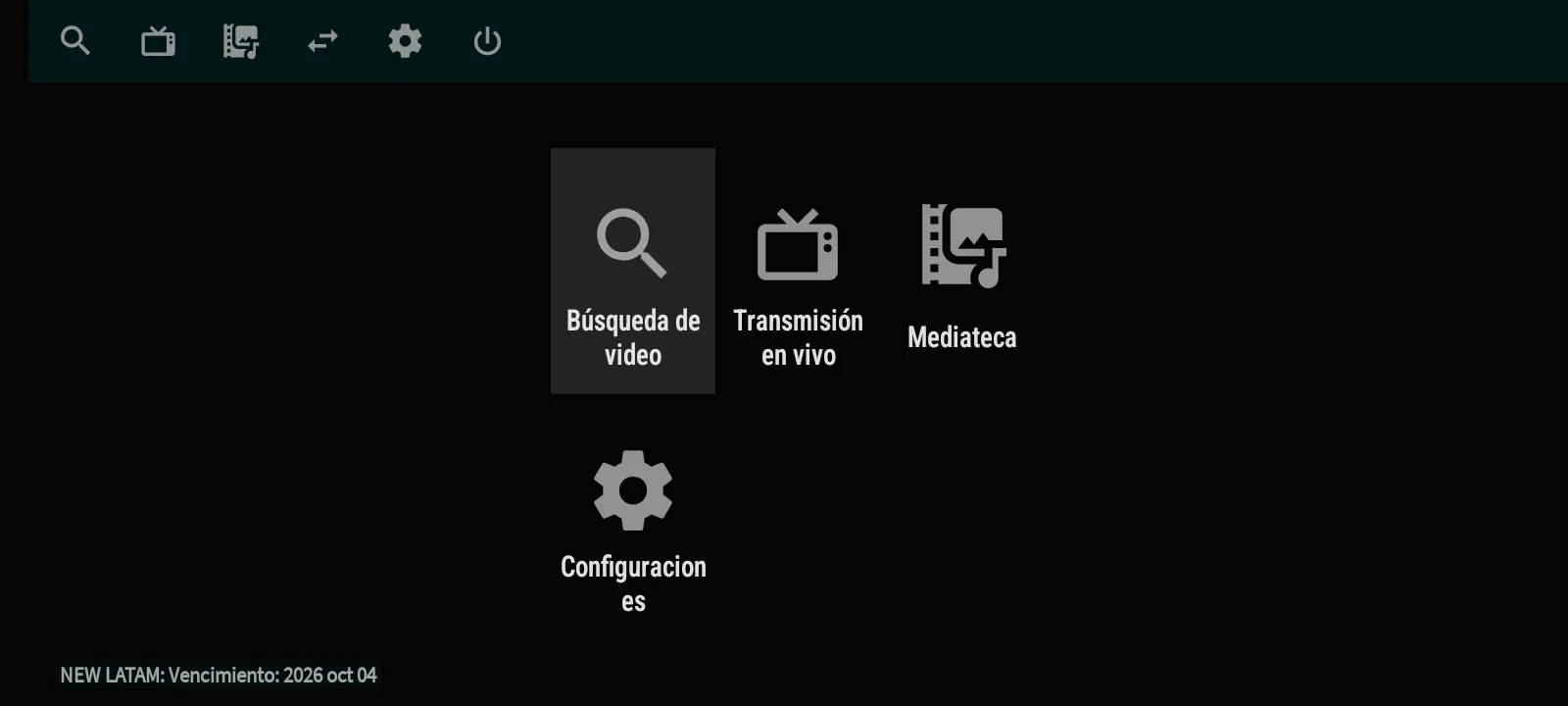
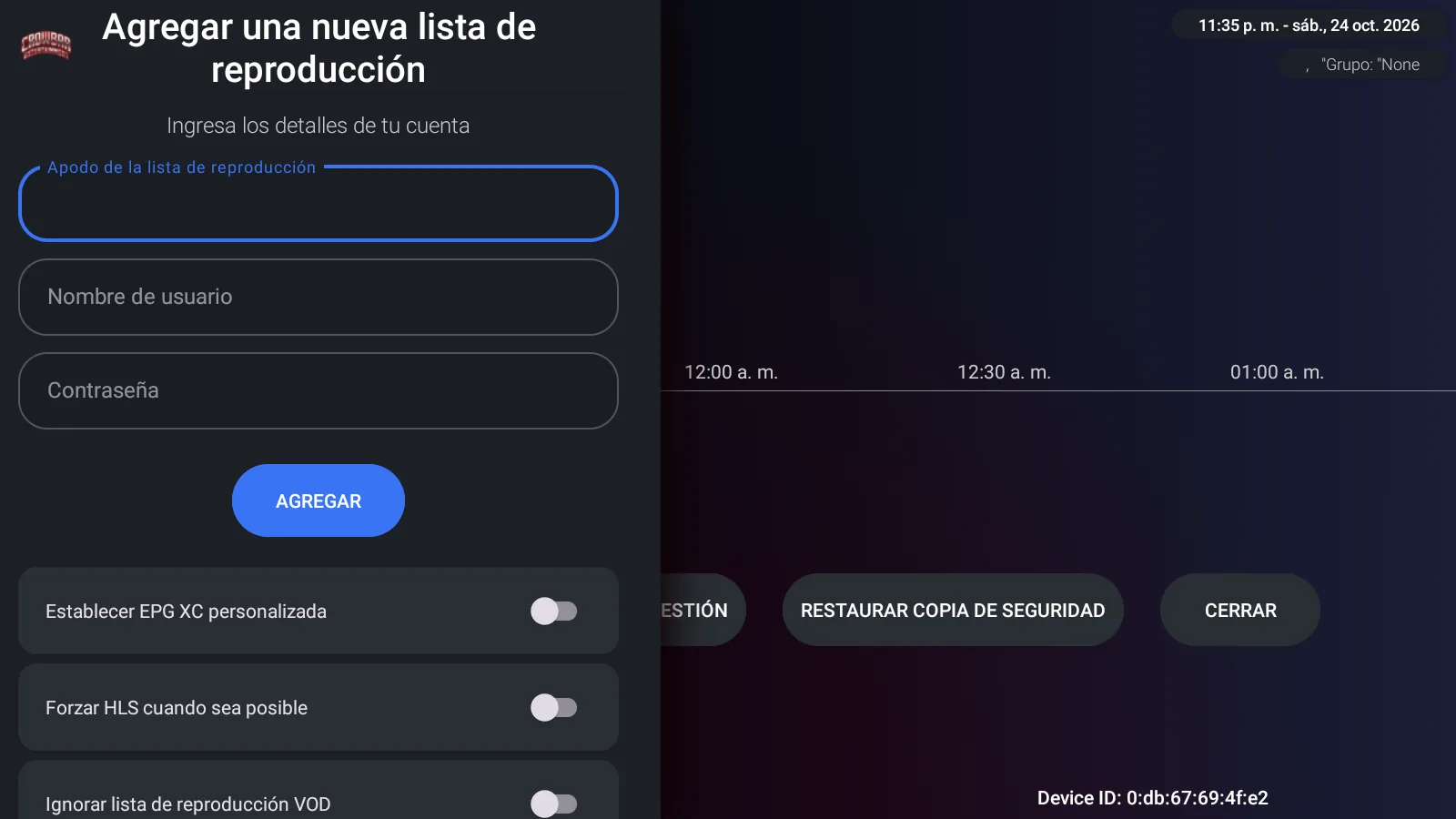
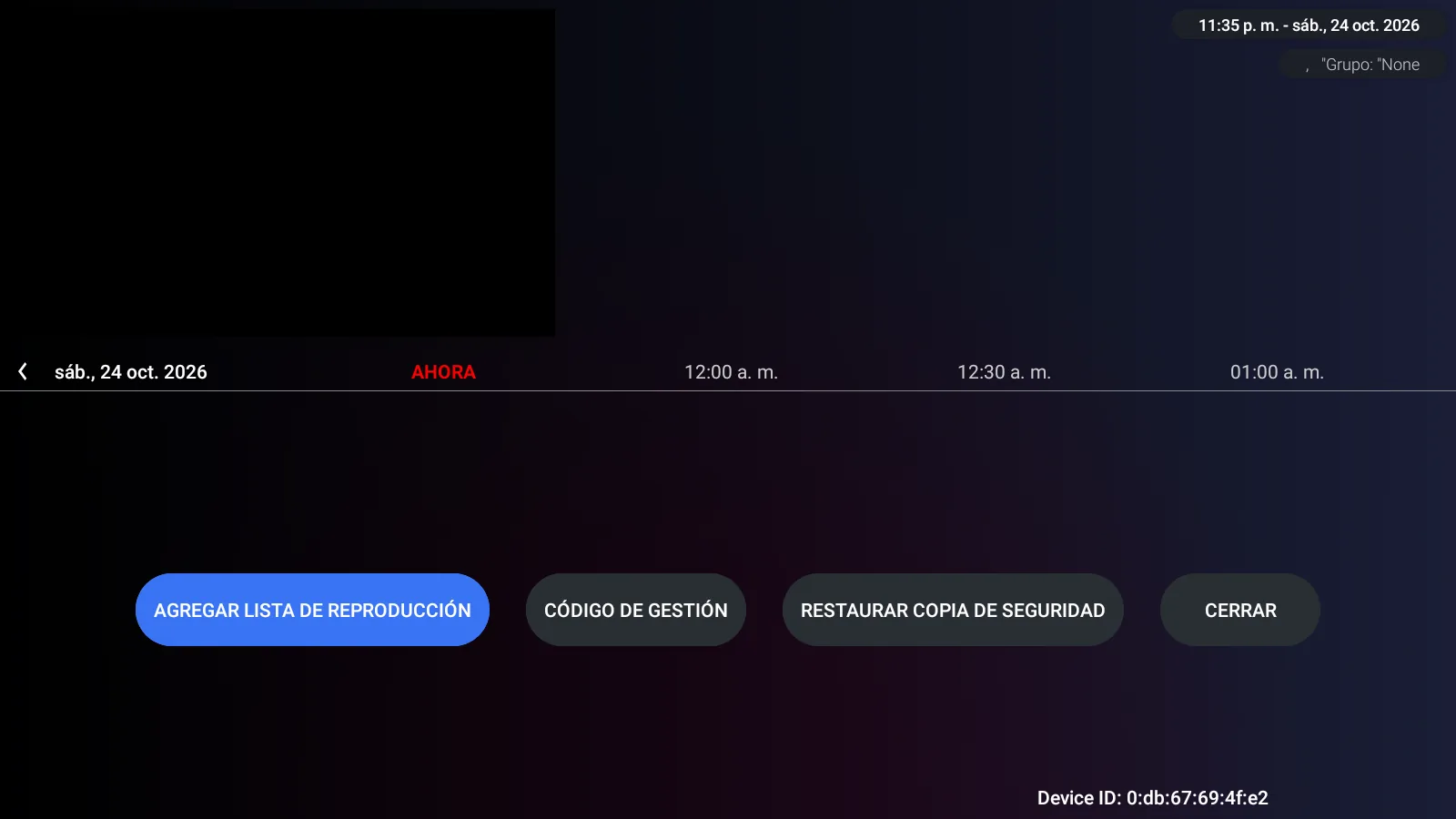
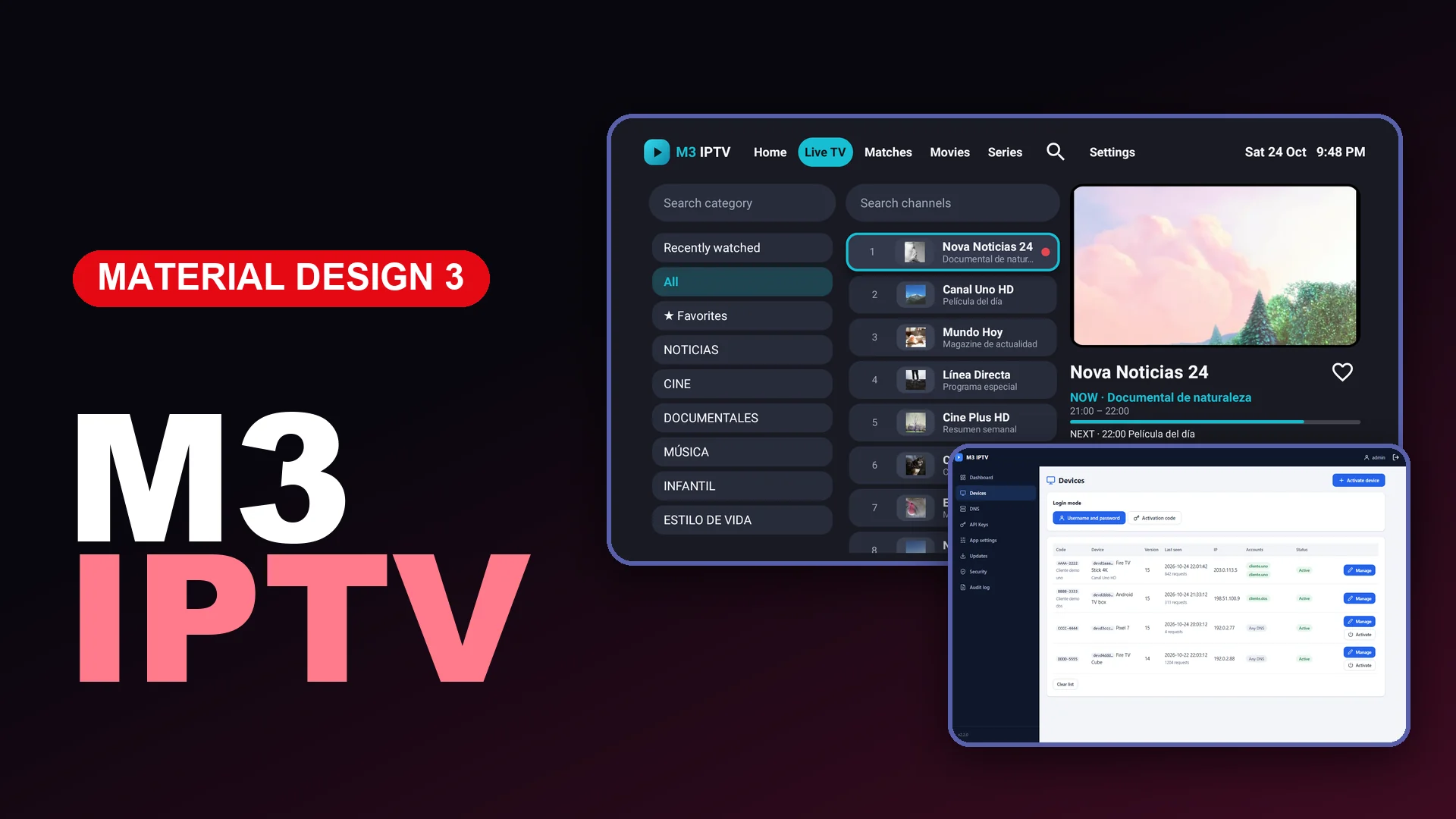
OTT Navigator is a strong base for an Android TV service app because its interface is compact, remote-friendly and focused on the features viewers actually use. Our $65 OTT Navigator package combines that player with a private web panel so the operator can manage service access without editing the APK every time a server changes.\n\n\n\n## What is delivered\n\nThe package includes a branded Android APK and its matching web panel. The APK is ready to install, while the panel provides the controls needed for day-to-day service management. Branding, package details and the panel connection are prepared as one deployment.\n\nThe media service itself is not included. The customer connects a service they are authorized to use. That distinction matters: this is a player and management package, not a subscription or a content bundle.\n\n## What the panel controls\n\nThe Services page is intentionally simple. An administrator can add a service, edit its connection details, pause it temporarily or remove it. Changes are made from the browser and become available to the connected app without producing a new Android build for every routine update.\n\nTechnical implementation details are kept out of the interface. The panel presents clear labels and actions instead of exposing internal routes, storage details or developer terminology. That makes it suitable for an operator who needs to maintain a product, not debug software.\n\n## A separate security page\n\nAdministrator credentials do not belong on the Services screen. This panel uses a dedicated Security page for changing the admin username and password. Keeping account security separate makes the navigation clearer and reduces the chance of changing sensitive settings while working with services.\n\n## English and Spanish interface\n\nThe panel opens in English and includes a visible language switch for Spanish. It is a real interface switch: navigation labels, forms, buttons, status messages and confirmation dialogs follow the selected language. The language preference stays available across the panel so the administrator does not need separate installations.\n\n## A cleaner app background\n\nThe final app uses a neutral black background. It does not place a large logo, slogan or decorative watermark behind the menus. This keeps search, Live TV, the media library and settings readable from a television viewing distance.\n\n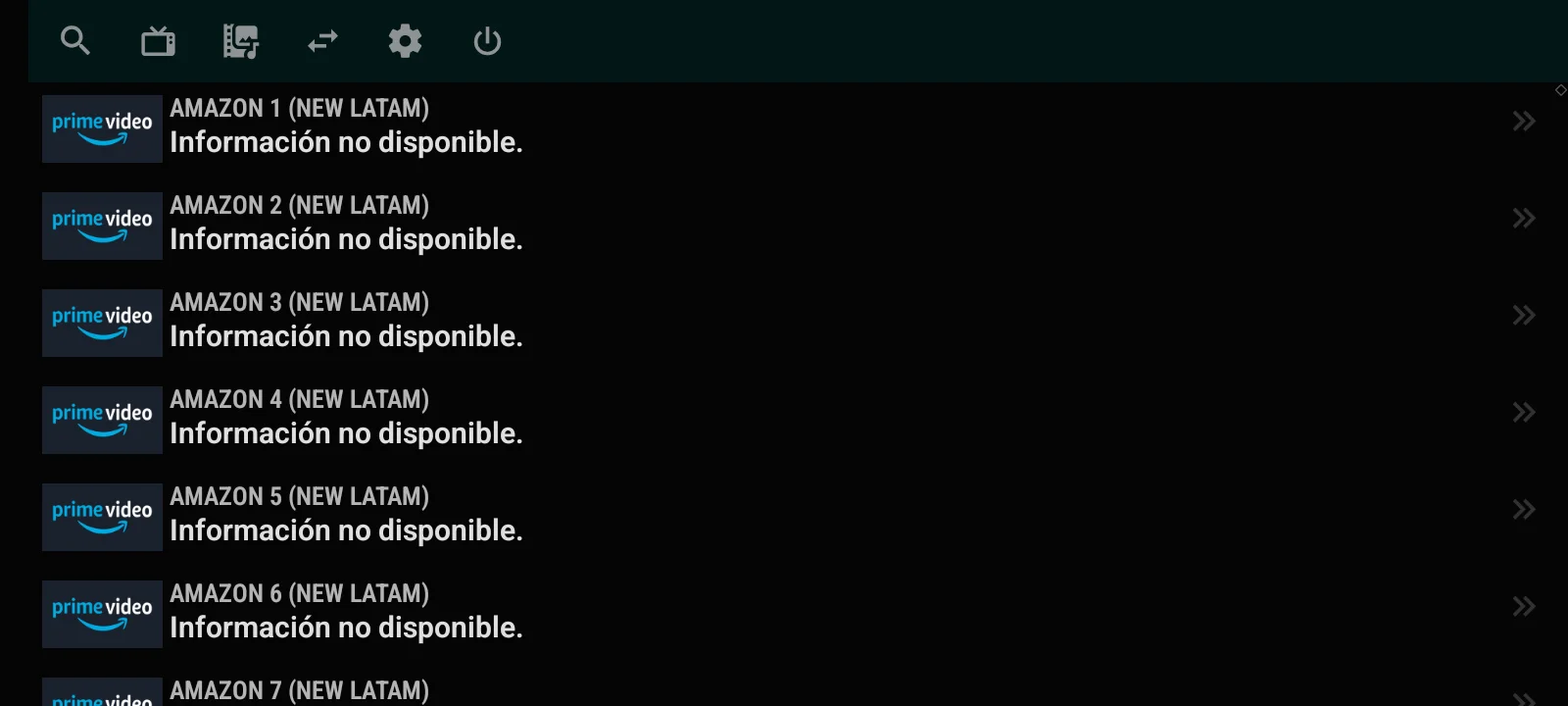 \n\n## What we verified\n\nDuring QA, the build was connected to an active test account and loaded the three expected media areas: Live TV, Movies and TV Series. The test playlist returned 2,885 live entries, organized navigation and separate on-demand branches. Live playback also opened successfully. Those figures describe the account used during testing and are not a promise about another provider.\n\nThe app was exercised with directional navigation as well as touch input. The important screens remained readable on the black background, including the channel list, video player, movie library and series library.\n\n## Who this package is for\n\nThis package fits a reseller, integrator or brand owner who wants a focused Android player with a small administration surface. It is especially useful when the operational need is to manage service connections and credentials without distributing technical information to staff.\n\nSee the complete product page, real screenshots and current price on OTT Navigator Premium + Panel.