TIVIMATE 5.3.3 with VPN: the most complete edition of the player, now under your control
A tour of everything good about TIVIMATE 5.3.3 with VPN: the player you already know, plus built-in VPN, a Sports guide, Xtream and Stalker, and a panel that runs it all. With real screenshots of the app.
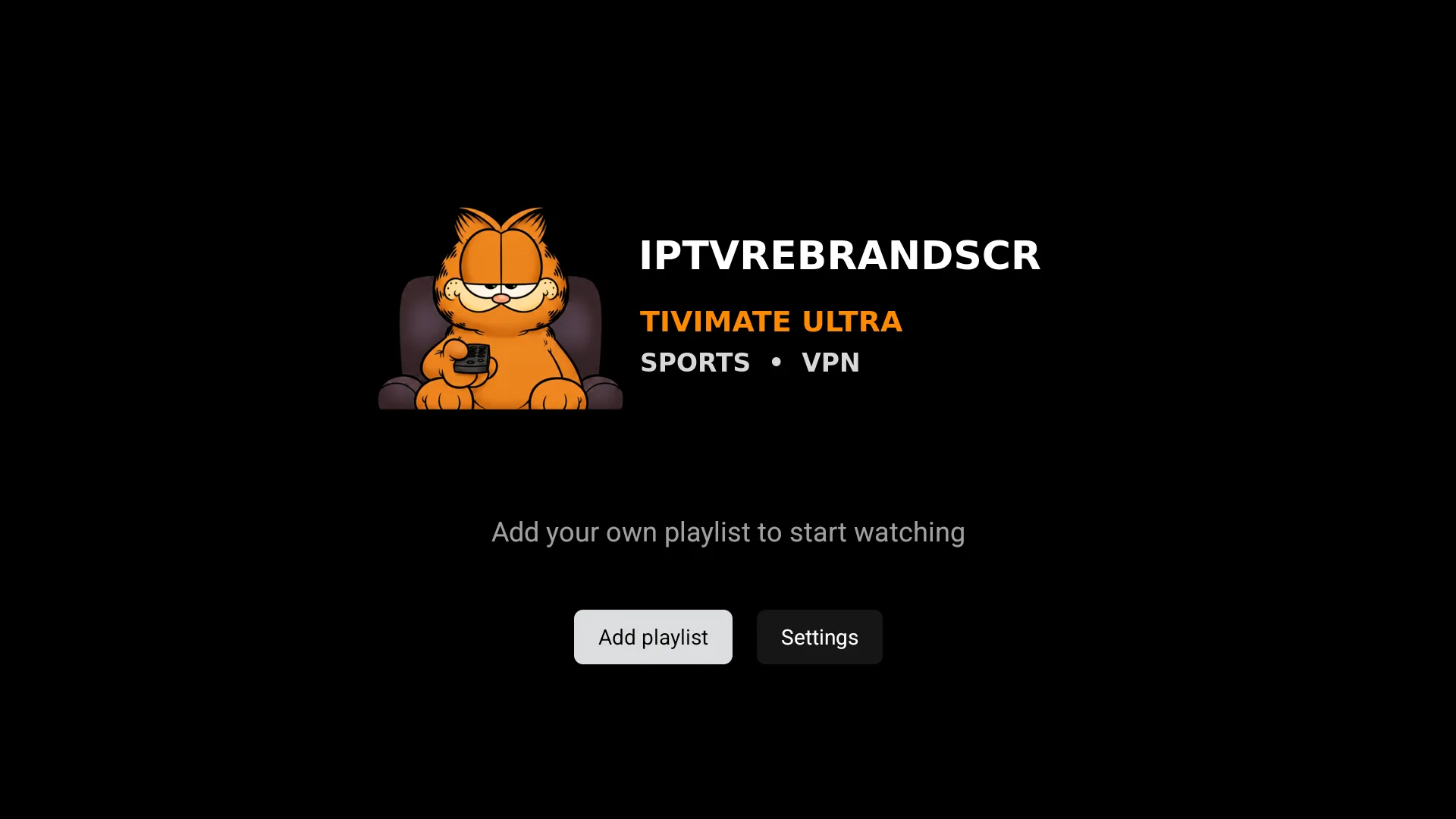
Every now and then a version shows up that is not a simple touch-up but a real leap. TIVIMATE 5.3.3 with VPN is one of them. It takes the TiViMate player you already know (fast, clean and built for the TV) and adds what was really missing: a built-in VPN, a sports guide, Xtream and Stalker authentication, and an admin panel that runs everything from one place. And since it ships as a white-label rebrand, it comes out with your name, your logo and your colors.
Below we go through what makes this version special, with real screenshots of the app.
The same player, more complete
The base is still TiViMate: remote-friendly navigation, a clear EPG and a smooth experience on Android, Android TV and Fire TV. What changes is everything that now comes built in.
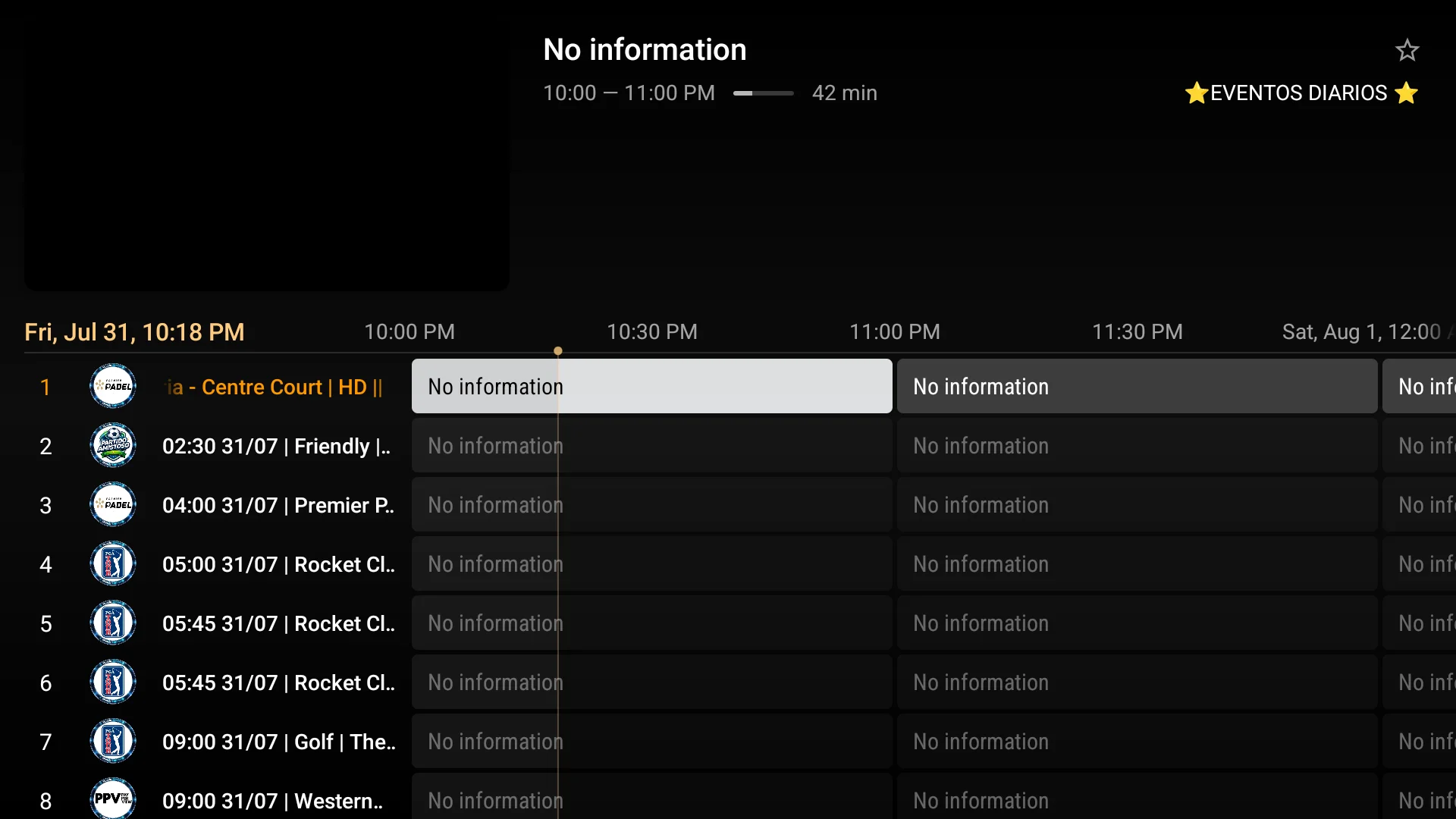
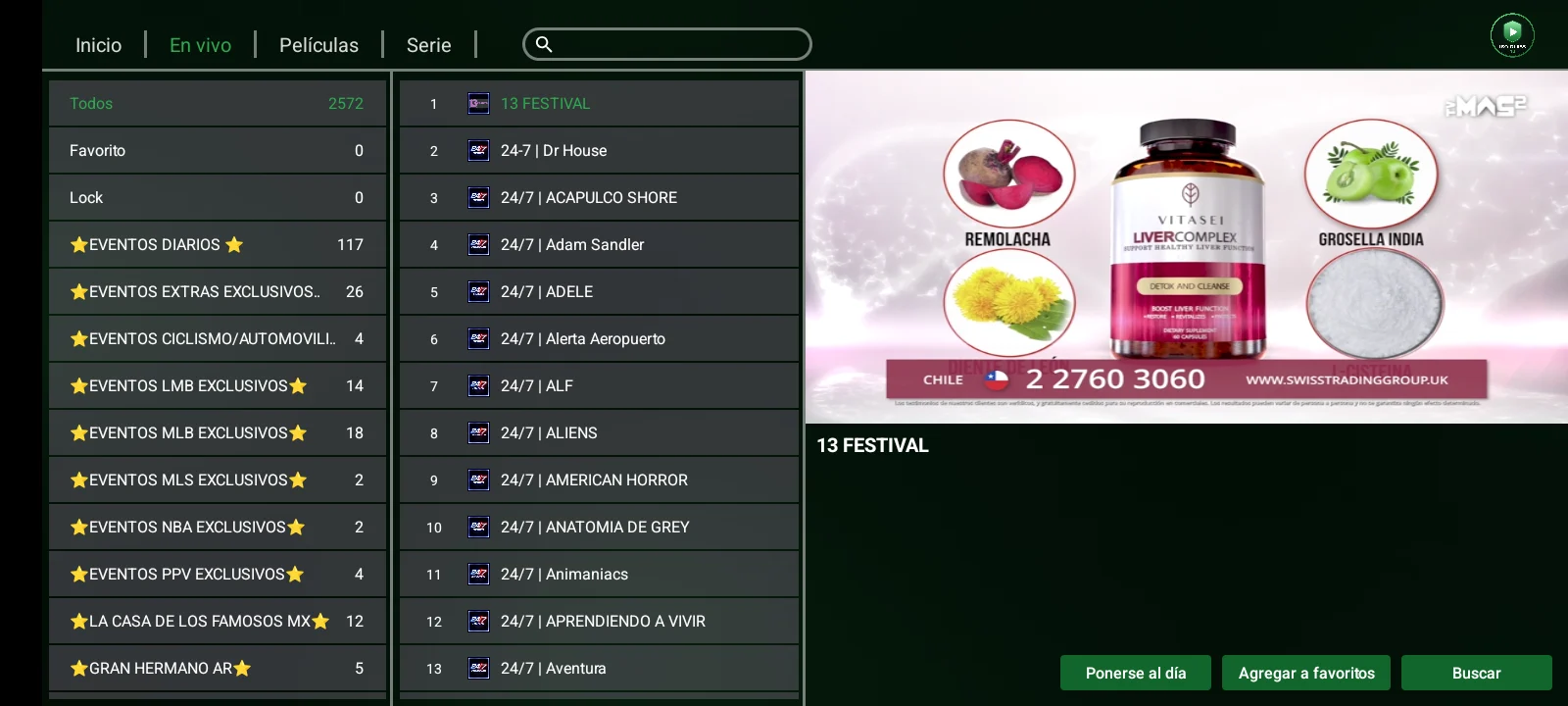
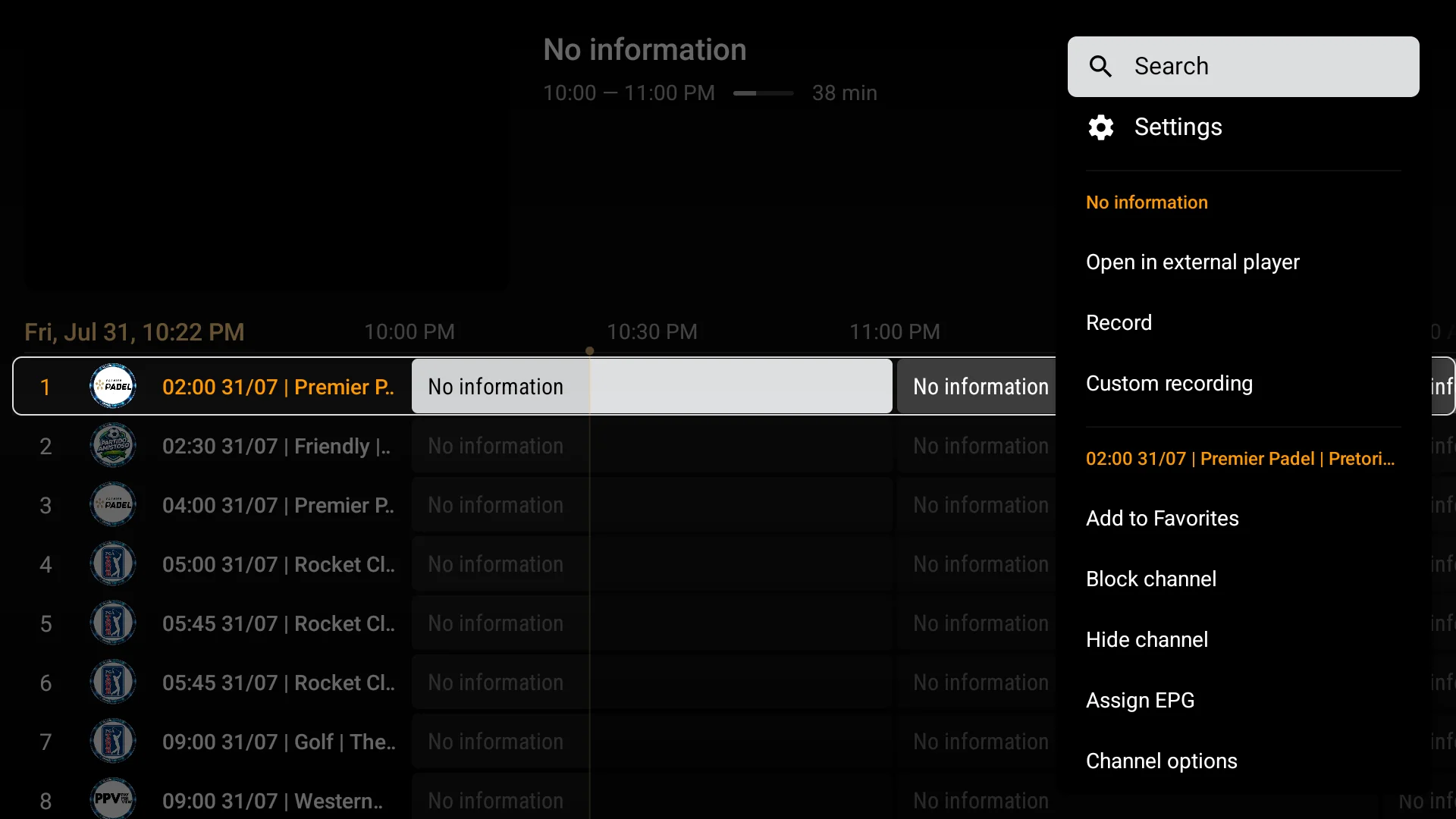
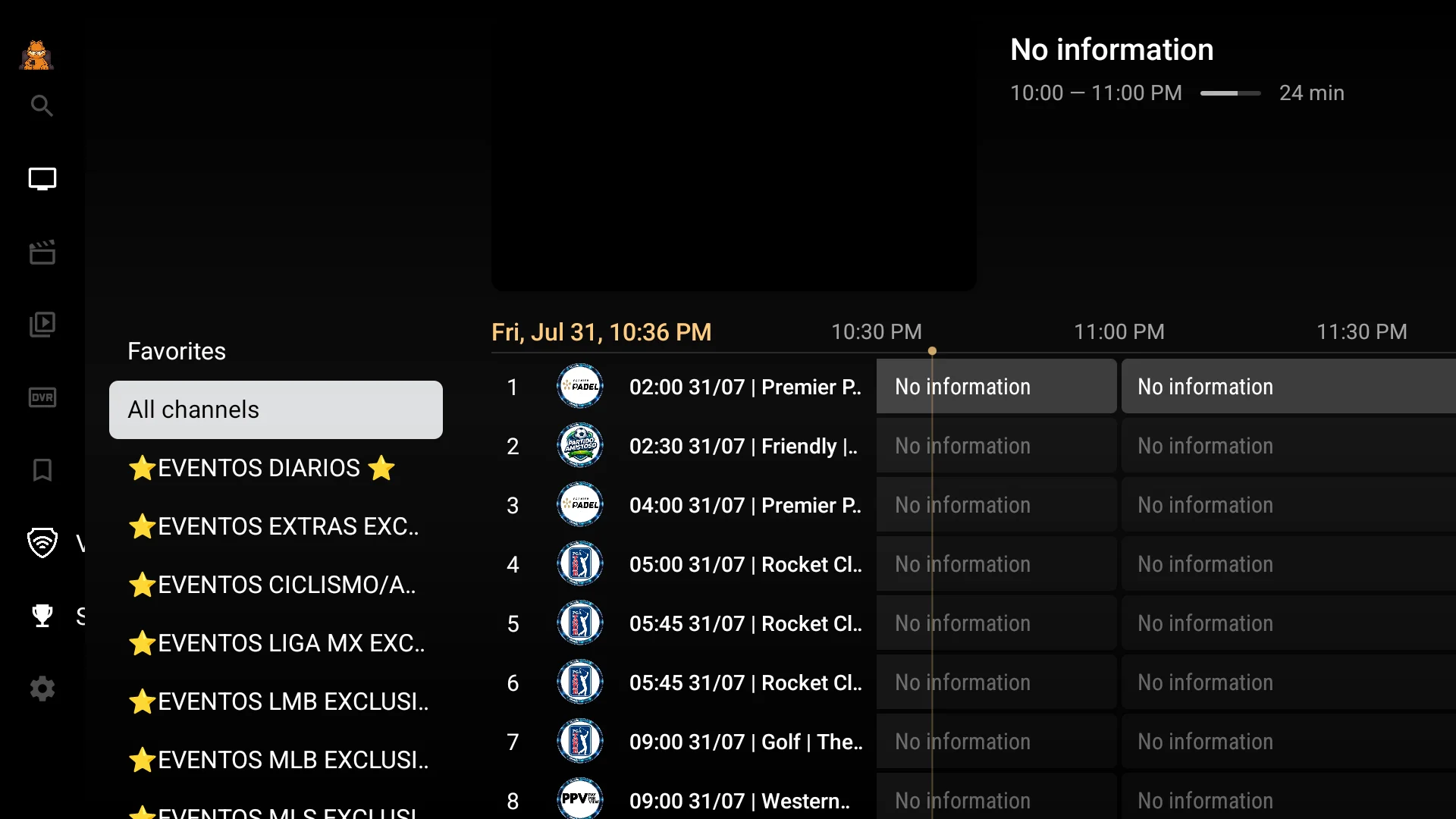
The guide shows channels and their events on an easy-to-read timeline, with quick access to favorites and to each program's information. From every channel menu you get recording, custom recording, favorites and EPG options in one click.
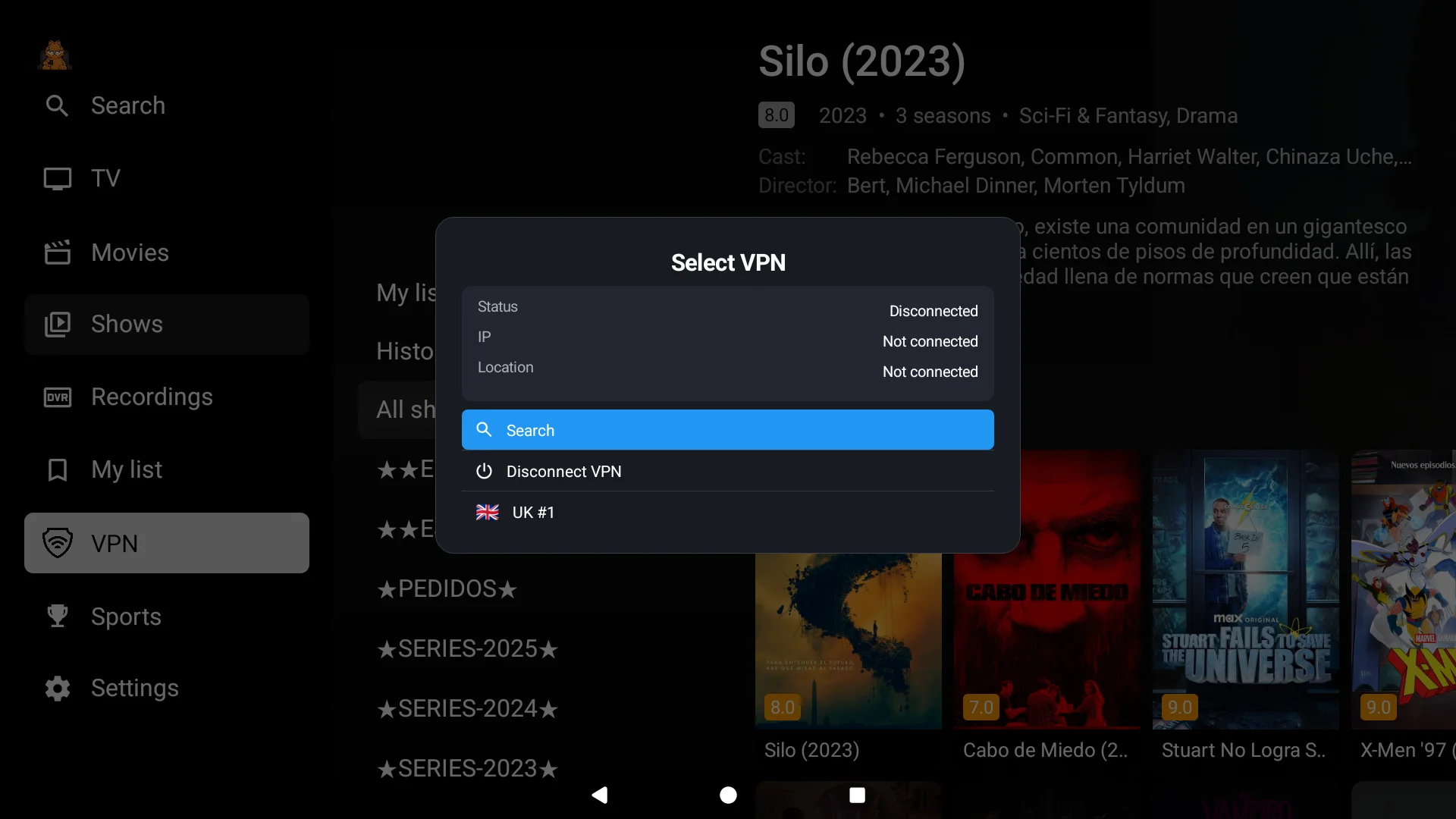
Built-in VPN, managed from the panel
This is the big new feature. The app includes a VPN selector inside the interface itself: the user picks a profile and connects without leaving the app or installing anything separately.
The interesting part is behind it, in the panel. Just add a supported provider and the panel automatically discovers the latest available OpenVPN profiles, with no manual searching or config-file uploads. From there you can import single profiles or by country, load thousands at once, enable or disable them instantly, reorder them and push the changes to the app in real time.
A Sports guide so you never miss an event
The Sports section gathers live sport on one tidy screen: leagues, events and special channels, all within reach.
It is the kind of detail that makes a difference for the end user, who finds the match or event without digging through the channel list.
Movies and series, with cover art
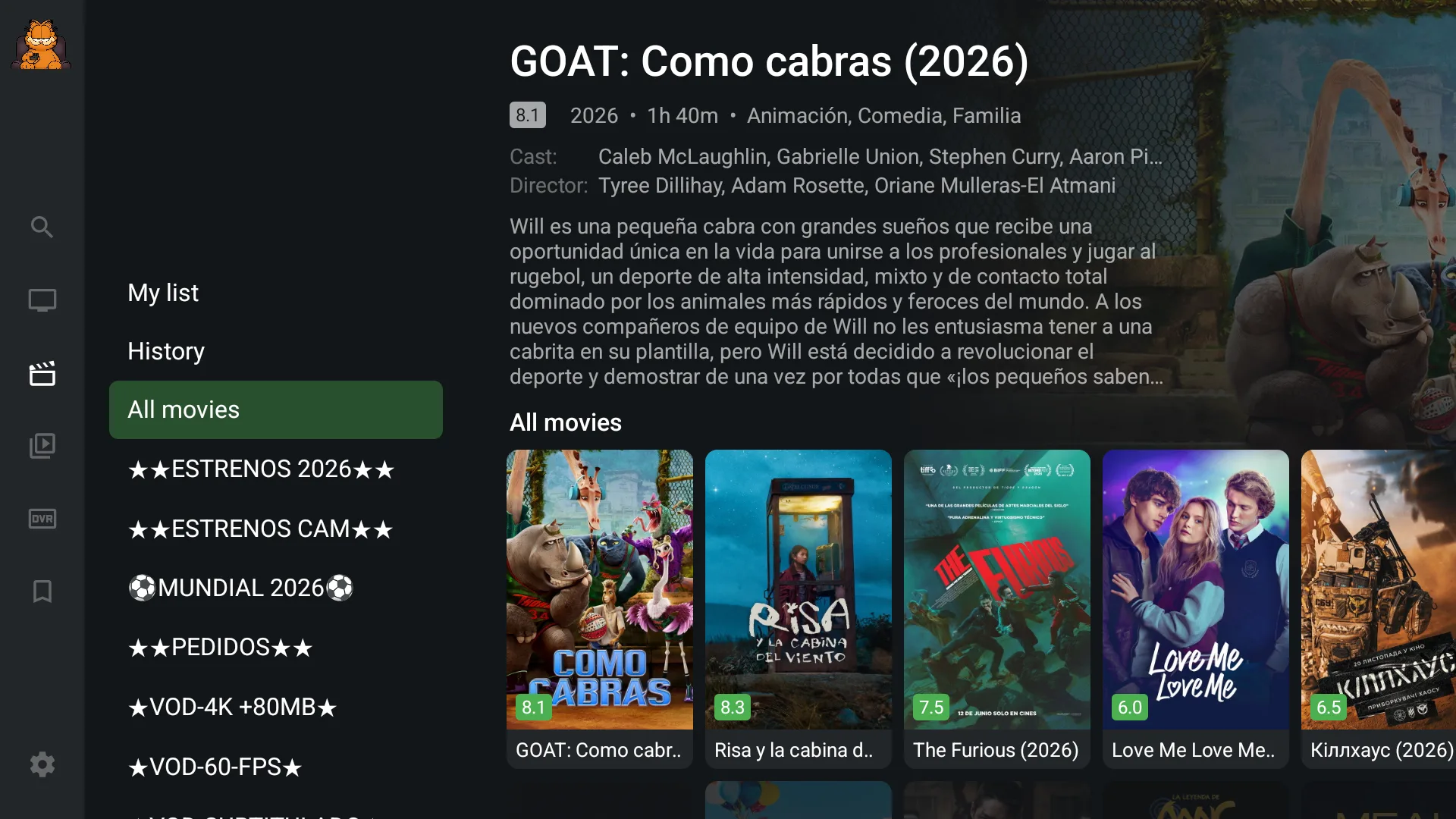
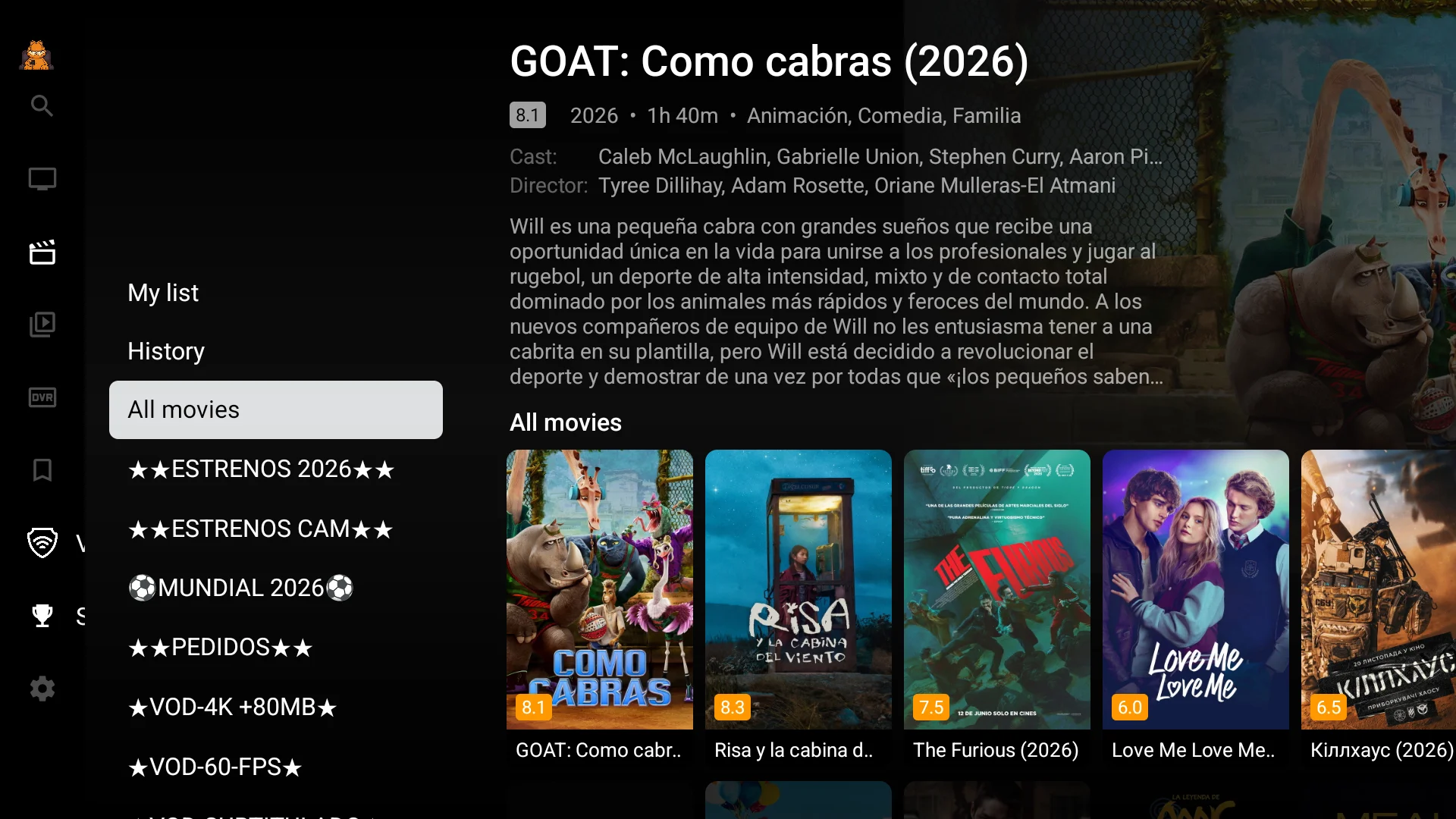
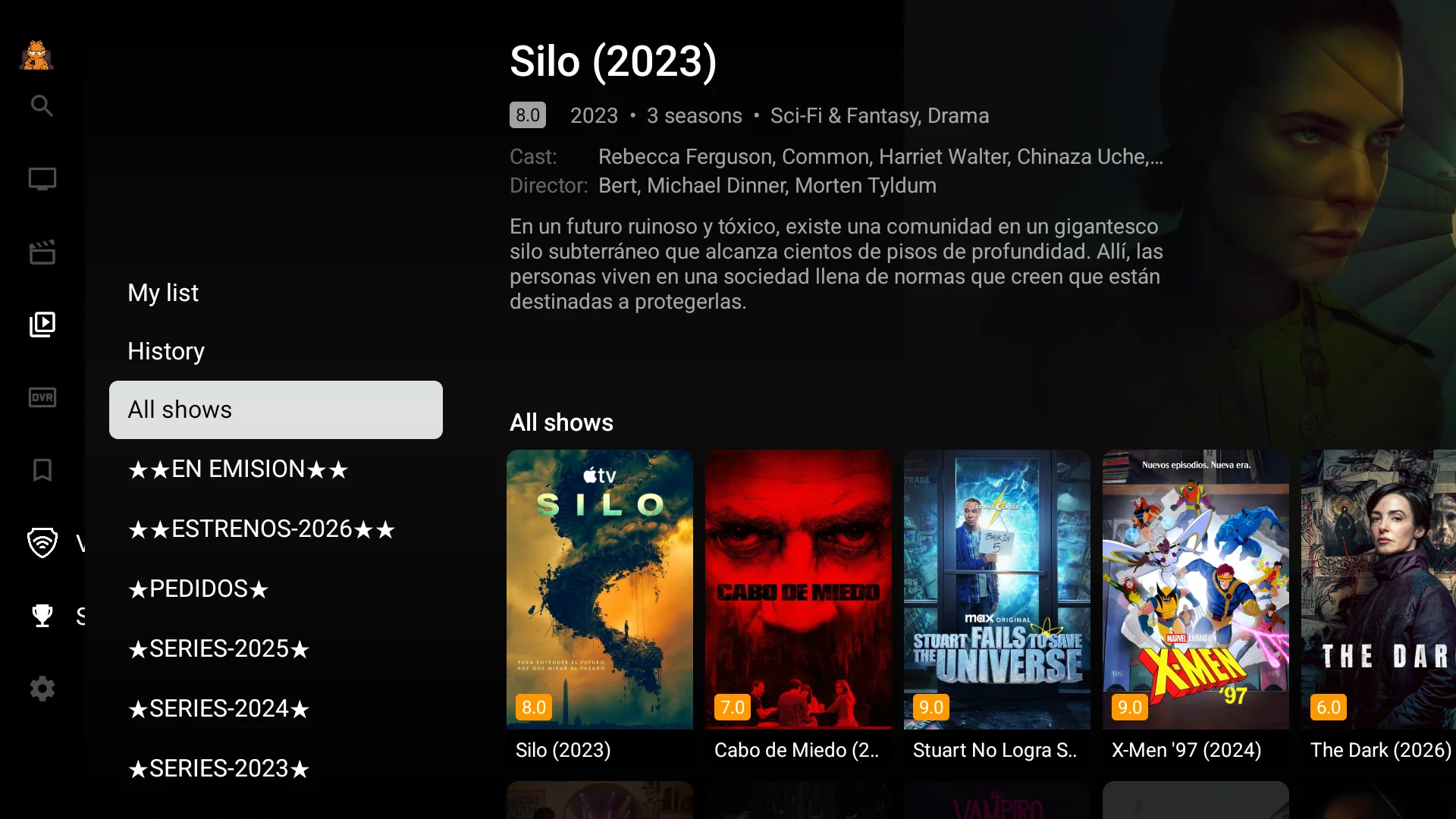
Beyond live TV, the app organizes on-demand content with cover art, synopsis, cast and ratings, just like the big platforms.
Series are presented the same way, by categories (new releases, airing now, by year) so finding something to watch is part of the fun.
Everything under your control
Behind the app there is a single professional panel from which you manage Xtream users, Stalker Portal users, VPN providers and profiles, the Sports guide content, application updates and security settings, including two-factor authentication (2FA). When you publish a change, it reaches the app instantly, with no reinstalls.
White-label and one-time payment
All of the above is delivered with your identity: your name, your logo and your colors, connected to your servers and your DNS. And it is a one-time payment, with no monthly fees or royalties.
If you were looking for a serious TiViMate edition, with a VPN that is truly built in and a panel that lets you manage everything without hassle, TIVIMATE 5.3.3 with VPN is the most complete option today. You can see all the details and screenshots on its catalog page.