CinePrime panel tour: users, expiry dates, add-ons and integrations
A look at the CinePrime admin panel: users with expiry dates and screens, Stremio add-ons, Jellyfin, Emby and Plex servers, media proxy, app updates and backups.
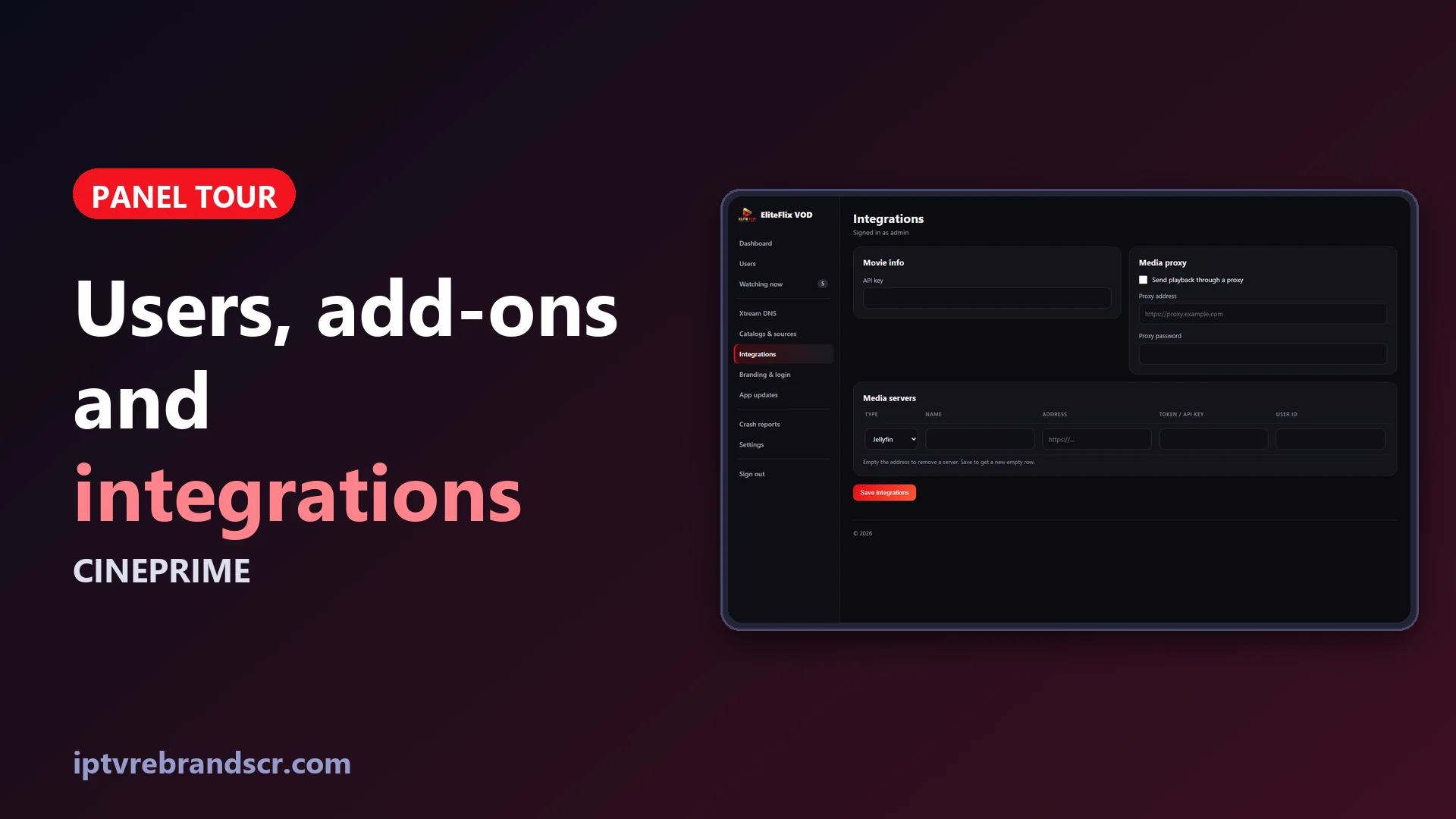
Your panel is where a CinePrime business actually runs. These are the pages you will open every day.
Dashboard
Four numbers sit at the top: screens playing right now, panel users and how many are active, Xtream servers (only if you use them) and crashes in the last 24 hours. Below them, App connection tells you whether the app is reaching the panel and when it last checked in, and Recent sign-ins shows who signed in and when. Accounts that expire within 7 days get their own table, so you can renew before a customer writes to you.
Users
Each user has a customer name, a username, a password, the number of screens at the same time, an expiry date and private notes that only you see. The list shows status, expiry, devices in use (for example 2/4) and the last sign-in, with Edit, Disable and Delete next to each row.
| Field | What it does |
|---|---|
| Screens at the same time | How many devices can be signed in together |
| Expires on | The day access stops; leave it empty for no expiry |
| Make one | Generates a password for you |
| Notes | Private reminders for you, never shown to the customer |
Watching now lists every active screen with the device model, its IP address, since when and the last activity. If a customer shares an account, you will see more devices than expected. Remove one and the slot is free again right away.
Catalogs & sources: Stremio add-ons
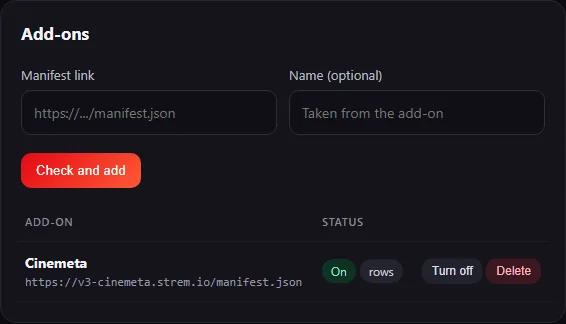
Paste the manifest link of a Stremio add-on and choose Check and add: the panel downloads it, validates it and shows what it offers. Add-ons with catalogs fill the home screen with rows. Add-ons with streams add servers to each movie and episode, and add-ons that carry the key of a debrid service, such as Real-Debrid, play like any other direct link. You can turn each add-on on or off, delete it, or switch add-ons off for everybody. Cinemeta, the official Stremio catalog, is one click away. The Sources card also lets you allow all the built-in sources or only the ones you tick.
Integrations
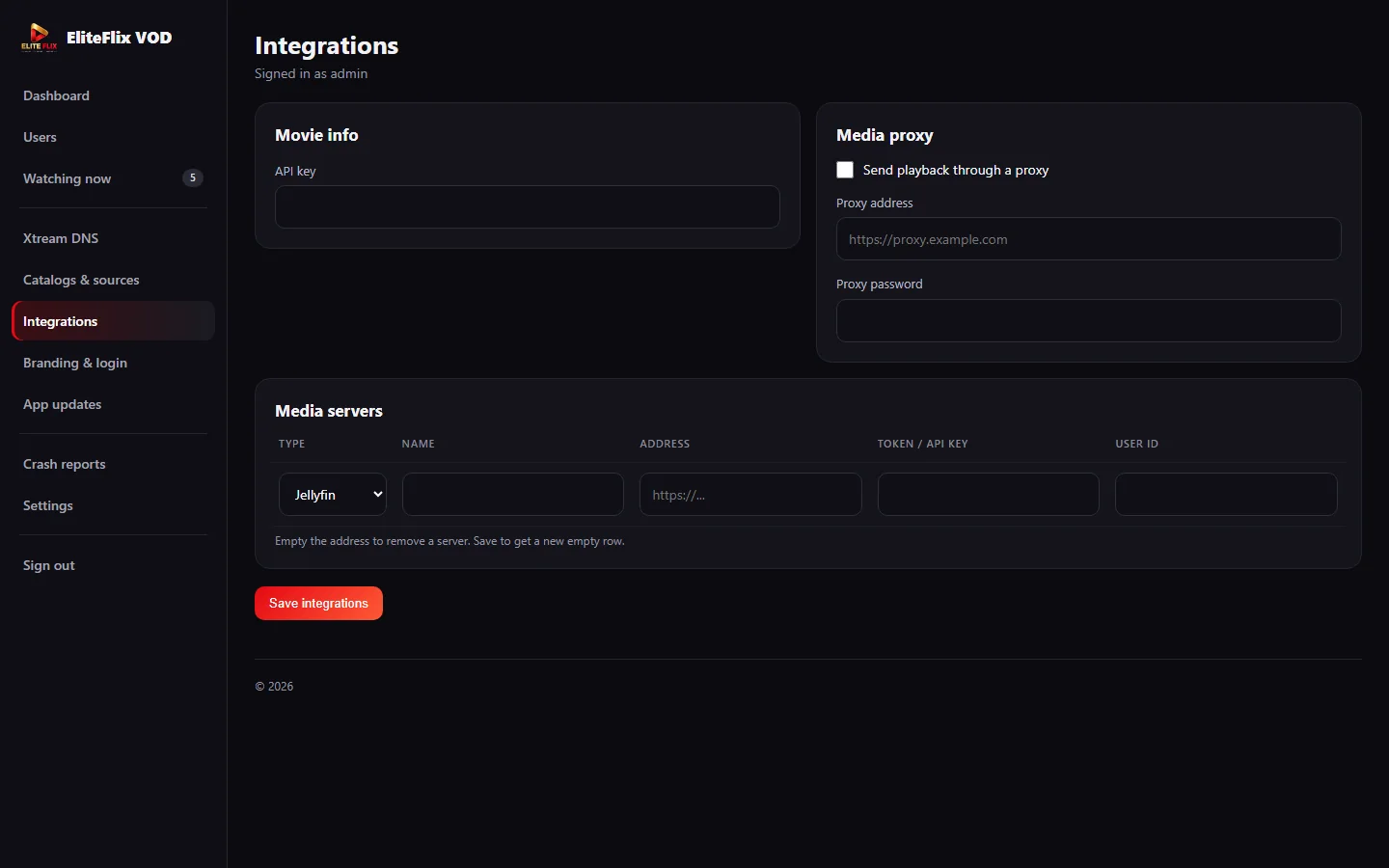
| Option | What it does |
|---|---|
| Movie info API key | Your TMDb key, so the app loads artwork, ratings and synopses |
| Media proxy | Sends playback through a proxy address and password that you set |
| Media servers | Connects Jellyfin, Emby or Plex servers with a name, address, token and user ID |
App updates
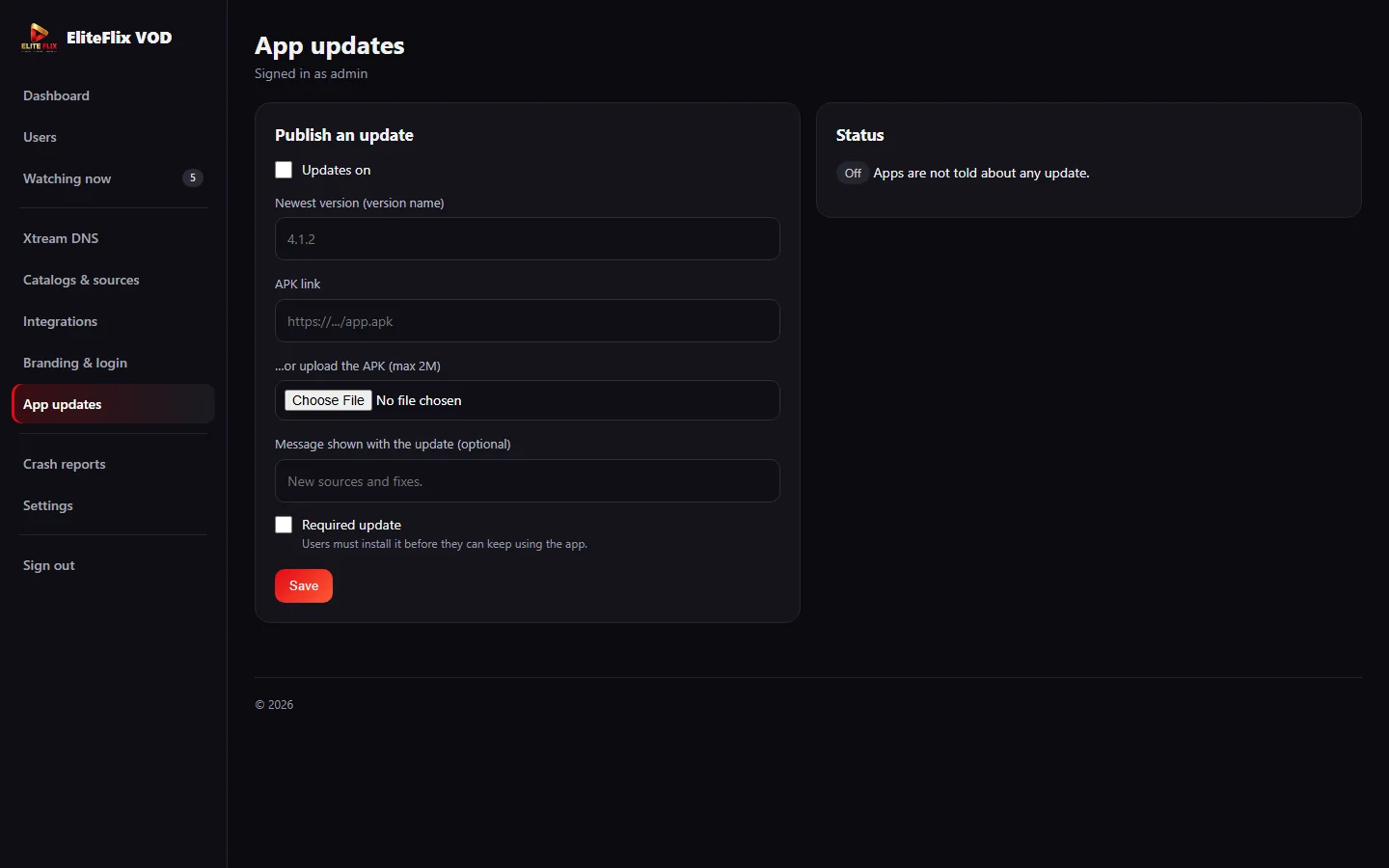
Publish the newest version name and an APK link, add a message for your customers and tick Required update when the old version must not keep running. The Status card shows whether apps are being told about an update.
Settings, backups and branding
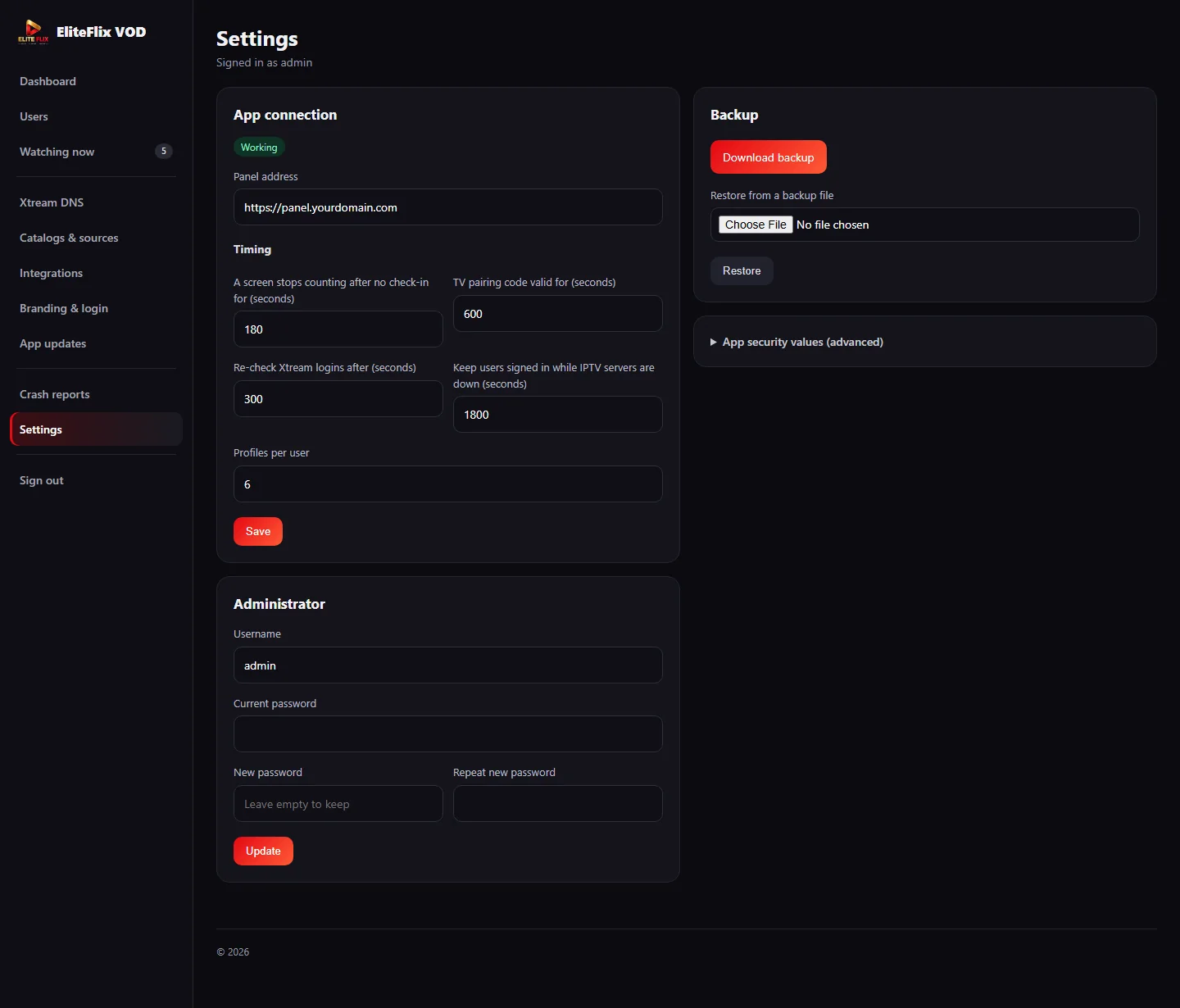
In Settings you control how long a screen keeps counting without a check-in (180 seconds by default), how long a TV pairing code is valid (600 seconds) and how many profiles each user can have (6). Download backup saves a copy of your panel and Restore loads it back, so moving your panel to a new hosting is straightforward. Your app name, logo, accent color and sign-in texts live in Branding & login.
Price
CinePrime is a one-time $60 purchase, and you choose which add-ons and services you connect. See the full list of features on the CinePrime page, or read how the app feels on the TV in Built for the remote.