Built for the remote: how CinePrime feels on Fire TV and Android TV
Side menu, filters, profiles, parental PIN and QR sign-in: what your customers see when they open a CinePrime app on the living-room TV.
A TV app is judged in the first minute, with a remote in hand. Nobody wants to type, and nobody wants to hunt for a small button. This is how CinePrime is laid out on Fire TV and Android TV, and why it keeps support messages down.
Signing in without typing
The sign-in screen has the usual username and password, and next to it a QR code with a short code. The customer scans it with a phone camera, finishes the sign-in there and the TV signs in by itself.
One side menu for everything
On the left, a slim menu holds Search, Home, Movies, TV Shows, Favorites, Settings and the profile. The selected item lights up in your brand color, so it is always clear where the focus is. The home screen has a featured carousel with a Watch Now button and rows by category, and the Movies and TV Shows pages add filters for genre, sort, year and network, all reachable with the arrow keys. A title opens into a detail page with the synopsis, Watch, Trailer, a favorite button and the seasons.
Profiles, one per person
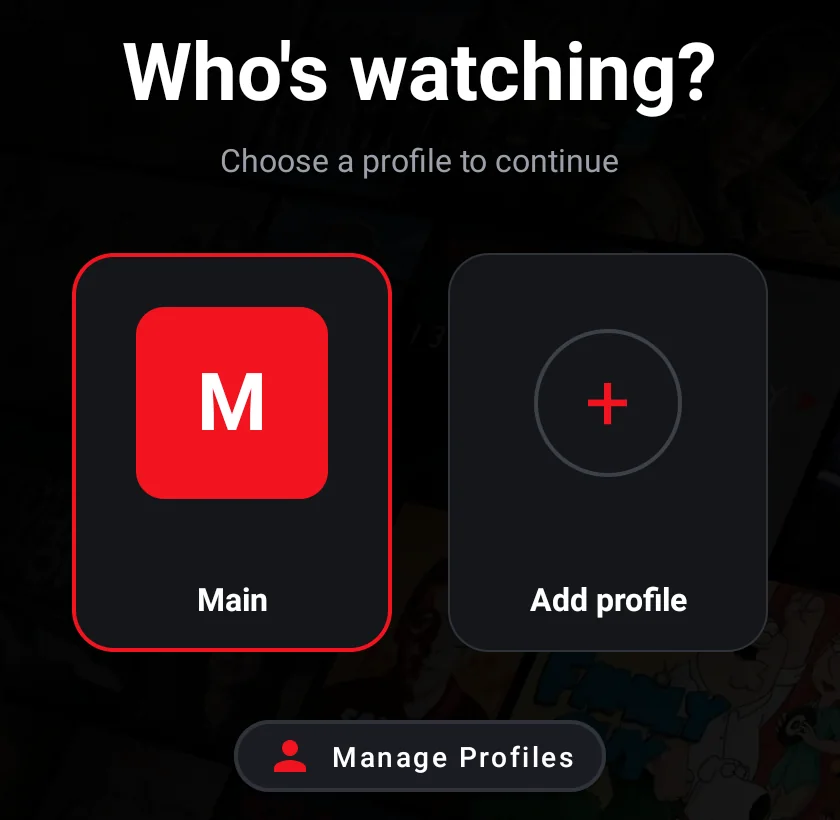
When the app opens, the customer picks a profile in Who's watching?. Each profile keeps its own favorites and history, and the panel decides how many profiles each user can have.
Family controls
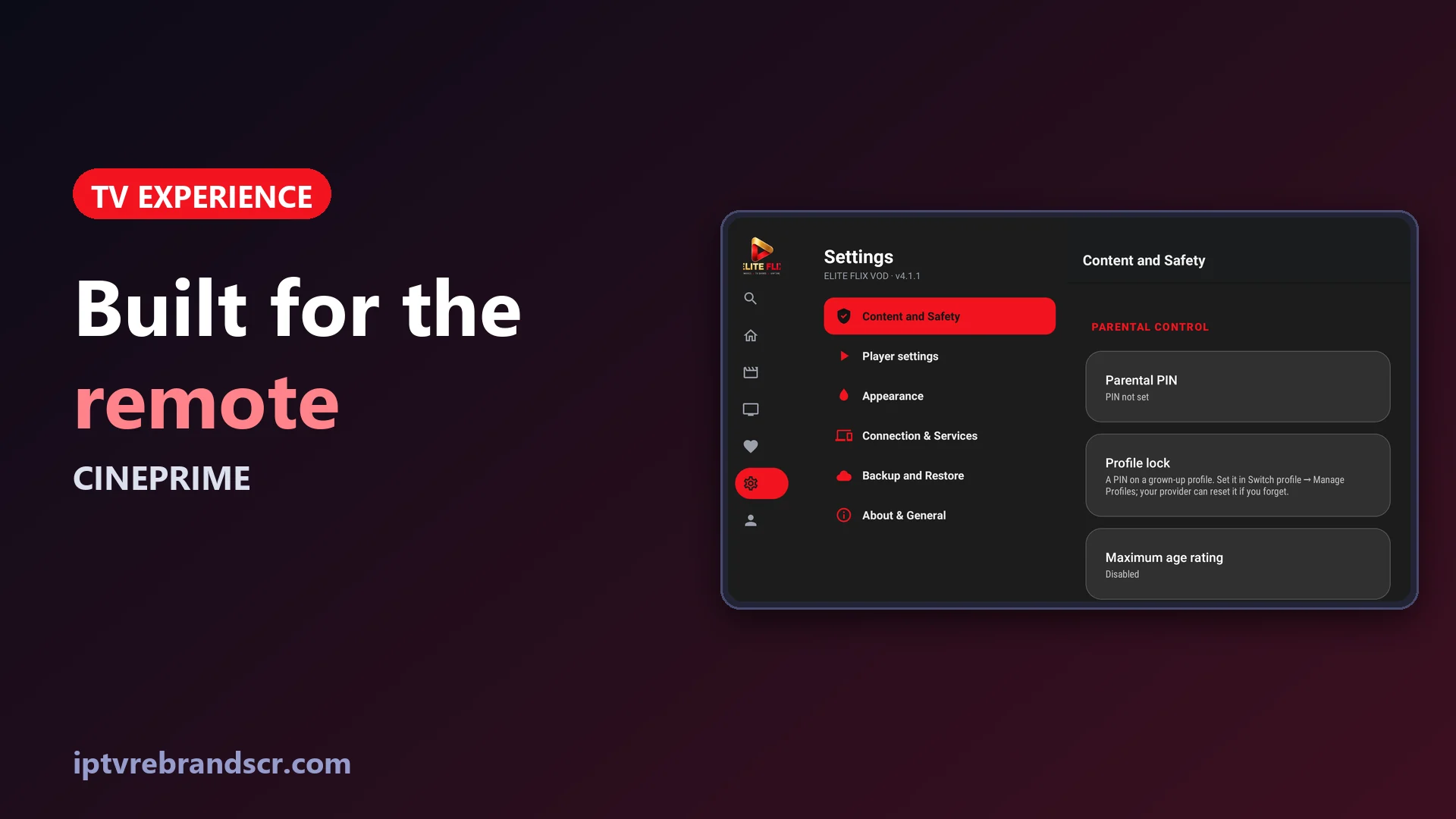
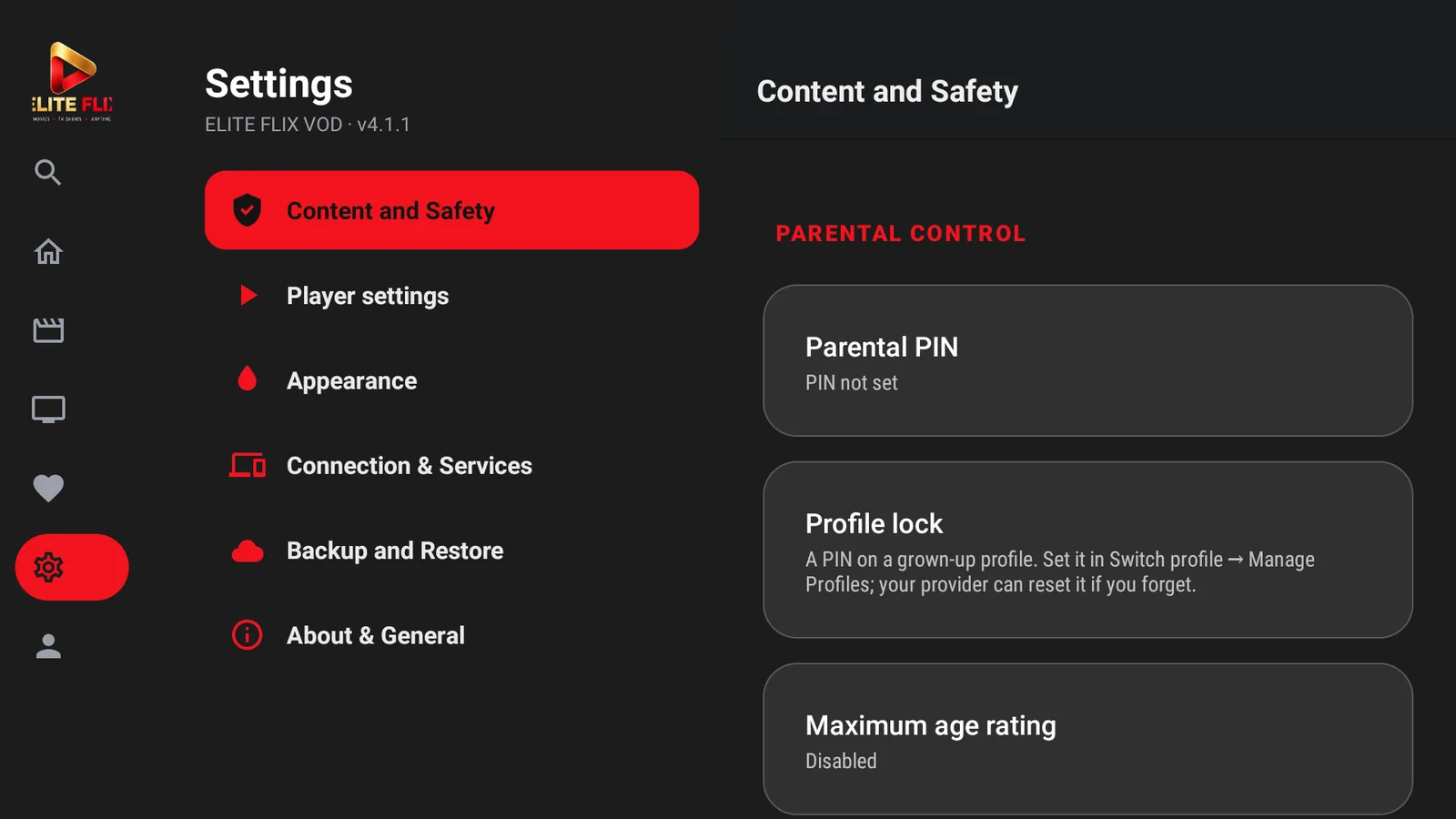
Under Settings → Content and Safety you find a parental PIN, a profile lock (a PIN on a grown-up profile) and a maximum age rating. Settings are grouped in Content and Safety, Player settings, Appearance, Connection & Services, Backup and Restore, and About & General.
The player
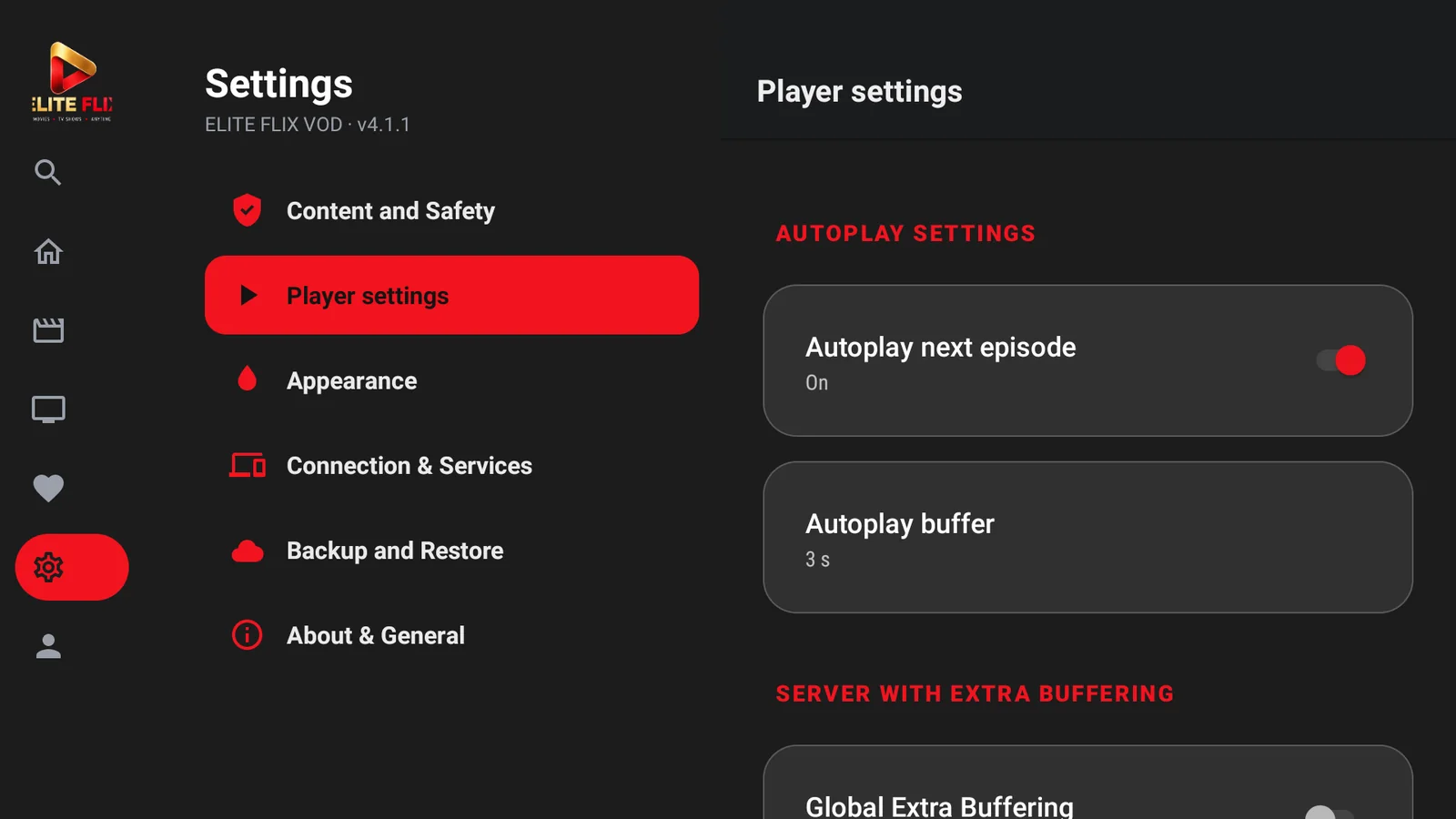
Player settings let customers turn autoplay for the next episode on or off, choose how many seconds of autoplay buffer they want and switch on extra buffering for slow connections.
It also runs on phones
The same app installs on Android phones, so one build covers the living room and the pocket. CinePrime is a one-time $60 purchase, and you can see everything it includes on the CinePrime page. Curious about the other side? Take the panel tour.