TiviMate Sports Fixtures: open the live channel from the event
See how TiviMate Ultra Sports VPN turns a sports schedule into a direct viewing path: choose a sport, league, date and event, then open the channel carrying it.
TIVIMATE ULTRA SPORTS VPN adds an event-first way to navigate live sports. Instead of forcing viewers to remember a channel name or browse a long TV list, its Sports Fixtures module starts with the match, race or event they want to watch.
That difference sounds small, but it changes the experience completely for a sports-focused IPTV service.
What Sports Fixtures does
The Sports area organizes available events by sport, league and date. The viewer can begin with Football, Basketball, Motorsport or another supported category, select a competition, move to the relevant day and browse the fixtures scheduled for that date.
Each event is presented as an event, not merely as an anonymous channel row. That gives the interface the context viewers actually need: the teams or participants, the competition and the scheduled time.
From the fixture to the live channel
The most useful part appears after the viewer selects an event. Tapping the fixture opens its available actions. When the event is associated with a live channel in the service, the viewer can open that channel directly from the event options.
The practical flow is simple:
1. Open Sports from the TiviMate side menu.
2. Choose the sport and league.
3. Select a date.
4. Open the match or event.
5. Choose the available live-channel option.
The viewer does not have to leave the Sports section, open the full channel guide and search again. The fixture becomes the shortcut to the stream.
Why event-first navigation matters
Traditional IPTV navigation is channel-first. It works well when someone already knows exactly where a program is airing. Sports audiences often think differently: they know the match they want, but not which regional channel, alternate feed or event channel carries it.
Sports Fixtures closes that gap. It makes a large service feel easier to use because the interface starts with the viewer intent. This is especially valuable for operators that maintain dedicated event groups, alternate feeds, PPV channels or temporary match channels.
It also reduces support questions. Customers no longer need to ask where a game is located when the event can point them toward the associated channel from inside the player.
Sports Fixtures and the EPG serve different jobs
The regular EPG remains available for live TV. It is the right tool for browsing a channel timeline, checking what is currently playing and moving through channel groups.
Sports Fixtures is a complementary layer. It is designed around scheduled events and competitions. A viewer can use Sports to discover the event and jump to its channel, then use the familiar TiviMate playback and guide experience once the stream opens.
This combination preserves the player interface users already understand while adding a faster route for live sports.
Controlled from the web panel
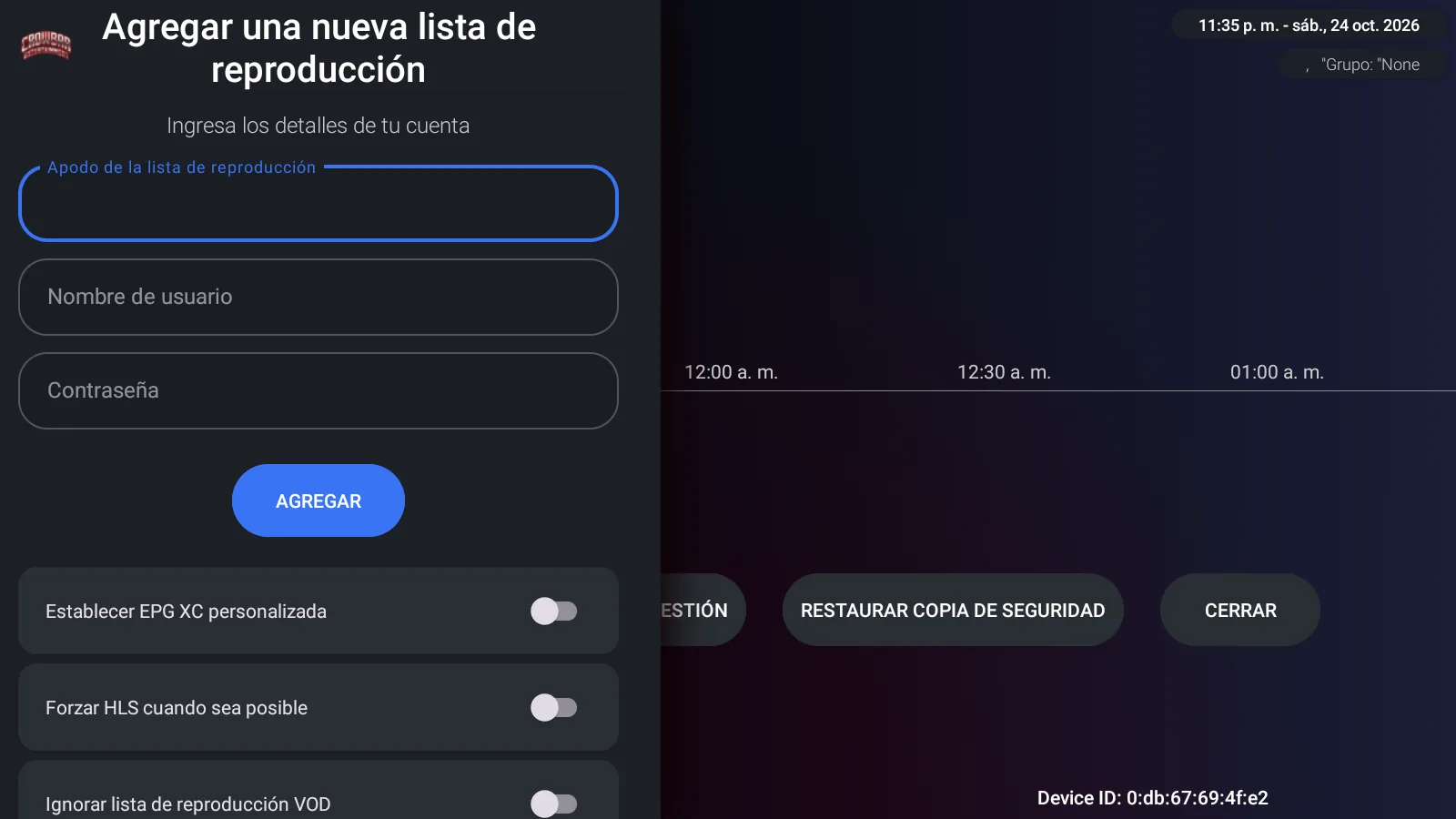
The Sports integration is connected to the rebranded app through its own web panel. The operator controls the Sports configuration alongside DNS entries, device activations and the other services used by the build.
That panel-based design is important for a white-label product. The customer receives an app carrying their own identity, while the technical configuration remains under operator control instead of being exposed to the end user.
More than a sports screen
Sports Fixtures is part of a complete TiviMate-based player. The same app includes live TV with EPG, Movies, Shows, favorites, search, Xtream Codes, Stalker Portal, activation codes, QR Login on the local network and a built-in VPN selector.
The result is a single branded app where sports discovery and playback live beside the rest of the service.
Delivered under your brand
TIVIMATE ULTRA SPORTS VPN can be delivered with your app name, logo, icon, banner, colors and panel branding. It also receives a unique package name, allowing it to coexist with other TiviMate editions on the same Android device.
For a provider whose customers care about live events, the key benefit is straightforward: they can start with the fixture and reach the channel carrying it with fewer steps.