OTT Navigator interface tour: Live TV, Movies and TV Series tested
Real device screenshots and an honest tour of OTT Navigator navigation, from the channel list and player to the Movies and TV Series libraries.
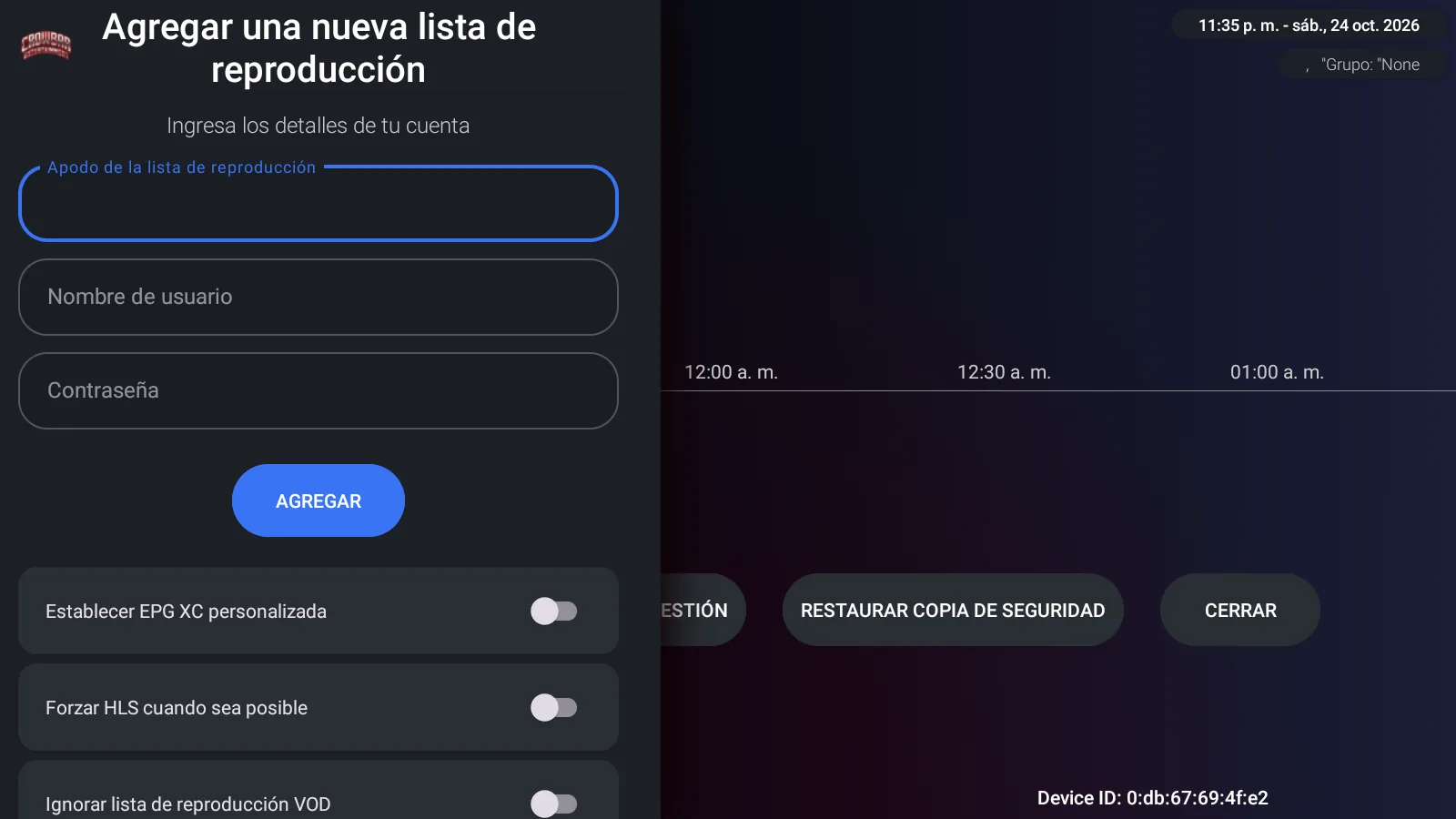
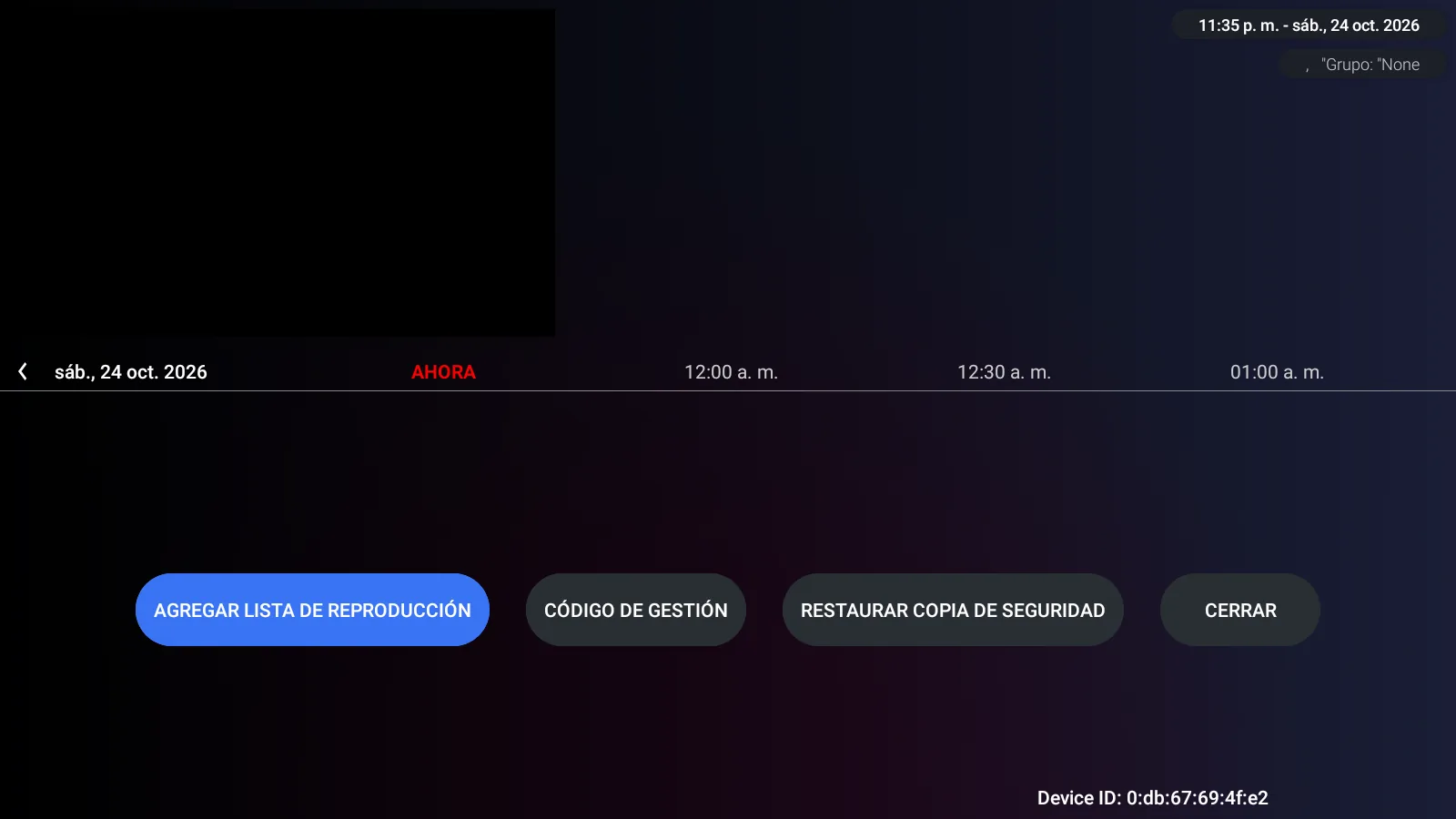
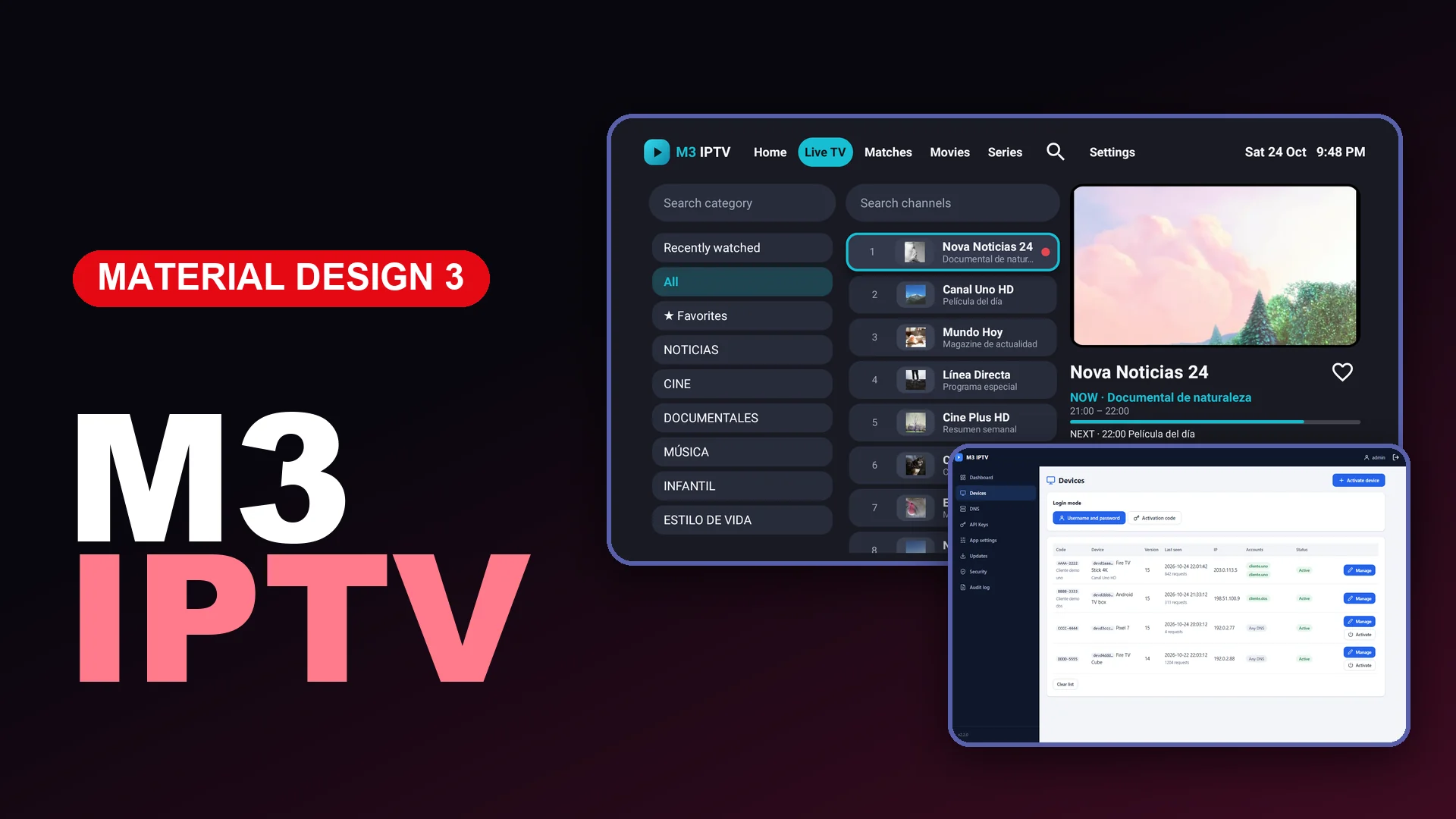
A product page should show the software that customers will actually receive. For this OTT Navigator build, we captured the interface after connecting a working test account and checking its main sections. The screenshots below come from the running app, with no mock player screens.\n\n## Home screen\n\nThe home screen keeps four primary choices in the center: video search, Live TV, media library and settings. The final background is solid black, which gives the interface enough contrast without competing with menu text or artwork.\n\n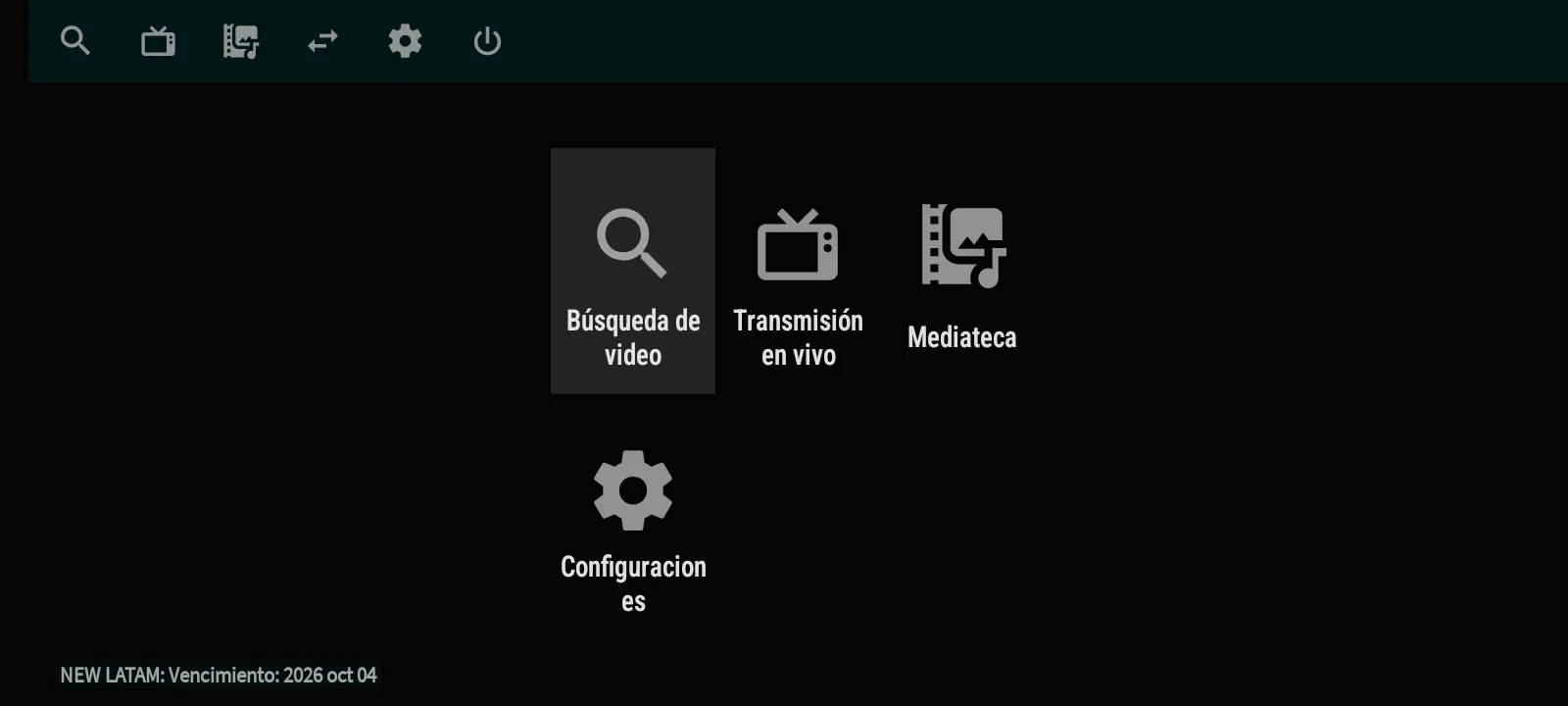 \n\nThe top bar exposes quick navigation suitable for a remote control. The layout is compact rather than oversized, so it works well on Android TV and also remains usable on a phone or tablet.\n\n## Live TV navigation\n\nThe connected account loaded a channel list with logos, names and the available programme-information area. In the QA session, the source returned 2,885 live entries across 92 groups. Those counts belong to the test source and can change when a different authorized service is connected.\n\n
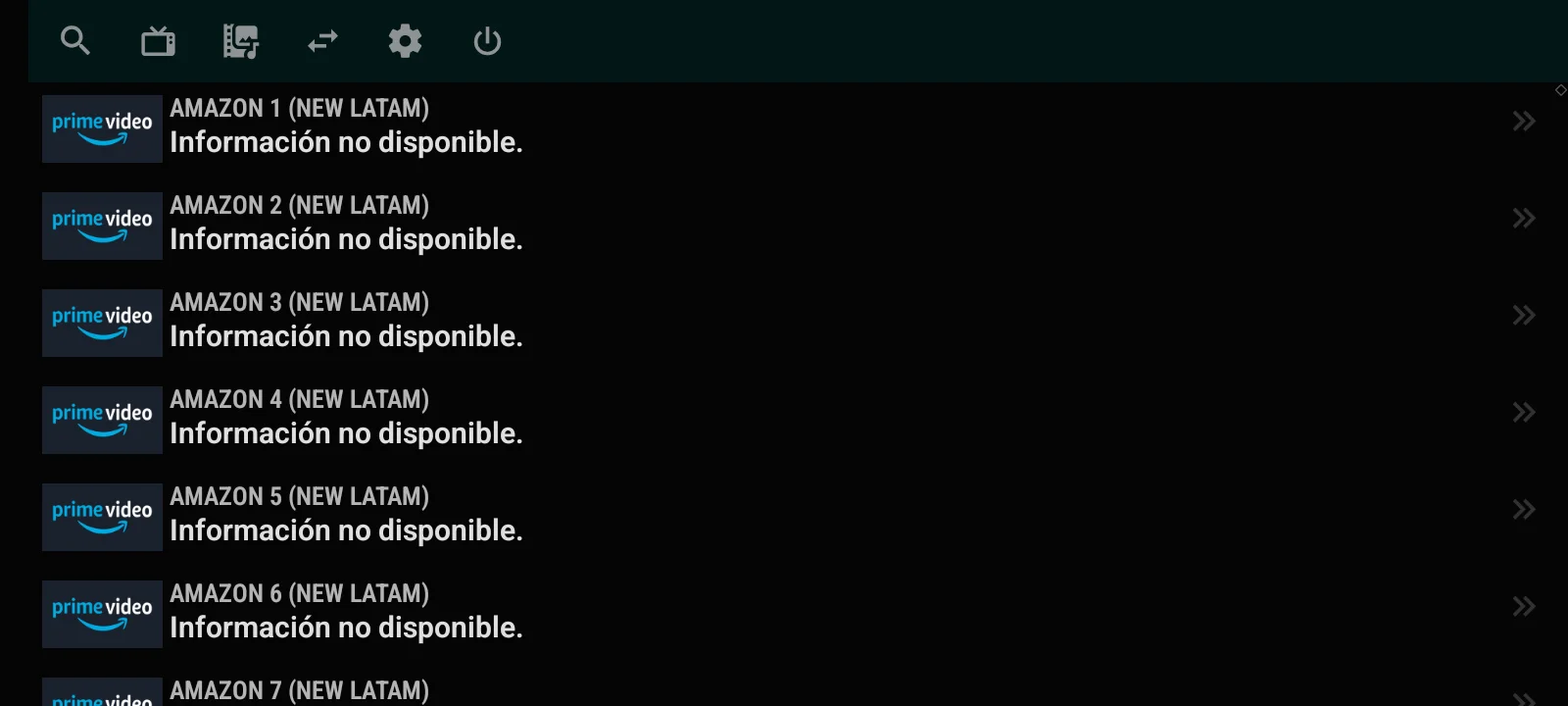 \n\nThe app can show electronic programme guide information when the connected service supplies usable guide data. When that metadata is missing, the interface clearly indicates that information is unavailable instead of inventing a schedule.\n\n## Playback check\n\nWe opened a live stream and confirmed that video playback started. The player keeps the current item information at the bottom and can open a control strip for channel switching, calendar access, parameters and settings.\n\n
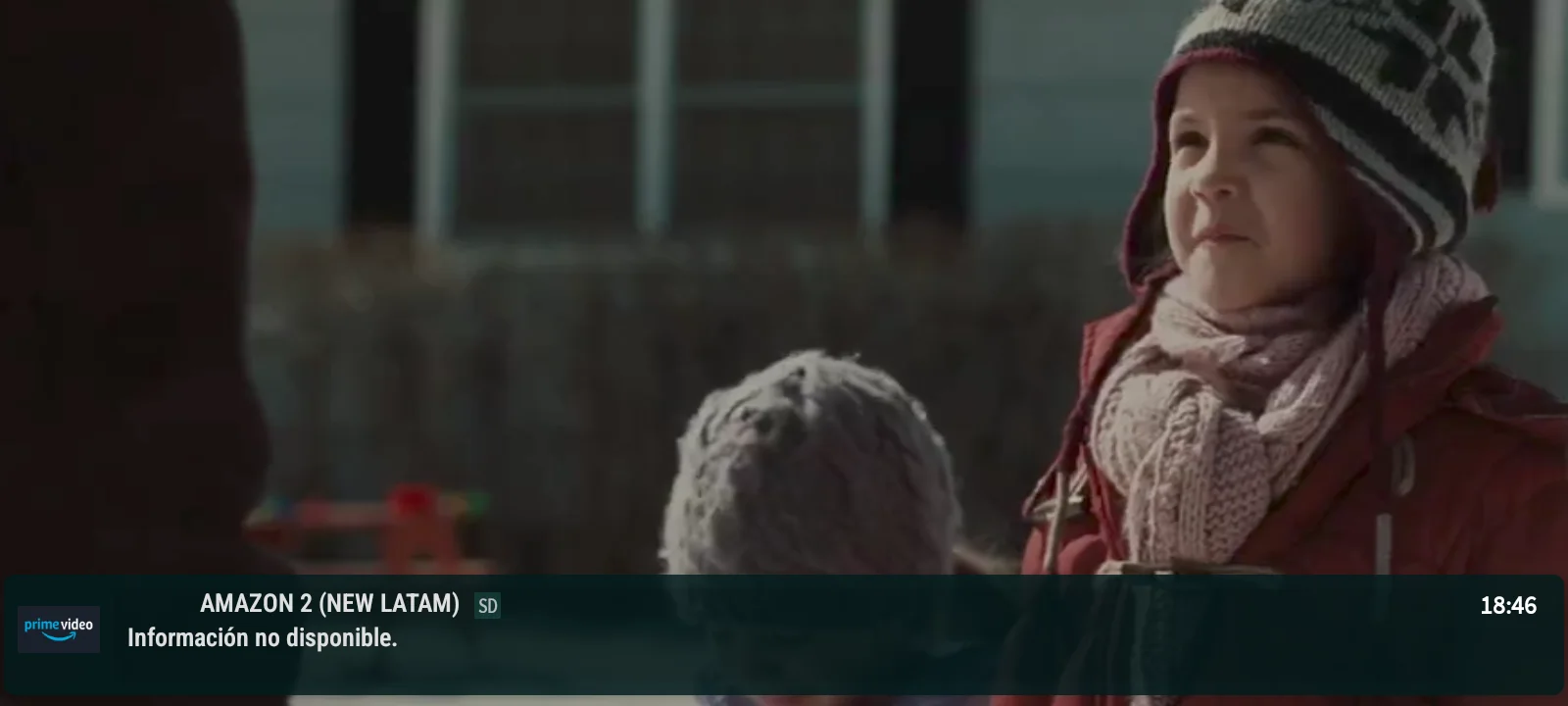 \n\nPlayback quality, channel availability and guide completeness still depend on the external service and network. The APK does not create, host or include those streams.\n\n## Movies library\n\nMovies appear in their own branch of the media library. The tested view displayed a scrollable list, poster thumbnails and a larger backdrop for the selected title. Search, filtering and sorting controls remain visible at the top of the section.\n\n
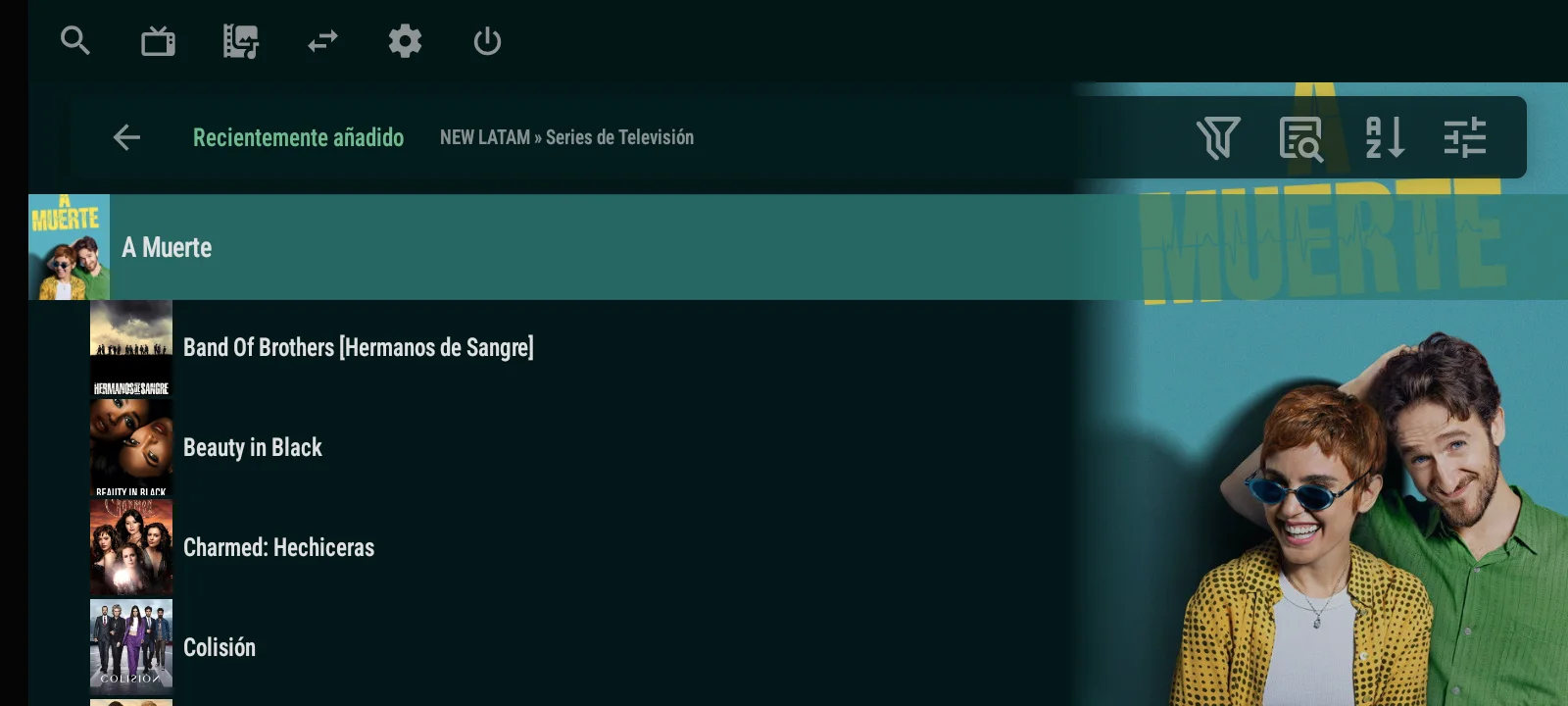
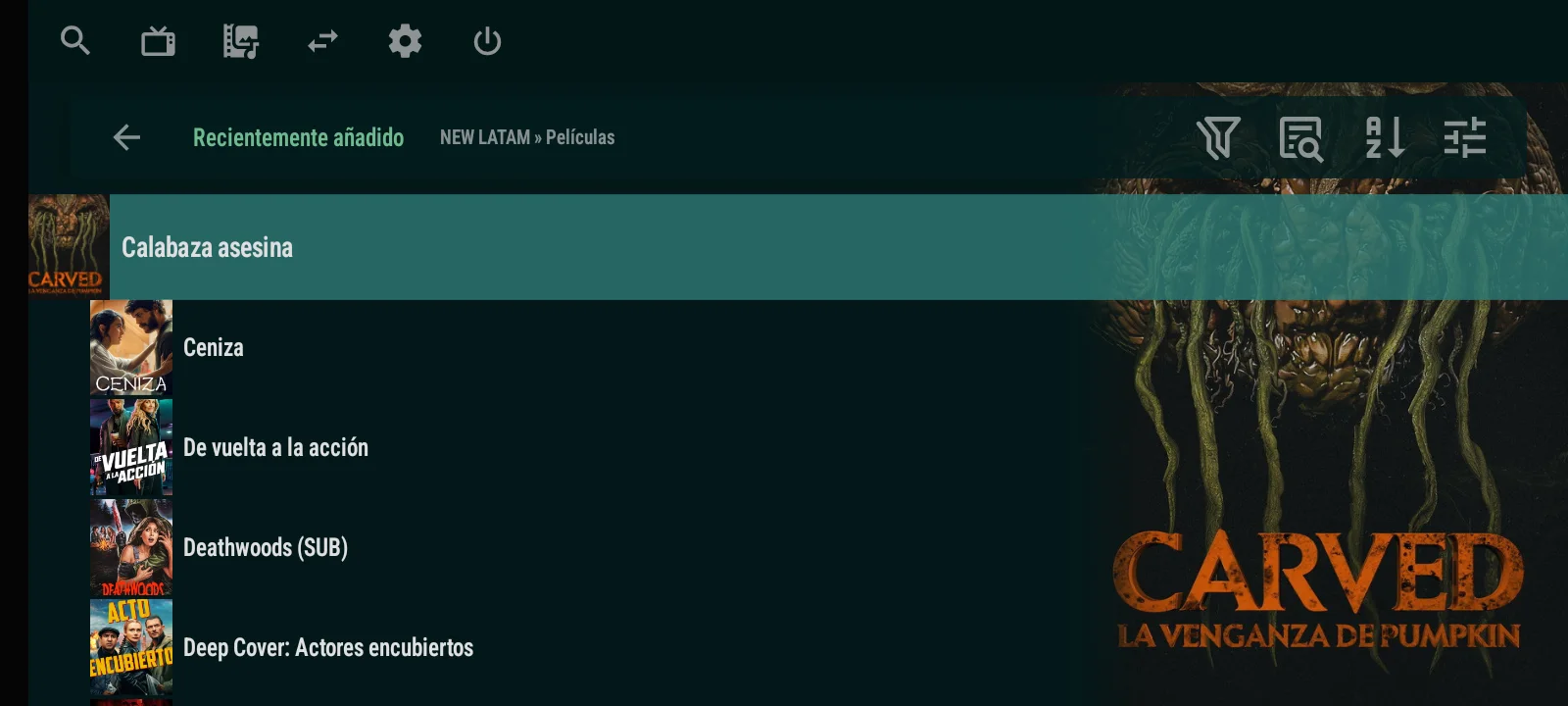 \n\nThe test account exposed 59 movie groups. This confirmed that the app can separate on-demand movies from the live channel workflow instead of mixing everything into one long list.\n\n## TV Series library\n\nTV Series use a separate navigation branch and retain the same list-and-preview structure. The breadcrumb identifies the Series section, while the selected programme receives the larger visual area on the right.\n\n\n\nThe connected source returned 54 series groups during QA. We also verified the category level before opening the recently added list, which makes it easier to move between larger libraries with a remote.\n\n## What this test proves\n\nThe test confirms the functions that matter for this product: service authentication, Live TV loading, live playback, Movies navigation and TV Series navigation. It does not claim that every external provider will supply the same catalogue, counts, metadata or EPG quality.\n\nThe commercial package consists of the branded app and its private management panel. No media subscription or third-party content is included. For current screenshots, delivery details and the $65 price, visit OTT Navigator Premium + Panel.