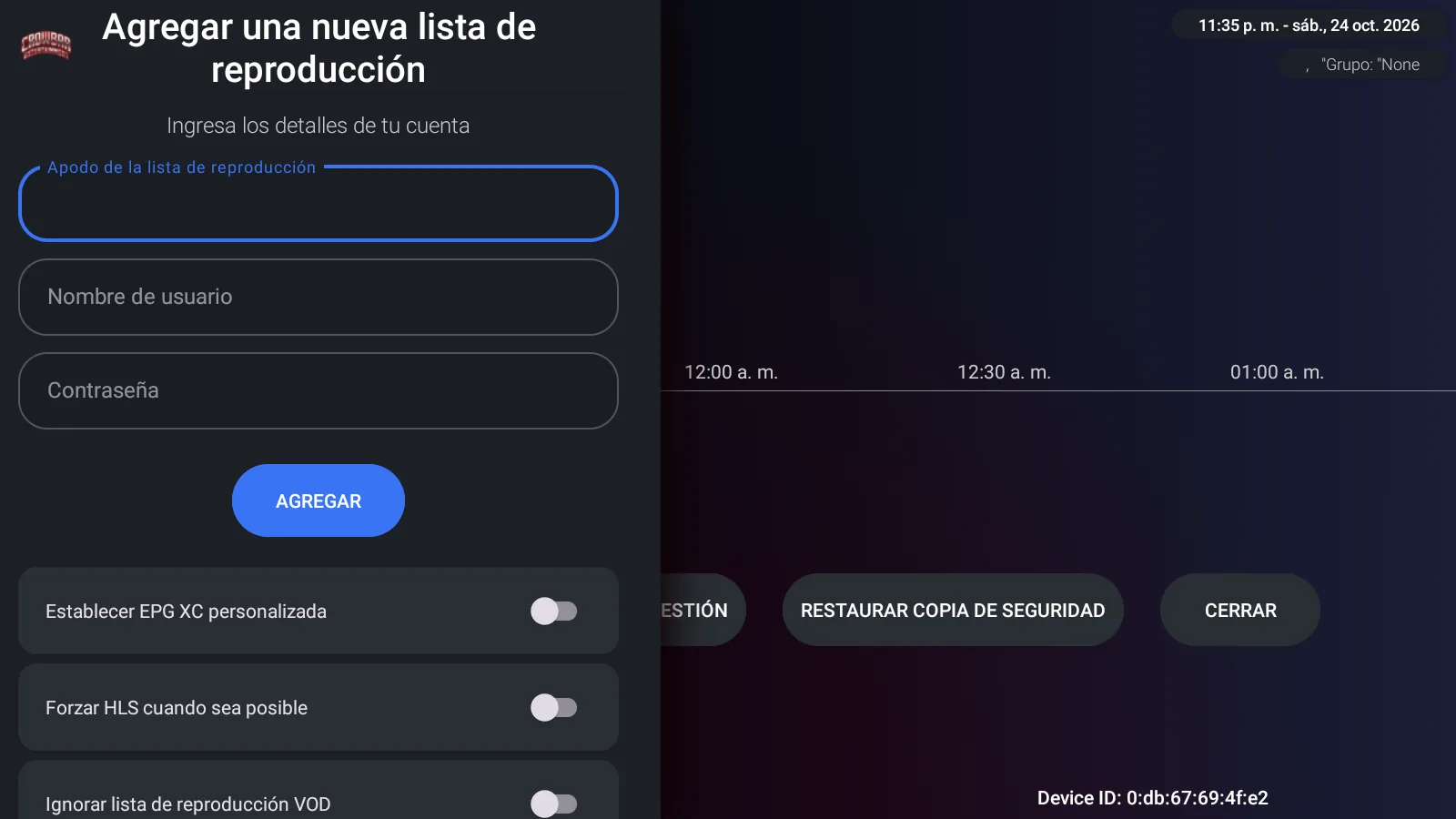
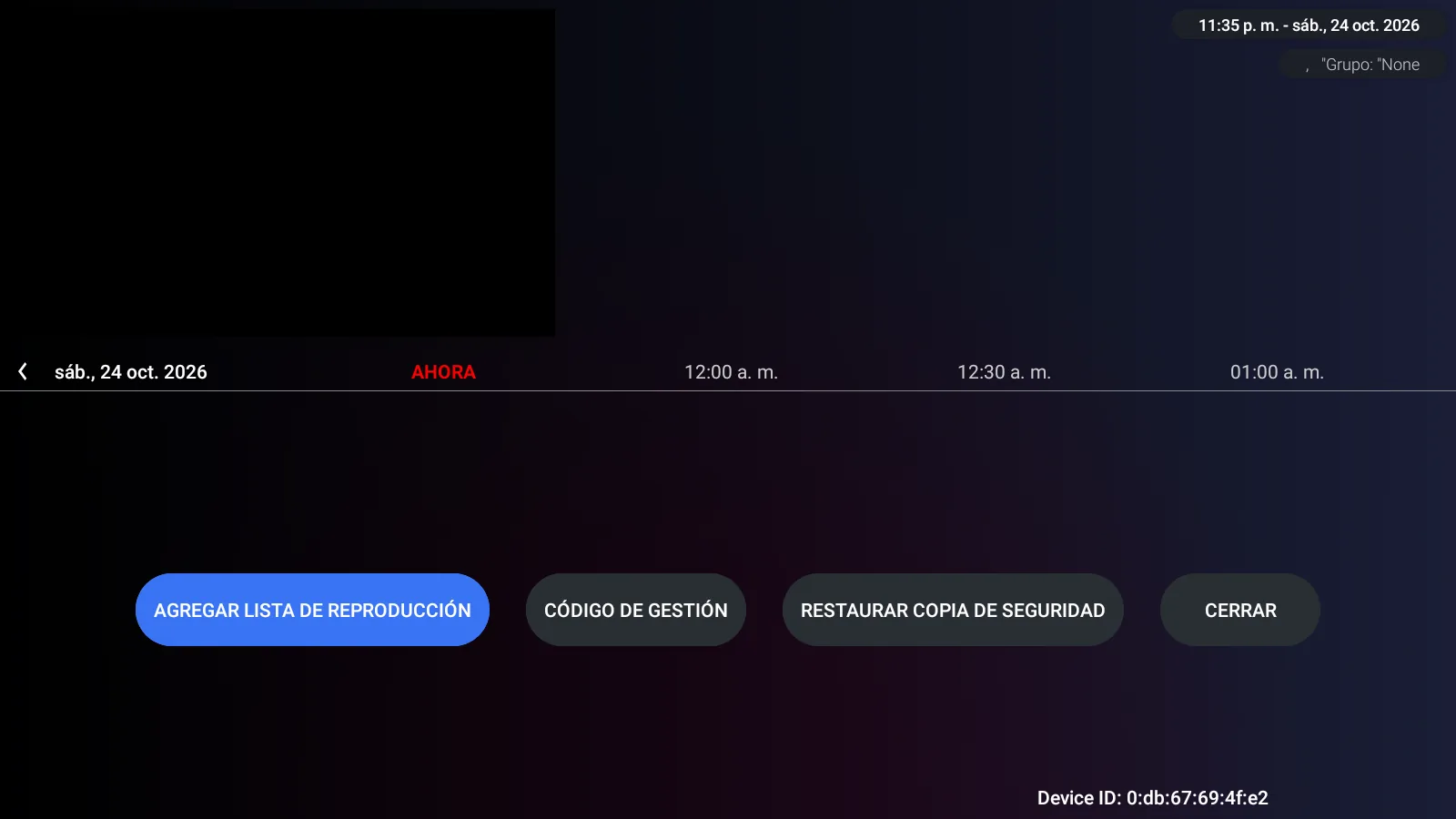
What a full re-skin looks like: IBO Glass 43 from icon to background
A re-skin is more than an accent colour. Here is everything that changes in IBO Glass 43 when you pick a colour — icon, banner, background, buttons, drop-downs and even the placeholder art — with real screenshots.
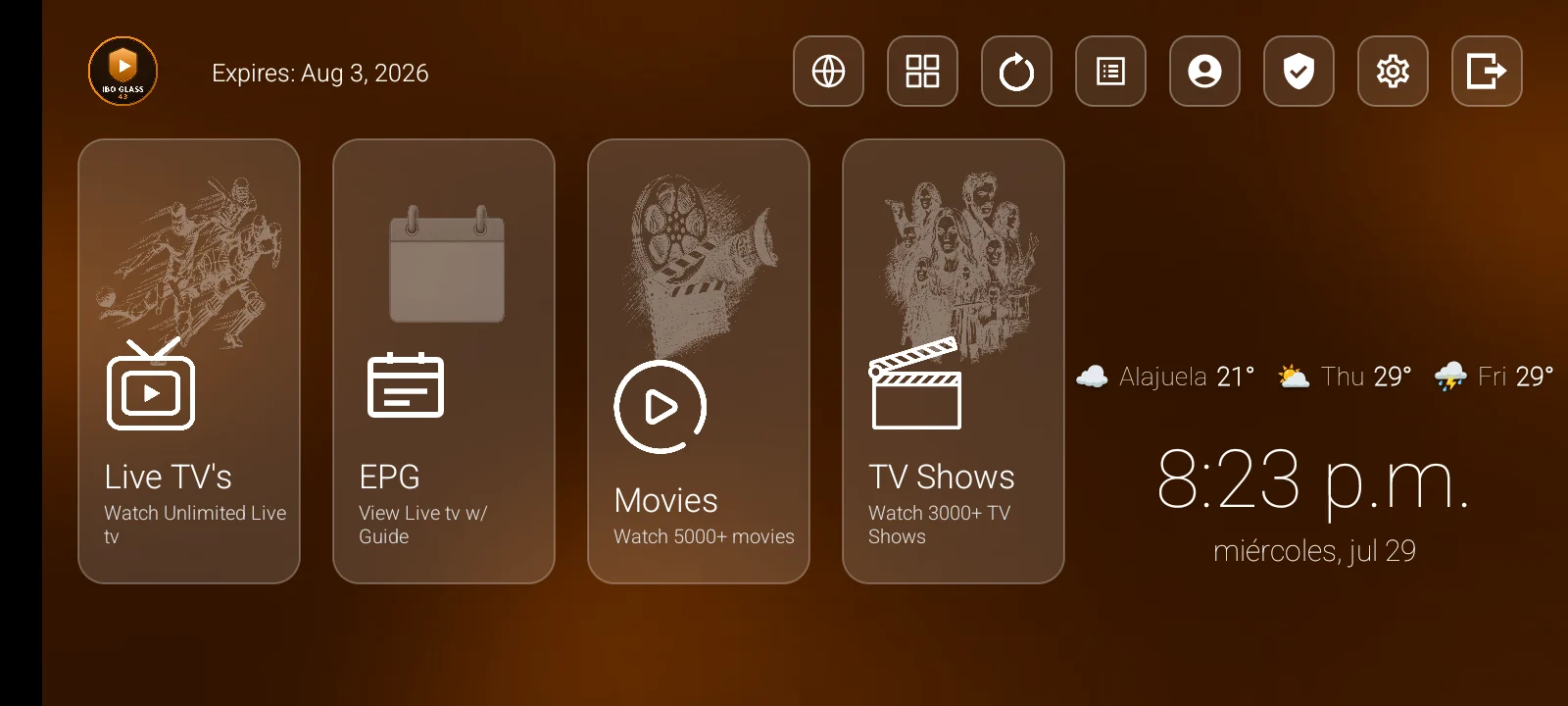
When we say IBO Glass 43 comes in three colours, we do not mean one accent swap. The colour runs through the whole app. Here is what actually changes, with real screenshots.
The icon, the logo and the banner
The launcher icon is a new IBO GLASS 43 badge in the chosen colour — nothing left of the base app's branding. The same badge is used for the in-app logo and, on Fire TV, for the home-screen banner, so the app looks consistent from the launcher to the login screen.
The background and the glass
Behind the cards is a soft gradient in the app's colour, not a stock image. The translucent glass panels, their focus outlines and the loading spinner all follow the same colour.
Buttons, drop-downs and lists
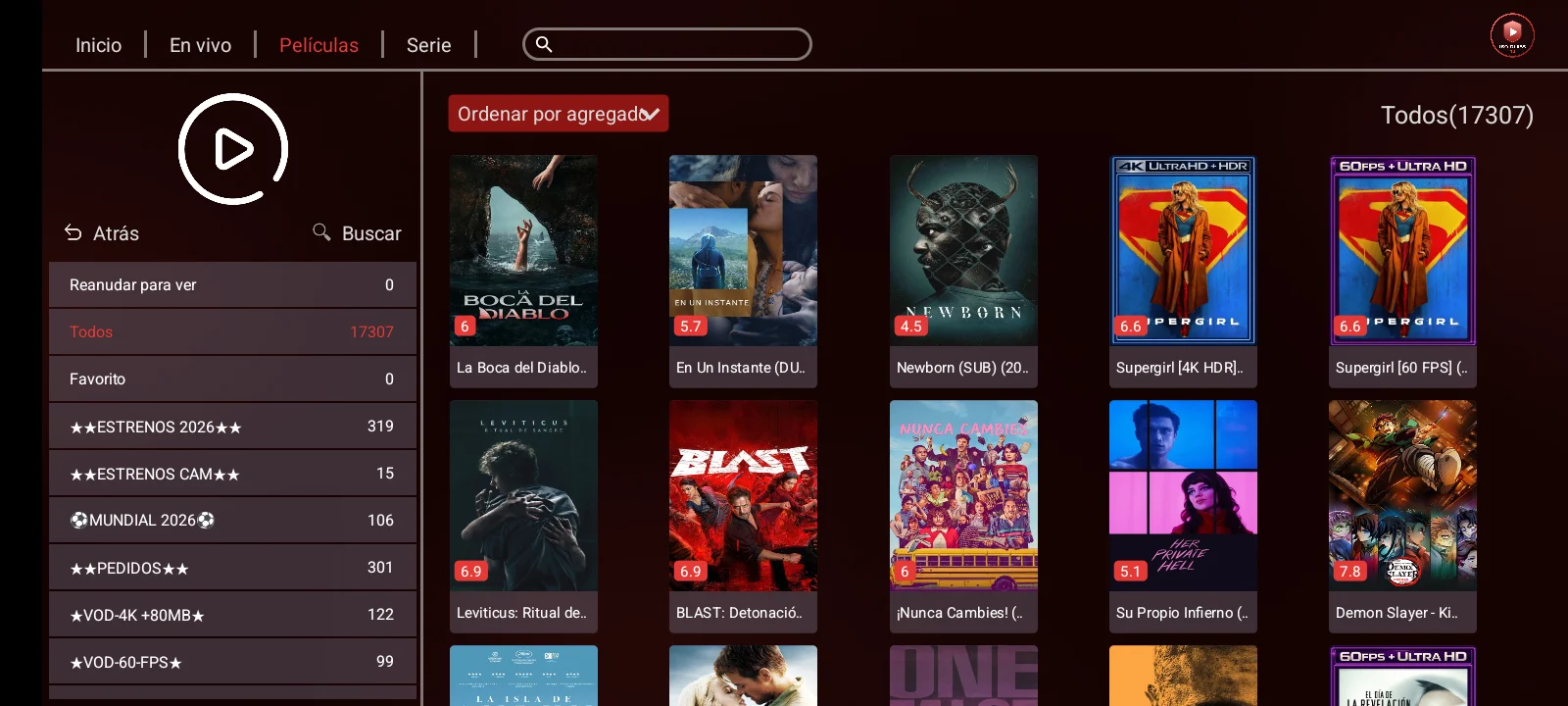
This is where a shallow re-skin usually gives itself away. In IBO Glass 43 the buttons, the sort selector and its drop-down menu, the server picker and the list highlights are all colour-matched. Open the sort menu on the movie grid and it is the app's colour, not a leftover blue:
The settings, down to the tiles
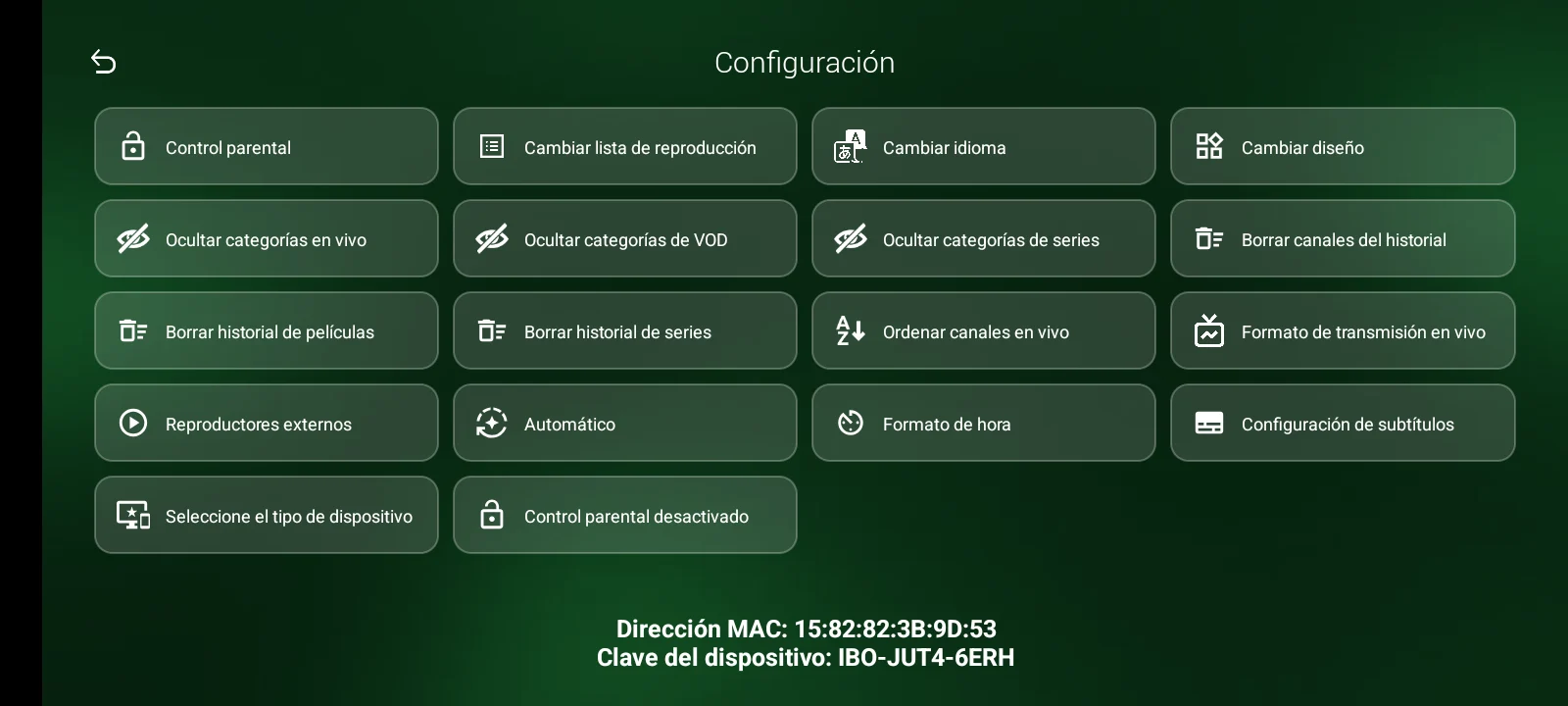
The settings grid is often left untouched in a quick rebrand. Here every tile, icon accent and focus state matches the colour:
Even the placeholder art
When a movie or channel has no artwork yet, the app shows a placeholder. Those placeholders — and the default poster art — were redrawn in the app's colour too, so nothing on screen falls back to the old branding.
One honest line
What we do not touch is the content: the posters, channel logos and EPG data all come from your panel and your provider, exactly as they are. The re-skin is the app itself — icon, background, controls and placeholders — and it is complete.
See the three finished builds on the IBO Glass 43 Red, Green and Orange pages.