How activation works in SMARTERS V5 ULTRA: MAC, codes and your panel
Step-by-step: how your customer gets into SMARTERS V5 ULTRA without typing anything (MAC activation), plus activation codes, classic Xtream login, unlimited playlists per device and Multi-DNS failover.
The number one support headache in any IPTV reselling operation is activation: customers typing credentials wrong, server URLs with typos, endless back-and-forth messages. SMARTERS V5 ULTRA was built around killing that headache. Here's exactly how activation works in it, step by step, from both sides — yours and your customer's.
Method 1: MAC activation (the customer types nothing)
This is the flagship flow.
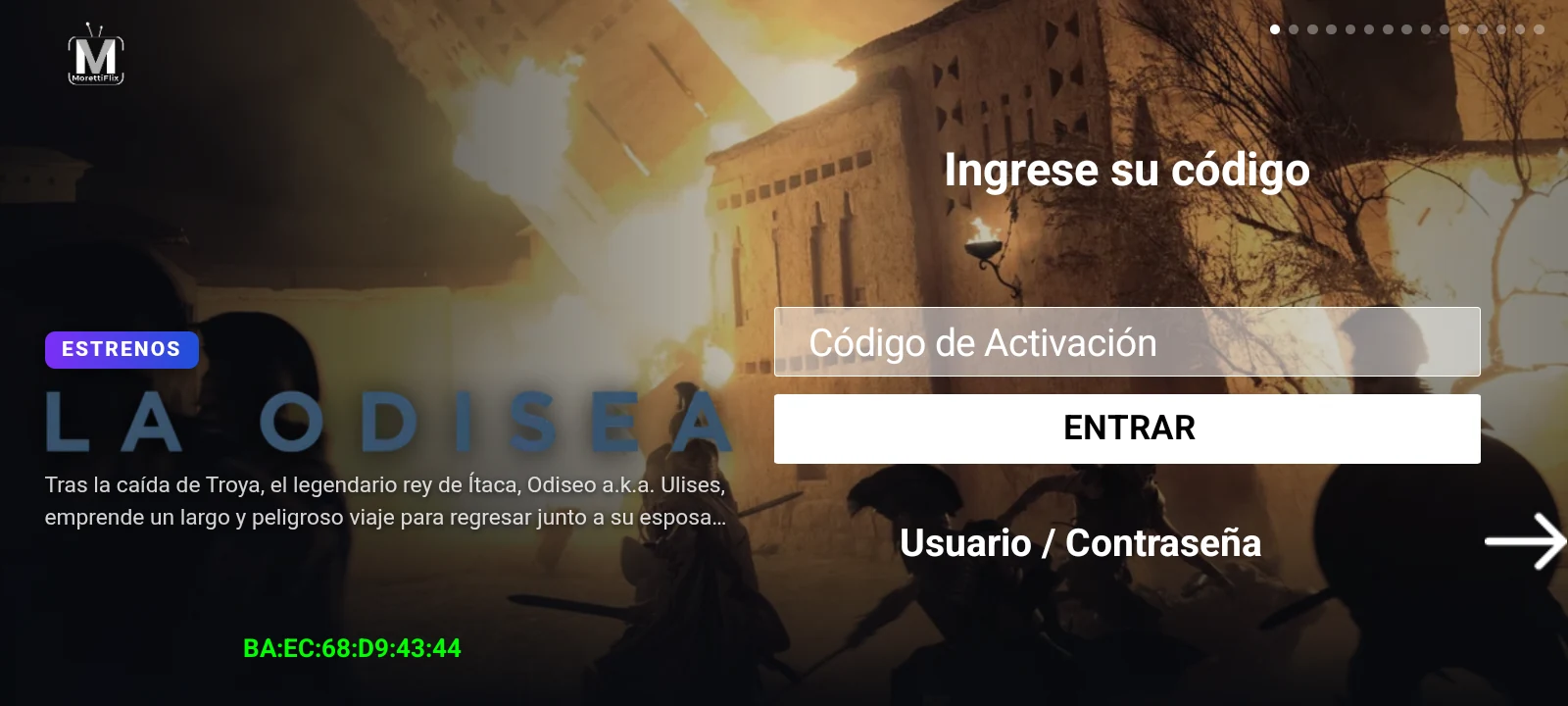
- Your customer installs your branded app and opens it. The login screen shows their device MAC, in green, right on screen.
- They send you that MAC — that's the only thing they ever need to tell you.
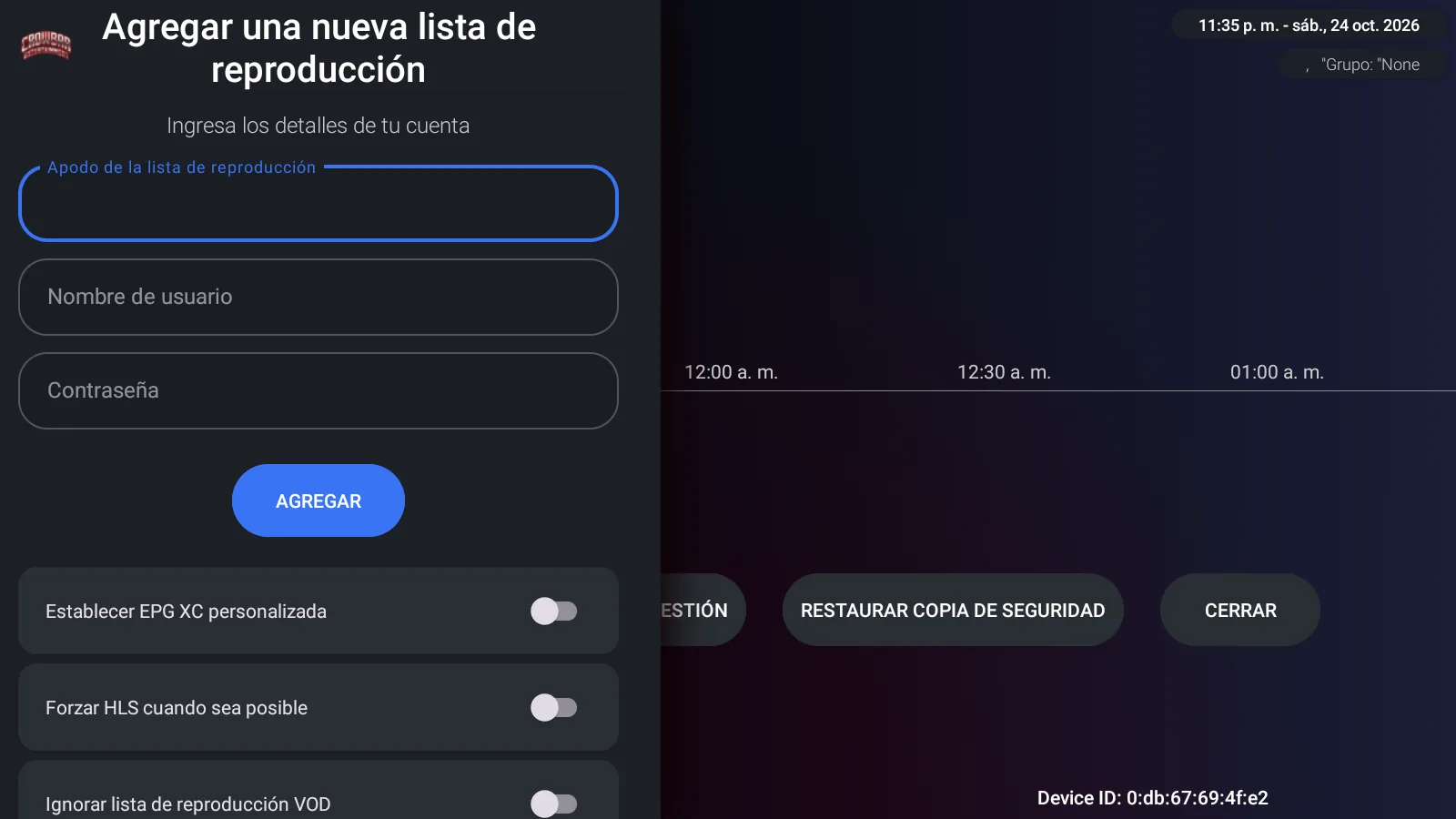
- In your admin panel, you add that MAC with a username, password and server.
- The customer reopens the app and they're in, playlist already loaded. No typing, no URLs, no credentials on their end.
For TV boxes and remote-control typing, this is the difference between a five-minute support chat and no support chat at all.
Method 2: activation codes
Prefer handing out codes? Generate one in your panel, the customer types it once on the login screen, done. Useful when you sell through resellers or want something you can print or message in one line.
Method 3: classic Xtream login
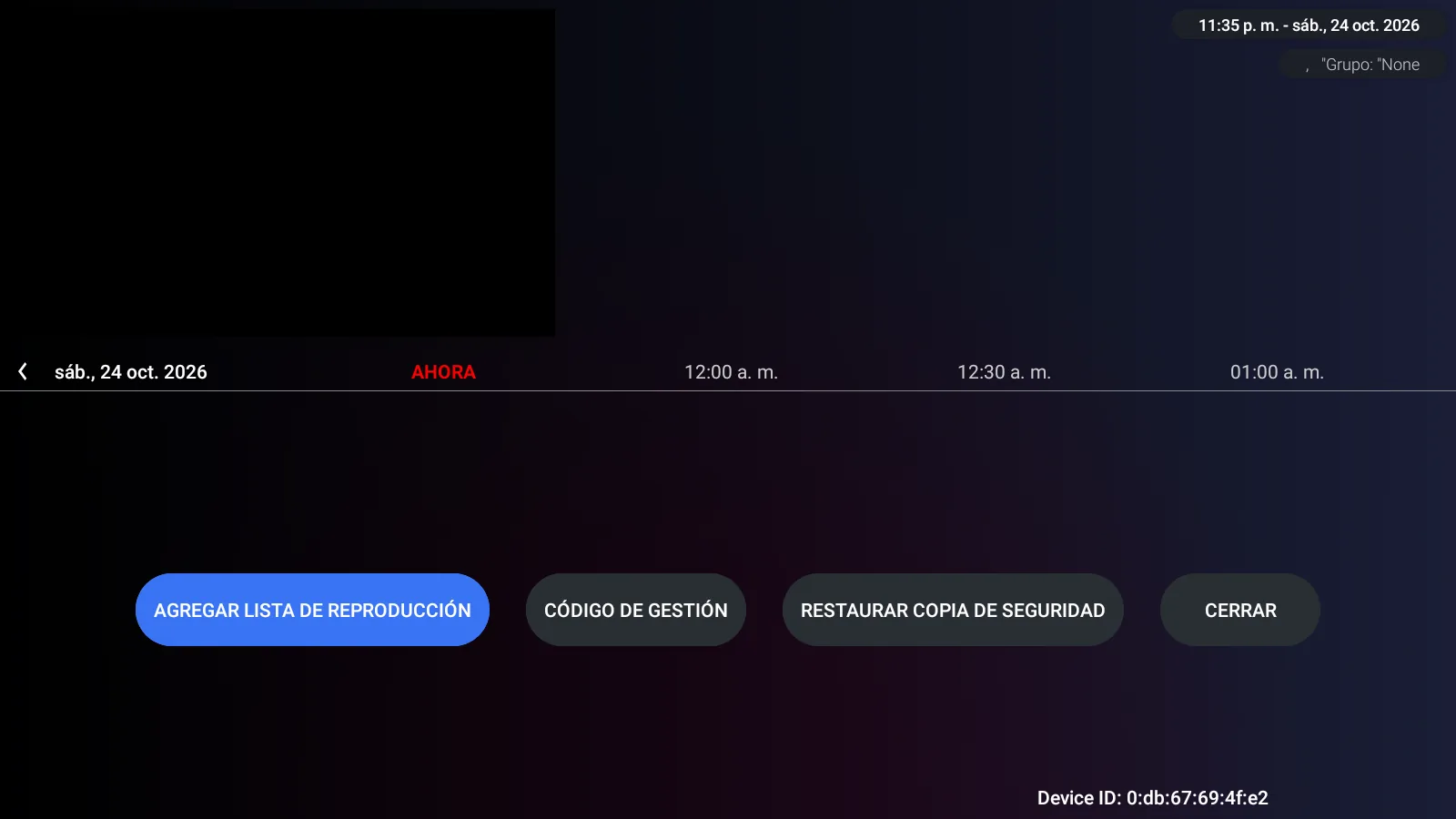
Username and password with a server selector — the standard Xtream flow, for customers who already have credentials and know the drill.
After activation: unlimited playlists on one device
Here's where the panel keeps paying off. To a single MAC you can attach as many playlists as you want. Your customer sees them all in the profile selector and switches with one tap.
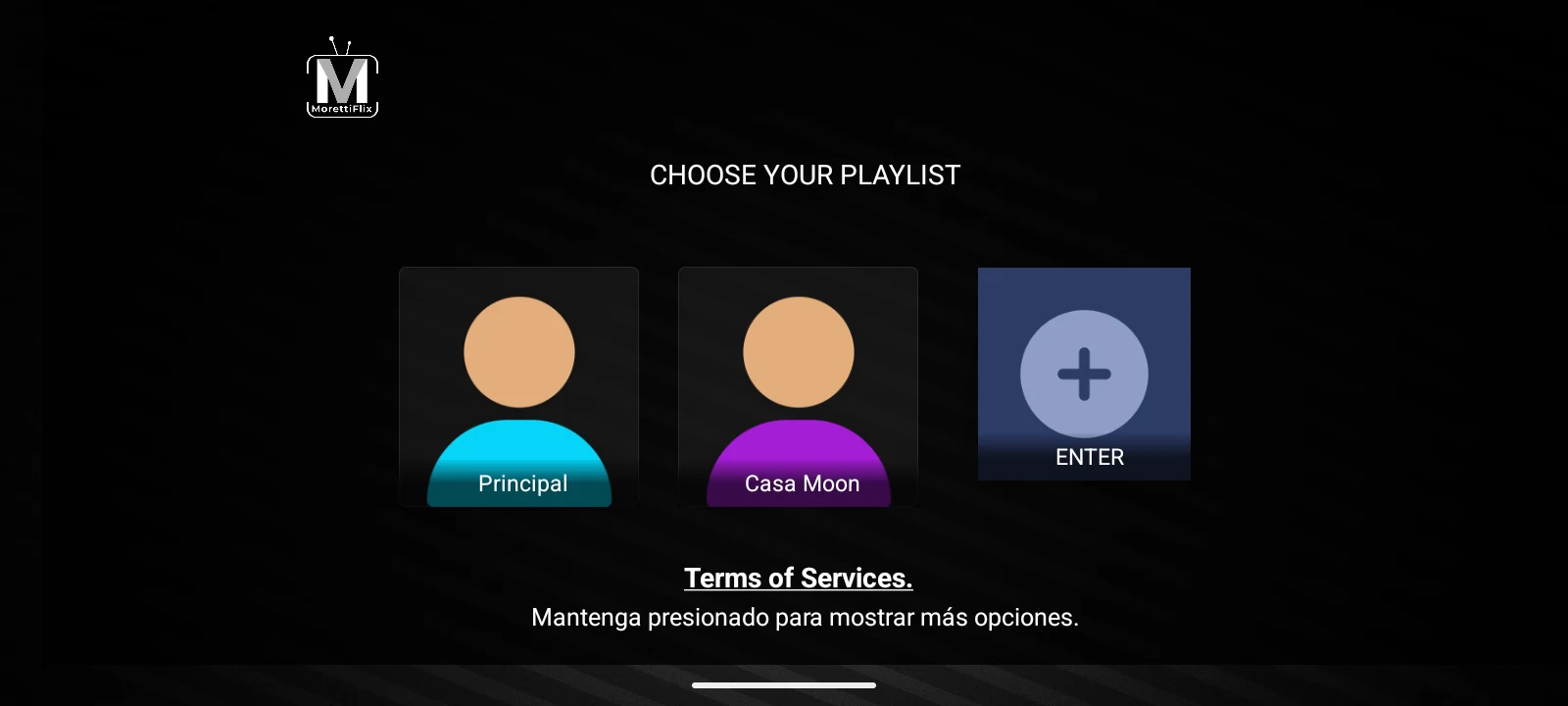
And you stay in control: add, edit, refresh or delete any playlist from the panel at any time — the customer's device updates without anyone touching it.
If a server falls, the app doesn't
SMARTERS V5 ULTRA ships with Multi-DNS failover: if one server stops responding, the app automatically tries the next DNS on your list. Activation flows and playlists keep pointing at whatever is up.
The panel behind all of it
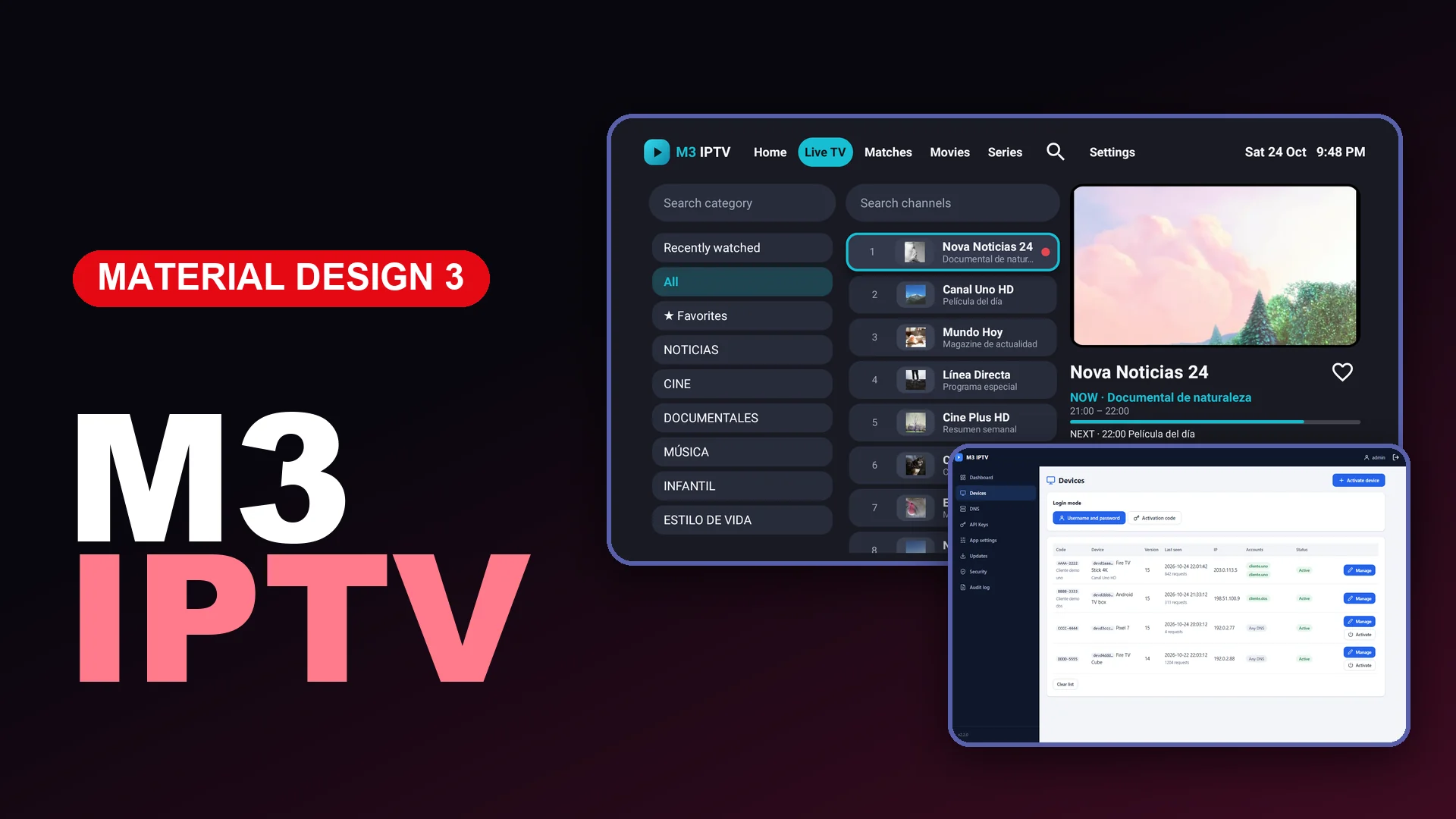
Everything above is driven by the PHP admin panel included with the rebrand: activate MACs, generate codes, manage servers and DNS, manage every playlist — from the browser, with no customer limits.
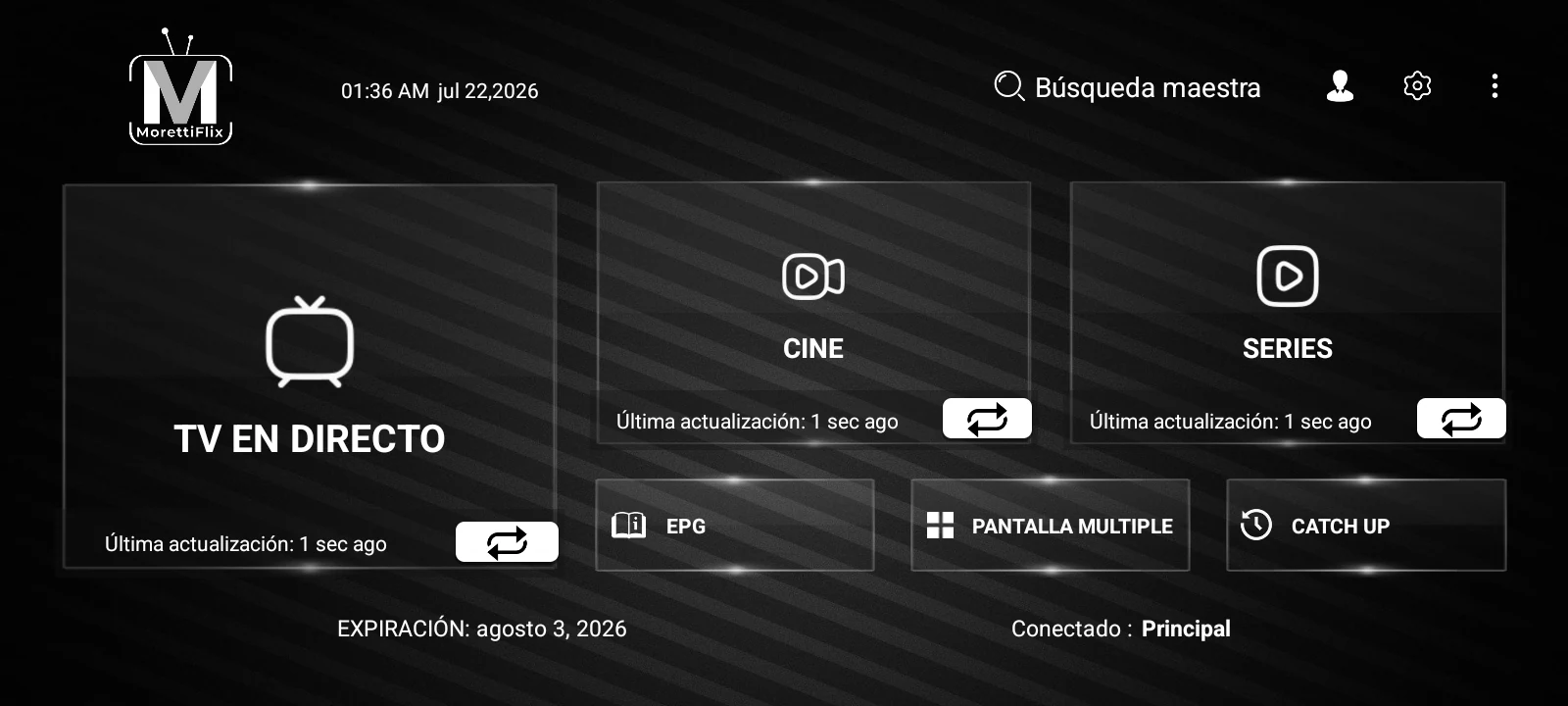
The app itself runs on Android, Android TV and Fire TV, delivered under your brand as a one-time rebrand — no monthly app fees.
Want the full feature rundown? Read our SMARTERS V5 ULTRA overview or go straight to the app page — every screenshot there is from the real app.