Smarters V5 Glass, New Style TMDB or Live: which style fits your brand?
Three faces of the Smarters V5 engine — frosted glass, a cinematic TMDB hero, and a practical grid with REC and downloads. Real screenshots of each to help you choose.
The Smarters V5 engine is one of the most requested bases for a branded IPTV app — and our catalog has three different faces of it: Glass, New Style TMDB and Live. Same solid core, three very different first impressions. Here's what each one actually looks like, with real screenshots, so you can pick the style that fits your brand.
What all three share
Before the differences, the common core. All three are Smarters V5 players with:
- Xtream username and password login
- Device detection at launch — the app offers a TV version or a mobile version depending on where it opens
- Built-in VPN and support for multiple playlists
- Live TV with categories, favorites, history, per-channel EPG and search
- Movies and Series with sorting by new releases, currently airing, year, 4K and subtitled
- White-label delivery: your logo, your name, your own panel
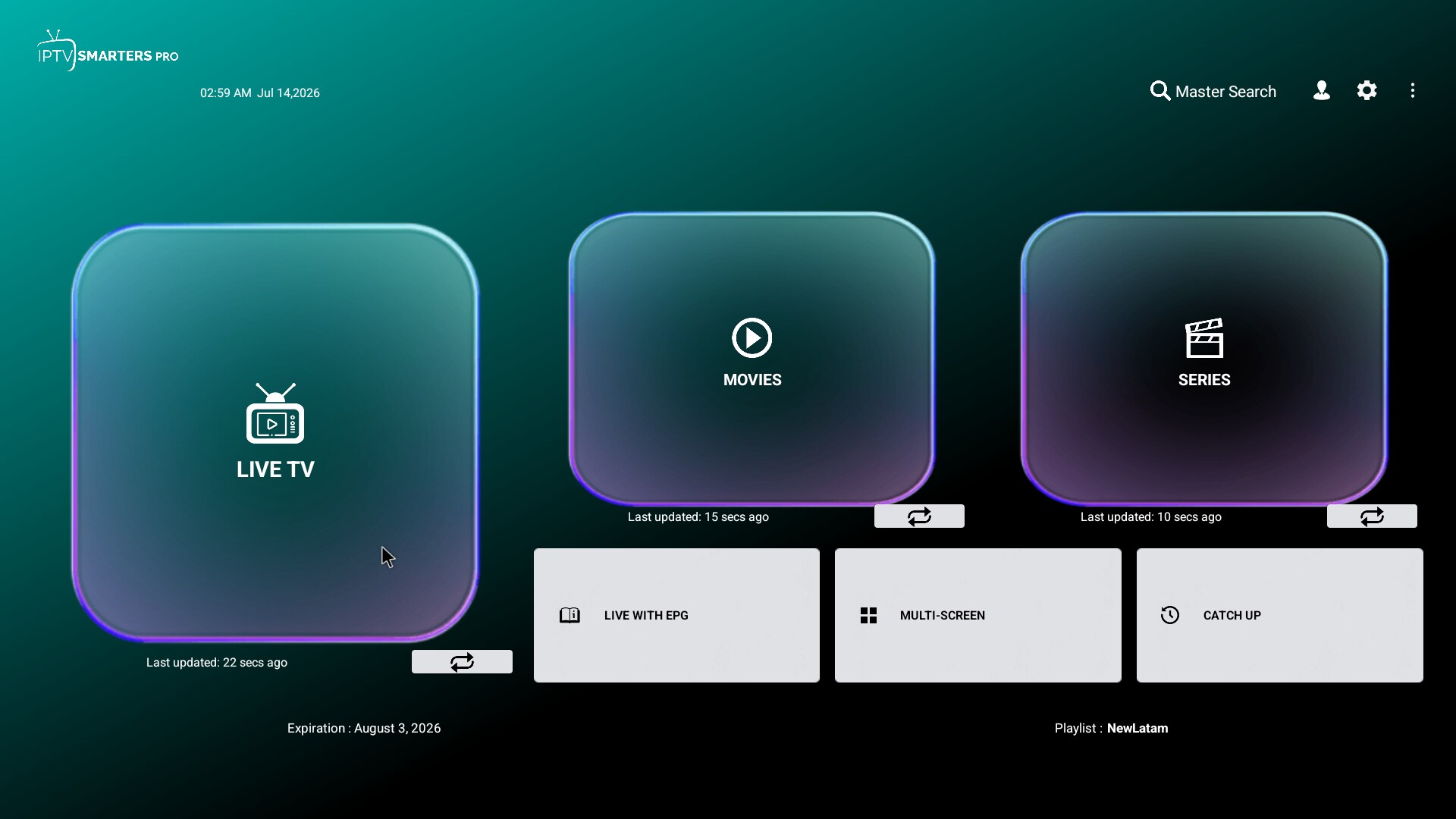
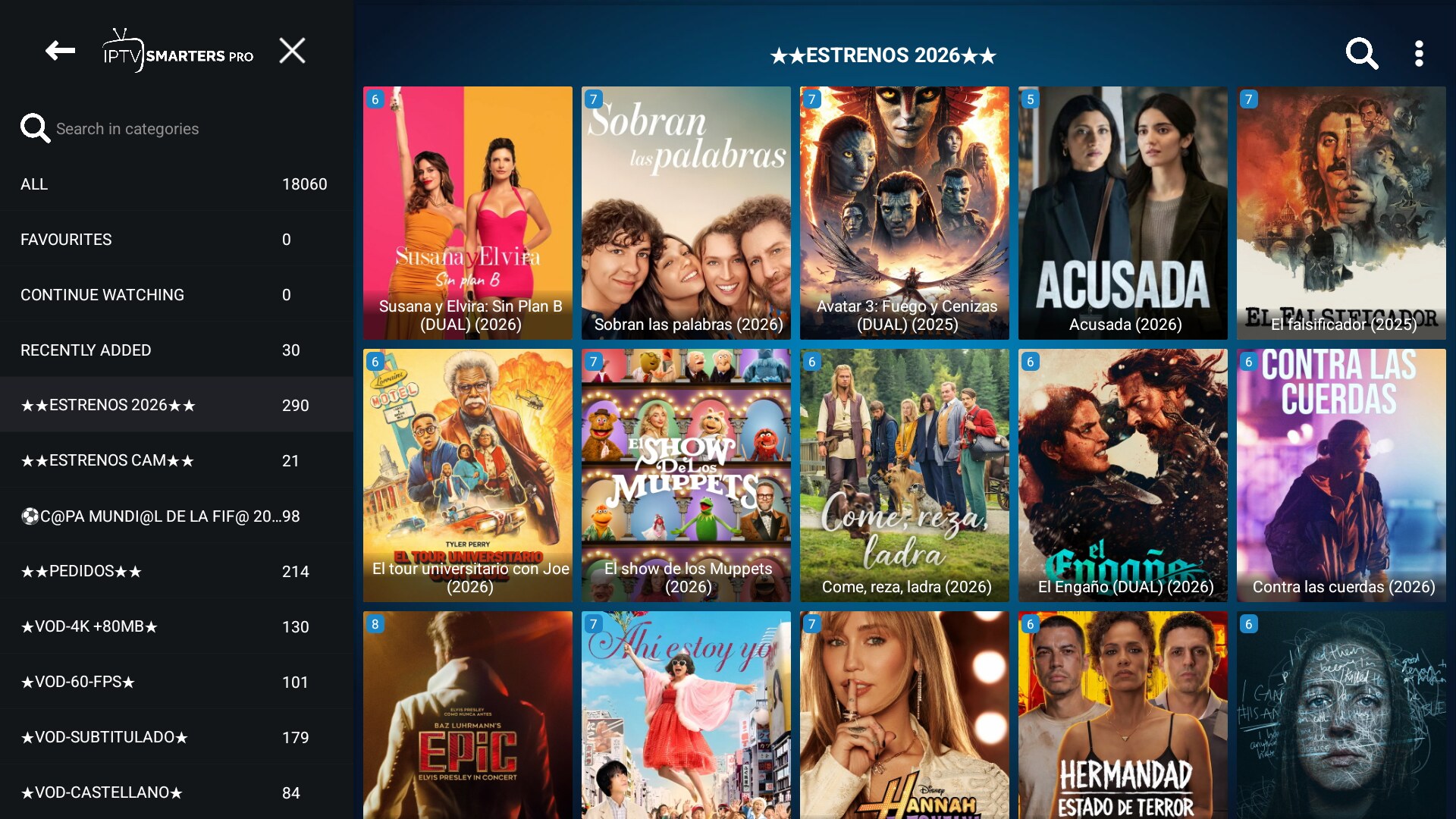
Smarters Pro V5 Glass — the translucent look
Glass wraps the home in a frosted-glass effect over a gradient: large translucent tiles for Live TV, Movies and Series, plus Live TV with EPG, Multi Screen and Catch Up, with a Master Search in the top bar. If your brand leans elegant and modern, this is the one.
Smarters Pro V5 New Style TMDB — the cinematic look
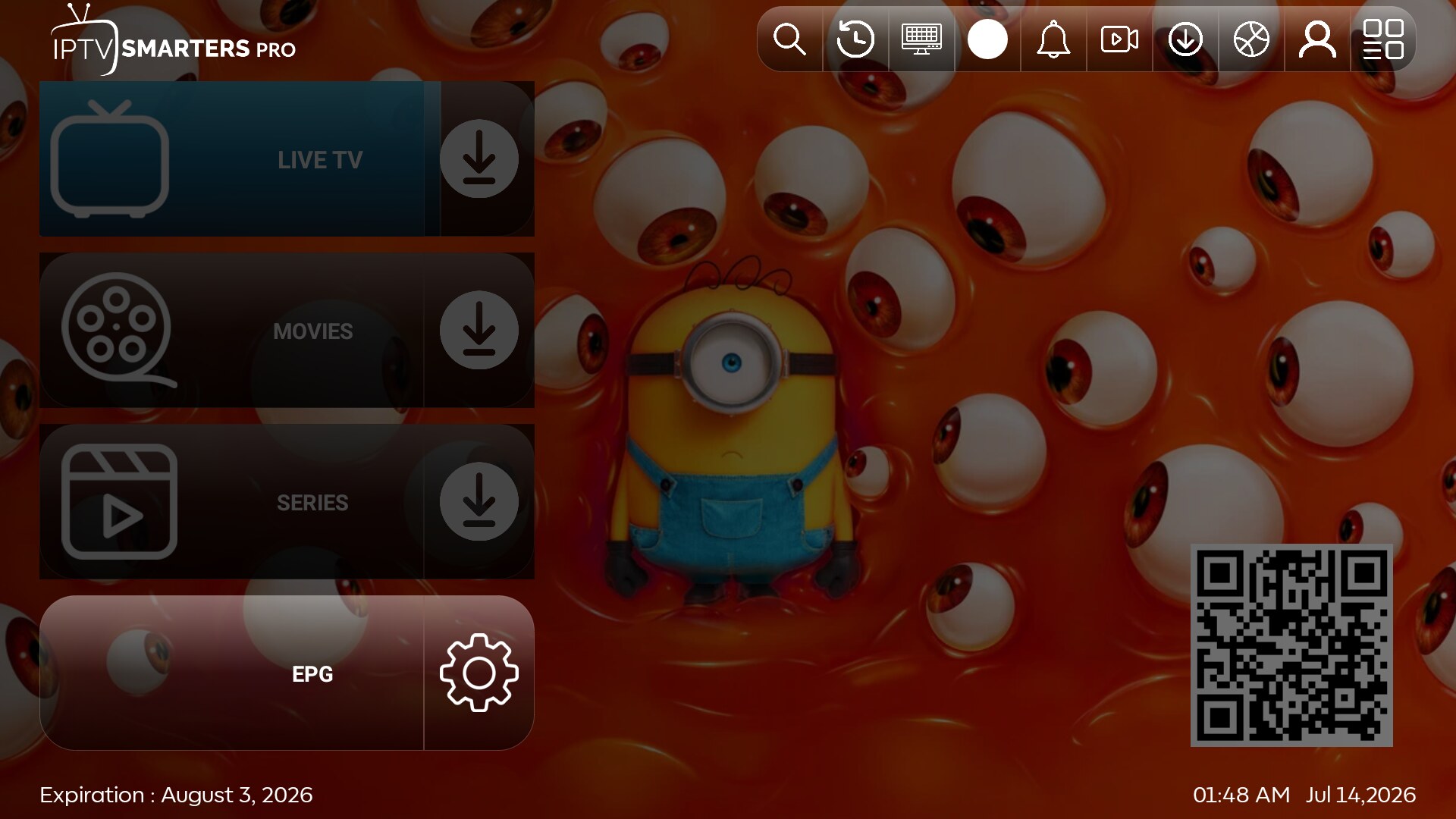
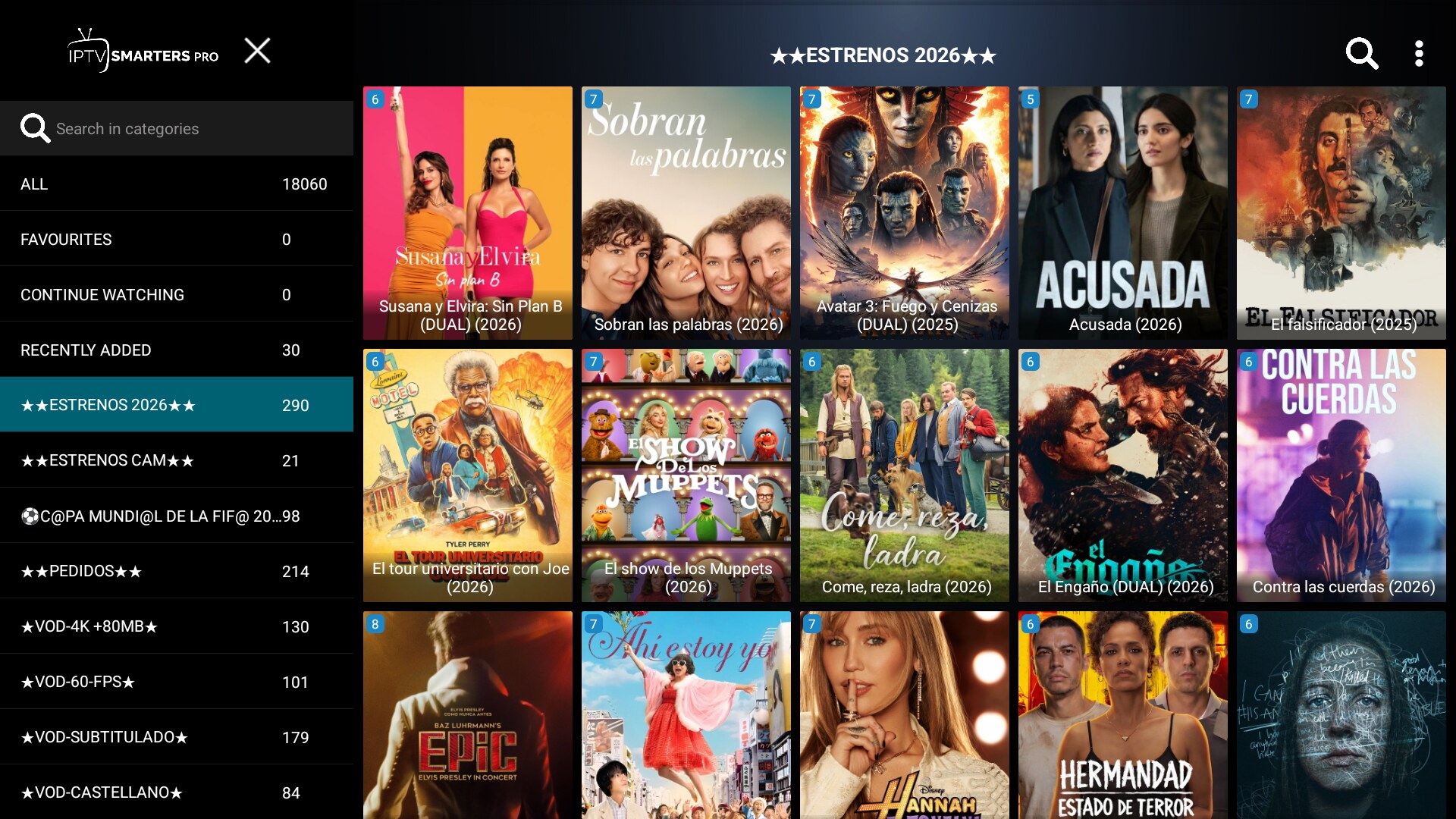
The TMDB variant opens on a big featured hero with a full background image, TMDB-style cards for movies and series, and a loaded top bar: search, history, multi-screen, catch-up, downloads, external player and profiles — plus a QR code for quick connection. This is the most "streaming service" of the three.
Live Smarters V5 — the utility look
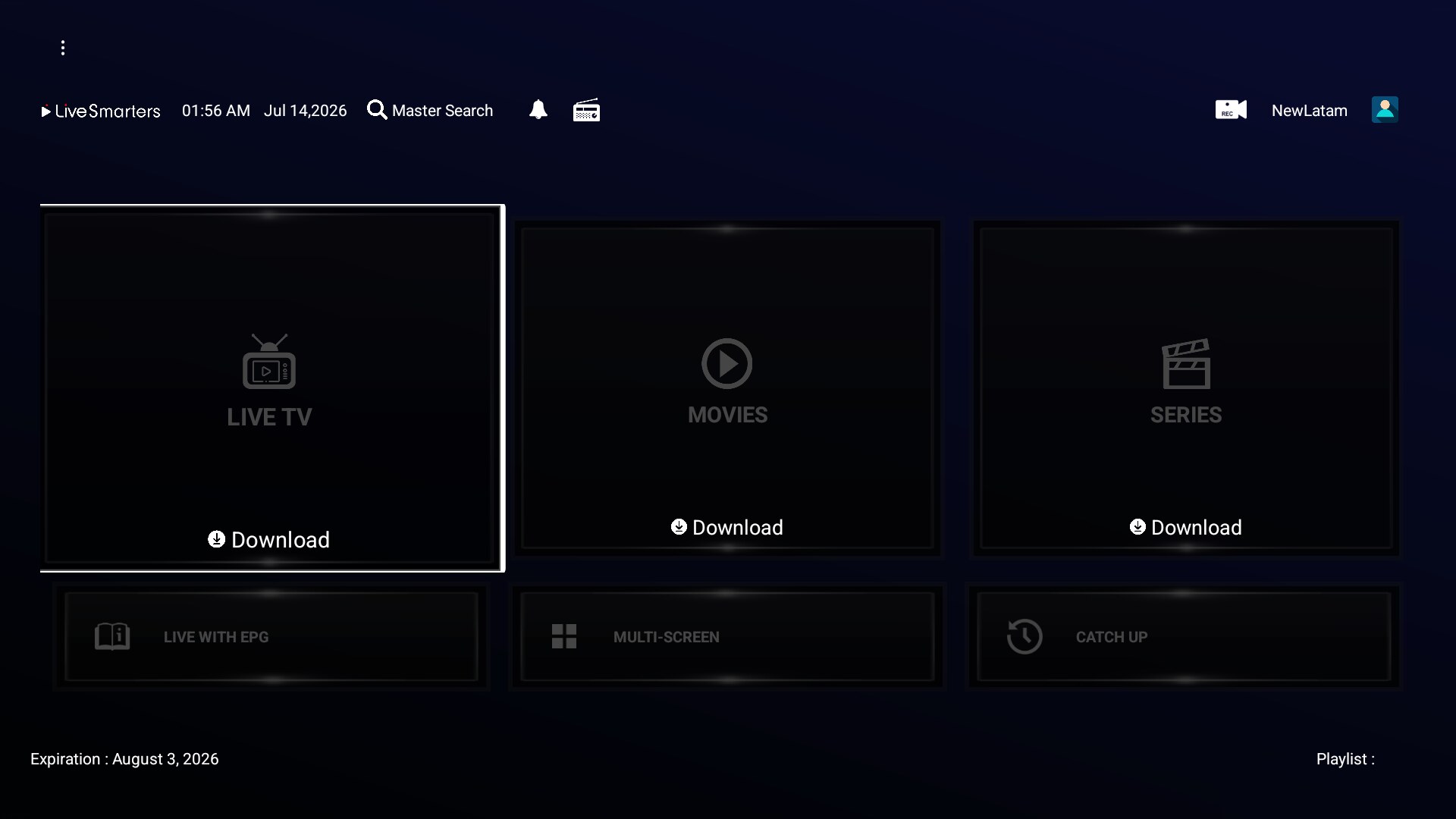
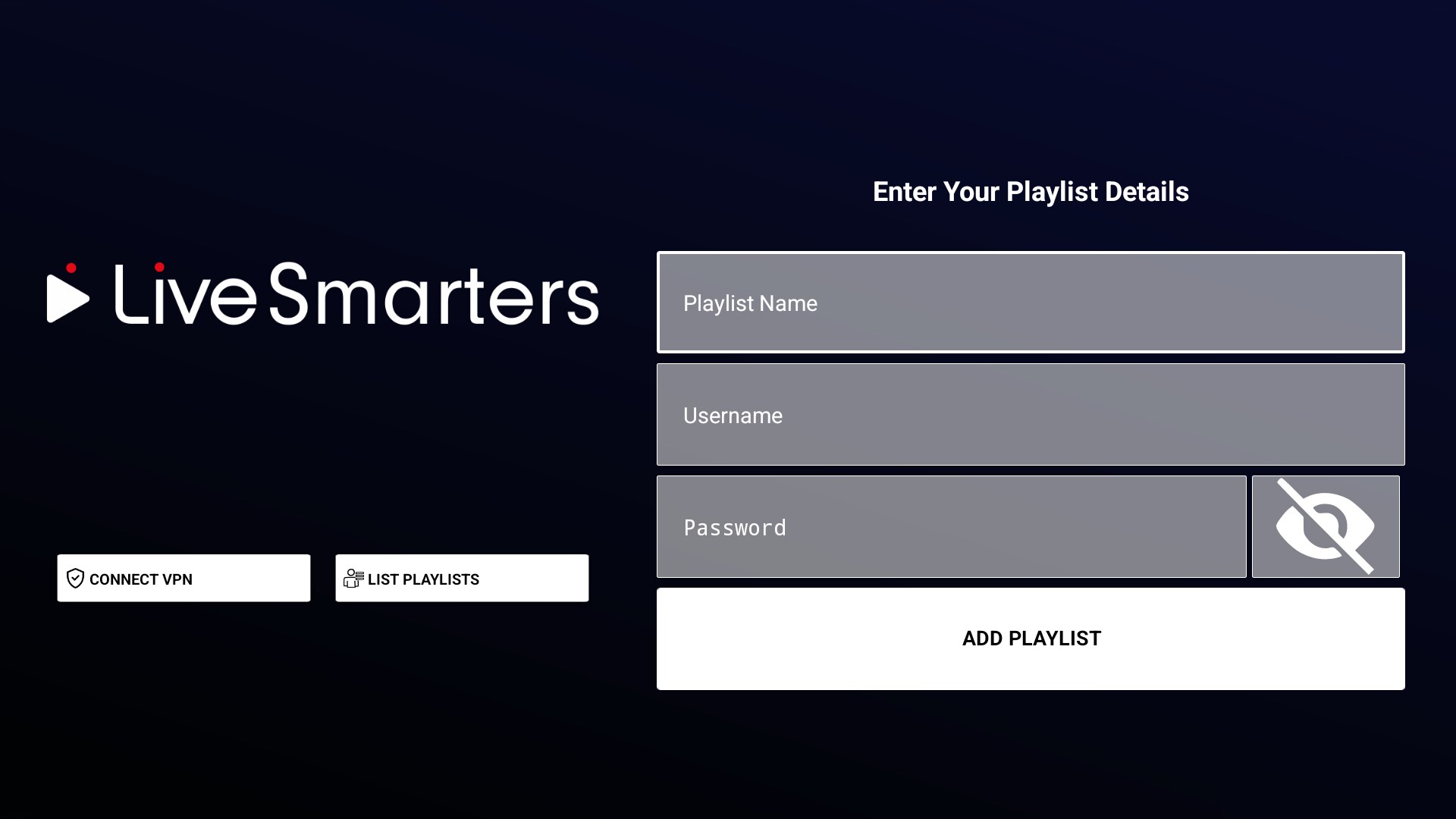
Live goes for a grid home with big shortcuts to Live TV, Movies and Series, plus Live TV with EPG, Multi Screen and Catch Up. The top bar adds global search, radio, recording (REC) and profiles, and each section supports downloads for offline use. There's a connect-VPN button right up front. It's the most functional, everything-one-click-away layout.
Which one should you pick?
- Want elegance? Glass.
- Want maximum movie-poster impact? New Style TMDB.
- Want a practical dashboard your customers navigate in two clicks? Live.
All three run as a one-time rebrand — no monthly app fees. See them in the catalog: Glass, New Style TMDB and Live, or browse everything.