Multi-DNS and failover: why your branded app shouldn't go dark when a server does
One server has a bad night — do your customers see a rebuffer, or a wall of 'no signal'? The difference is a panel decision you make once.
Ask a reseller why they lost customers last month and you'll rarely hear "the content." You'll hear "the servers went down and everyone messaged me at once." Uptime is the product. Here's the setup that protects it.
What actually happens during an outage
When your app is hard-wired to one DNS or one server, an outage is binary: it works, or it doesn't. The moment that host hiccups — maintenance, an IP block, a bad route — every customer hits the same wall at the same time. Your phone lights up. Some ask for a refund. A few just leave and don't say anything, which is worse.
What failover changes
With multi-DNS and failover, your app holds a list of endpoints, not one address. If the primary stops answering, it rolls to the next automatically. The customer sees a short rebuffer instead of a dead screen — and usually doesn't even notice. You've turned a "the service is down" event into a non-event.
This isn't exotic. It's a configuration you set once in your panel and forget. The trick is that it has to be baked into how the app and backend are built — you can't bolt real failover onto a build that only knows one address.
Why it belongs in your panel, not the app
Servers change. IPs get blocked, providers rotate, you add capacity. If failover lives in your own panel, you update the DNS list in one place and every installed app picks it up — no new build, no asking customers to reinstall. If it's hard-coded in the APK, every change means a new release and a support headache.
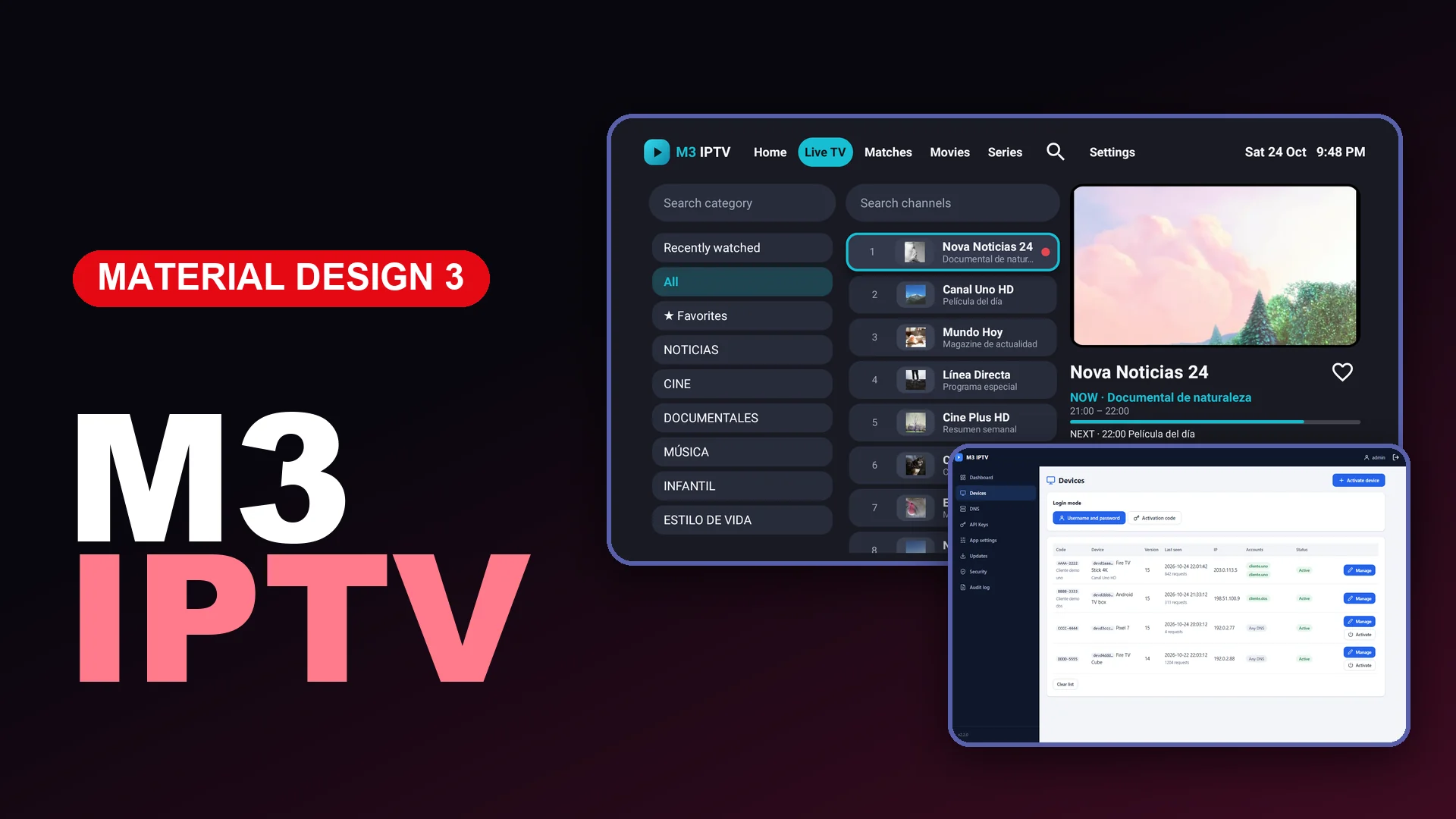
That's the real argument for owning your panel instead of renting a slice of someone else's: you control the routing, the device activations, the accounts, and the failover — from your domain, on your terms.
A simple resilience checklist
- At least two DNS endpoints, ideally on different networks.
- Failover configured in the panel, not the app binary.
- A staging endpoint you can point to fast if the primary is blocked.
- Signed builds so you're never scrambling to re-sign under pressure.
- A status message channel (your in-app WhatsApp/Telegram) so if something does slip through, you talk to customers before they assume the worst.
Downtime is the one thing customers won't forgive twice. Build for the bad night before it happens, and most of your "why did I lose customers" months quietly disappear.