Getting your branded app onto a Fire TV Stick: signed APKs and the Downloader code
The Fire Stick is where most US and UK customers actually watch. Here's the clean, no-drama way to get your app on it.
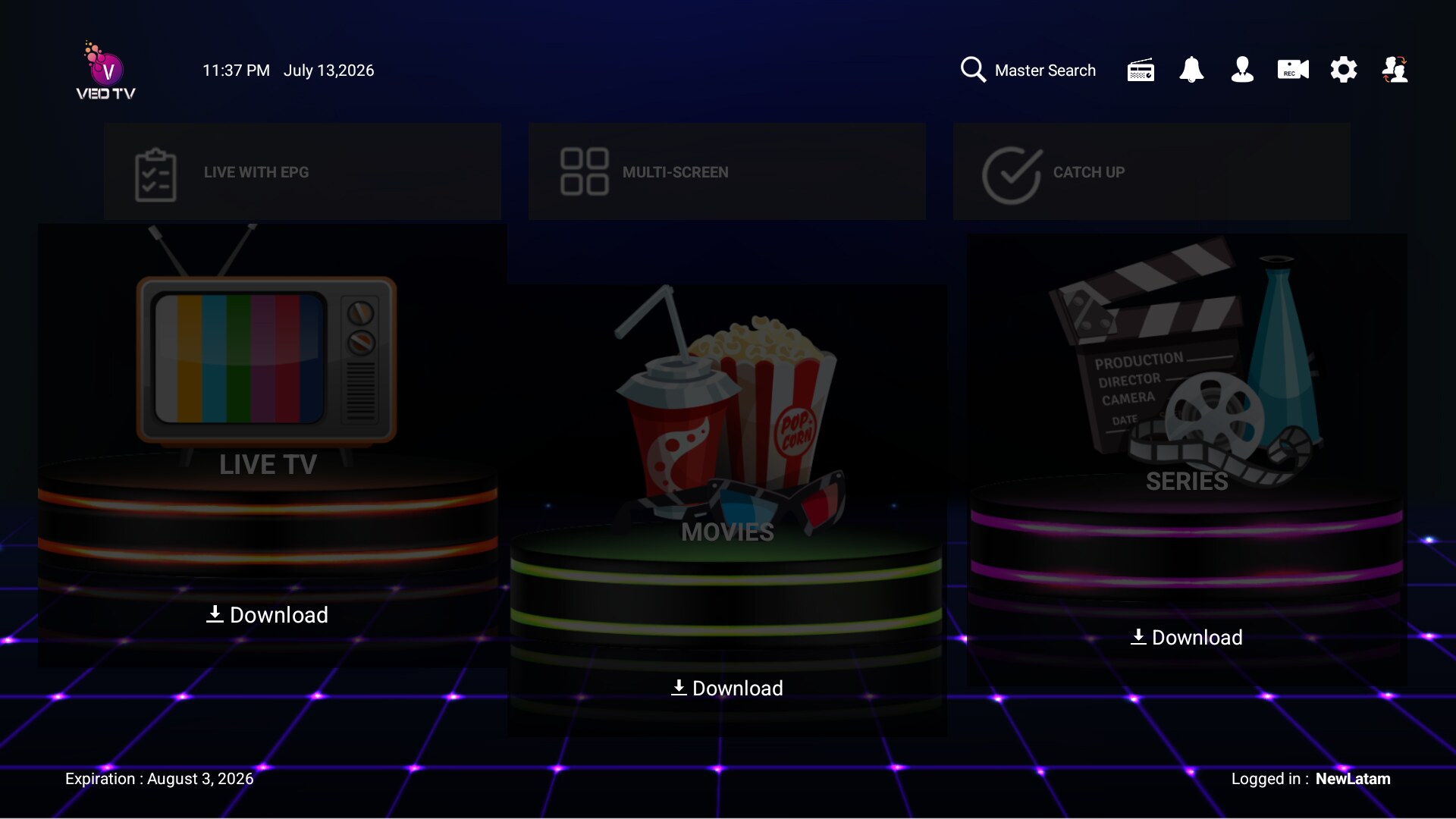
In the US and UK, the Amazon Fire TV Stick is where a huge share of IPTV actually gets watched. It's cheap, it's everywhere, and it runs Android under the hood — which is exactly why a properly built branded app installs on it cleanly. Here's the setup that keeps installs boring (in a good way).
Why the APK has to be signed
Every Android app is signed with a key. If your build is signed with a stable keystore that's yours, updates install over the old version without uninstalling, and the app behaves like a real product. If it's re-signed inconsistently, customers hit "app not installed" errors on every update — the kind of thing that generates support tickets and refunds. Insist that your rebrand is signed with your own keystore and kept consistent across builds.
The Downloader flow, step by step
The cleanest install path on a Fire Stick uses the free Downloader app:
- Customer installs Downloader from the Amazon Appstore (one search, free).
- In Fire TV settings, they enable "install unknown apps" for Downloader (a one-time toggle).
- They open Downloader and type a short code or a direct link you give them.
- The APK downloads and installs. Done.
Give customers a short numeric code or a clean direct link — not a paragraph of instructions. The whole thing should take under two minutes. If your onboarding message is longer than a text, it's too long.
Make the first launch effortless
Once installed, the first launch is where you keep or lose them:
- Device detection so the app picks the TV layout automatically.
- A simple login — username/password or activation code, whichever you set from your panel.
- Your branding on the splash and home, so it's obviously the service they paid for.
- An in-app contact button so if something's off, they reach you in one click instead of giving up.
Keep a direct link alive
Amazon occasionally shifts what's allowed in the store, and codes can expire. Keep a stable direct download link under your own domain as a backup, so you're never stuck telling customers "wait, the code changed." If your panel and hosting are yours, this is trivial — one link you control, updated in one place.
The short version
Signed with your keystore, distributed by a short Downloader code, backed by a direct link you own, and wrapped in your brand. That's the entire distribution story for the device most of your customers actually use. Get it clean once and installs stop being a support category.