Just a username and password: ARTIC PLAYER gets its connection from your panel
Your customer just types a username and password. ARTIC PLAYER takes the connection settings from your panel, so there are no addresses to type or fix.
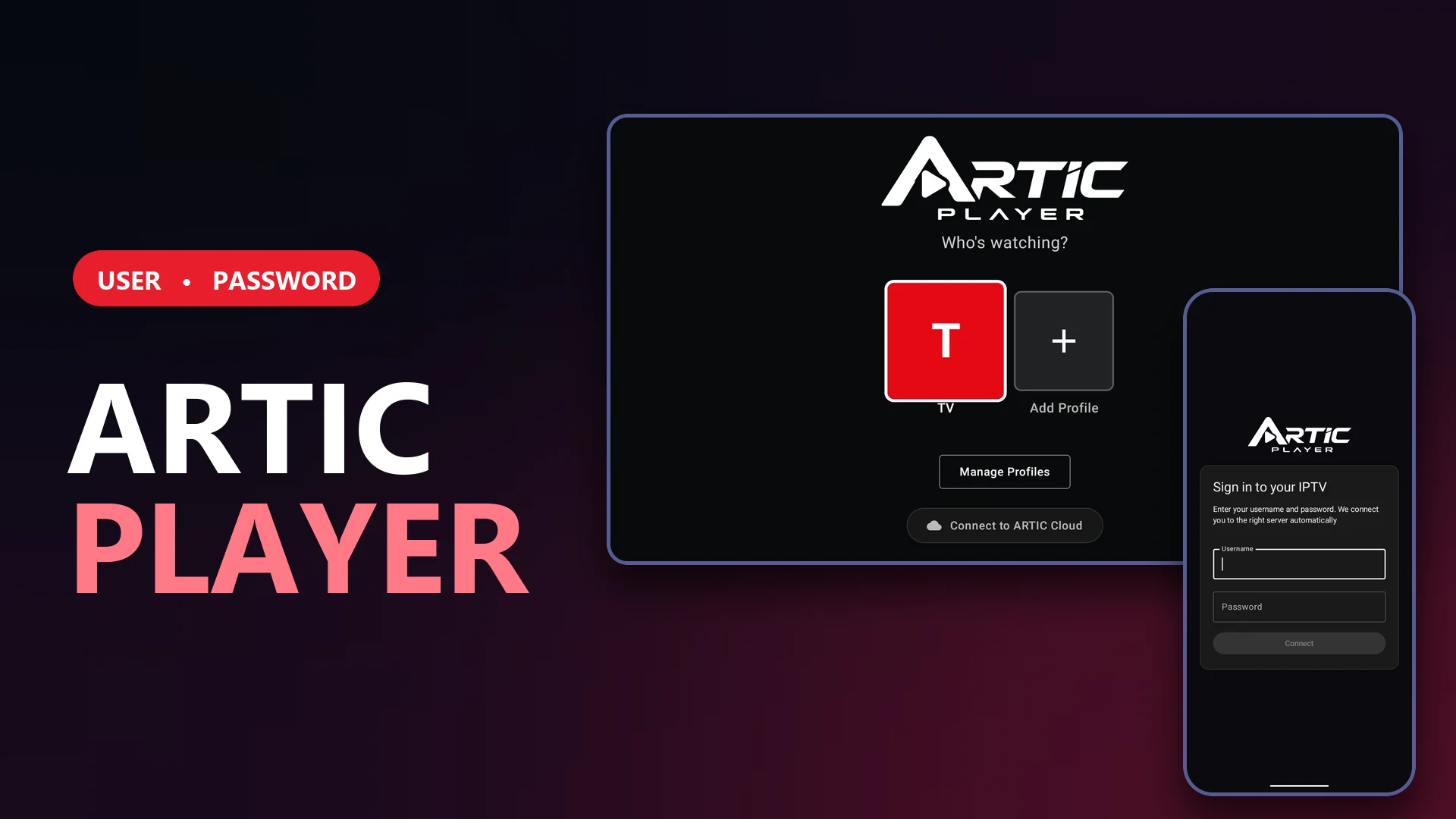
In many IPTV apps the customer has to type the server address by hand, and a simple typo ends up as a support message. ARTIC PLAYER keeps it simple: your customer only types a username and a password, and the app takes the connection settings from your panel.
What your customer sees
A form with two fields and a notice explaining that the app connects them to the right server automatically. On the phone it looks like this (sign-in, first-time loading of channels and guide, and profile creation):
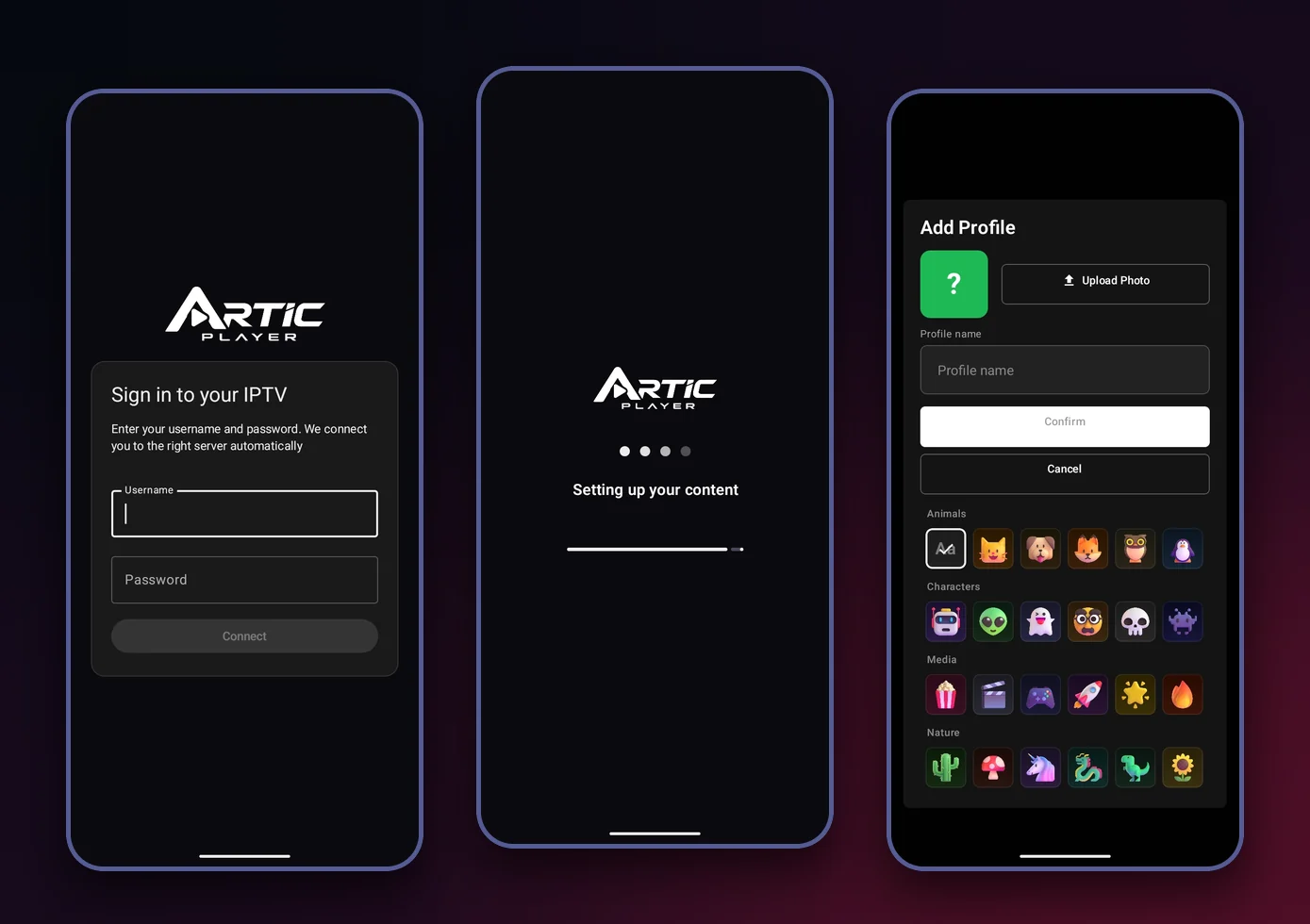
On TV it works the same way as long as your panel publishes the connection settings: when you add or edit a list, the form asks for just a username and a password.
What you do in the panel
You load the connection settings once in your panel: the addresses of your servers. At sign-in, the app tries them at the same time with the customer's credentials and uses the first one in your list that accepts them, so the customer has nothing to choose. Changes you make in the panel apply to new sign-ins, with no new APK. Lists already saved on a device keep the address they were saved with.
A form with no addresses to type
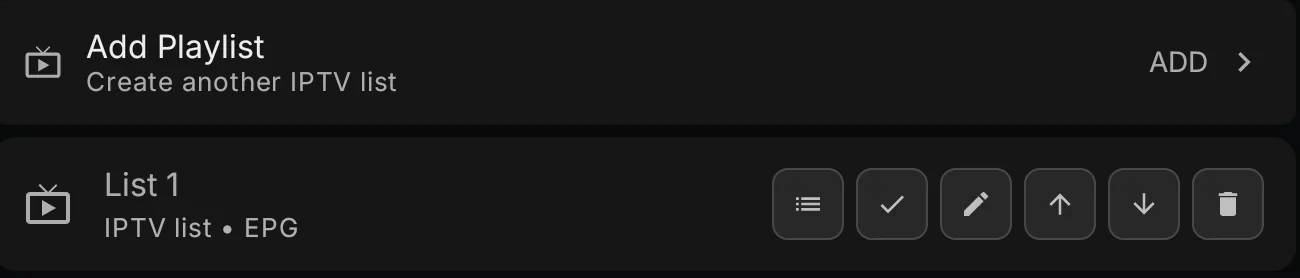
Because your panel defines the connection, your customer does not have to type, copy or maintain any address in the app: the playlists screen in Settings shows each list under a generic name ("List 1" and "IPTV list" in the screenshot), and editing it opens the same username and password form.
Automatic first-time setup
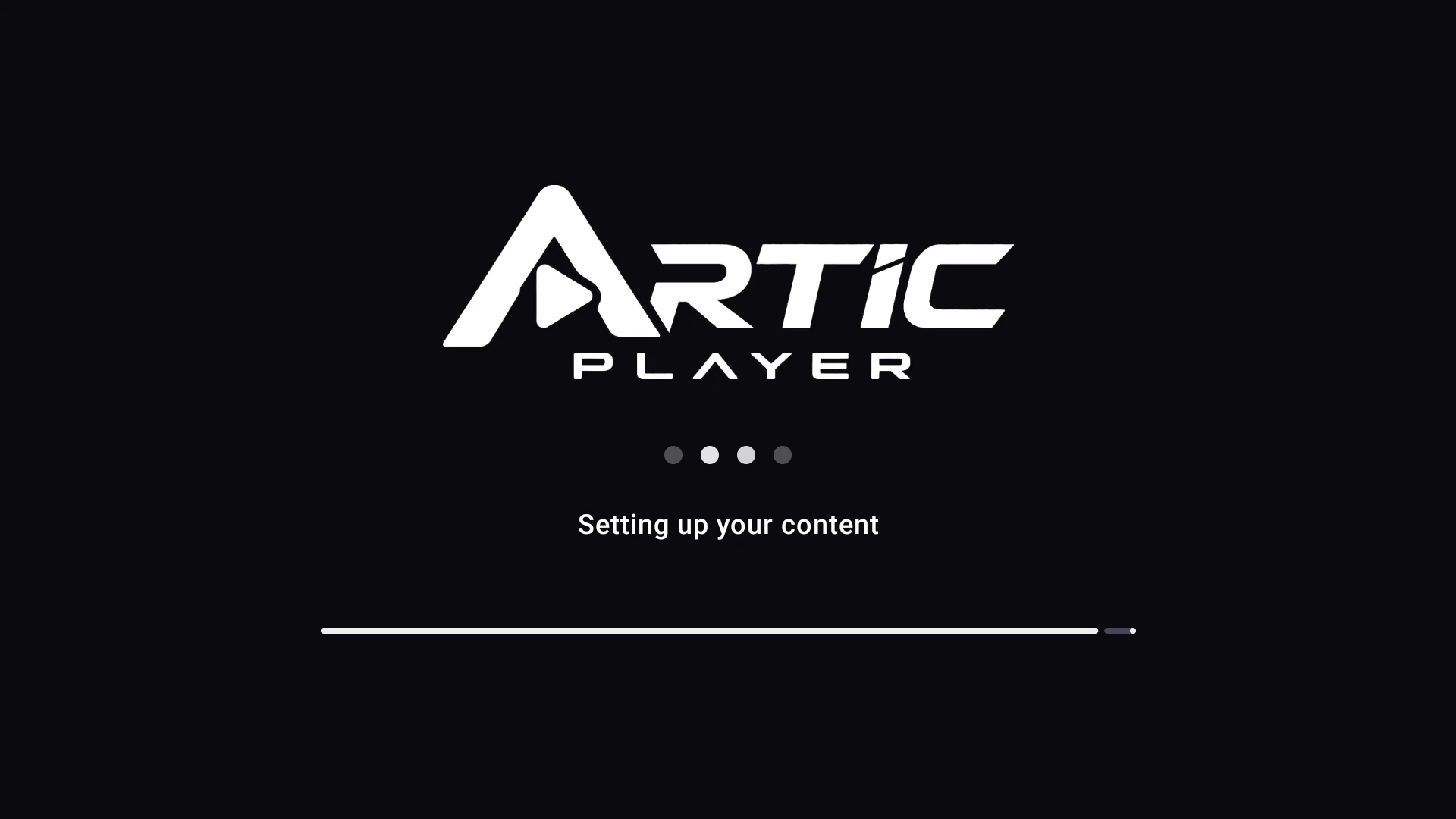
When sign-in finishes, the app prepares the content: it loads the channels and the EPG guide and shows the progress, so the customer lands on an app that is ready to use.
Profiles and ARTIC Cloud
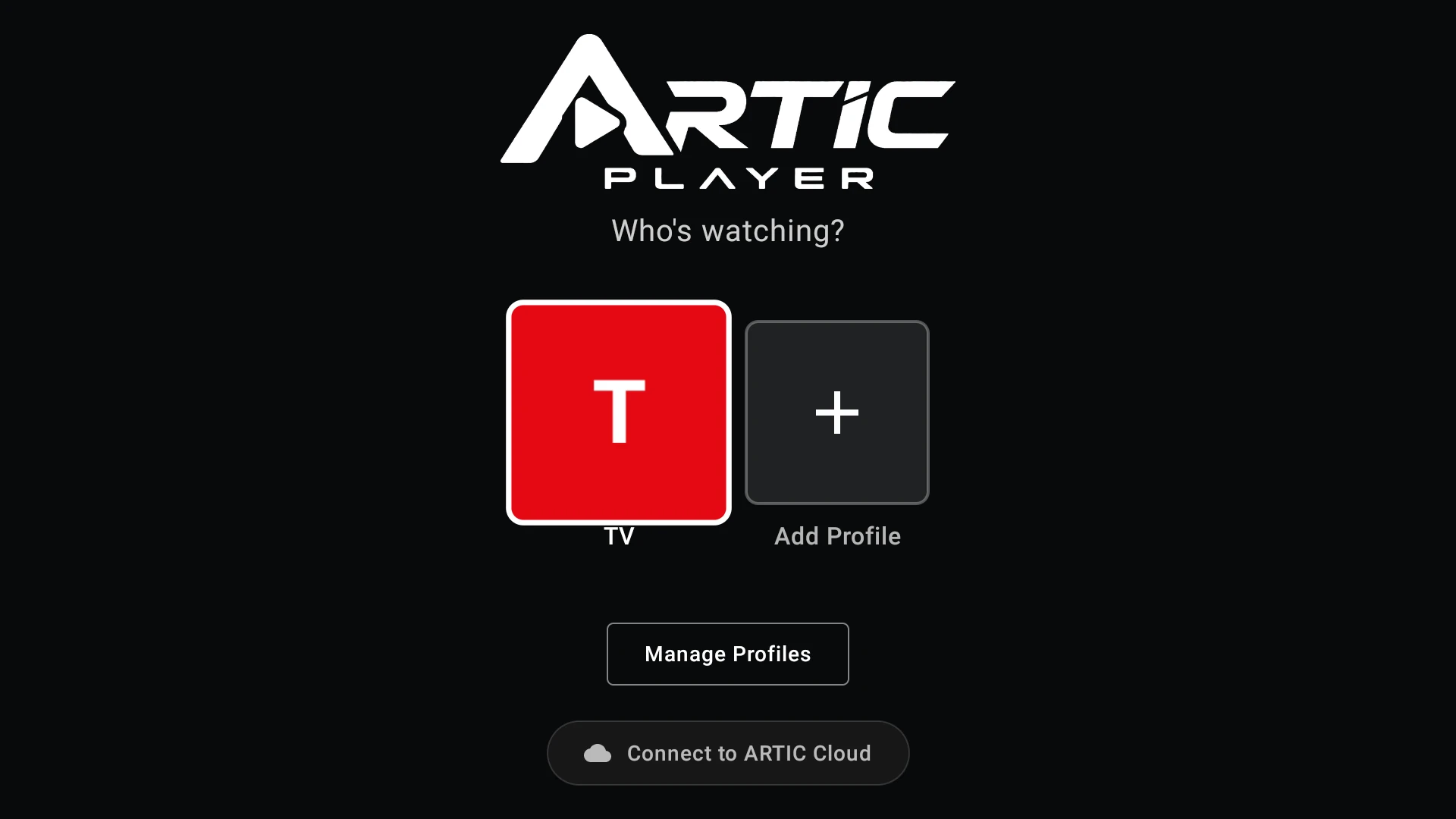
Each profile keeps its own IPTV lists. And if a customer wants to take their profiles, catalogs and settings to another device, they can turn on ARTIC Cloud, an optional account that syncs them.
What you gain
- Fewer support messages caused by mistyped addresses
- Connection settings managed centrally from your panel, with no new APK
- The same simple form on TV and phone
ARTIC PLAYER costs $100 USD, one-time payment. See all the features on the ARTIC PLAYER page.
We sell software only. We do not sell or include channels, lists, subscriptions, servers or content of any kind. Each buyer is responsible for holding the rights and licenses for any content used with the app.