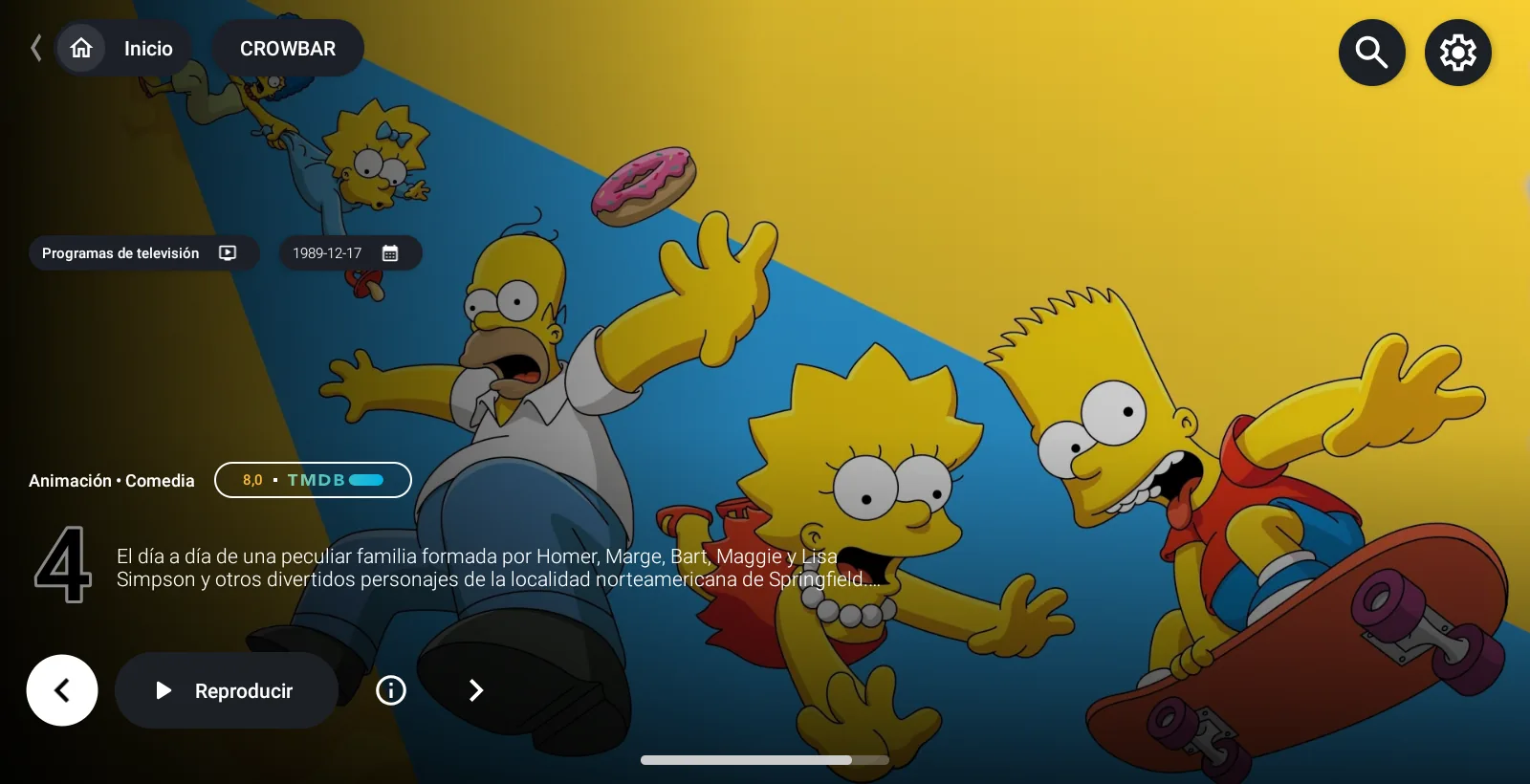
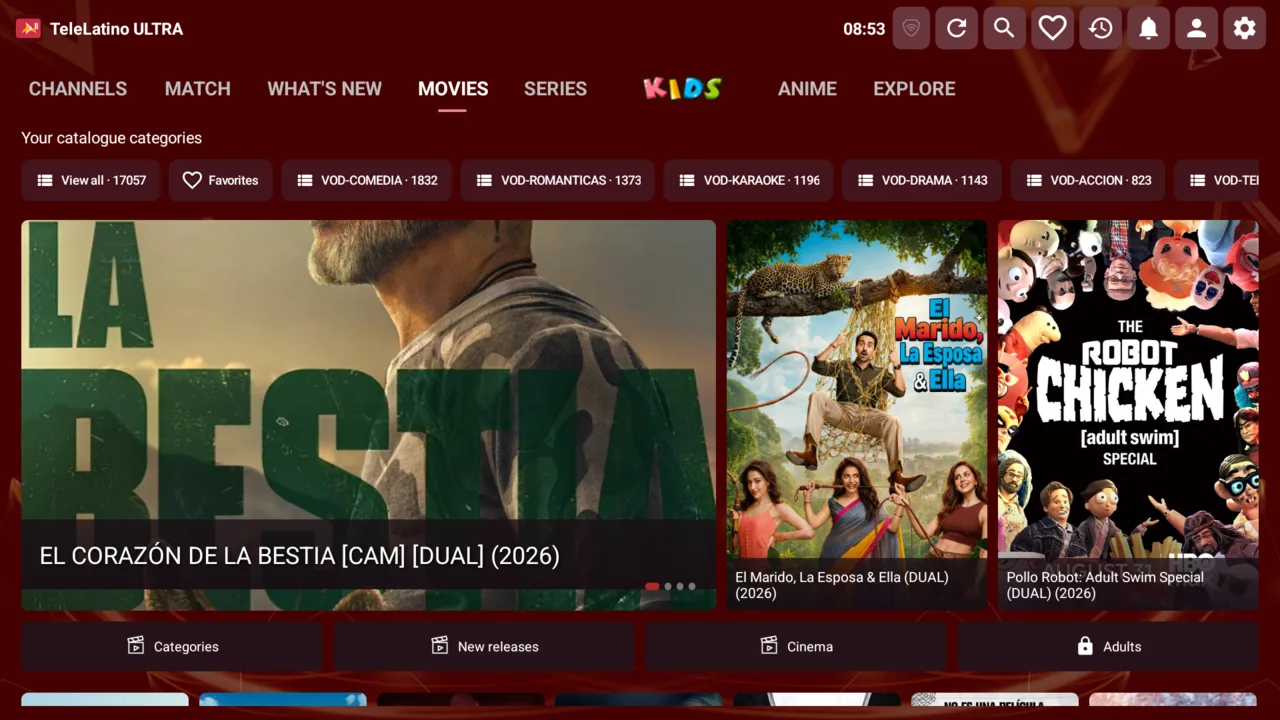
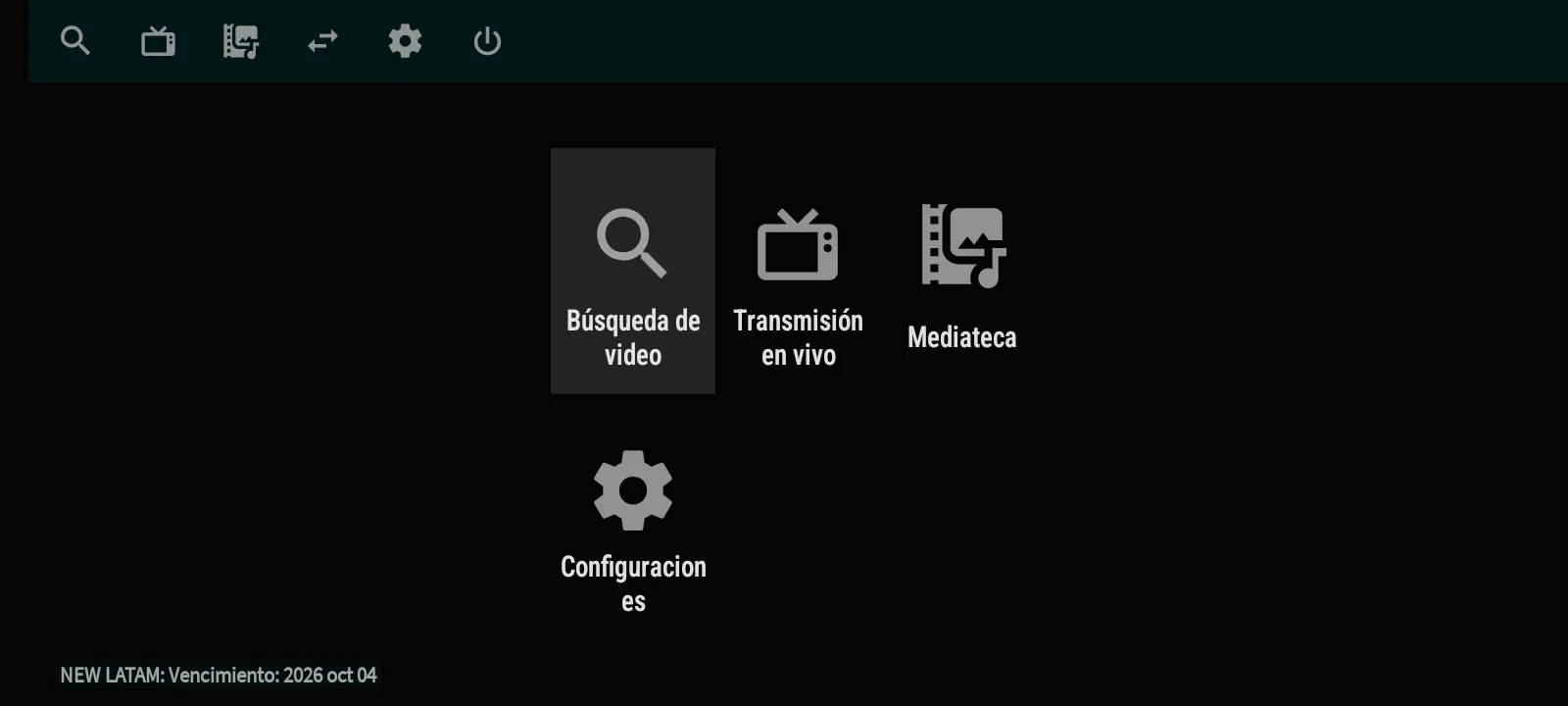
M3 IPTV is an IPTV player built with Material Design 3 and one app for every screen: remote-friendly on Android TV and Fire TV, touch-friendly on phones and tablets. The app detects the device and opens the right interface, so there are no two versions to install.
Sign in with just a username and password
Customers type only their username and password: the app asks for no servers or addresses. The DNS entries live in your panel and the app tries each one until one accepts the account, so it works with several providers without configuring anything on each device. Each customer can save several accounts and switch between them inside the app. If you prefer to control who gets in, the panel also offers an activation-code mode.
Live TV that starts fast
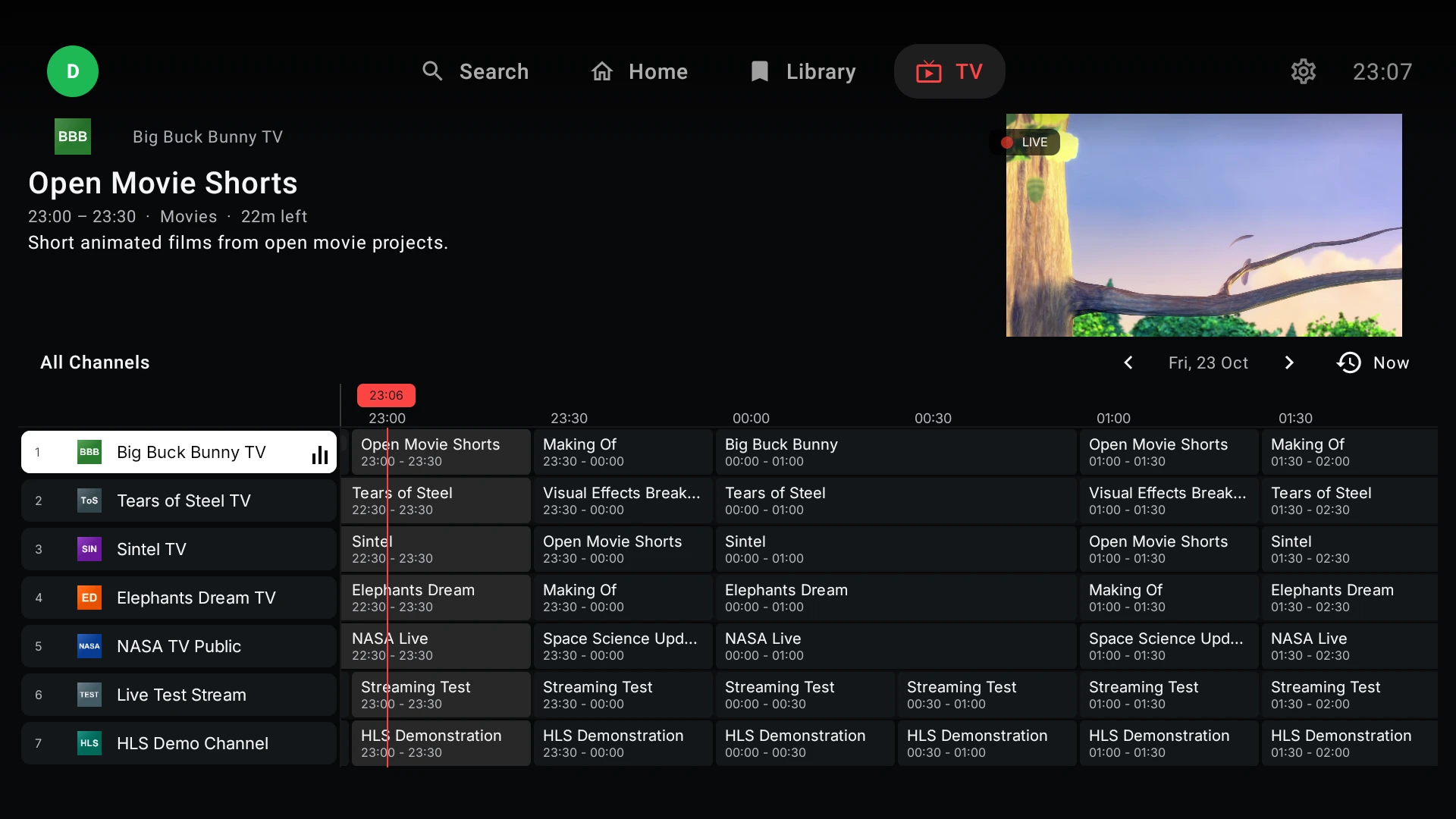
Categories, search, an in-place preview, an EPG guide with what is on now and next, previous and next channel, and a full-screen player with a channel bar. Media3 ExoPlayer engine with a buffer that adjusts after drops and built-in FFmpeg as an audio fallback for formats the device can't decode. When a channel isn't broadcasting, the app says so with a clear channel offline screen and, on going back, drops you on the same list and on that channel so you can pick another.
Movies and shows
Posters, synopsis, cast, rating, favorites, Continue watching, suggestions, and for shows seasons and episodes with a jump to the next episode. Search by title, and by actor or year when a TMDB key is set.
Today's matches
A sports schedule built from the events in the customer's catalog, with scores, lineups and live status. For each match, the app checks the EPG of your own server and shows only the channels in the customer's list that are really airing it.
Profiles and parental control
Every profile keeps its own favorites and history. Parental control with a PIN protects the adult categories.
Your own web panel
A PHP panel with no database that runs on any host with PHP 7.4 or later: unlimited DNS entries with several servers each, accounts saved per customer, device activation, a default sign-in mode (username and password, or code), service keys delivered by the panel instead of shipping inside the APK, app settings and updates published from the panel with the signed APK. The configuration travels signed and the app accepts only the one from its own panel. The panel never connects to your providers' servers and never tests accounts: only the app does that.
What it is and what it isn't
M3 IPTV is software: the player and its panel. It includes no channels, lists, servers or subscriptions; each customer uses their own provider. App in Spanish and English, compatible with Android 7.0 and later.